
What is Rive?
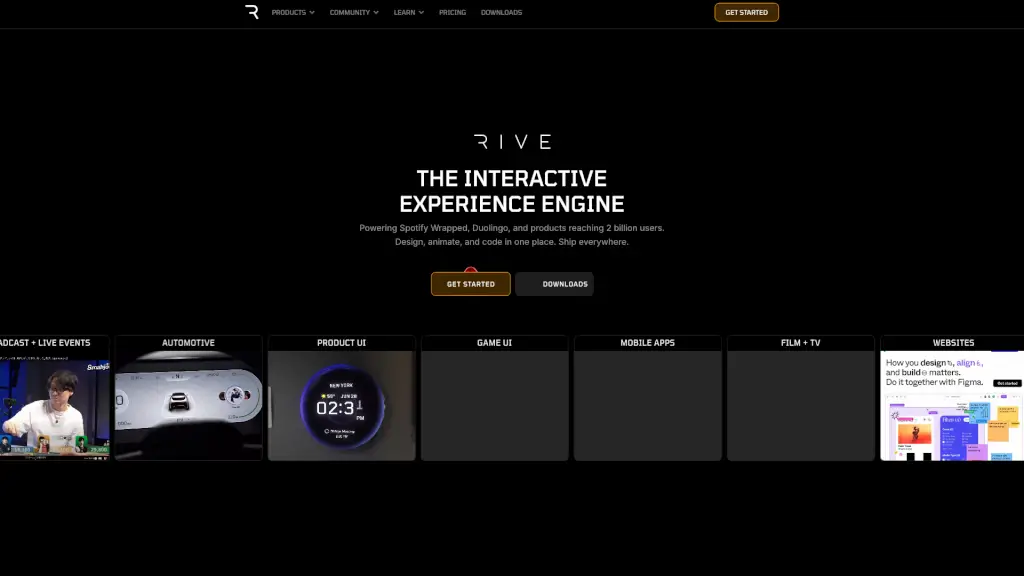
Rive is an interactive experience engine that lets designers, animators, and developers create, animate, and code dynamic visuals all in one place. Unlike traditional tools that require mockups, prototypes, or lengthy handoffs, Rive produces production-ready assets that ship directly into your app, website, or game—exactly as designed.
Trusted by industry leaders like Spotify, Duolingo, Disney, and major automakers, Rive powers experiences reaching over 2 billion users worldwide. Its real-time collaboration model breaks down silos between teams, so what you build in the editor is what users actually see—no surprises, no rework.
What are the features of Rive?
- Design, Animate & Code in One Tool: Create interactive animations with built-in logic using visual state machines—no separate coding or design rounds needed.
- Cross-Platform Runtimes: Ship your work natively across Web, iOS, Android, macOS, Flutter, React, Unity, Unreal, and more using open-source, GPU-accelerated runtimes.
- State Machine System: Build complex, responsive interactions (like button hovers, character emotions, or game UI) that react to user input—without writing custom animation code.
- Tiny File Sizes & High Performance: Achieve up to 90% smaller files than Lottie or GIFs, with smooth 120fps playback and crisp vector quality at any scale.
- Real-Time Collaboration: Designers and developers work from the same source file, eliminating version mismatches and speeding up delivery.
What are the use cases of Rive?
- Creating Spotify Wrapped-style personalized experiences that drive social sharing and user engagement
- Building interactive educational animations for language apps like Duolingo that respond to learner progress
- Designing automotive dashboards with dynamic, high-performance UIs for Fortune 500 car manufacturers
- Developing game UIs in Unity or Unreal with responsive buttons, health bars, and animated menus
- Enhancing mobile apps with lightweight, engaging onboarding flows or micro-interactions
- Powering marketing websites with scroll-triggered or click-driven animations via Webflow or Wix Studio
How to use Rive?
- Start by downloading the free Rive Editor for Mac or Windows (or use the web version)
- Design your vector artwork directly in Rive or import SVGs from other tools
- Use the State Machine panel to define how your animation responds to triggers (e.g., hover, tap, data change)
- Preview interactions in real time—what you see is exactly what ships
- Export your
.rivfile and integrate it using Rive’s official runtime for your platform (iOS, Android, Web, etc.) - Update animations anytime—since files are code-based, changes deploy instantly without app store resubmission