

Riverside.fm logo

Riverside.fm

10
5.0
(0 Reviews)
United States43.89%

Riverside is an AI-powered podcast and video recording software that lets you record, edit, and publish studio-quality content from anywhere.

Verified by SeekTool
Social Media:
Riverside.fm

Riverside.fm Product Information

What is Riverside.fm?

Riverside is your all-in-one online studio for recording and editing high-quality podcasts and videos. It combines a powerful local recorder with AI-driven editing tools, making it easy for anyone to create professional content from their browser. Whether you're a solo creator or part of a team, Riverside handles everything from recording to publishing.

What are the features of Riverside.fm?

  • Local Recording for Top Quality: Captures up to 4K video and uncompressed audio on separate tracks, so your internet connection won't mess up the quality.
  • AI Magic Audio: Automatically removes background noise and polishes your sound, making any mic sound professional.
  • Text-Based Video Editor: Edit your video by simply deleting text in the transcript. AI even syncs your lips to match the corrected words.
  • AI Co-Creator: Generates promotional clips, show notes, social posts, and even thumbnails from your recording in seconds.
  • Auto-Layouts & Eye Contact Fix: AI switches camera angles based on who's speaking and can correct eye contact if you look away from the lens.
  • Multi-Cam & Separate Tracks: Record multiple people on separate tracks, making it easy to remove interruptions or change layouts later.
  • Built-in Translation & Dubbing: Translate and dub your content into over 30 languages to reach a global audience.
  • Live Streaming & Publishing: Stream in full HD to multiple platforms at once, then publish directly to Spotify, Apple, and YouTube.

What are the use cases of Riverside.fm?

  • Remote Podcast Recording: Record a conversation with a guest in another city, each on a separate track, with studio-level quality.
  • Video Marketing Creation: Record a product demo or customer testimonial, then use AI to instantly generate social media clips and captions.
  • Hosting Live Webinars: Stream a webinar in HD to LinkedIn and YouTube simultaneously, take live call-ins, and automatically record for repurposing.
  • Internal Corporate Communications: Record a company update for employees, auto-generate a transcript and summary, and publish to your private channel.
  • Repurposing Long Videos: Turn one hour-long interview into dozens of short clips, blog posts, and social content with the AI tools.
  • Language Accessibility: Record in English, then use AI translation and dubbing to release versions in over 30 languages without re-recording.

How to use Riverside.fm?

  1. Record: Start a session solo or invite guests. Riverside records locally on each person's computer in 4K and WAV, ensuring quality even with a poor connection.
  2. Edit:
    • Fix mistakes by deleting or correcting words in the transcript—AI updates the audio and video.
    • Use the "Remove filler words" button to clean up "ums," "uhs," and long silences instantly.
    • Apply branded colors, logos, intros, and outros with one click.
  3. Repurpose: Use the AI Co-Creator to generate promotional clips, show notes, and social media posts from your finished recording.
  4. Publish: Export your final video or podcast, or publish directly to Spotify, Apple, and YouTube from within Riverside.
  5. Stream Live: Go live to multiple destinations at once. Use built-in registration tools and email reminders to boost audience attendance.

Do you like this tool?

Upvote to help others discover it!

Riverside.fm Alternatives

Riverside

Riverside is a user-friendly online studio for recording, editing, and live streaming podcasts and videos in stunning 4K quality. With AI-powered tools, it simplifies editing, transcription, and promotion—perfect for creators and businesses alike.

US
51.57%
|
3.8M
|
5.0
AI Transcription by Riverside

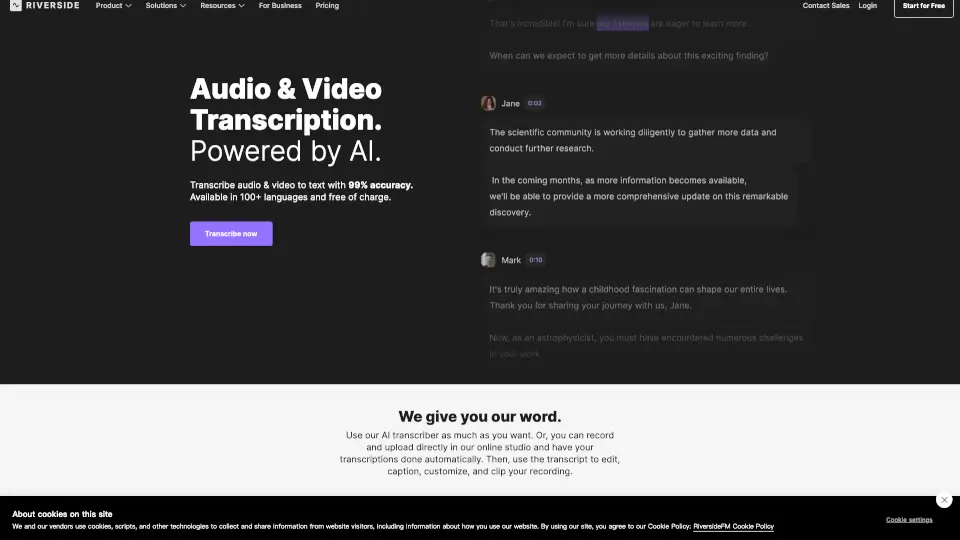
Riverside offers free, 99% accurate AI transcription for audio and video in 100+ languages with instant downloads in TXT or SRT format.

US
43.89%
|
106.1K
|
5.0
Adobe Podcast

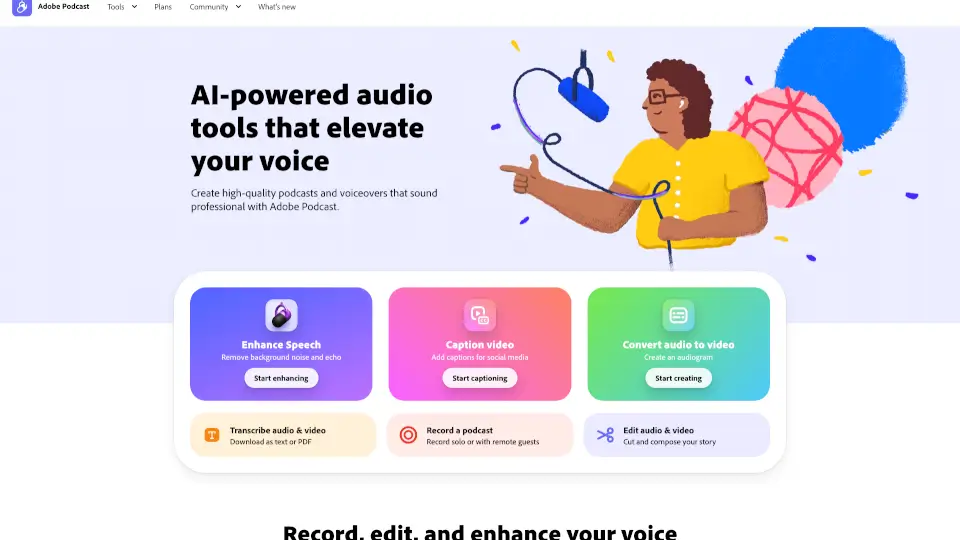
Adobe Podcast uses AI to make professional audio recording, editing, and enhancement easy for everyone—all in your browser.

US
16.24%
|
10.6M
|
5.0
Vimeo AI

Vimeo’s AI-powered video tools let anyone create, edit, and share professional-quality videos in one take—fast, easy, and without prior experience.

US
37.83%
|
53.4M
|
5.0
Podcastle

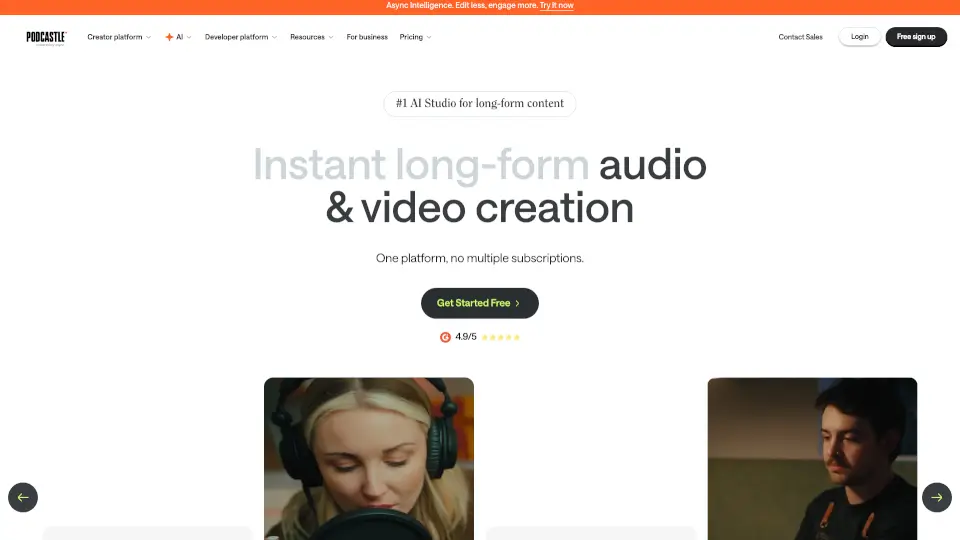
Podcastle is the ultimate tool for creating professional videos and podcasts with ease. From AI voice cloning to video editing, it’s packed with features to make content creation a breeze.

US
28.46%
|
10.5K
|
4.0
Descript

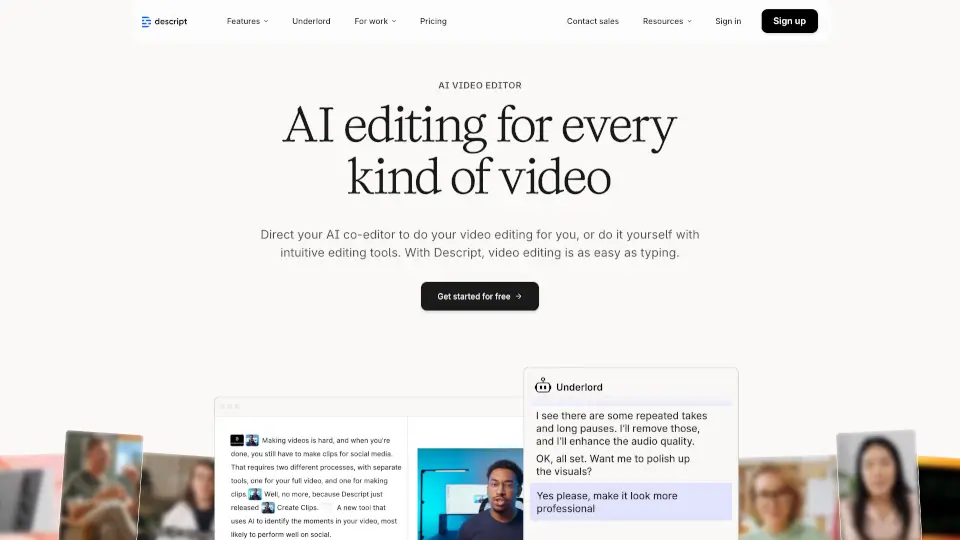
Descript is an AI-powered video and podcast editor that lets you edit by editing text, making professional content creation fast, easy, and accessible to everyone.

US
36.92%
|
3.4M
|
5.0
Koolio.ai

koolio.ai simplifies audio content creation with an intuitive, AI-powered platform, perfect for podcasts, audiobooks, and more.

IN
94.64%
|
19.7K
|
4.0
Detail

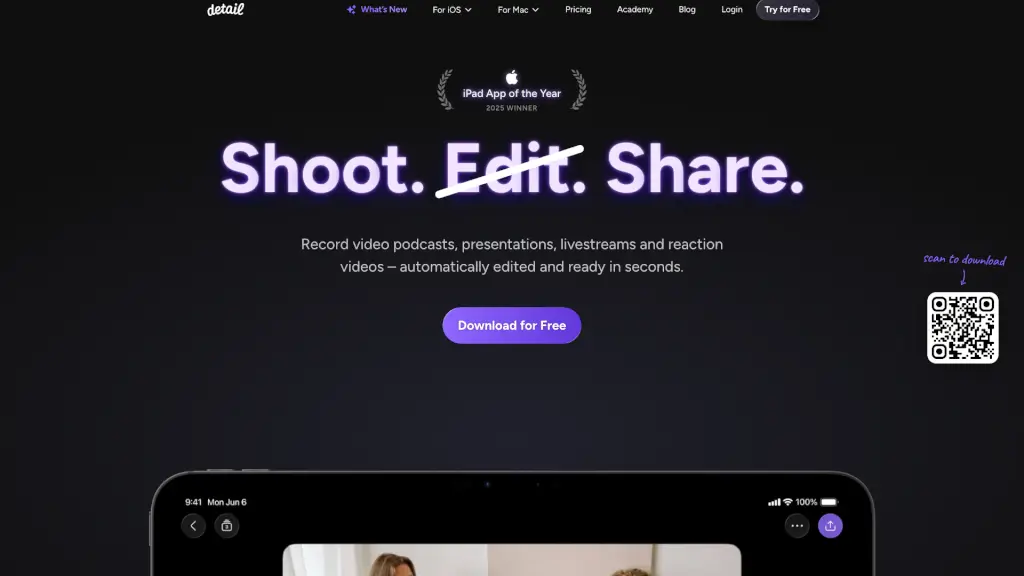
Detail: Effortlessly create, edit, and share videos and podcasts with AI-powered tools, all from your iOS or macOS device.

US
21.44%
|
52.5K
|
5.0

Riverside.fm Related Other Categories

Riverside.fm Traffic Analysis

💡 Insights

Medium Scale
100K-1M monthly visits. Growing tool with active development.
📊
Steady Growth
Recent growth of 25%. Product is in a healthy upward trend.
👍
Good Experience
Bounce rate of 53%. Users are willing to explore features.
🌍
United States Dominant
44% users from United States. Optimized for this market.
  • Monthly Visits

    106.14K

  • Bounce Rate

    53.44%

  • Pages Per Visit

    1.43

  • Visit Duration

    00:00:23

  • Global Rank

    423097

  • Country Rank

    309533

Visits Over Time

Traffic Sources

SearchOrganic73.16%
Direct16.83%
SocialOrganic2.98%
DisplayAds2.79%
Referrals2.52%
Mail1.73%
GenAi0.00%
SearchPaid0.00%
SocialPaid0.00%
Affiliate0.00%

Top Keywords

1
riverside.fm/transcription
CPC$0.27
2.11KTraffic
2
riverside.fm
CPC$2.16
1.22KTraffic
3
riverside transcription
CPC$2.16
160Traffic
4
riverside recording stuiod mcp or api?
140Traffic
5
test access to riverside
140Traffic

Top Regions

RegionPercentage
United States
United States
43.89%
United Kingdom
United Kingdom
14.17%
Nigeria
Nigeria
4.06%
Vietnam
Vietnam
3.78%
Brazil
Brazil
2.59%
Low
High

Powered by SimilarWeb

Riverside.fm FAQ

Does my internet connection affect recording quality?

No. Riverside records locally on each participant's computer, capturing up to 4K video and uncompressed WAV audio. This means internet drops won't ruin your footage.

Can I fix mistakes after recording?

Yes. With the text-based editor, you just find the wrong word in the transcript and type the correction. The AI updates the video and synchronizes the speaker's lips to match the new audio.

What are "separate tracks" and why do they matter?

Separate tracks means each person is recorded on their own audio and video file. When editing, you can easily remove interruptions, adjust volume per person, or change camera layouts without affecting others.

How does the AI help me create social media content?

The AI Co-Creator automatically identifies the best moments from your recording and generates short clips, captions, thumbnails, and even suggested headlines optimized for different social platforms.

Can I translate my podcast into other languages?

Yes. Riverside's AI translation and dubbing feature can convert your content into over 30 languages, syncing a new voiceover to match the original video timing.

Is the free plan actually usable?

Yes. You can get started for free with no credit card required, and the free plan includes core recording and basic AI editing features.

Does Riverside work for live events like webinars?

Absolutely. You can stream in full HD to LinkedIn, YouTube, Instagram, Twitch, and more at the same time. It also includes audience call-ins, Q&A management, and built-in registration.

What is "Fix Eye Contact"?

This AI tool adjusts the video so that even if you or your guest look away from the camera while speaking, the final clip appears as if you were making direct eye contact with the viewer.

Riverside.fm Reviews

0

0

0 Reviews
Sign Into leave a review

Recent Reviews

No reviews yet

Riverside.fm Pricing

Free

Jump in and create something
$0 /month
  • 2 hours of multi-track recordings
  • Full suite of editing tools
  • Up to 720p video quality
  • Riverside watermark on all your things
  • 44.1 kHz audio quality
  • Unlimited single track recording and editing
  • Magic Clips
  • Video calls
  • Live streaming in 720p to social media with basic branding

Standard

The essentials
$15 /month
  • 5 hours of multi-track recordings
  • Full suite of editing tools
  • Up to 4K video quality
  • No watermark
  • 48kHz audio quality
  • Smooth Speech & Set Pace
  • Image & Text overlays

Pro

The full studio experience
$24 /month
  • 15 hours of multi-track recordings
  • No limit on edits
  • Magic Audio
  • AI Transcriptions in 100+ languages
  • AI generated Show Notes
  • Magic Clips controls
  • AI Voice
  • Teleprompter (For host)
  • Full Brand Kit
  • Live chat support
  • Accept live call-ins

Business

Fit for business, dressed in a tux
Contact Sales for pricing and more info
  • Unlimited multi-track recording
  • Production workspaces
  • Collaborate with your team
  • Advanced editing capabilities
  • Live studio add-on included, plus lobby branding
  • Producer mode
  • Control guest input/output settings
  • Fancy camera controls
  • Async Recording
  • Teleprompter (For host & guest)
  • Presentation recorder
  • Custom frame rates: 24, 25, or 29.97 FPS
  • Extra user roles
  • Priority support
  • Customized onboarding & Dedicated Customer Success Manager
  • SSO (Okta, Azure, more)
  • SOC2 type II & ISO27001 certified

Riverside.fm Embed

Use website badges to drive community support for SeekTool.ai. They are easy to embed in your homepage or footer.

Light
Dark
Riverside.fm - Featured on SeekTool.aiRiverside.fm - Featured on SeekTool.ai
How to install?

Looking for Riverside.fm Alternatives?

Compare top AI tools similar to Riverside.fm. Find the best option for your needs.

View Alternatives

Reviews

0.0

Share your experience with this tool...

Trending

Featured

Subscribe to our AI Newsletter

Get the top AI stories delivered to your inbox weekly.