
Detail logo

Detail

0
5.0
(0 Reviews)
United States18.07%

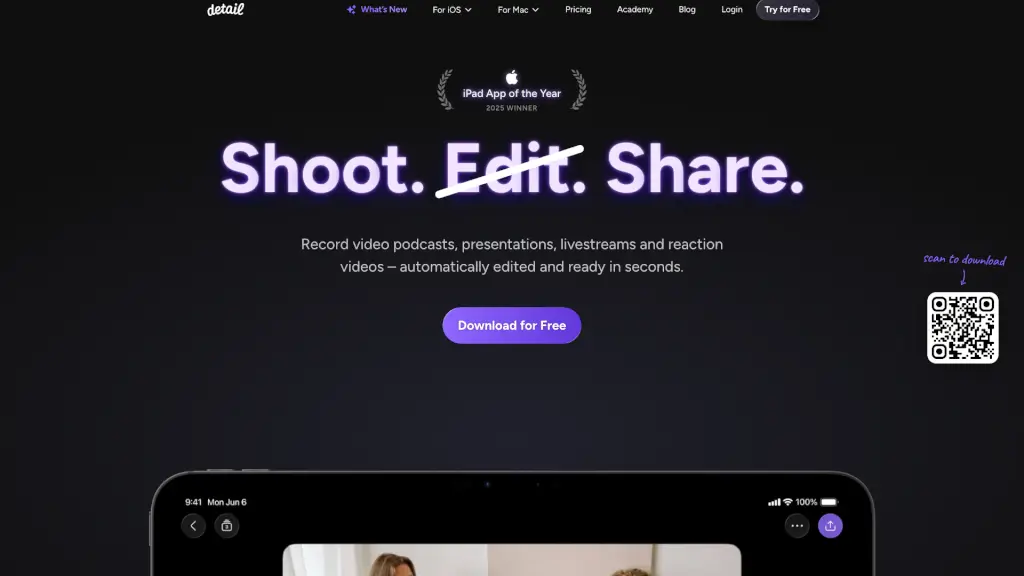
Detail: Effortlessly create, edit, and share videos and podcasts with AI-powered tools, all from your iOS or macOS device.

Added on: 2026.02.01 · Updated on: 2026.02.01
Social Media:
Visit Site
View Alternatives
Detail

Detail Product Information

What is Detail?

Detail is a powerful yet user-friendly app designed to help you create, edit, and share videos and podcasts with ease. Whether you're a content creator, educator, or just someone who loves sharing their thoughts, Detail has got you covered. With its AI-powered editing tools, you can turn your raw footage into polished, shareable content in seconds. No more hours of manual editing—just shoot, edit, and share, all from your iOS or macOS device.

What are the features of Detail?

  • Auto Edit: Automatically removes silences, adds zoom cuts, titles, captions, and music to your video, making it ready to share in seconds.
  • Podcast Auto Edit: Generates multiple long-form edits and short clips for social media, switching speakers and saving you hours of editing.
  • Teleprompter on Your iPhone: Read your script and record your video simultaneously, all within the same app.
  • Live Green Screen Editor: Remove your background in a tap and place yourself in any setting you can imagine.
  • Automatic Captions: Add, animate, and customize AI-generated captions to make your videos more accessible.
  • Live Streaming: Turn your iPhone or iPad into a multi-camera streaming studio and broadcast to platforms like YouTube, Twitch, Instagram, LinkedIn, or any RTMP-supported platform.

What are the use cases of Detail?

  • Video Podcasts: Record and edit your podcast with ease, whether you're alone or with a guest.
  • Presentations: Create engaging and professional presentations with automatic editing and teleprompter support.
  • Reaction Videos: Record yourself reacting to online videos or any video saved on your phone, with automatic editing to make it share-worthy.
  • Livestreams: Stream live events, interviews, or shows directly from your iPhone or iPad to multiple platforms.
  • Educational Content: Teachers and educators can create high-quality instructional videos with minimal effort.
  • Marketing Videos: Businesses can quickly produce promotional and marketing videos with professional touches.

How to use Detail?

  • Record Your Video: Open the Detail app and start recording your video. You can use the built-in teleprompter if you have a script.
  • Tap to Auto Edit: Once you've finished recording, tap the "Auto Edit" button to let the AI do the heavy lifting. It will remove silences, add zoom cuts, and more.
  • Customize Your Edits: If you want to make any adjustments, you can easily add titles, captions, and music using the intuitive interface.
  • Share Your Content: When you're happy with your video, you can share it directly to social media or save it to your device.
  • Use the Teleprompter: For smoother recordings, use the teleprompter feature to read your script while recording.
  • Live Stream: Set up your live stream by connecting to your preferred platform and start broadcasting.
Do you like this tool?

Upvote to help others discover it!

Detail Alternatives

Descript

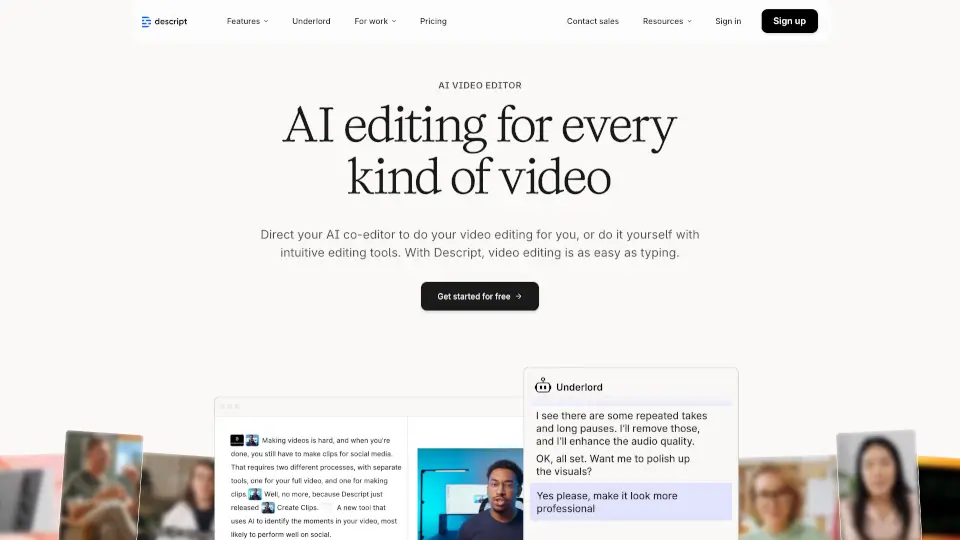
Descript is an AI-powered video and podcast editor that simplifies content creation with text-based editing, AI enhancements, and collaboration tools. Perfect for creators, marketers, and businesses alike.

US
36.41%
|
3.5M
|
5.0
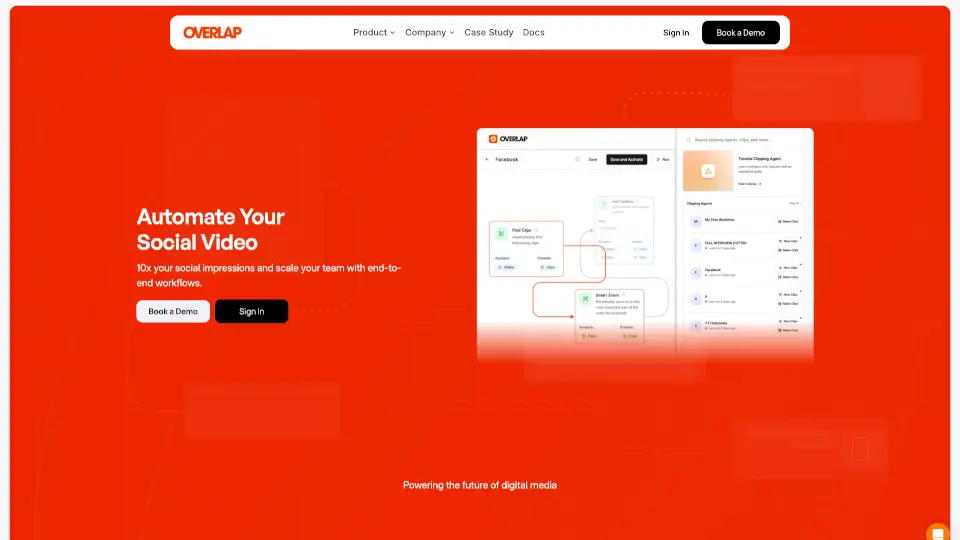
Overlap

Overlap’s AI video agent automates editing, boosts engagement, and saves hours. Perfect for creators and marketers who want pro-quality clips—fast.

US
42.84%
|
32.1K
|
4.0
Podcastle

Podcastle is the ultimate tool for creating professional videos and podcasts with ease. From AI voice cloning to video editing, it’s packed with features to make content creation a breeze.

US
29.41%
|
454.2K
|
5.0
CapCut

CapCut is an AI-powered video editor that simplifies editing with smart tools like text-to-speech, auto-captions, and video upscaling. Perfect for creators of all levels, CapCut helps you make stunning videos faster and easier.

US
12.89%
|
63.5M
|
5.0
AutoPod

AutoPod is a must-have for video editors, offering automated multi-camera editing, social clip creation, and jump cut functionality to save time and enhance your workflow.

IN
16.46%
|
91.1K
|
5.0
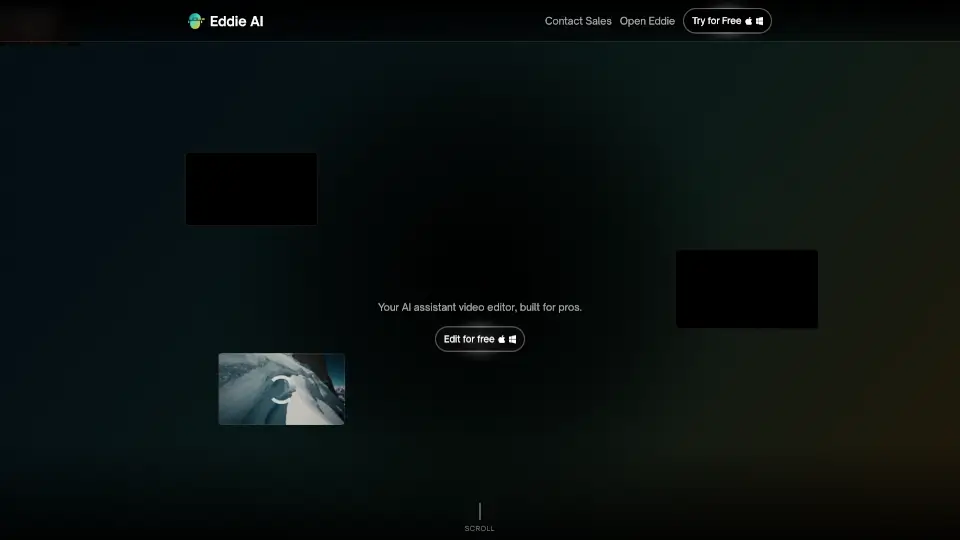
Eddie AI

Eddie is an easy-to-use AI video editor that helps you quickly cut and refine videos from interviews or any footage. Export your work to popular formats and enjoy a smooth editing experience whether on desktop or web.

US
21.74%
|
78.5K
|
5.0
Media.io

Media.io offers a suite of AI-powered tools for video, audio, and image creation, making it easy for anyone to produce professional content in seconds.

IN
16.23%
|
5.0M
|
5.0
Recast Studio

Recast Studio simplifies video editing for marketing teams, enabling them to create engaging content quickly and easily.

US
26.76%
|
32.2K
|
4.0
Detail Related Other Categories

Detail Traffic Analysis

💡 Insights

🌱
Emerging Tool
10K-100K monthly visits. Niche or new tool with potential unique value.
📊
Steady Growth
Recent growth of 20%. Product is in a healthy upward trend.
👍
Good Experience
Bounce rate of 39%. Users are willing to explore features.
🌐
Global Reach
Balanced user distribution worldwide.
  • Monthly Visits

    64.08K

  • Bounce Rate

    38.91%

  • Pages Per Visit

    2.02

  • Visit Duration

    00:00:20

  • Global Rank

    551885

  • Country Rank

    15285

Visits Over Time

Traffic Sources

Search44.14%
Direct37.36%
Referrals12.06%
Social5.01%
Paid0.99%
Mail0.16%

Top Keywords

1
detail
CPC$0.29
270Traffic
2
are there other you tube like pod cast platforms?
210Traffic
3
how to use 2 iphones as cameras and switch between view will live streaming
180Traffic
4
how to draw on videos iphone
140Traffic
5
draw over videos website app
120Traffic

Top Regions

RegionPercentage
United States
United States
18.07%
India
India
9.12%
Nigeria
Nigeria
8.09%
United Kingdom
United Kingdom
5.59%
Vietnam
Vietnam
5.32%
Low
High

Detail FAQ

Can I use Detail to record and edit my podcast?

How does the Auto Edit feature work?

Is there a teleprompter feature in Detail?

Can I use Detail to create reaction videos?

Does Detail support live streaming?

Are there automatic captions in Detail?

Can I use Detail to create educational content?

Is Detail available for both iOS and macOS?

Detail Reviews

0

0

0 Reviews

Write a Review

0

Login to leave a review
Sign In

Recent Reviews

No reviews yet

Detail Embed

Use website badges to drive community support for SeekTool.ai. They are easy to embed in your homepage or footer.

Light
Dark
Detail - Featured on SeekTool.aiDetail - Featured on SeekTool.ai
How to install?

Looking for Detail Alternatives?

Compare top AI tools similar to Detail. Find the best option for your needs.

View Alternatives

Trending

Featured

Subscribe to our AI Newsletter

Get the top AI stories delivered to your inbox weekly.