
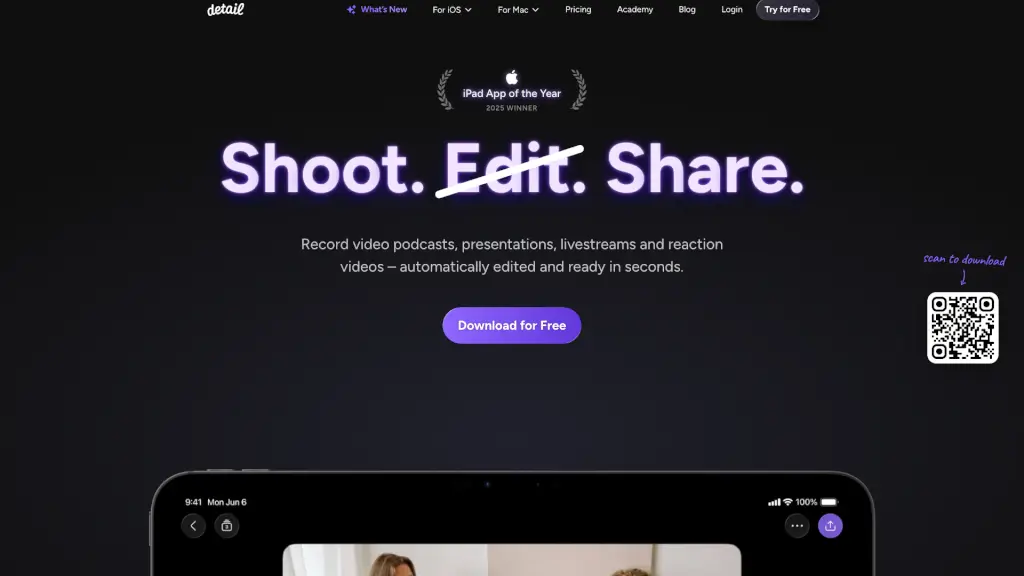
What is Detail?
Detail is a powerful yet user-friendly app designed to help you create, edit, and share videos and podcasts with ease. Whether you're a content creator, educator, or just someone who loves sharing their thoughts, Detail has got you covered. With its AI-powered editing tools, you can turn your raw footage into polished, shareable content in seconds. No more hours of manual editing—just shoot, edit, and share, all from your iOS or macOS device.
What are the features of Detail?
- Auto Edit: Automatically removes silences, adds zoom cuts, titles, captions, and music to your video, making it ready to share in seconds.
- Podcast Auto Edit: Generates multiple long-form edits and short clips for social media, switching speakers and saving you hours of editing.
- Teleprompter on Your iPhone: Read your script and record your video simultaneously, all within the same app.
- Live Green Screen Editor: Remove your background in a tap and place yourself in any setting you can imagine.
- Automatic Captions: Add, animate, and customize AI-generated captions to make your videos more accessible.
- Live Streaming: Turn your iPhone or iPad into a multi-camera streaming studio and broadcast to platforms like YouTube, Twitch, Instagram, LinkedIn, or any RTMP-supported platform.
What are the use cases of Detail?
- Video Podcasts: Record and edit your podcast with ease, whether you're alone or with a guest.
- Presentations: Create engaging and professional presentations with automatic editing and teleprompter support.
- Reaction Videos: Record yourself reacting to online videos or any video saved on your phone, with automatic editing to make it share-worthy.
- Livestreams: Stream live events, interviews, or shows directly from your iPhone or iPad to multiple platforms.
- Educational Content: Teachers and educators can create high-quality instructional videos with minimal effort.
- Marketing Videos: Businesses can quickly produce promotional and marketing videos with professional touches.
How to use Detail?
- Record Your Video: Open the Detail app and start recording your video. You can use the built-in teleprompter if you have a script.
- Tap to Auto Edit: Once you've finished recording, tap the "Auto Edit" button to let the AI do the heavy lifting. It will remove silences, add zoom cuts, and more.
- Customize Your Edits: If you want to make any adjustments, you can easily add titles, captions, and music using the intuitive interface.
- Share Your Content: When you're happy with your video, you can share it directly to social media or save it to your device.
- Use the Teleprompter: For smoother recordings, use the teleprompter feature to read your script while recording.
- Live Stream: Set up your live stream by connecting to your preferred platform and start broadcasting.