What is OpenNovel?
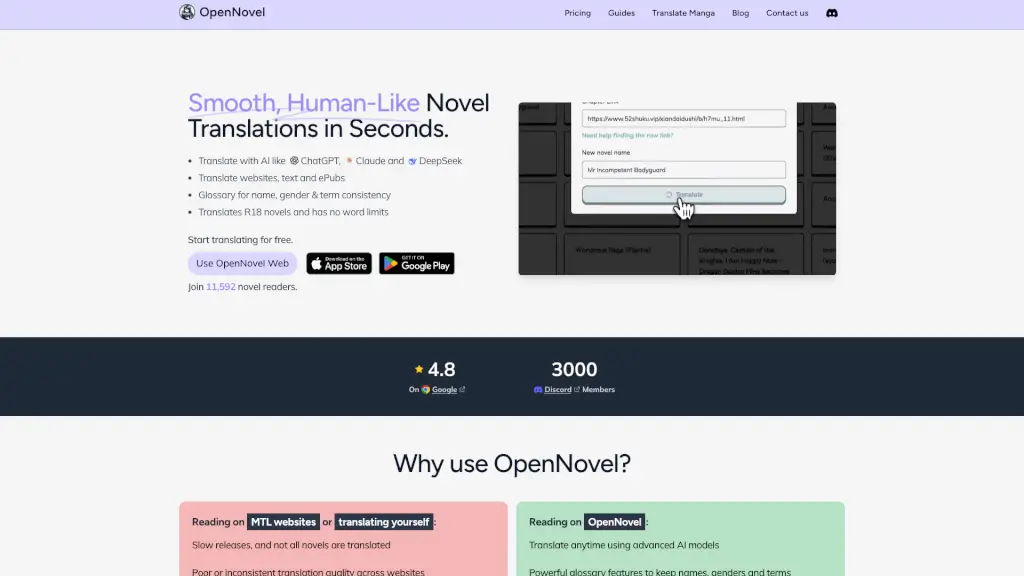
Tired of waiting months for your favorite Korean, Chinese, or Japanese web novels to get translated? Meet OpenNovel—an AI-powered tool that instantly translates web novels, ePubs, and even manga into smooth, human-like English (plus Spanish, French, German, and more). Whether you're reading BL dramas, fantasy epics, or R18 stories, OpenNovel delivers fast, consistent translations without word limits or annoying paywalls.
Unlike messy manual copy-pasting or unreliable machine translators, OpenNovel uses advanced AI models like ChatGPT, Claude, and DeepSeek to preserve tone, character voices, and plot nuance. With smart glossary tools and auto-fetch features, it’s built specifically for novel readers—not just generic text. Over 11,500 users already trust OpenNovel for high-quality, ad-free reading on both desktop and mobile.
What are the features of OpenNovel?
- AI-Powered Novel Translation: Uses top-tier AI models for natural-sounding, context-aware translations of Korean, Chinese, and Japanese novels.
- Smart Glossary System: Automatically detects names, gender pronouns, and key terms—and lets you lock them in for consistency across entire novels.
- One-Click Web Translation: Paste a chapter URL and translate instantly; use “Fetch Next” to auto-load the following chapter without re-copying links.
- ePub Import & Export: Upload your own ePub files or export fully translated novels as clean ePubs for offline reading on any e-reader.
- R18 & Unfiltered Content Support: Translates mature content with no censorship or word-count restrictions.
- In-App Editing: Spot a small error? Fix the translation on the spot and save your preferred version.
- Browser Extension for Protected Sites: Bulk-import chapters from login-required or paywalled sites seamlessly.
What are the use cases of OpenNovel?
- Reading untranslated Korean BL novels like Despicable Person (Mangjong) or Run Away If You Can in fluent English overnight.
- Translating a full Chinese cultivation web novel from a raw site and exporting it as an ePub for Kindle.
- Keeping character genders and honorifics consistent across a 500-chapter Japanese isekai series using the custom glossary.
- Binge-reading a newly released Japanese light novel while it’s still only available in raw form online.
- Translating R18 doujinshi or adult web fiction that mainstream sites refuse to host.
- Studying language nuances by comparing AI translations with original text side-by-side.
How to use OpenNovel?
- Go to OpenNovel Web and paste a chapter URL from a supported novel site—no account needed to start.
- Click “Fetch Next” after translating to automatically pull and translate the next chapter.
- For sites requiring login (like premium platforms), install the OpenNovel browser extension to import chapters in bulk.
- Upload an ePub file or paste raw text directly if you already have the source material.
- Set up your glossary early—review auto-detected names/terms and lock in pronouns to avoid confusion later.
- After translating, edit any lines that feel off and download your final version as an ePub for offline reading.