
OpenL - Amazing Translator, powered by AI logo

OpenL - Amazing Translator, powered by AI

7
5.0
(0 Reviews)
United States10.37%

OpenL Translate is a precise, context-aware AI translator for text, images, documents, and speech, supporting over 100 languages with daily free usage and professional upgrade options.

Verified by SeekTool
Social Media:
OpenL - Amazing Translator, powered by AI

OpenL Product Information

What is OpenL?

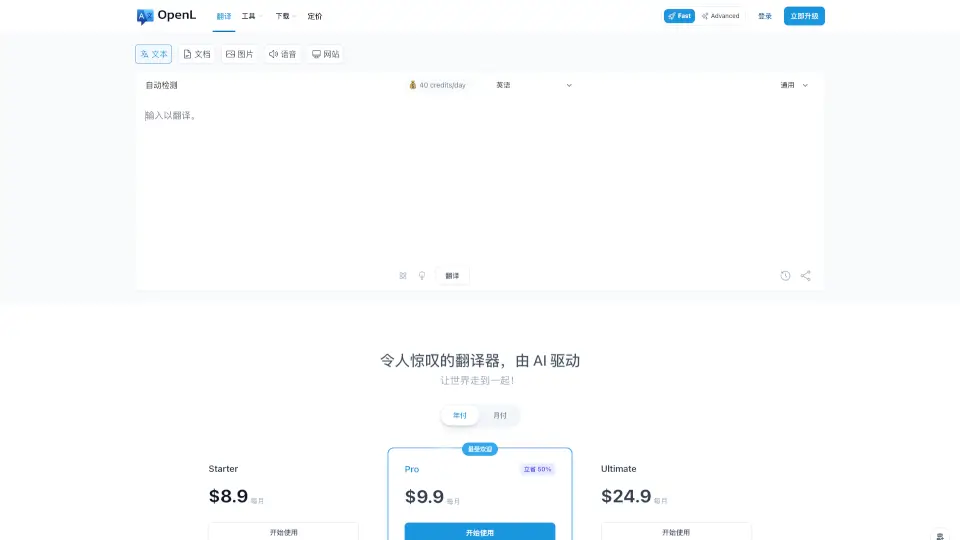
OpenL Translate is an AI-powered translation tool that handles text, images, documents, and even speech. It supports over 100 languages and delivers context-aware translations that actually sound natural. Whether you're working on a business document, chatting with someone in a different language, or trying to understand a screenshot, OpenL gets the job done fast — without sacrificing accuracy. Best of all, you can start using it for free right now.

What are the features of OpenL?

  • AI-Powered Context Translation: Uses advanced AI to understand context, so translations read naturally — not like a robot threw words together.
  • 100+ Language Support: Translate between English, Chinese, Spanish, Arabic, French, Japanese, and many more, including rare languages like Old English and Emoji.
  • Multi-Format Translation: Works with text, images (screenshots, photos), documents (PDF, Word, TXT), and even audio files — all in one place.
  • Two Modes for Different Needs: Fast Mode for quick, reliable daily translations, and Advanced Mode for professional-grade accuracy in business or research.
  • DeepThink & Smart Context: Advanced mode includes DeepThink (deep reasoning for professional accuracy) and Smart Context (better understanding of surrounding text for improved quality).
  • Chrome Extension: Translate any selected text on any website instantly, with a sidebar for long content — no more copy-pasting.
  • OCR for Complex Images: Pro OCR feature handles tricky images, even scanned PDFs, with high accuracy.
  • Unlimited Daily Use (Free Tier): Get 40 fast credits per day without logging in — enough for everyday translations.

What are the use cases of OpenL?

  • Travel & Communication: Instantly translate menus, signs, or chat messages when visiting a foreign country.
  • Business & Research: Translate contracts, reports, and academic papers with professional precision using Advanced Mode.
  • Language Learning: Understand and rewrite sentences in your target language with grammar tools and rewriting suggestions.
  • Document Workflows: Upload PDFs, Word files, or scanned documents for translation while keeping the original layout intact.
  • Web Browsing: Use the Chrome extension to translate any webpage content on the fly without leaving the site.
  • Creative Projects: Translate subtitles, Markdown files, or even Emoji sequences for fun or work.
  • Medical & Legal Translation: Get reliable, context-aware translations for sensitive fields like healthcare and law (using Advanced Mode).

How to use OpenL?

  • Start for free: Visit the OpenL website — no login required for basic daily translation. Just paste text or upload a file.
  • Choose your mode: For everyday use, pick Fast Mode. For professional accuracy (business, research), switch to Advanced Mode (requires credits).
  • Translate images and documents: Click the "Image" or "Document" tab to upload a screenshot, photo, PDF, or Word file. The AI will extract text and translate it.
  • Use the Chrome extension: Install "OpenL Translate" from the Chrome Web Store. Select any text on a webpage and click the OpenL icon to see an instant translation.
  • Upgrade if you need more: If you run out of daily credits or need longer translations, choose a Starter, Pro, or Ultimate plan. Students can get 30% off with a .edu email.
  • Check your billing and history: Manage your subscription, view translation history (stored locally in your browser), and cancel anytime from the Billing page.

OpenL Contact Email:

[email protected]

Do you like this tool?

Upvote to help others discover it!

OpenL Alternatives

DeepTranslate

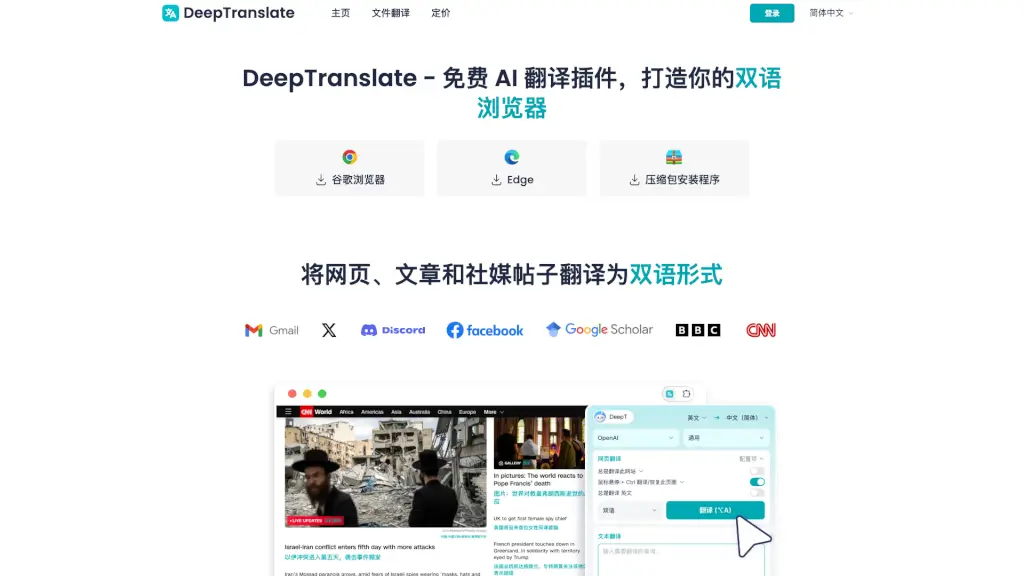
DeepTranslate is a free AI-powered browser extension that translates web pages into over 140 languages, making it easy to browse and understand content in multiple languages.

VN
23.88%
|
88.2K
|
5.0
Lufe AI Translator

Lufe AI Translator is a free Chrome extension offering fast, accurate bilingual translation for webpages, images, and PDFs—perfect for language learners and researchers.

US
7.26%
|
136.3K
|
5.0
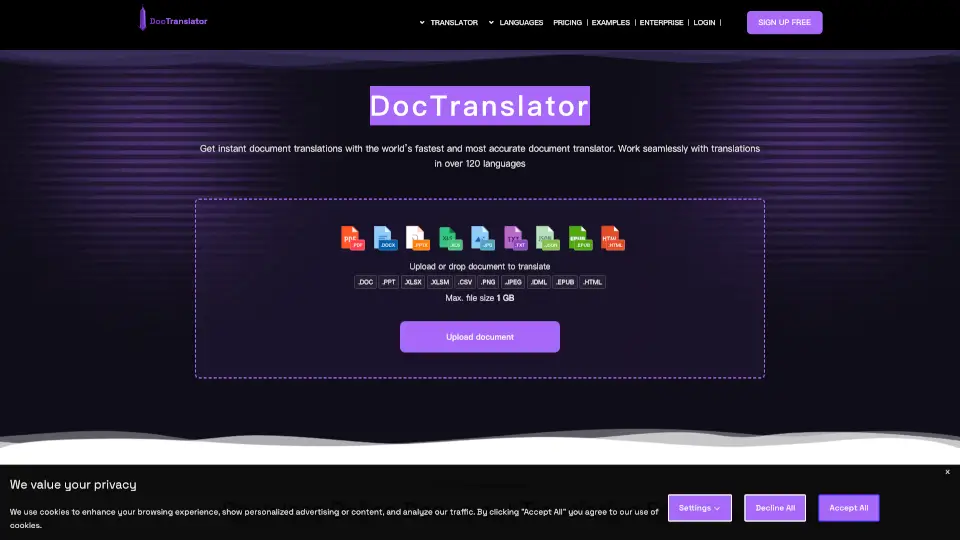
Free Doc Translator

DocTranslator provides instant AI document translation in 120+ languages, preserving your layout, ensuring secure data handling, and delivering accurate results quickly.

VN
6.14%
|
190.1K
|
5.0
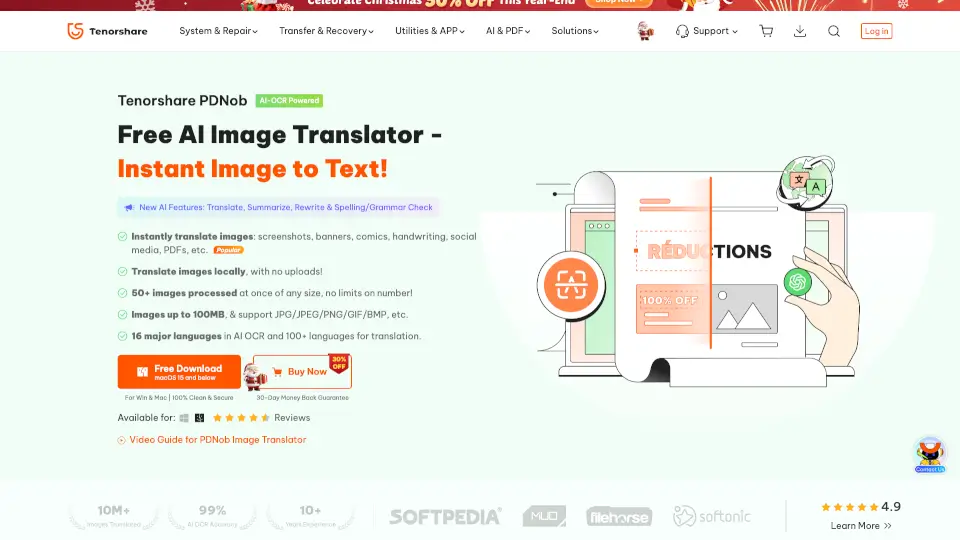
PDNob Image Translator

PDNob Free AI Image Translator swiftly extracts and translates text from screenshots, scans, and PDFs using highly secure offline AI-OCR technology.

US
11.42%
|
2.3M
|
5.0
Immersive Translate

Immersive Translate is a powerful, user-friendly tool for bilingual translations across websites, videos, PDFs, and more. It’s perfect for anyone looking to break language barriers and access global content effortlessly.

CN
65.91%
|
5.4M
|
5.0
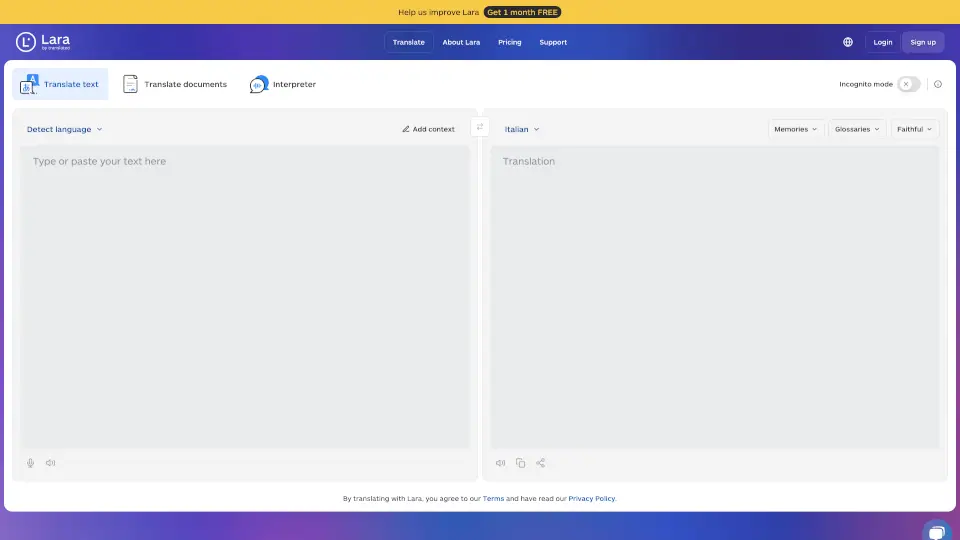
Lara Translate

Lara Translate is the ultimate AI-powered translator, offering faithful, fluid, and creative translations in multiple languages. Perfect for legal, general, or creative content, it’s the tool you can trust for high-quality results.

US
6.90%
|
1.2M
|
5.0
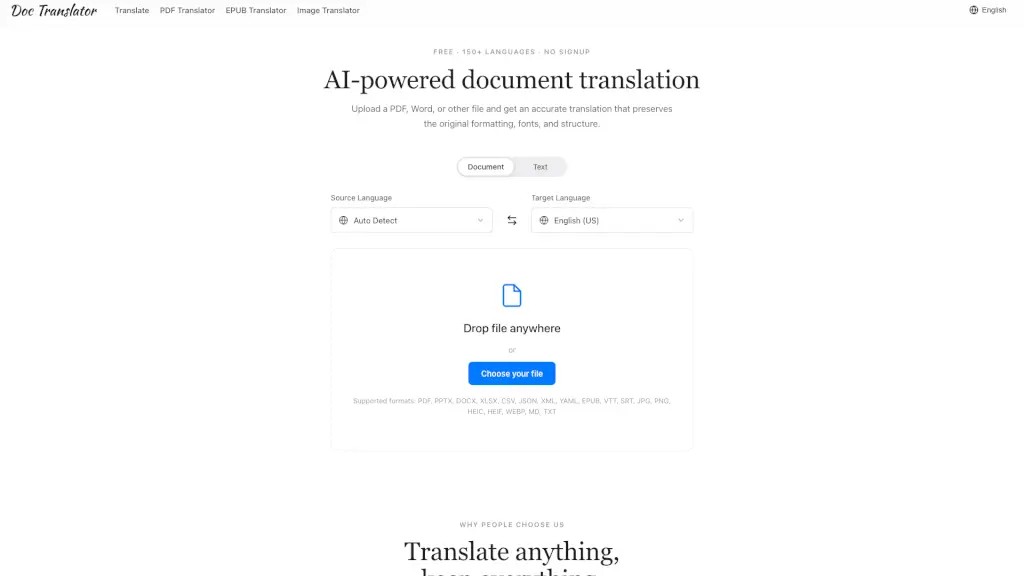
Doc Translator

Doc Translator uses AI to accurately translate documents, images, and subtitles across 150+ languages while perfectly preserving original formatting—no signup required.

AZ
100.00%
|
171
|
3.0
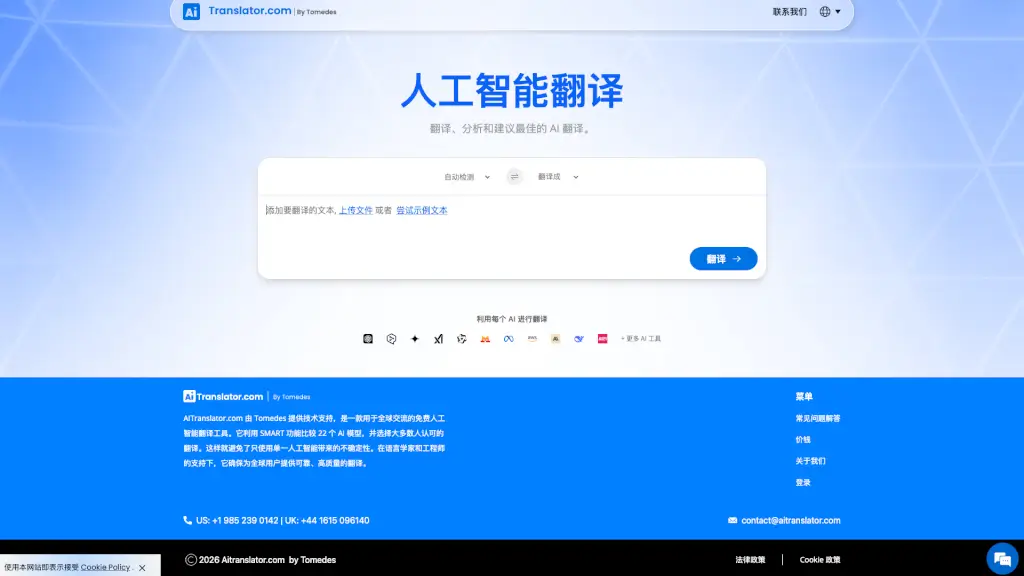
AITranslator.com

AITranslator.com, powered by Tomedes, is a free, user-friendly AI translation tool that supports over 100 languages and uses SMART technology to provide the most accurate and natural translations.

US
5.22%
|
135.4K
|
5.0

OpenL Related Other Categories

OpenL Traffic Analysis

💡 Insights

📈
High Traffic
Over 1M monthly visits. Widely recognized and stable choice.
⚠️
Slight Decline
Traffic has slightly decreased recently.
👍
Good Experience
Bounce rate of 51%. Users are willing to explore features.
🌐
Global Reach
Balanced user distribution worldwide.
  • Monthly Visits

    1.18M

  • Bounce Rate

    51.17%

  • Pages Per Visit

    2.06

  • Visit Duration

    00:01:37

  • Global Rank

    53062

  • Country Rank

    98151

Visits Over Time

Traffic Sources

SearchOrganic59.43%
Direct29.66%
Referrals6.40%
SocialOrganic2.39%
GenAi1.35%
Mail0.47%
SearchPaid0.14%
DisplayAds0.11%
SocialPaid0.05%
Affiliate0.00%

Top Keywords

1
ترجمه
CPC$0.32
50.50KTraffic
2
ترجمة
CPC$0.41
41.57KTraffic
3
مترجم
CPC$0.20
39.94KTraffic
4
translate
CPC$0.54
20.07KTraffic
5
fancy text
CPC$0.77
14.78KTraffic

Top Regions

RegionPercentage
United States
United States
10.37%
Ukraine
Ukraine
4.79%
Thailand
Thailand
4.44%
Germany
Germany
4.26%
Poland
Poland
3.94%
Low
High

Powered by SimilarWeb

OpenL FAQ

What is OpenL?

OpenL is an AI-powered translation software for text, images, documents, and speech. It supports over 100 languages, including English, Chinese, Japanese, Arabic, French, German, Hebrew, and Indonesian. The tool uses AI and machine learning to produce context-aware translations, and also includes writing, grammar, and language learning features.

Is this app free?

Yes. OpenL includes free daily usage for text, image, document, and speech translation. You can start without logging in. If you need more credits or longer translations, you can upgrade to a subscription account.

How many characters can I translate at once?

The free plan allows up to 1,500 characters per translation. Paid plans support much longer text and higher document limits.

How many languages does OpenL Translate support?

OpenL Translate offers translations in over 100 languages, including English, Arabic, French, Russian, Spanish, as well as niche options like Old English, Old Norse, Toki Pona, and Emoji. It supports text, screenshots, images, documents, and speech.

What payment methods are available?

We currently accept Cards (Visa, Mastercard, Amex, Discover, Diners Club, JCB), Apple Pay, Google Pay, and PayPal. Additional options may be available based on your country.

Is my payment information secure?

Yes. Payments are handled securely by our provider, Lemon Squeezy, using advanced encryption and banking standards. Your credit card info goes directly to the bank — OpenL never accesses or stores any payment details.

Can students get an education discount?

Yes! If you have a .edu email, email us at [email protected] to receive a 30% education discount code. You can apply once per year.

What happens to my documents after translation?

Your privacy is our priority. We don't store any translation data. After translation is complete, all data is immediately deleted. Translation history stays only in your local browser and is never uploaded to our servers.

How do I cancel my subscription?

You can cancel at any time from the Billing page. Cancellations take effect after the current billing cycle ends.

Can I get a refund?

Refunds can be requested according to our Refund Policy. Please check the policy for details on eligibility.

What is the difference between web and iOS subscriptions?

Web subscriptions work only on the website, and iOS subscriptions work only on the iOS app. They cannot be used across devices. Choose based on your device.

OpenL Reviews

0

0

0 Reviews
Sign Into leave a review

Recent Reviews

No reviews yet

OpenL Embed

Use website badges to drive community support for SeekTool.ai. They are easy to embed in your homepage or footer.

Light
Dark
OpenL - Amazing Translator, powered by AI - Featured on SeekTool.aiOpenL - Amazing Translator, powered by AI - Featured on SeekTool.ai
How to install?

Looking for OpenL - Amazing Translator, powered by AI Alternatives?

Compare top AI tools similar to OpenL - Amazing Translator, powered by AI. Find the best option for your needs.

View Alternatives

Reviews

0.0

Share your experience with this tool...

Trending

Featured

Subscribe to our AI Newsletter

Get the top AI stories delivered to your inbox weekly.