
What is NeverCap?
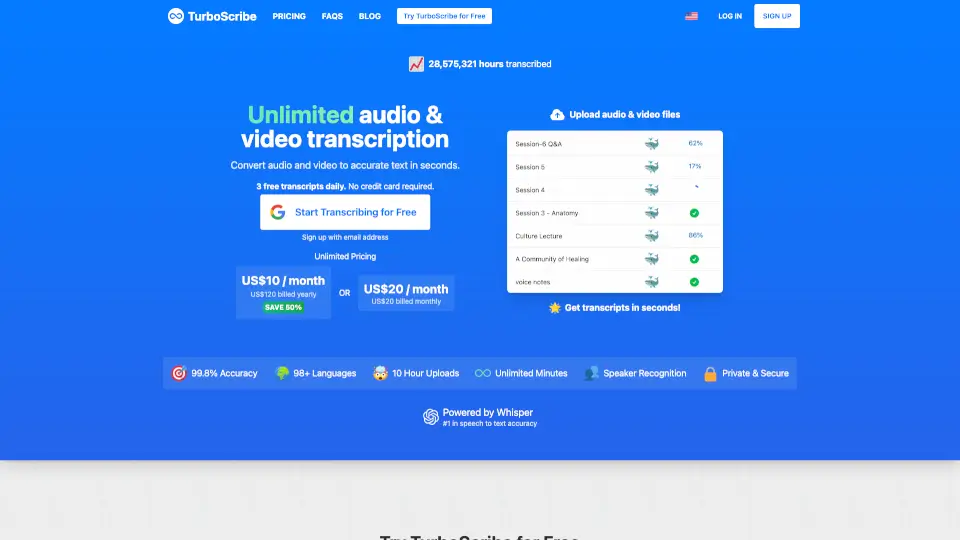
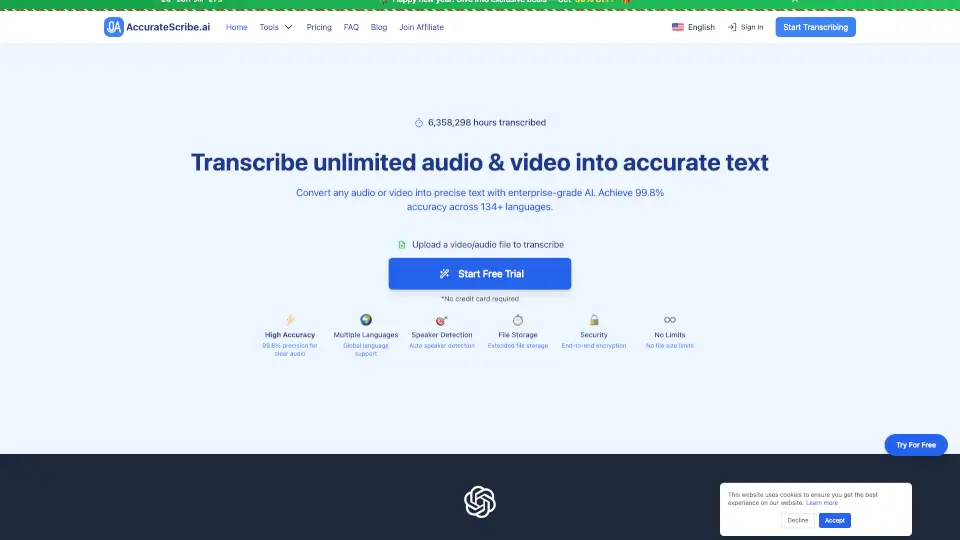
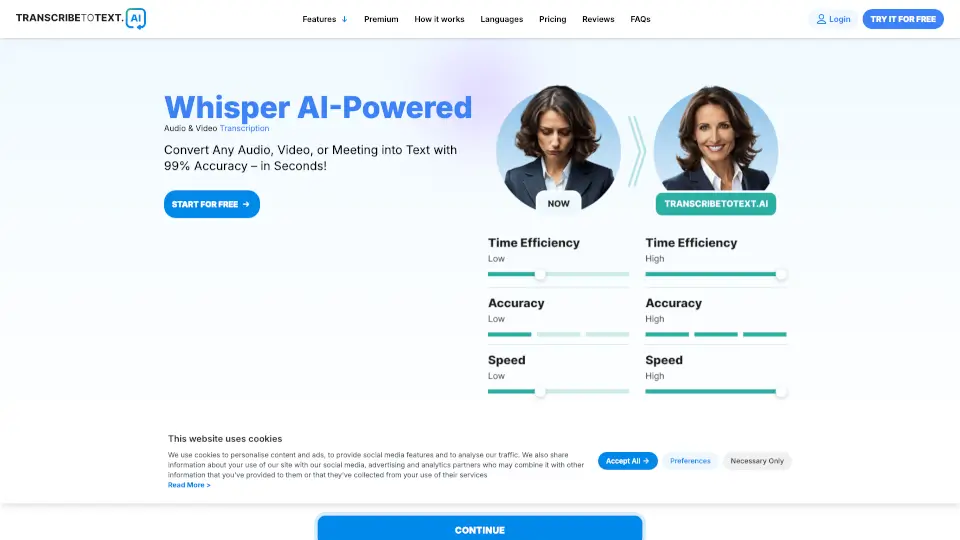
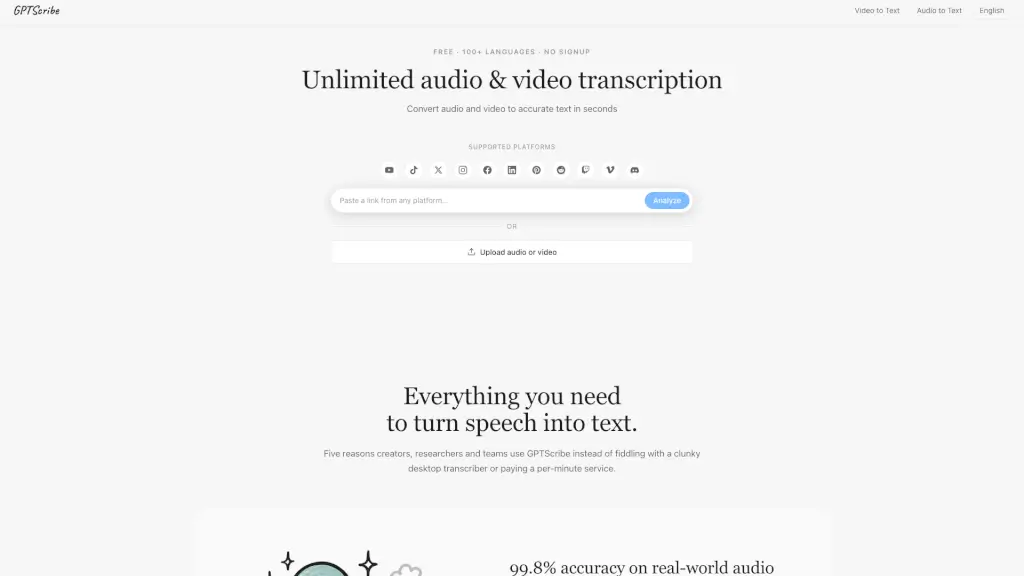
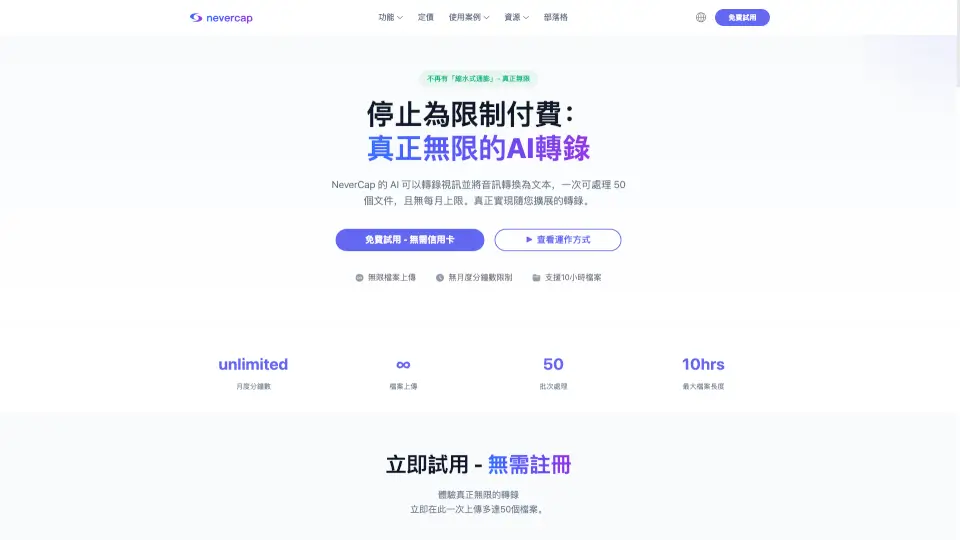
NeverCap is a game-changer for anyone who needs to transcribe audio and video files. Whether you're a podcaster, content creator, or researcher, NeverCap offers truly unlimited AI transcription without any hidden limits or monthly caps. Say goodbye to the frustration of running out of minutes or dealing with complicated pricing tiers. With NeverCap, you can upload up to 50 files at once, and there’s no limit on how many times you can do this. It's perfect for handling large volumes of content, and it supports over 100 languages, making it a versatile tool for global projects.
What are the features of NeverCap?
- Truly Unlimited Transcription: No monthly minute limits, no file size restrictions (up to 10 hours or 5GB per file), and no cap on the number of uploads.
- Batch Uploads: Upload up to 50 files at once, ideal for processing large amounts of content quickly.
- 96% Accuracy: Industry-leading accuracy, even with multiple speakers, accents, and technical terms.
- 100+ Languages Supported: Transcribe and translate your content into 249+ languages, making it easy to reach a global audience.
- Advanced Speaker Identification: Automatically tag and identify up to 20 different speakers in your audio or video files.
- Word-Level Timestamps: Get precise timestamps for every word, making it easy to navigate through your transcripts.
- Formatted Text: Receive well-structured paragraphs, sentences, and punctuation, making your transcripts easy to read and edit.
What are the use cases of NeverCap?
- Podcasters: Upload entire seasons of episodes, create detailed notes, and never worry about running out of transcription minutes.
- Content Creators: Convert your video library into searchable text, automatically generate subtitles, and focus on creating more content.
- Journalists: Transcribe all your interviews in one go, without being limited by "monthly 10 files" restrictions.
- Researchers: Transcribe hours of focus group discussions and interviews, and get accurate speaker identification for your research.
- Business Teams: Record and transcribe every call, meeting, or webinar, and get AI analysis of all conversations, not just a few.
- Educators: Transcribe entire lecture series, make all content accessible, and stop worrying about time limits.
How to use NeverCap?
- Upload Files: Drag and drop your audio or video files, or click to browse and select them. Supported formats include MP3, MP4, M4A, MOV, AAC, WAV, OGG, and more.
- Select Language: Choose the language of your audio or video from the list of over 100 supported languages.
- Enable Advanced Features: Turn on features like speaker identification, word-level timestamps, and formatted text for better results.
- Start Transcription: Click the transcribe button and let the AI do its magic. For large batches, you can leave it running overnight.
- Download Transcripts: Once the transcription is complete, download your transcripts in various formats like PDF, Word, Excel, CSV, SRT, TXT, and VTT.
- Translate if Needed: If you need to translate your transcript into another language, use the built-in translation feature to convert it into any of the 249+ supported languages.