
What is MyDetector AI?
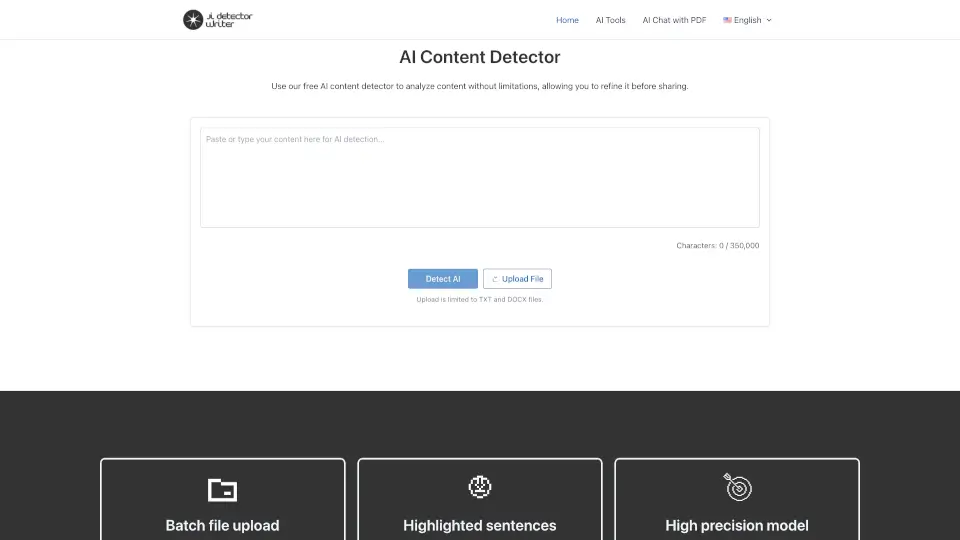
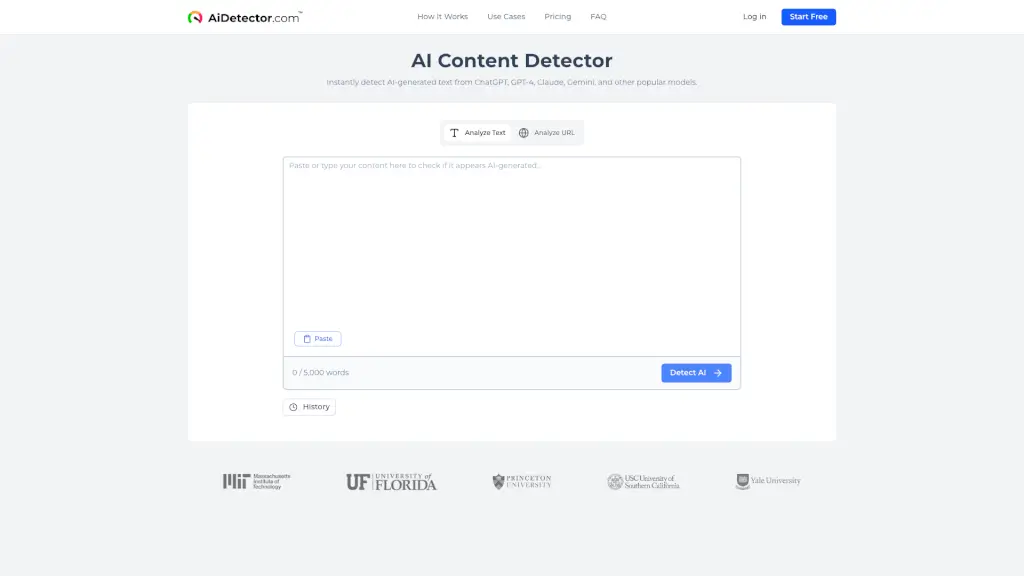
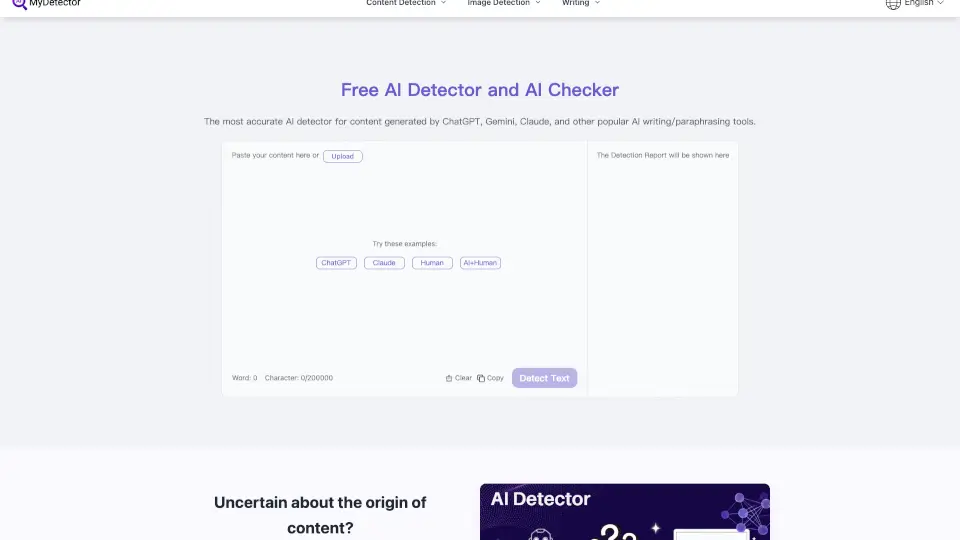
Looking for a quick and reliable way to check if your text was written by AI or a human? MyDetector AI Detector is a free, easy-to-use tool that helps you spot AI-generated content from ChatGPT, GPT-4, Gemini, Claude, and more. No login needed—just paste or upload your text and get instant results. Whether you’re a student, teacher, writer, or business professional, MyDetector makes sure your content stays authentic and high-quality.
What are the features of MyDetector AI?
- High-Precision AI Detection: Advanced algorithms analyze your text for patterns typical of AI writing.
- Multi-Format Support: Upload files in PDF, Word, PPT, or TXT for flexible checking.
- Real-Time Results: Get instant feedback on your content’s authenticity.
- AI Humanizer: Easily make your text sound more natural and human-like.
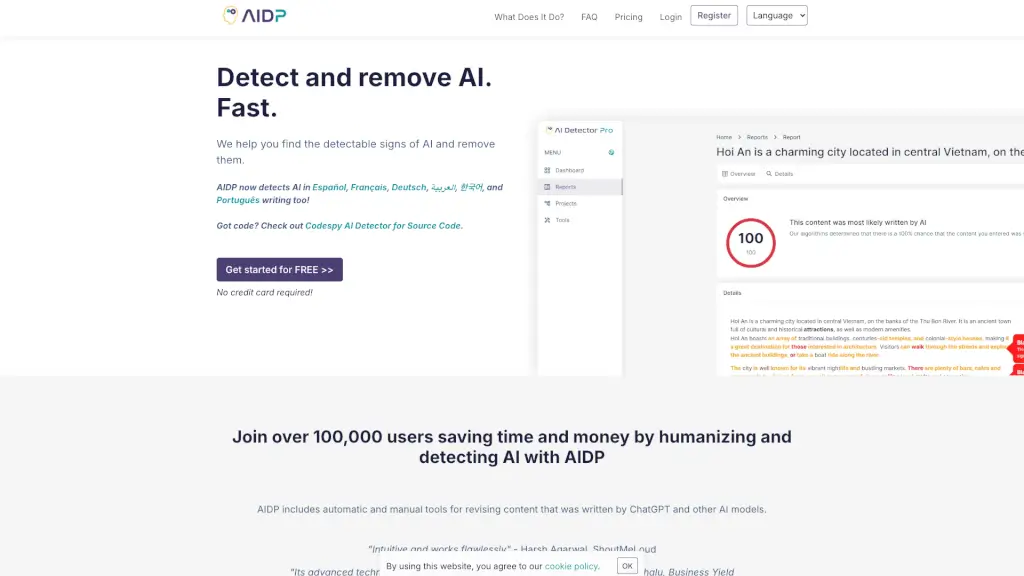
- Content Comparison: See the differences between AI and human writing, highlighted for easy editing.
- Multi-Language Support: Detect AI content in English, Chinese, Japanese, Spanish, French, German, Russian, Portuguese, and more.
- No Login Required: 100% free and unlimited use—no sign-up needed.
What are the use cases of MyDetector AI?
- Students & Educators: Check essays and assignments for AI-generated content.
- Content Creators: Make sure your articles, blogs, and stories are original.
- Marketers: Analyze and optimize campaign content for authenticity.
- Legal Professionals: Ensure legal documents are genuine and trustworthy.
- Personal Users: Double-check any text for privacy and originality.
How to use MyDetector AI?
- Step 1: Paste your text or upload your file (PDF, Word, PPT, TXT).
- Step 2: Click the “Detect” button to check for AI-generated content or use the “Humanize” feature to improve your text.
- Step 3: Review the results, see highlighted AI sections, and adjust your content as needed.