
Was ist AI Detector Pro?
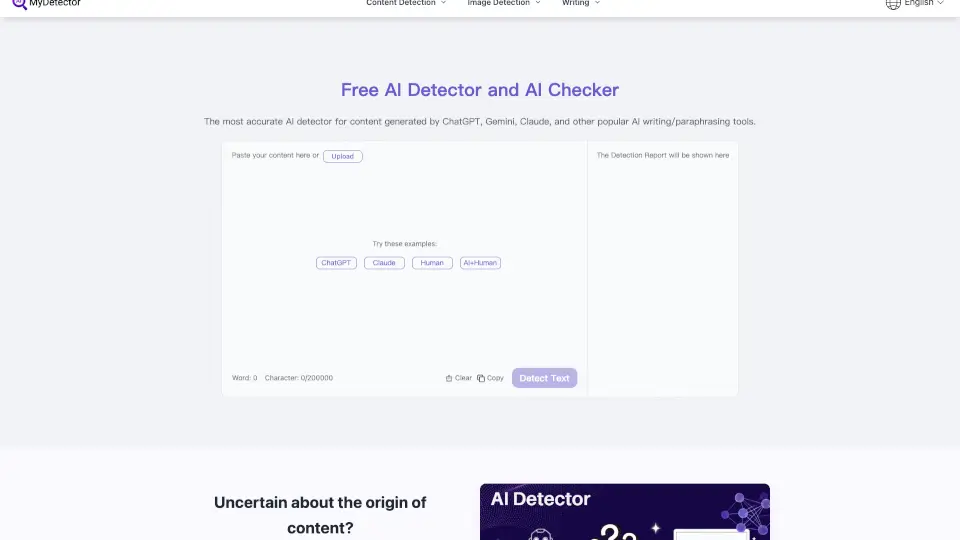
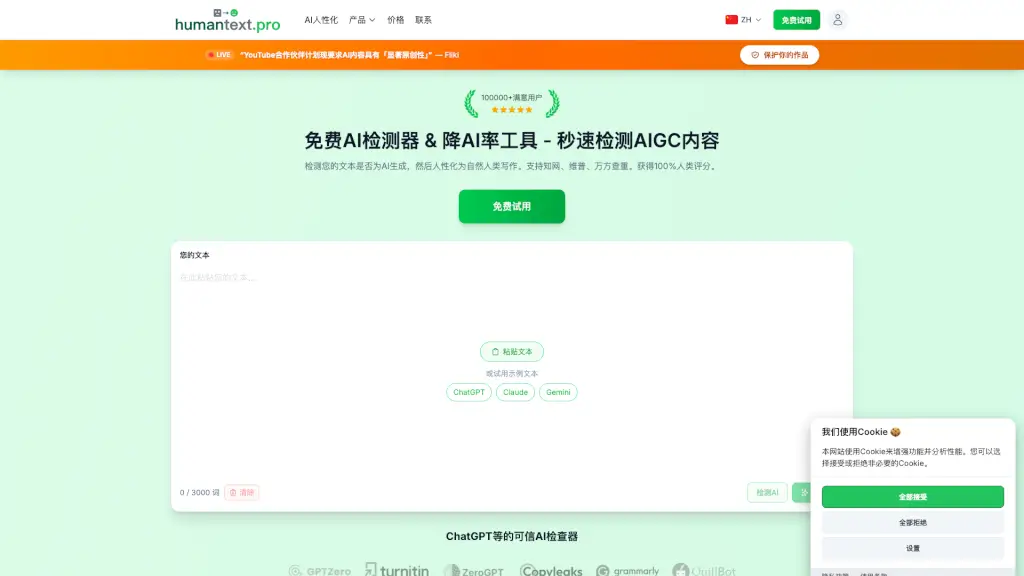
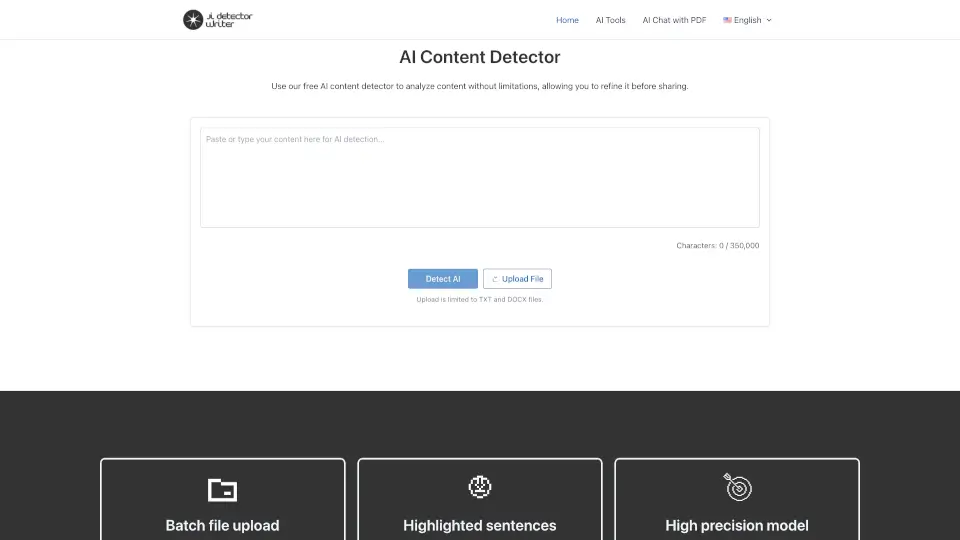
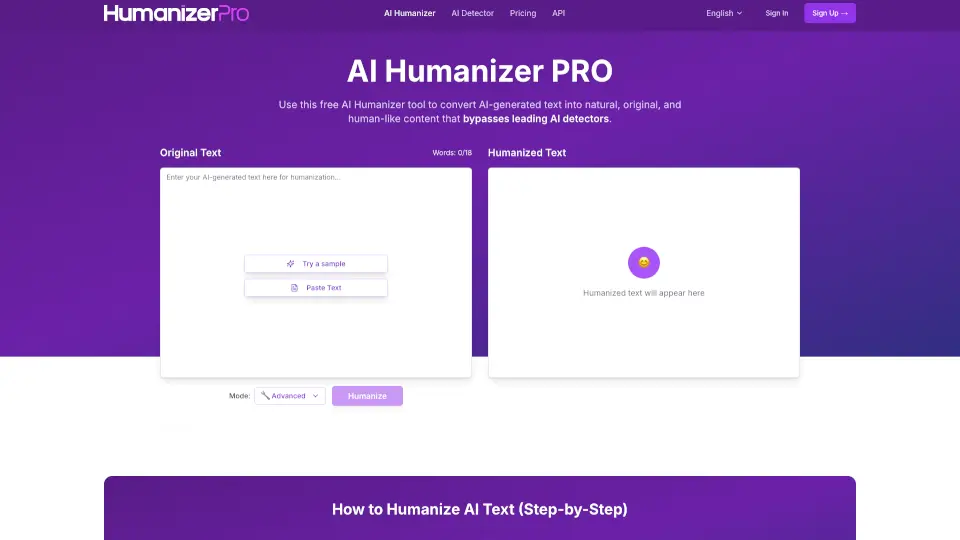
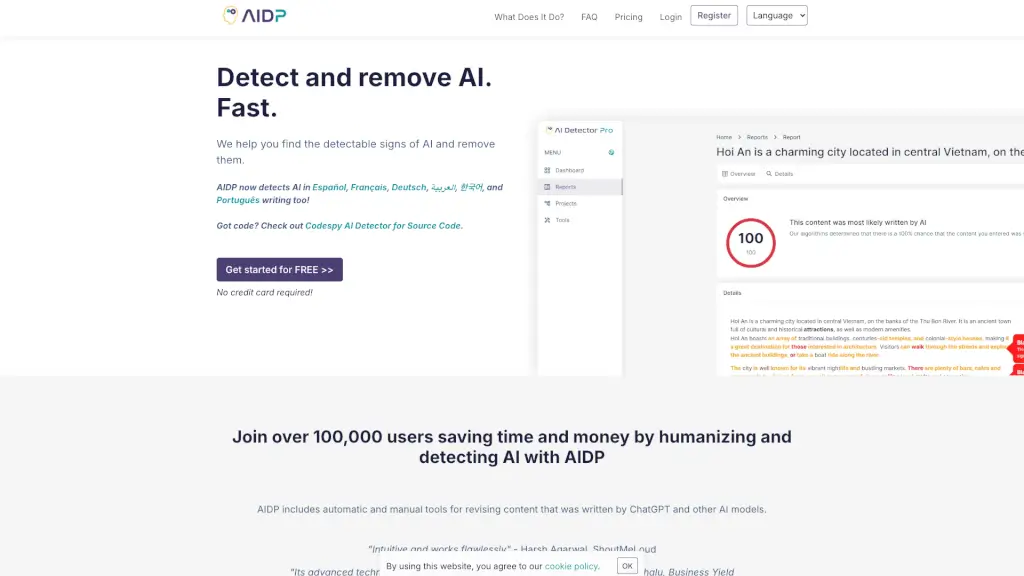
AI Detector Pro ist ein leistungsstarkes Tool, das dir hilft, zu erkennen, ob ein Text von einer Person oder einem KI-System wie GPT-4, Gemini oder ChatGPT erstellt wurde. Darüber hinaus bietet es nützliche Funktionen, um den Text menschlicher zu gestalten und so die Wahrscheinlichkeit der Erkennung durch andere KI-Detektoren zu reduzieren. Ob du als Autor, Blogger oder Unternehmen arbeitest, AI Detector Pro ist dein verlässlicher Partner, um den Inhalt authentischer und überzeugender zu machen.
Was sind die Merkmale von AI Detector Pro?
- KI-Erkennung: Erkennt KI-generierten Inhalt in verschiedenen Sprachen, darunter Englisch, Spanisch, Französisch, Arabisch, Deutsch, Portugiesisch und Koreanisch.
- Text-Humanisierung: Bietet Vorschläge zur Umformulierung des Textes, um ihn menschlicher zu gestalten.
- Tonerkennung: Analysiert den Ton deines Textes und zeigt an, ob er menschlich klingt.
- Pinpoint-Editor: Ein fortgeschrittenes Bearbeitungstool, das spezifische Abschnitte im Text hervorhebt, die KI-Merkmalen ähneln.
- Multilinguale Unterstützung: Unterstützt mehrere Sprachen, sodass du Texte in verschiedenen Sprachen überprüfen kannst.
- Wort- und Google Docs-Plugins: Integriert sich nahtlos in gängige Textverarbeitungs-Tools.
- White-Label-Berichte: Erstelle benutzerdefinierte Berichte, die deinem Markenstil entsprechen.
Was sind die Anwendungsfälle von AI Detector Pro?
- Für Autoren und Blogger: Überprüfe und optimiere deine Blog-Beiträge, um sicherzustellen, dass sie authentisch und menschlich klingen.
- Für Unternehmen: Verwende AI Detector Pro, um Marketing- und Werbetexte zu überprüfen und zu verbessern, um die Qualität und Authentizität zu erhöhen.
- Für Redakteure: Füge AI Detector Pro in deinen Arbeitsablauf ein, um schnell und effizient KI-generierte Inhalte zu identifizieren und zu bearbeiten.
- Für Lehrkräfte: Nutze das Tool, um studentische Arbeiten auf Plagiate und KI-generierte Inhalte zu prüfen.
- Für Übersetzer: Stelle sicher, dass übersetzte Texte natürlicher und authentischer klingen, indem du sie mit AI Detector Pro überprüfst.
Wie benutzt man AI Detector Pro?
- Öffne AI Detector Pro und lade deinen Text hoch.
- Warte, während das Tool den Text analysiert und mögliche KI-Muster identifiziert.
- Nutze die Vorschläge zur Text-Humanisierung, um den Inhalt zu verbessern.
- Überprüfe den Ton deines Textes und passe ihn an, wenn nötig.
- Speichere und exportiere den optimierten Text für weitere Nutzung.