
What is AIDetector?
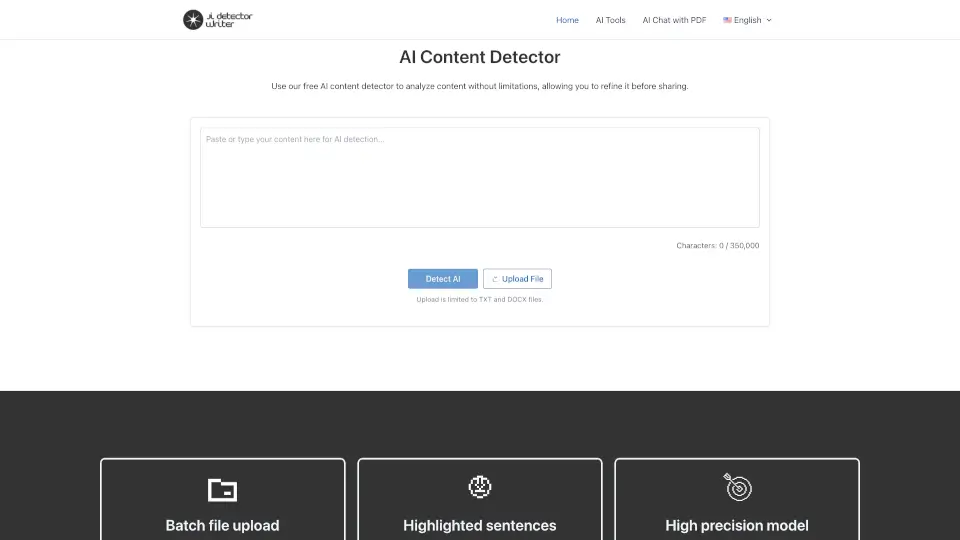
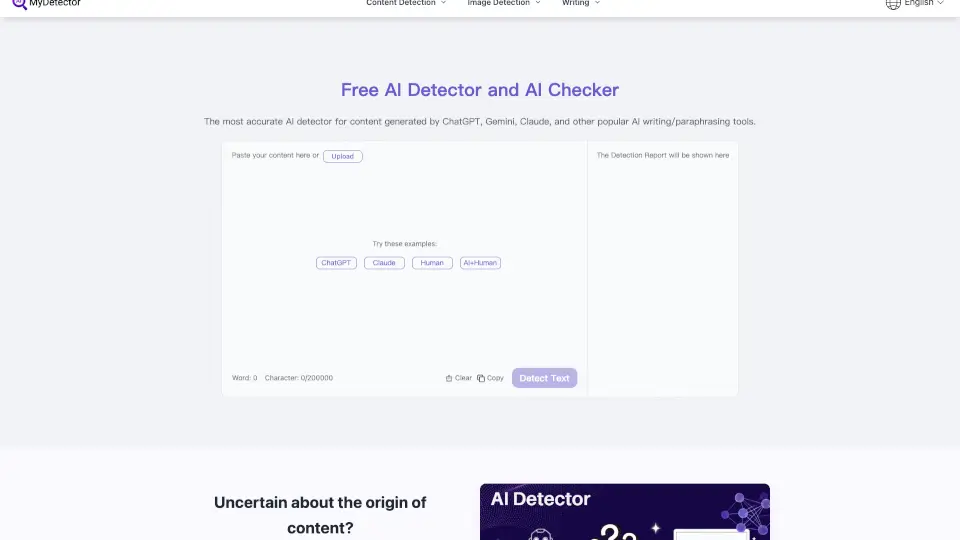
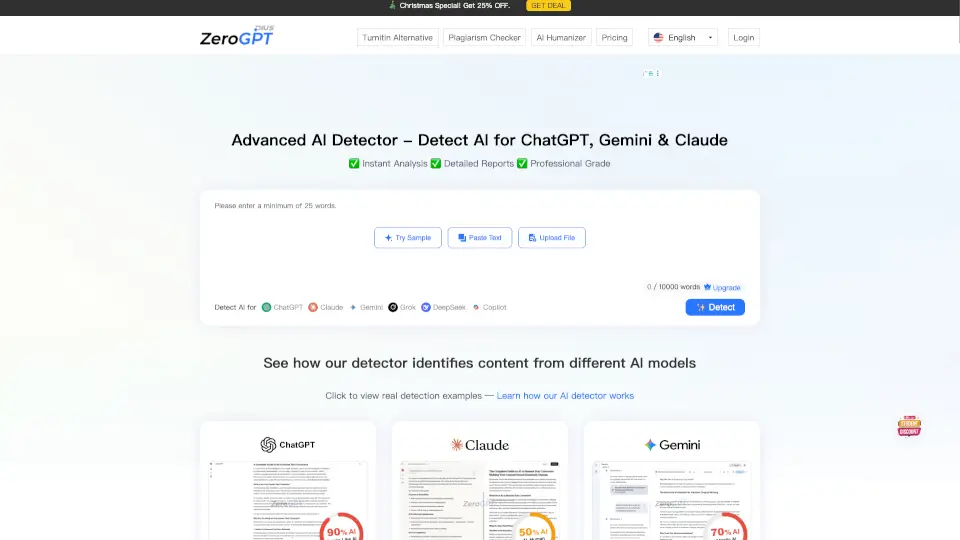
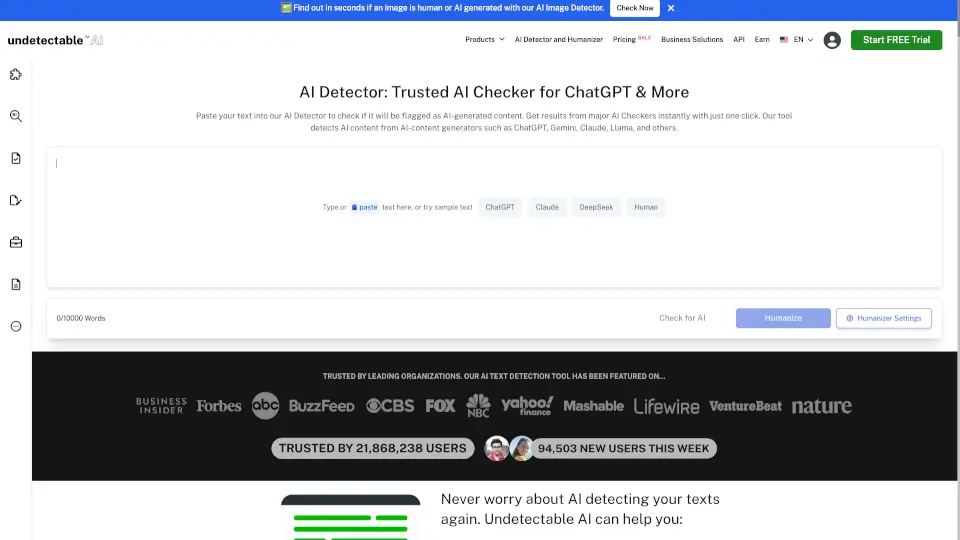
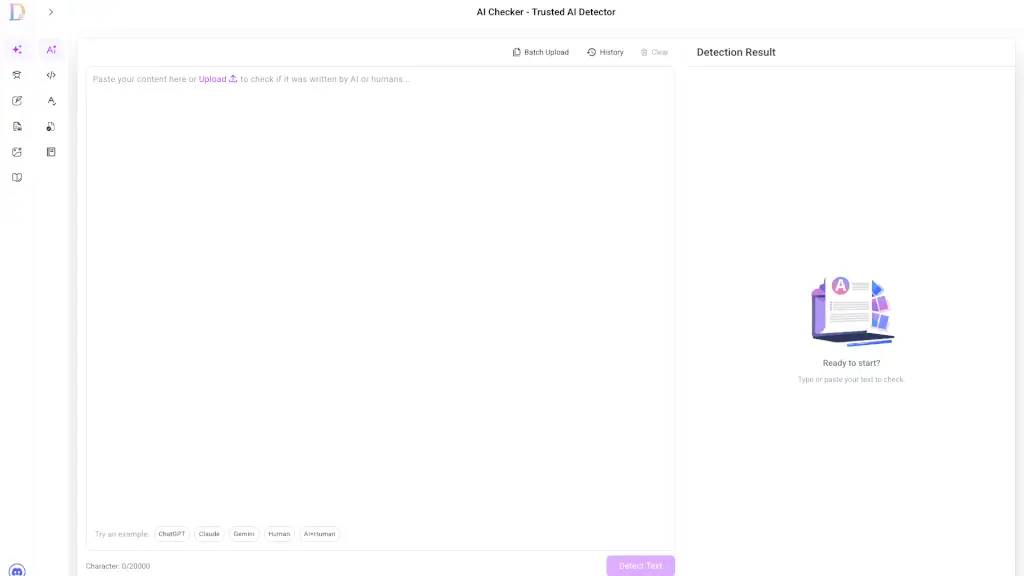
Welcome to the world of AI detection with our 100% FREE AI Checker! This powerful tool is designed to help you instantly identify AI-generated text from popular models like ChatGPT, GPT-4, Claude, and Gemini. Whether you're a student, teacher, content writer, or business professional, this tool is your go-to solution for maintaining authenticity and integrity in your work. With its user-friendly interface and lightning-fast analysis, you can quickly and easily verify the originality of any text, ensuring that it's truly human-written.
What are the features of AIDetector?
- Instant Analysis: Get detailed, sentence-by-sentence results in seconds.
- Color-Coded Heatmap: Visual breakdown showing which parts of the text are likely AI-generated vs. human-written.
- Confidence Scores: Percentage-based accuracy for the overall text and individual sentences.
- Exportable Reports: Download detailed PDF reports for documentation and compliance.
- Unlimited Words: No word limits, so you can analyze as much text as you need.
- High Accuracy Rate: 99.1% accuracy in detecting AI-generated content.
- User-Friendly Interface: Easy to use, with clear and concise results.
What are the use cases of AIDetector?
- Academic Integrity: Teachers and educators can verify the authenticity of student assignments.
- Content Verification: Content writers and marketers can ensure their content is original and free from AI influence.
- Business Communications: Companies can check marketing materials and communications for authenticity.
- Student Self-Checks: Students can use the tool to check their work before submission.
- Bulk Document Scanning: Educators and businesses can scan multiple documents at once.
- Team Collaboration: Businesses can use the tool collaboratively to maintain brand voice and compliance.
How to use AIDetector?
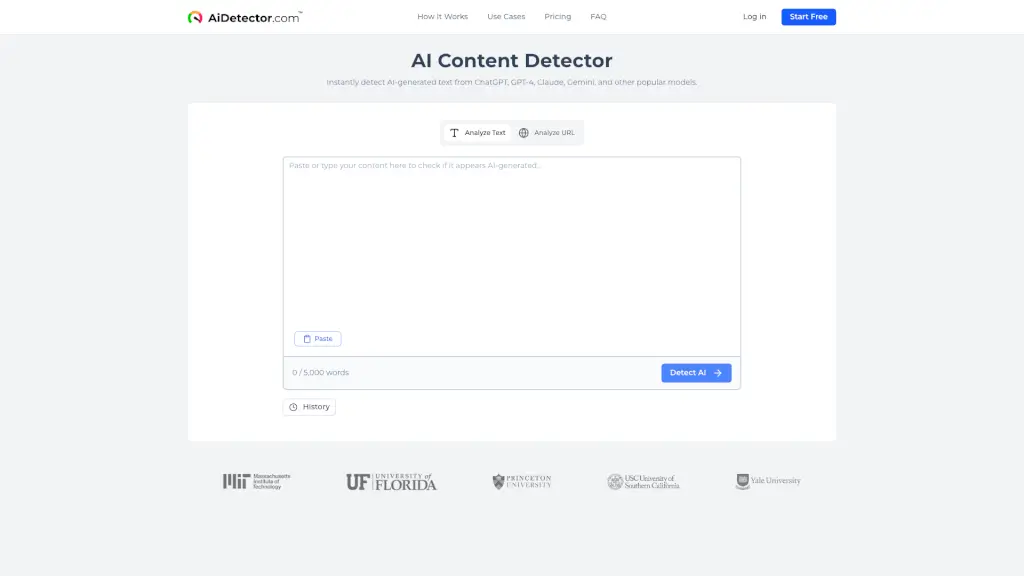
- Paste Your Text: Copy and paste the text you want to analyze into the provided box.
- Analyze URL: Alternatively, enter the URL of the webpage you want to check.
- Click Analyze: Hit the "Analyze" button to start the detection process.
- Review Results: Check the color-coded heatmap and confidence scores for each sentence.
- Download Report: If needed, download a detailed PDF report for further reference.
- Use Tips and Recommendations: Follow the provided writing improvement tips and citation recommendations.