What is ContentDetector.AI?
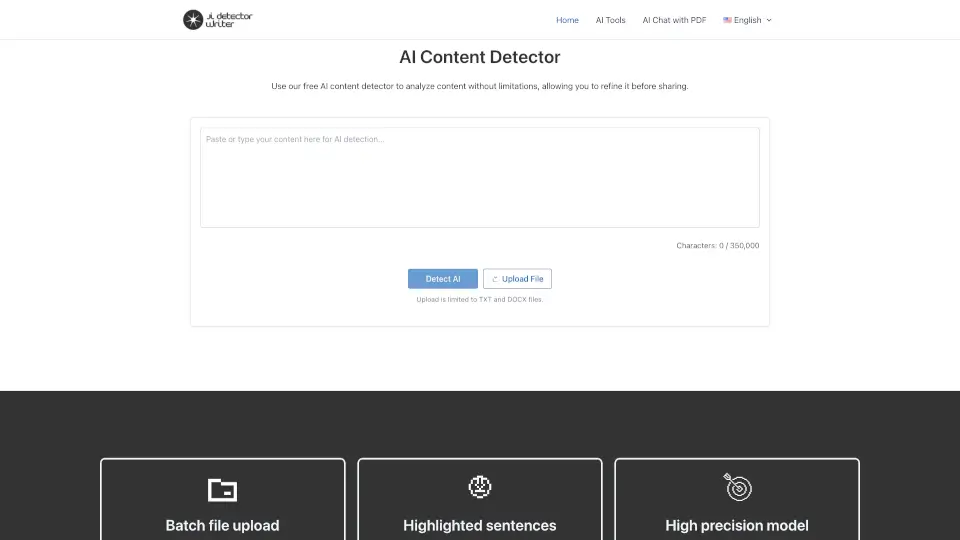
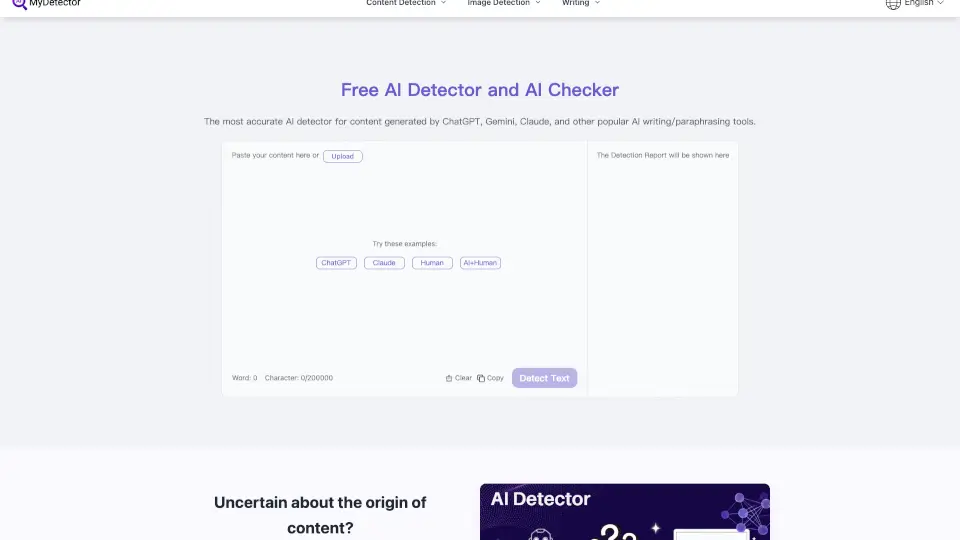
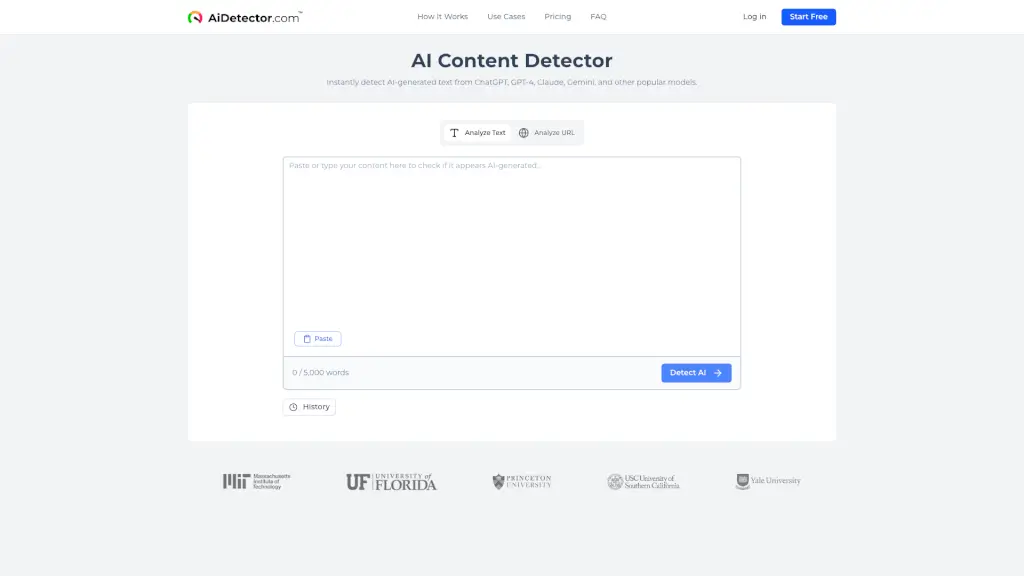
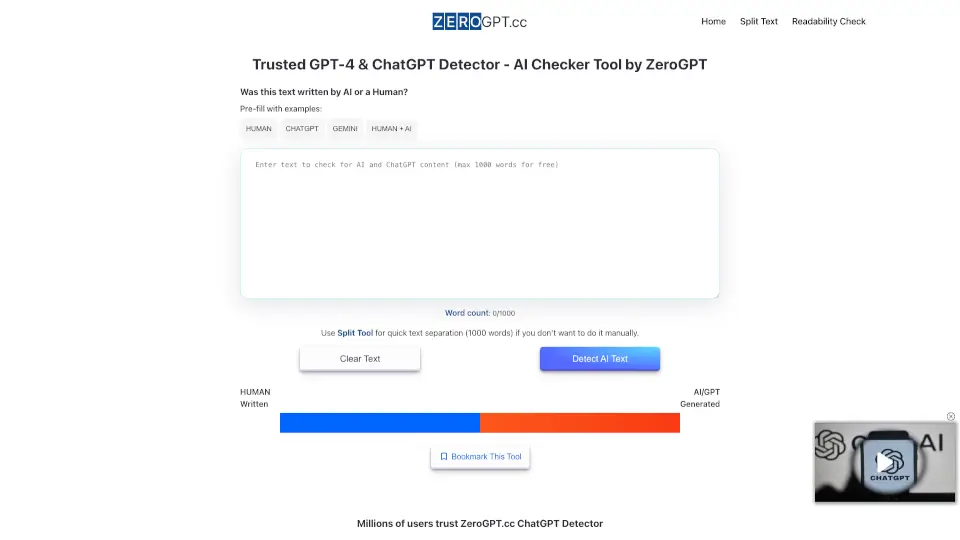
ContentDetector.ai is an AI-powered tool designed to help users identify whether a piece of text was written by a human or generated by artificial intelligence. As AI writing becomes more common in schools, workplaces, and online content, this tool offers a fast and reliable way to detect AI-generated text—helping maintain authenticity and academic integrity.
Whether you're a teacher checking student essays, a content manager verifying freelance submissions, or just curious about a suspiciously polished blog post, ContentDetector.ai gives you instant insights with a simple copy-paste interface. It’s free, easy to use, and doesn’t require sign-up—making it accessible for anyone who needs quick verification.
What are the features of ContentDetector.AI?
- AI vs. Human Text DetectionAnalyzes text to determine the likelihood it was written by AI (like ChatGPT) or a real person.
- Free & No Login RequiredUse the detector instantly without creating an account or entering payment info.
- Fast ResultsGet detection scores in seconds after pasting your text.
- Confidence ScoreShows a percentage-based confidence level so you understand how certain the tool is about its verdict.
- User-Friendly InterfaceClean, minimalist design lets you focus on results without distractions.
- Privacy-FocusedAccording to the site, submitted text isn’t stored or shared, helping protect user data.
What are the use cases of ContentDetector.AI?
- Teachers verifying if student assignments were written by the student or generated by AI tools.
- Blog editors checking guest posts or contributor content for AI authorship.
- Job recruiters screening cover letters or writing samples for authenticity.
- Students double-checking their own work before submission to ensure it doesn’t trigger false AI flags.
- Content marketers auditing competitor websites or social media posts.
- Freelance writers proving their work is original and human-crafted.
How to use ContentDetector.AI?
- Go to https://contentdetector.ai in your web browser.
- Copy the text you want to analyze (minimum ~50 words recommended for accuracy).
- Paste it into the large input box on the homepage.
- Click the “Check” or “Detect” button.
- Review the result: a clear label (AI or Human) plus a confidence percentage.
- For best results, avoid pasting extremely short texts or code-heavy content.