
Linear logo

Linear

5.0
(0 Reviews)
United States35.49%

Linear is the AI-powered product development system purpose-built for teams who want to plan, build, and ship software faster with less noise and more focus.

Verified by SeekTool
Social Media:

Linear Product Information

What is Linear?

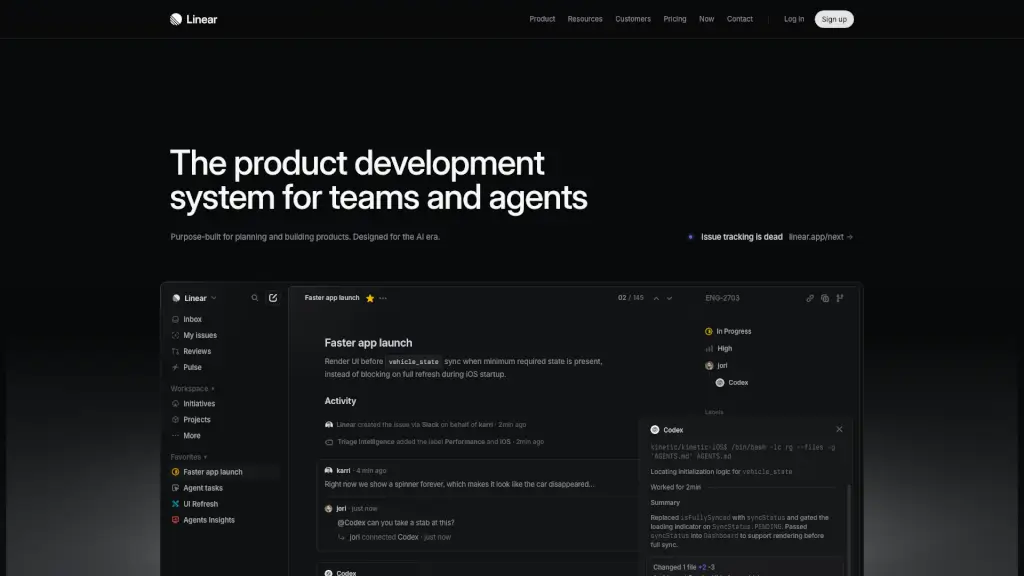
Linear is a modern product development system built specifically for teams that want to plan and build software faster—especially in the AI era. Unlike traditional project management tools cluttered with noise, Linear cuts through the chaos with a clean, fast interface designed around how top product teams actually work. It blends human collaboration with AI agents that can draft specs, create issues, and even push code changes.

What sets Linear apart is its focus on speed, clarity, and AI-native workflows. Whether you're triaging customer feedback, managing sprints, or shipping features across iOS and Android, Linear helps your team stay focused and move with momentum. From startups to enterprises like OpenAI and Ramp, thousands of teams rely on Linear to turn ideas into shipped products—without the usual friction.

What are the features of Linear?

  • AI Agents Built In: GitHub Copilot, Codex, and other AI agents work directly inside Linear to automate tasks like issue creation, PR drafting, and bug fixes.
  • Purpose-Built for Product Teams: Designed with workflows shaped by world-class engineering and product practices—not generic templates.
  • Real-Time Collaboration: Seamlessly sync conversations from Slack or Microsoft Teams into actionable, labeled, and prioritized issues.
  • Visual Planning Tools: Use cycles, roadmaps, and initiatives to align your team from idea to launch with clear timelines and ownership.
  • Smart Issue Tracking: Automatically routes feedback, applies labels (like “Performance” or “iOS”), and surfaces what needs attention next.
  • Integrated Code Review: View structural diffs, discuss changes, and merge pull requests—all within Linear’s streamlined interface.
  • Performance-Focused UI: Reduces loading delays and UI flicker by rendering critical screens before full data sync (e.g., showing the app before waiting for full vehicle state).
  • Cross-Platform Support: Optimized for mobile apps (iOS/Android), web, and integrations with GitHub, Playwright, and MCP servers.

What are the use cases of Linear?

  • A mobile team fixes slow iOS startup by rendering the UI as soon as minimal vehicle data is available—instead of showing a spinner forever.
  • Customer support messages in Slack automatically become triaged Linear issues with labels, assignees, and priority based on content.
  • Product managers use AI agents to draft PRDs, break them into tasks, and assign them to engineers across multiple projects.
  • Engineering leads monitor cycle times and agent performance through dashboards to spot bottlenecks before deadlines slip.
  • Design and engineering collaborate on a “UI Refresh” initiative with shared documents, real-time updates, and progress tracking.
  • Teams preparing for a Japan launch manage localization, feature rollouts, and risk alerts all in one visual timeline.

How to use Linear?

  • Sign up and connect your tools: Link GitHub, Slack, or Microsoft Teams so conversations flow into Linear as structured work.
  • Use AI agents from the command menu: Type “@GitHub Copilot” in an issue to delegate coding tasks or request PR drafts.
  • Organize work with Cycles: Plan 1–2 week sprints using Linear’s time-boxed cycles instead of endless backlogs.
  • Label issues intelligently: Let Triage Intelligence auto-tag issues (e.g., “Performance,” “iOS”) based on content and context.
  • Review code without leaving Linear: Use built-in diffs to inspect changes from both humans and AI agents side by side.
  • Track progress with Pulse: Get weekly updates on project health, risks, and completion status across all initiatives.


Do you like this tool?

Upvote to help others discover it!

Linear Alternatives

Productlane

Productlane

Productlane helps B2B teams streamline customer support, manage feedback, and prioritize features with a powerful, Linear-integrated platform.

US
13.10%
30.0K
4.0
ChatPRD

ChatPRD

ChatPRD is an AI copilot that helps product managers write great product docs fast, improve clarity, and enhance their PM skills.

US
33.55%
159.2K
5.0
Productboard

Productboard

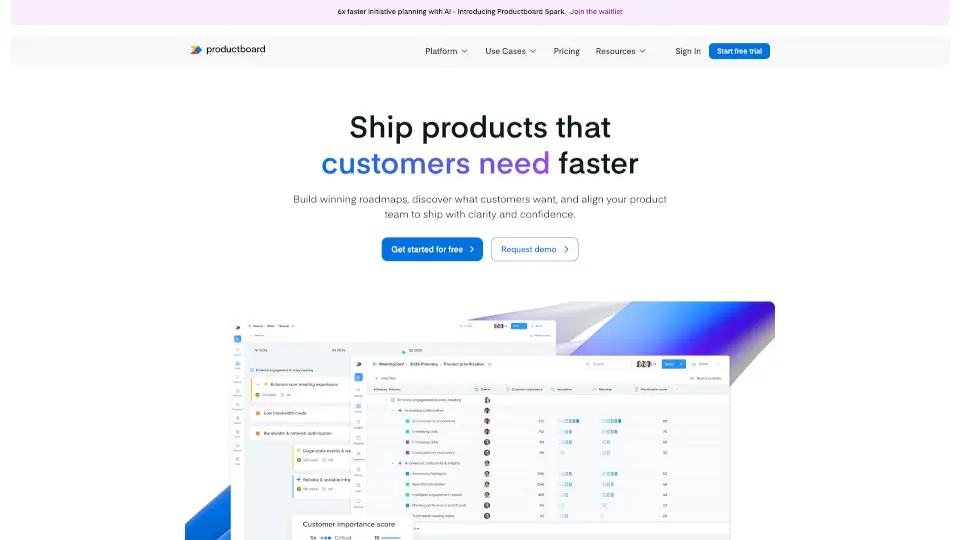
Productboard helps teams build the right products faster by understanding customer needs and prioritizing features.

US
33.49%
470.6K
5.0
Version Lens

Version Lens

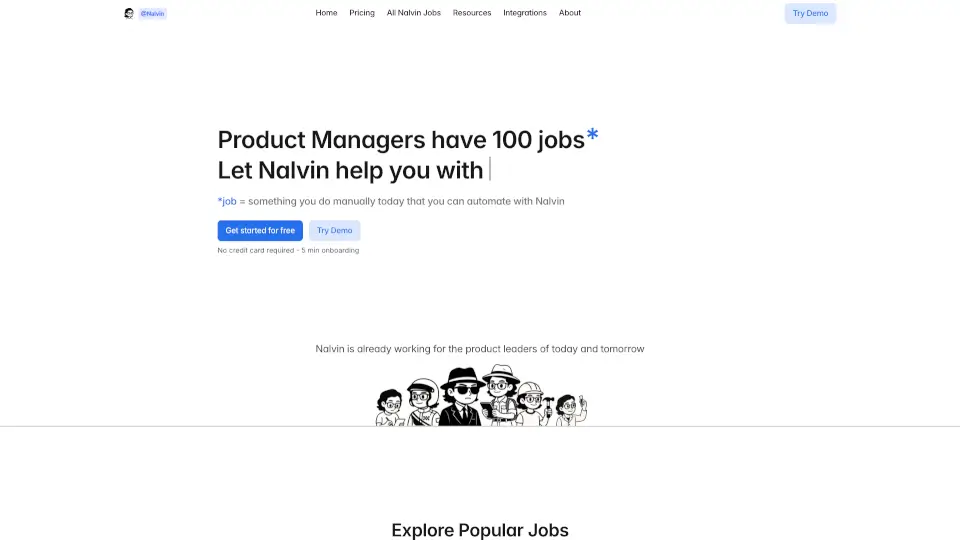
Nalvin automates PM tasks like stand-ups, insights, and Jira searches, saving time and boosting productivity. Try it free—no credit card needed!

IN
100.00%
1.3K
3.0
Kraftful

Kraftful

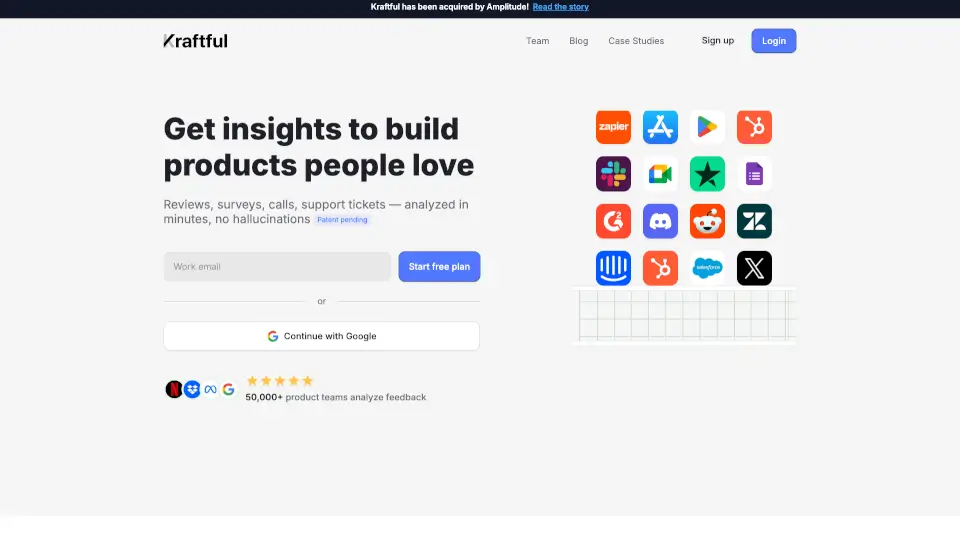
Kraftful is the AI-powered tool that helps product teams analyze user feedback, generate surveys, and turn insights into actionable tasks—all in minutes.

US
58.01%
2.7K
3.0
AI Assist by airfocus

AI Assist by airfocus

AI Assist by airfocus empowers product managers with AI tools to create, analyze, and communicate more efficiently, saving time and enhancing productivity.

US
16.95%
127.6K
5.0
HowsThisGoing

HowsThisGoing

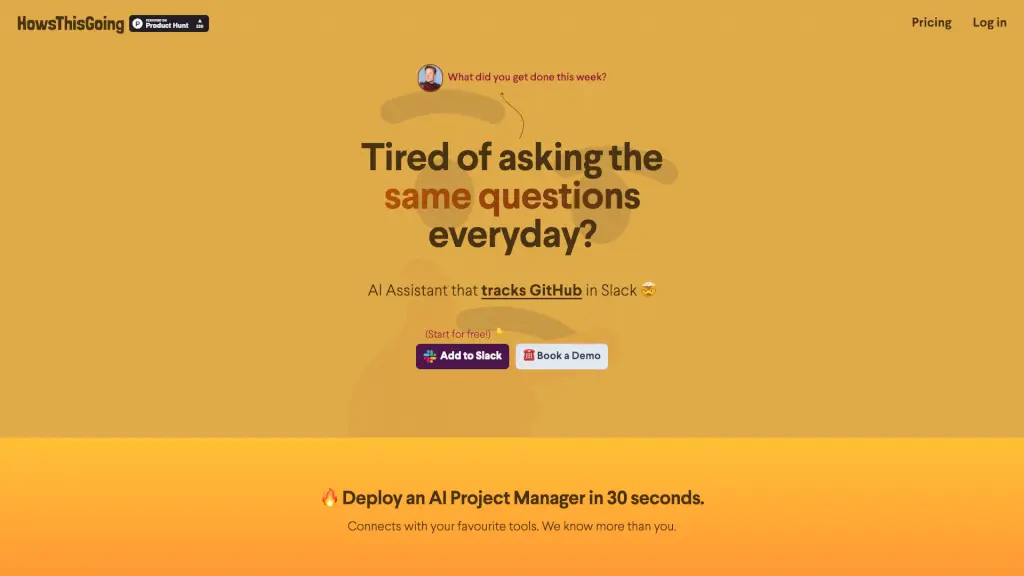
HowsThisGoing is an AI project manager for Slack that automates standups and delivers real-time team insights by connecting GitHub, HubSpot, Notion, and more.

117.5K
5.0
Standuply

Standuply

Standuply automates standup meetings, retrospectives, and 20+ Agile processes in Slack and Microsoft Teams to boost hybrid team productivity.

US
36.07%
6.8K
3.0

Linear Related Other Categories

Linear Traffic Analysis

💡 Insights

📈
High Traffic
Over 1M monthly visits. Widely recognized and stable choice.
➡️
Stable
Traffic remains stable, indicating a mature product.
💎
High Stickiness
Low bounce rate (32%) and deep engagement (6.5 pages/visit). Excellent user experience.
🎯
Strong Brand
79% direct traffic. High user loyalty.
  • Monthly Visits

    9.37M

  • Bounce Rate

    31.98%

  • Pages Per Visit

    6.47

  • Visit Duration

    00:07:26

  • Global Rank

    5797

  • Country Rank

    3442

Visits Over Time

Traffic Sources

Direct79.10%
Search Organic6.46%
Social Organic5.12%
Referrals4.07%
Mail3.06%
Gen Ai1.73%
Social Paid0.18%
Search Paid0.15%
Display Ads0.11%
Affiliate0.00%

Top Keywords

1
linear
CPC$2.51
424.90KTraffic
2
linear app
CPC$4.07
25.98KTraffic
3
linear mcp
CPC$4.29
14.50KTraffic
4
linear pricing
CPC$7.43
6.97KTraffic
5
linear ai
CPC$4.08
3.99KTraffic

Top Regions

RegionPercentage
United States
United States
35.49%
India
India
8.82%
United Kingdom
United Kingdom
5.15%
Germany
Germany
3.43%
Canada
Canada
3.24%
Low
High

Powered by SimilarWeb

Linear FAQ

How does Linear handle slow app startup on iOS?

Linear enables rendering the UI as soon as minimum required data (like partial vehicle_state) is available—instead of blocking on a full sync—so users don’t see an endless spinner.

Can AI agents really write and push code in Linear?

Yes! Connected agents like GitHub Copilot can examine issues, implement fixes, and notify you when a pull request is ready—all tracked within Linear’s workflow.

Does Linear replace Jira or Asana?

For product-focused teams, yes. Linear offers a faster, cleaner alternative built specifically for software development—not generic task management—with native AI and developer tooling.

How does Linear turn customer feedback into tasks?

Through integrations with Slack or Teams, Linear’s AI can auto-create issues from messages, apply relevant labels (like “Bug” or “iOS”), and route them to the right team.

Is Linear suitable for non-technical teams?

While optimized for product/engineering teams, Linear’s simple interface and document features also support design, marketing, and operations—especially when collaborating on product launches.

Can I track both human and AI contributions in Linear?

Absolutely. Linear shows who (or which agent) created an issue, wrote a spec, or pushed code—and lets you review all changes together in unified diffs.

Linear Reviews

0

0

0 Reviews
Sign Into leave a review

Recent Reviews

No reviews yet

Linear Embed

Use website badges to drive community support for SeekTool.ai. They are easy to embed in your homepage or footer.

Light
Dark
Linear - Featured on SeekTool.aiLinear - Featured on SeekTool.ai
How to install?