
What is GitKraken?
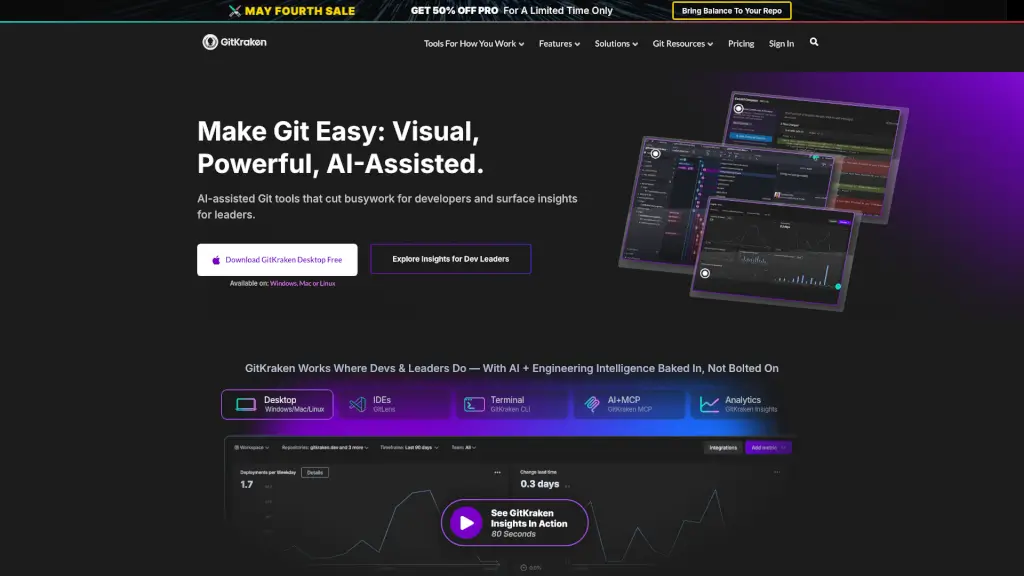
GitKraken is a suite of developer-friendly Git tools designed to simplify version control for both individuals and teams. Whether you're a solo coder or part of a large engineering organization, GitKraken helps you visualize complex Git histories, resolve merge conflicts faster, and stay focused with AI-assisted features—all while integrating seamlessly into your existing workflow.
Built by developers for developers, GitKraken combines powerful graphical interfaces (like its flagship Desktop app) with lightweight CLI and IDE extensions (such as GitLens for VS Code). It’s not just about making Git easier—it’s about boosting productivity, reducing distractions, and giving engineering leaders real-time insights into team performance and code health.
What are the features of GitKraken?
- Commit Graph: Visualize your entire Git history across branches and teammates in seconds—available in Desktop, CLI, and GitLens.
- AI-Powered Merge Tool: Resolve conflicts faster with intuitive, side-by-side visual comparisons and smart suggestions.
- Workspaces: Manage multiple repos together, onboard new developers quickly, and keep distributed teams aligned.
- GitLens for IDEs: See rich Git blame, file history, and line annotations directly inside VS Code, Cursor, Windsurf, and more.
- GitKraken Insights: Track DORA metrics, code quality, AI impact, and developer sentiment—80% cheaper than other engineering intelligence platforms.
- Launchpad: Reduce distractions by centralizing open pull requests, issues, and tasks so you can stay in flow state.
- Jira Integration: Link commits, branches, and PRs directly to Jira tickets for seamless planning and tracking.
- Cross-Platform Sync: Changes made in Desktop, CLI, or GitLens update in real time across all tools.
What are the use cases of GitKraken?
- A solo developer uses GitKraken Desktop to untangle a messy rebase with the interactive graph instead of wrestling with terminal commands.
- An engineering manager leverages GitKraken Insights to identify bottlenecks in PR review cycles and improve team velocity.
- A distributed team uses Workspaces to share dozens of repos and ensure everyone—from new hires to senior devs—is working from the same context.
- A frontend engineer uses GitLens in VS Code to hover over any line of code and instantly see who changed it, when, and why—without leaving their editor.
- A DevOps lead enforces security controls and audit trails across the organization using GitKraken’s enterprise-grade admin features.
- A startup integrates GitKraken with Jira to automatically link sprint tasks to Git activity, improving sprint planning accuracy.
How to use GitKraken?
- Download GitKraken Desktop for free on Windows, Mac, or Linux to start visualizing your repos immediately.
- Install GitLens from the VS Code marketplace (or compatible IDEs like Cursor) for inline Git intelligence.
- Sign up for a free 30-day Pro trial to test team features like Workspaces and Insights—no credit card required.
- Connect your GitHub, GitLab, Bitbucket, or Azure DevOps account in one click to import all your repos.
- Use Launchpad to track open PRs and issues without switching between apps or getting distracted.
- Explore GitKraken Labs to preview upcoming AI-powered features and provide feedback to the dev team.