
What is JetBrains AI?
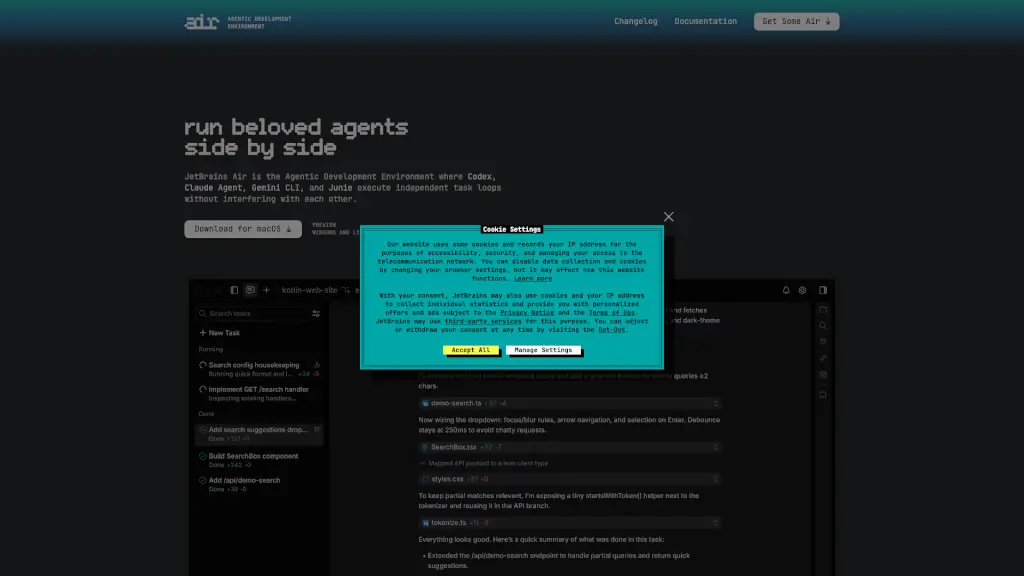
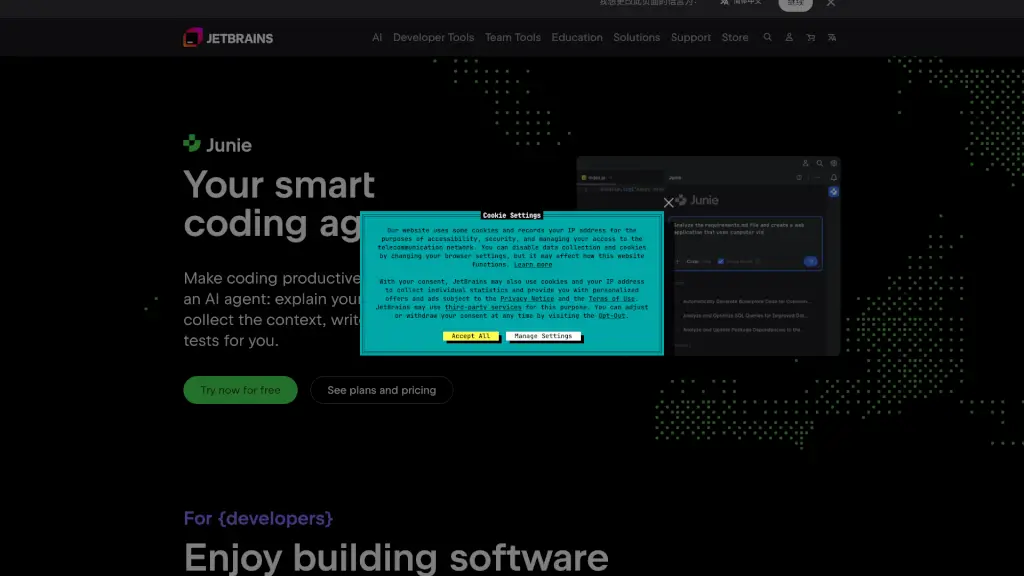
JetBrains is a leading software vendor that creates intelligent development tools to make coding more efficient and enjoyable. Their flagship product, IntelliJ IDEA, is the go-to Integrated Development Environment (IDE) for Java and Kotlin developers. JetBrains also offers a wide range of IDEs for other languages like Python, JavaScript, and .NET, as well as powerful team collaboration and project management tools. Whether you're a solo developer or part of a large team, JetBrains has the tools to help you write better code, faster.
What are the features of JetBrains AI?
- IntelliJ IDEA: A powerful IDE for Java and Kotlin, offering advanced code analysis, refactoring, and debugging tools.
- PyCharm: A comprehensive IDE for Python, with features like code completion, on-the-fly error detection, and integrated testing.
- WebStorm: A smart IDE for JavaScript, providing support for modern frameworks like React, Angular, and Vue.js.
- TeamCity: A robust Continuous Integration (CI) and Continuous Deployment (CD) tool, enabling teams to automate their build, test, and deployment processes.
- YouTrack: An all-in-one project management tool that helps teams track issues, plan sprints, and manage projects efficiently.
- DataGrip: A versatile database IDE that supports multiple databases, making it easy to manage and query data.
- Rider: A cross-platform .NET IDE that supports C#, F#, and other .NET languages, with features like code navigation and refactoring.
What are the use cases of JetBrains AI?
- Developing Java Applications: Use IntelliJ IDEA to create, debug, and deploy Java applications with ease.
- Python Web Development: Leverage PyCharm to build and test Python web applications using popular frameworks like Django and Flask.
- JavaScript Frontend Development: Utilize WebStorm for efficient frontend development, with built-in support for modern JavaScript frameworks.
- Continuous Integration and Deployment: Set up TeamCity to automate your build, test, and deployment processes, ensuring your code is always in top shape.
- Project Management: Use YouTrack to manage tasks, bugs, and project timelines, keeping your team organized and on track.
- Database Management: Employ DataGrip to manage and query multiple databases, streamlining your data operations.
- .NET Application Development: Use Rider to develop, test, and deploy .NET applications, with full support for C# and other .NET languages.
How to use JetBrains AI?
- Install the IDE: Download and install the JetBrains IDE of your choice from the official website.
- Configure Your Environment: Set up your project settings, including language SDKs, frameworks, and any necessary plugins.
- Start Coding: Begin writing your code, taking advantage of the IDE's features like code completion, refactoring, and real-time error detection.
- Run and Debug: Use the built-in run and debug tools to test and troubleshoot your code directly within the IDE.
- Collaborate with Team Members: If using a team tool like YouTrack or TeamCity, set up your project and start collaborating with your team.
- Stay Updated: Regularly update your IDE to get the latest features and bug fixes, ensuring a smooth and efficient development experience.