
What is JetBrains Air?
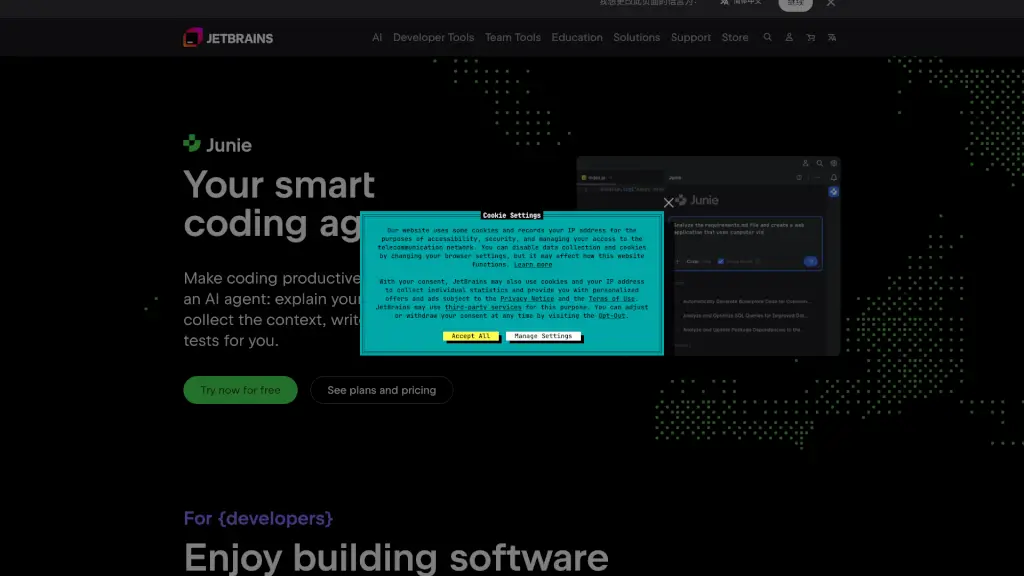
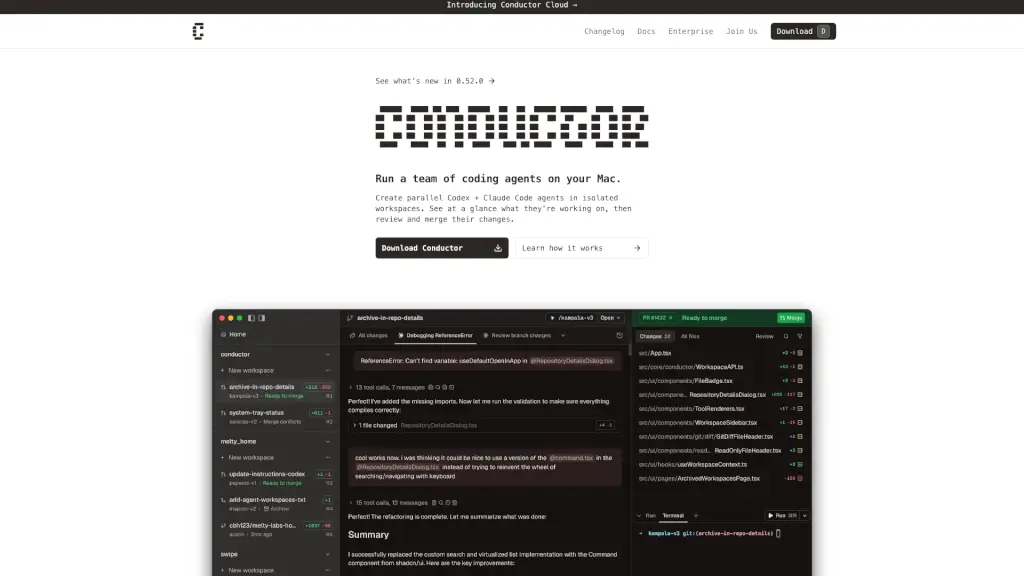
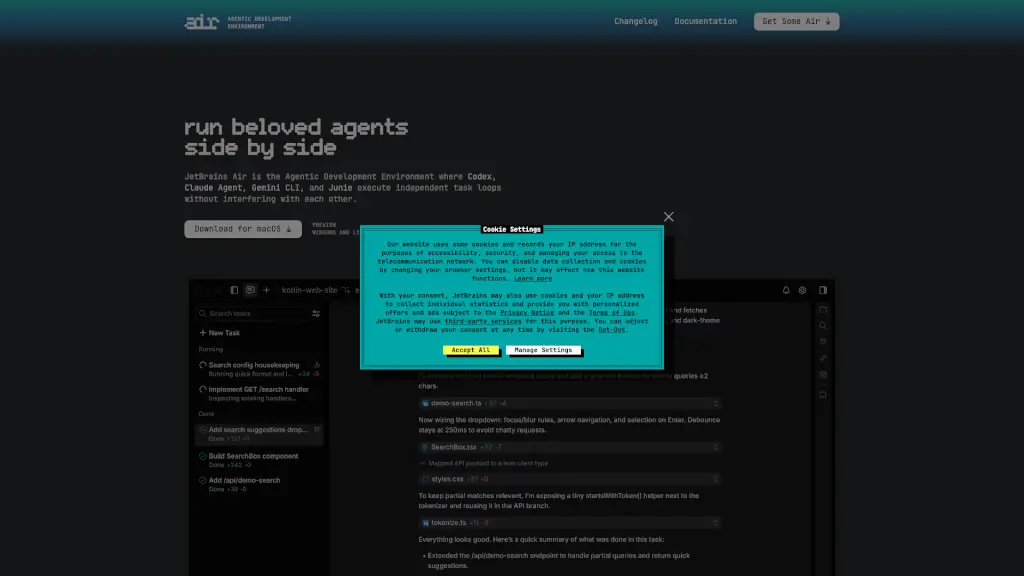
JetBrains Air is a new kind of development environment built for the age of AI coding agents. Instead of running one AI tool at a time in isolation, Air lets you run multiple agents—like Codex, Claude Agent, Gemini CLI, and Junie—side by side, each working on separate tasks without stepping on each other’s toes. Think of it as your personal AI team, all coordinated in one place so you stay in control while getting more done.
Designed by JetBrains—the makers of popular IDEs like IntelliJ IDEA and PyCharm—Air focuses on real-world coding workflows, not just chat or one-off prompts. It gives you the tools to define precise tasks using actual code context (like files, commits, or symbols), run agents in isolated environments (using Docker or Git worktrees), and review changes with full language intelligence. Whether you're learning a new language or building microservices, Air helps you delegate smarter and move faster.
What are the features of JetBrains Air?
- Parallel Agent Execution: Run multiple AI agents simultaneously—no more waiting for one task to finish before starting another.
- Isolated Task Environments: Each agent works in its own sandbox (via Docker, Git worktrees, or cloud setups) to prevent conflicts and keep your main codebase safe.
- Code-Aware Task Definition: Reference real project elements like classes, methods, files, or commits when assigning work—so agents get the right context from the start.
- Unified Oversight Dashboard: Track all your agents’ progress in one view, jump into any task to give feedback, and course-correct anytime.
- Agent Flexibility: Switch between or compare outputs from Codex, Claude Agent, Gemini CLI, and Junie based on what fits your task best.
- Workspace Management: Keep sessions, branches, and history organized per project so complex workflows stay clean and collision-free.
- JetBrains AI & BYOK Support: Use your existing JetBrains AI Pro/Ultimate subscription or plug in your own API keys from OpenAI, Anthropic, or Google.
What are the use cases of JetBrains Air?
- Rapidly prototype a CLI tool in an unfamiliar language (like Go) with AI agents handling boilerplate and structure.
- Break down a large feature into subtasks and assign different agents to implement, test, and document each part in parallel.
- Refactor legacy code by having one agent analyze dependencies while another drafts updated modules—all within isolated branches.
- Onboard new team members by letting them explore project logic through agent-assisted explanations tied to real code symbols.
- Compare how different AI models approach the same problem (e.g., Claude vs. Gemini) to choose the best output.
- Automate repetitive dev tasks like writing unit tests or updating config files across microservices without manual copy-paste.
How to use JetBrains Air?
- Start by downloading JetBrains Air for macOS (Windows and Linux previews coming soon).
- Sign in with your JetBrains AI Pro or Ultimate account—or connect your own API keys via BYOK (Bring Your Own Key).
- Create a new workspace linked to your Git repository to keep tasks scoped and isolated.
- Define a task by referencing specific files, commits, or code symbols so agents understand the exact context.
- Launch multiple agents at once—assign Codex to one job, Claude to another—and let them run in parallel.
- Monitor progress in the overview panel, jump into any task to provide input, then review and commit changes using Air’s code-aware diff viewer.