
JetBrains Air logo

JetBrains Air

5.0
(0 Reviews)
United States22.84%

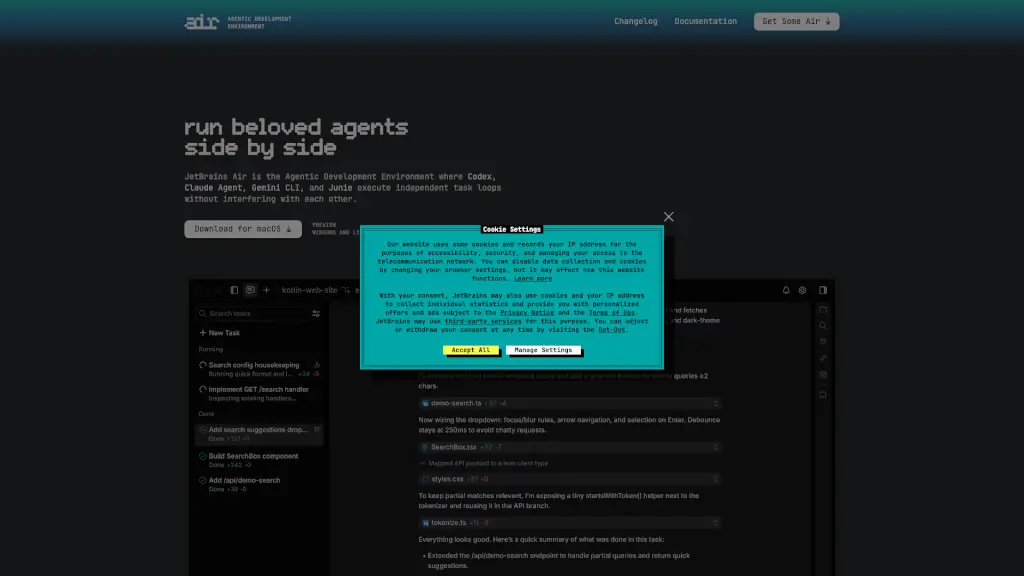
JetBrains Air is an agentic development environment that lets you run multiple AI coding agents in parallel with full oversight, isolation, and code-aware context.

Verified by SeekTool
Social Media:
JetBrains Air

JetBrains Air Product Information

What is JetBrains Air?

JetBrains Air is a new kind of development environment built for the age of AI coding agents. Instead of running one AI tool at a time in isolation, Air lets you run multiple agents—like Codex, Claude Agent, Gemini CLI, and Junie—side by side, each working on separate tasks without stepping on each other’s toes. Think of it as your personal AI team, all coordinated in one place so you stay in control while getting more done.

Designed by JetBrains—the makers of popular IDEs like IntelliJ IDEA and PyCharm—Air focuses on real-world coding workflows, not just chat or one-off prompts. It gives you the tools to define precise tasks using actual code context (like files, commits, or symbols), run agents in isolated environments (using Docker or Git worktrees), and review changes with full language intelligence. Whether you're learning a new language or building microservices, Air helps you delegate smarter and move faster.

What are the features of JetBrains Air?

  • Parallel Agent Execution: Run multiple AI agents simultaneously—no more waiting for one task to finish before starting another.
  • Isolated Task Environments: Each agent works in its own sandbox (via Docker, Git worktrees, or cloud setups) to prevent conflicts and keep your main codebase safe.
  • Code-Aware Task Definition: Reference real project elements like classes, methods, files, or commits when assigning work—so agents get the right context from the start.
  • Unified Oversight Dashboard: Track all your agents’ progress in one view, jump into any task to give feedback, and course-correct anytime.
  • Agent Flexibility: Switch between or compare outputs from Codex, Claude Agent, Gemini CLI, and Junie based on what fits your task best.
  • Workspace Management: Keep sessions, branches, and history organized per project so complex workflows stay clean and collision-free.
  • JetBrains AI & BYOK Support: Use your existing JetBrains AI Pro/Ultimate subscription or plug in your own API keys from OpenAI, Anthropic, or Google.

What are the use cases of JetBrains Air?

  • Rapidly prototype a CLI tool in an unfamiliar language (like Go) with AI agents handling boilerplate and structure.
  • Break down a large feature into subtasks and assign different agents to implement, test, and document each part in parallel.
  • Refactor legacy code by having one agent analyze dependencies while another drafts updated modules—all within isolated branches.
  • Onboard new team members by letting them explore project logic through agent-assisted explanations tied to real code symbols.
  • Compare how different AI models approach the same problem (e.g., Claude vs. Gemini) to choose the best output.
  • Automate repetitive dev tasks like writing unit tests or updating config files across microservices without manual copy-paste.

How to use JetBrains Air?

  • Start by downloading JetBrains Air for macOS (Windows and Linux previews coming soon).
  • Sign in with your JetBrains AI Pro or Ultimate account—or connect your own API keys via BYOK (Bring Your Own Key).
  • Create a new workspace linked to your Git repository to keep tasks scoped and isolated.
  • Define a task by referencing specific files, commits, or code symbols so agents understand the exact context.
  • Launch multiple agents at once—assign Codex to one job, Claude to another—and let them run in parallel.
  • Monitor progress in the overview panel, jump into any task to provide input, then review and commit changes using Air’s code-aware diff viewer.

Do you like this tool?

Upvote to help others discover it!

JetBrains Air Alternatives

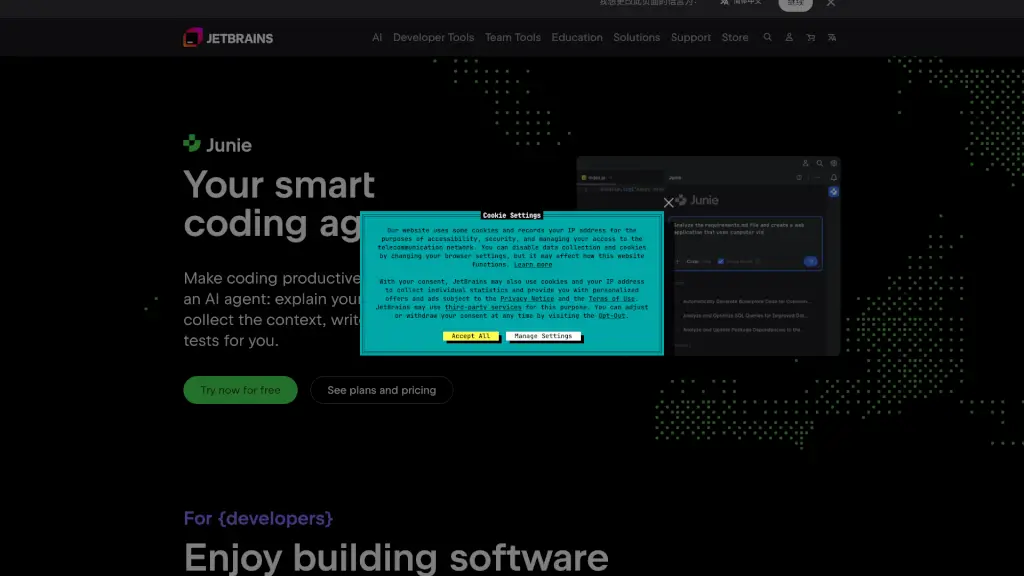
JetBrains AI

JetBrains AI

JetBrains provides a suite of intelligent development tools, including IntelliJ IDEA, PyCharm, and WebStorm, along with powerful team collaboration and project management solutions like TeamCity and YouTrack, to enhance productivity and code quality.

US
13.91%
6.0M
5.0
Conductor

Conductor

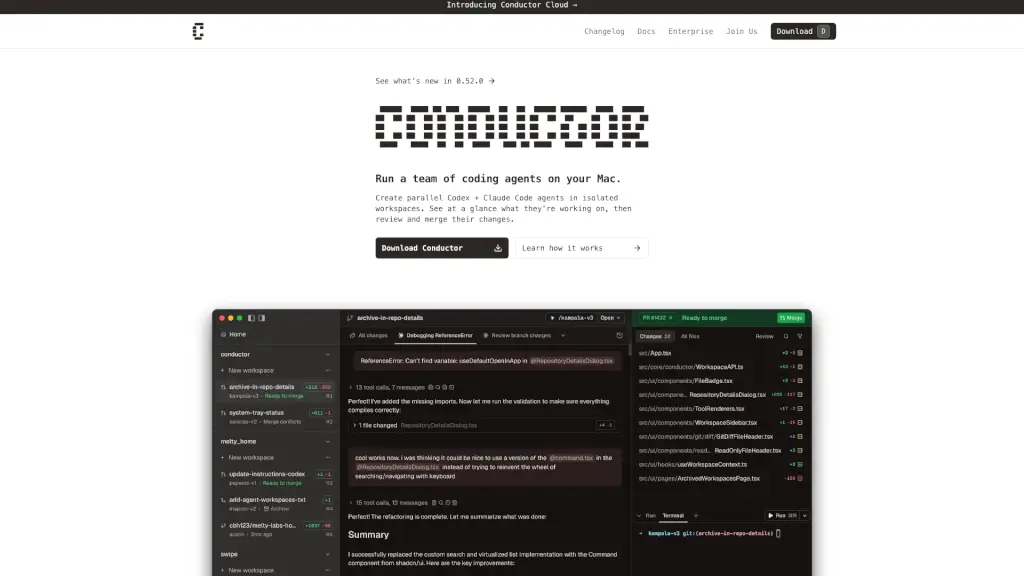
Conductor lets you run a team of parallel AI coding agents on your Mac with isolated workspaces, real-time oversight, and seamless Git integration.

US
39.00%
252.8K
5.0
Fine - AI Agents for Software Development

Fine - AI Agents for Software Development

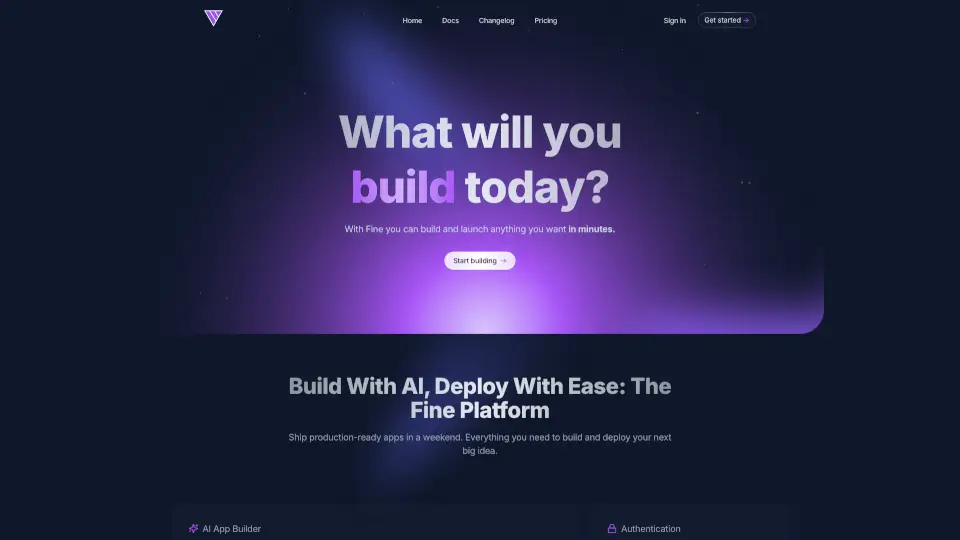
Fine is the ultimate AI coding tool for startups, helping developers ship faster and focus on innovation. With features like automated coding, testing, and PR management, Fine is like having an extra team member.

IN
49.20%
3.0
OpenCode

OpenCode

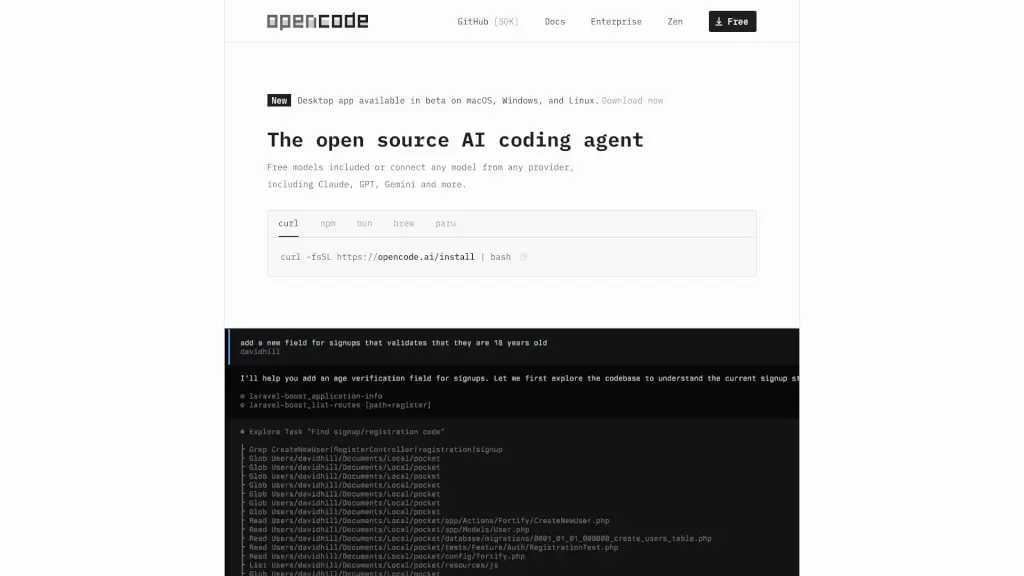
OpenCode is a free, open-source AI coding agent that supports LSP, multi-sessions, and integrates with over 75 LLM providers, making coding more efficient and collaborative.

CN
25.99%
11.6M
5.0
Aide.dev

Aide.dev

AgentFarm is a powerful coding assistant that automates PR workflows, improves code quality, and runs tasks in parallel, all while integrating seamlessly with GitHub.

US
31.32%
7.3K
3.0
Refact.ai

Refact.ai

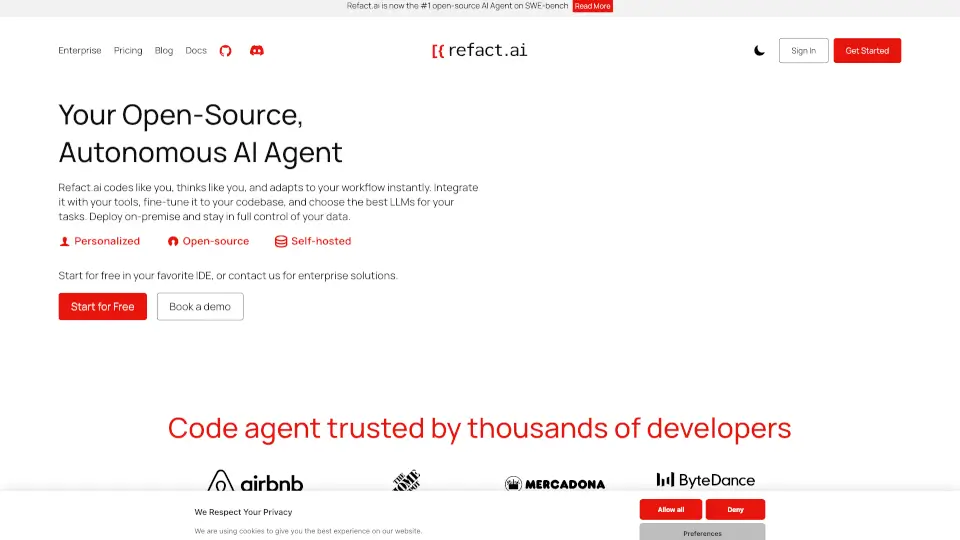
Refact.ai is an open-source, secure AI coding assistant that helps you write better code faster. With 20+ LLMs, in-IDE chat, and on-premise deployment, it’s the ultimate tool for developers.

US
13.73%
78.5K
5.0
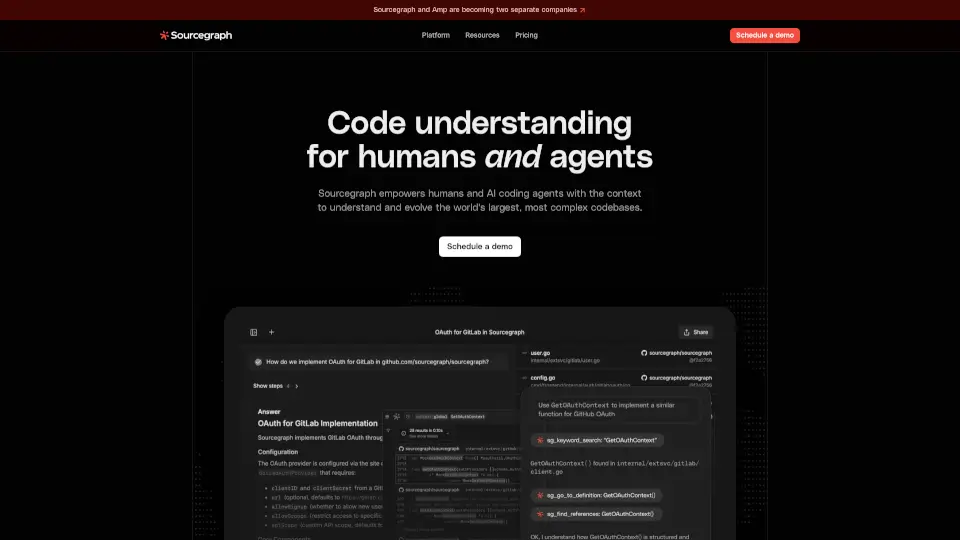
Sourcegraph

Sourcegraph

Sourcegraph is a game-changer for software development, using AI to automate tasks and improve efficiency in large codebases. It’s trusted by top companies worldwide to accelerate innovation.

US
38.91%
207.6K
5.0
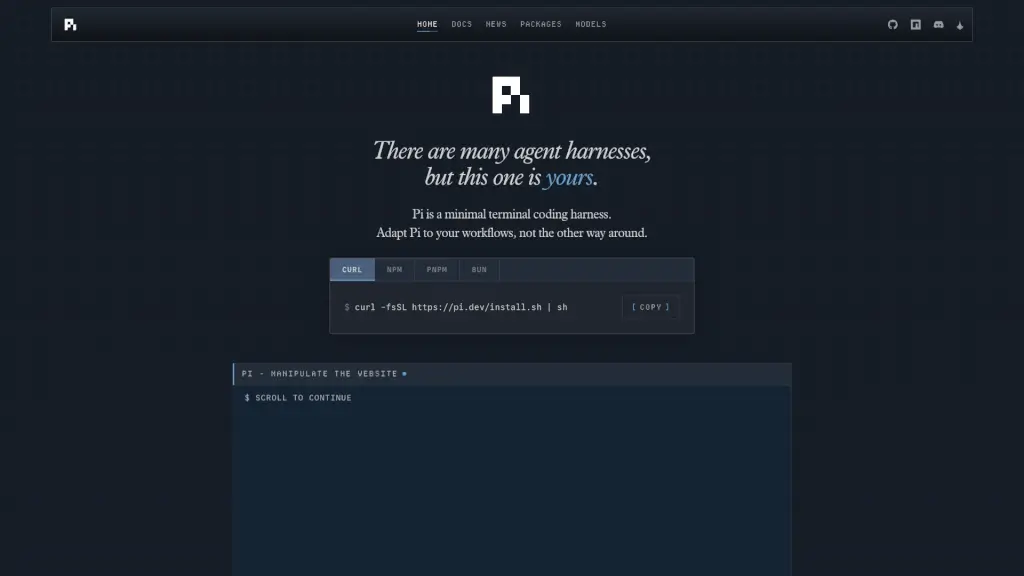
Pi Coding Agent

Pi Coding Agent

Pi Coding Agent is a minimal, extensible terminal harness that adapts to your coding workflow with custom TUIs, multi-model AI support, and shareable session trees.

CN
21.61%
1.5M
5.0

JetBrains Air Related Other Categories

JetBrains Air Traffic Analysis

💡 Insights

Medium Scale
100K-1M monthly visits. Growing tool with active development.
➡️
Stable
Traffic remains stable, indicating a mature product.
👍
Good Experience
Bounce rate of 54%. Users are willing to explore features.
  • Monthly Visits

    167.07K

  • Bounce Rate

    54.44%

  • Pages Per Visit

    1.28

  • Visit Duration

    00:00:17

  • Global Rank

    319156

  • Country Rank

    253636

Visits Over Time

Traffic Sources

Direct34.87%
Search Organic25.73%
Search Paid17.48%
Referrals12.49%
Mail5.85%
Display Ads1.30%
Gen Ai1.12%
Social Organic0.79%
Social Paid0.38%
Affiliate0.00%

Top Keywords

1
jetbrains air
CPC$6.24
9.71KTraffic
2
codex
CPC$4.48
2.06KTraffic
3
jetbrain air
950Traffic
4
claude code
CPC$2.73
580Traffic
5
air jetbrains
410Traffic

Top Regions

RegionPercentage
United States
United States
22.84%
China
China
12.88%
Germany
Germany
12.42%
South Korea
South Korea
4.80%
United Kingdom
United Kingdom
4.63%
Low
High

Powered by SimilarWeb

JetBrains Air FAQ

What is Air?

Air is an agentic development environment built by JetBrains. With Air, you can delegate coding tasks to multiple AI agents and run them concurrently. It brings your favorite coding agents—Codex, Claude Agent, Gemini CLI, and Junie—into one coherent workflow designed for real codebases. Air helps you define tasks precisely, run them in isolation, and review results with full code intelligence—all in one place.

How is Air different from CLI or chat agents?

Most agent tools focus only on the AI model. Air focuses on the entire developer workflow. Instead of juggling terminals, copying file paths, or reviewing raw diffs, Air gives you code-aware task definition (using symbols, classes, commits), isolated execution (via Docker or Git worktrees), context-aware review across your project, and dedicated workspaces to manage concurrent tasks.

Which agents are supported?

At launch, Air supports Claude Agent (Anthropic), Codex (OpenAI), Gemini CLI (Google), and Junie (JetBrains).

Can I switch between agents?

Yes! Air is agent-agnostic. You can switch models based on your project needs or even compare outputs from multiple agents side by side.

Can I use my JetBrains AI subscription?

Yes—if you have JetBrains AI Pro or Ultimate, you can sign in and use all supported agents at no extra cost. Note that JetBrains AI Free, Enterprise plans, and trials aren’t supported in Air. You can also use BYOK (your own API keys), which takes priority over your JetBrains subscription when configured.

What are workspaces?

Workspaces keep agent sessions, Git state, navigation, and tools scoped to a single project. They let you run tasks concurrently, preserve session history, avoid branch collisions, and manage complex workflows without switching between windows.

How does Air relate to JetBrains IDEs?

Air is a standalone desktop app focused on agent-powered development. It doesn’t replace your IDE—it complements it. Use Air to orchestrate AI agents, then switch back to your JetBrains IDE (like IntelliJ or PyCharm) for debugging, testing, or deep coding.

JetBrains Air Reviews

0

0

0 Reviews
Sign Into leave a review

Recent Reviews

No reviews yet

JetBrains Air Embed

Use website badges to drive community support for SeekTool.ai. They are easy to embed in your homepage or footer.

Light
Dark
JetBrains Air - Featured on SeekTool.aiJetBrains Air - Featured on SeekTool.ai
How to install?

Category Rankings

Ranked by monthly traffic