What is Clipdrop?
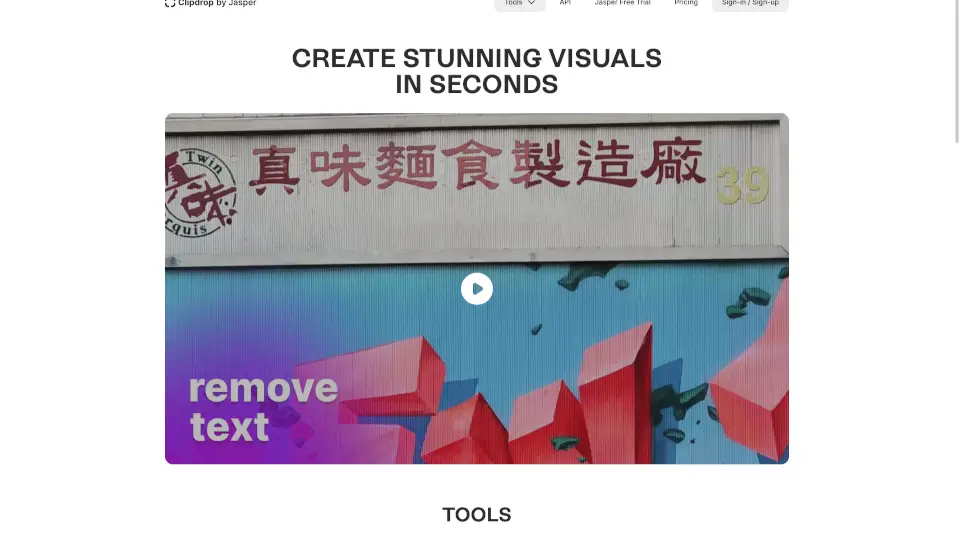
Clipdrop is your go-to AI-powered tool for creating stunning visuals in seconds. Whether you need to remove backgrounds, clean up pictures, or upscale images, Clipdrop makes it easy and fast. With features like Generative Fill, Universal Resizer, and Jasper AI, you can transform your images with just a few clicks.
What are the features of Clipdrop?
- Generative Fill: Replace, remove, and fix any element in your pictures effortlessly.
- Universal Resizer: Resize images for any social media platform with ease.
- Jasper AI: Generate text for millions of use cases, free for 7 days.
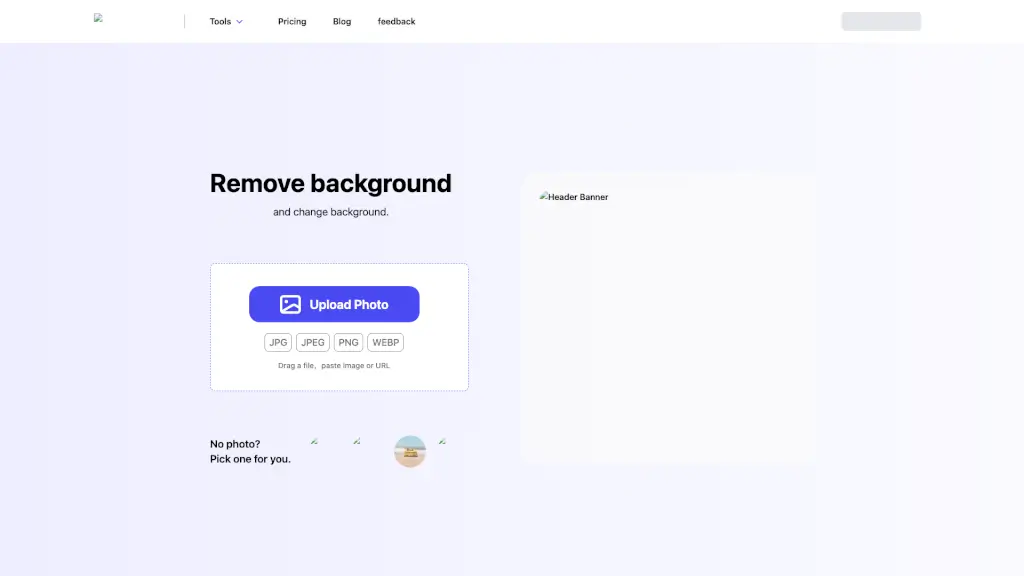
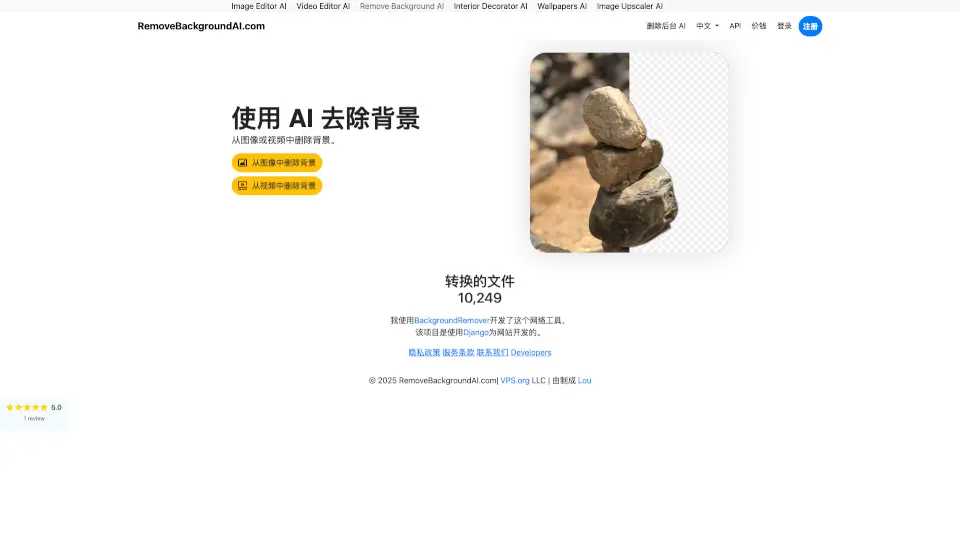
- Remove Background: Extract the main subject from a picture with incredible accuracy.
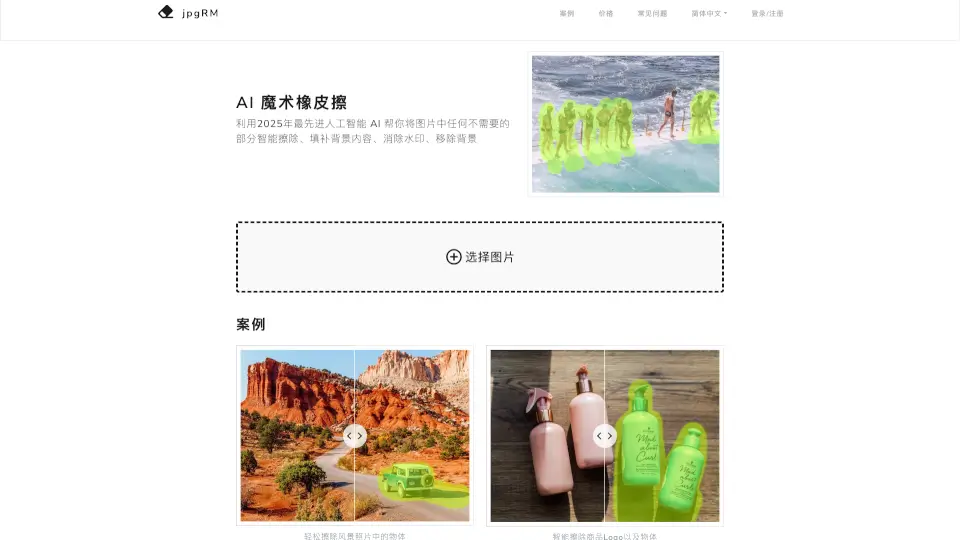
- Cleanup: Remove objects, people, text, and defects automatically.
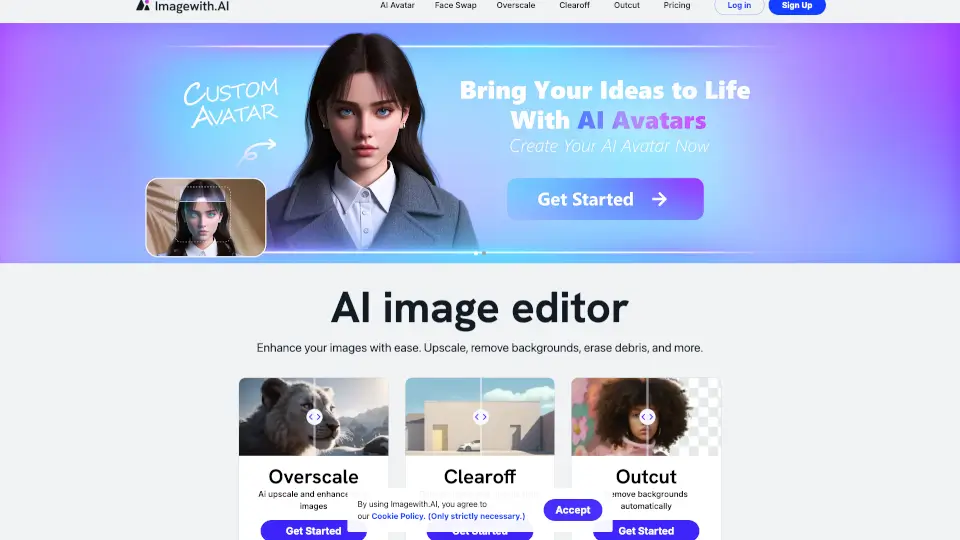
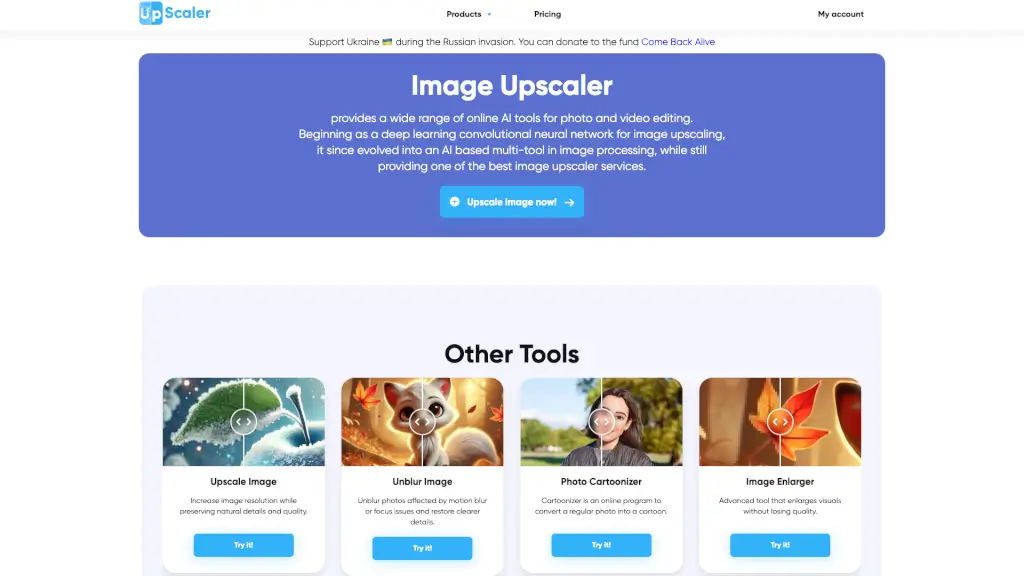
- Image Upscaler: Upscale images by 2x or 4x in seconds, removing noise and recovering details.
- Reimagine: Create multiple variants of an image.
What are the use cases of Clipdrop?
- Real Estate: Enhance property photos by removing unwanted elements.
- Portrait Edition: Perfect your portraits by cleaning up backgrounds and fixing imperfections.
- Social Media: Resize and optimize images for different platforms.
- Commercial Use: Use generated images for marketing and advertising.
How to use Clipdrop?
- Remove Background: Go to clipdrop.co/remove-background, upload your image, and download the result.
- Remove Object: Use Cleanup, upload your image, select the object, and download the cleaned image.
- Remove Person: Upload your image on Cleanup and get it back with the person removed.
- Background Removal in Photoshop: Install Clipdrop on your desktop and use Clipdrop Plugins.
- Background Removal via API: Use the Clipdrop Background removal API for fast and precise results.