
JPGRM logo

JPGRM

5.0
(0 Reviews)
China20.88%

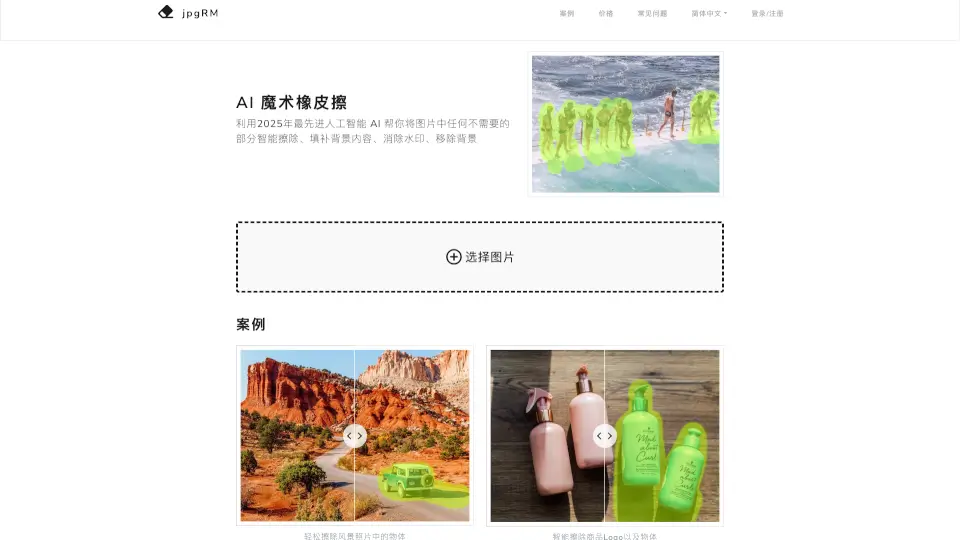
AI Magic Eraser uses next-gen artificial intelligence to instantly remove unwanted objects, watermarks, and backgrounds from photos with realistic, seamless results.

Verified by SeekTool
JPGRM

JPGRM Product Information

What is JPGRM?

Tired of unwanted objects, watermarks, or messy backgrounds ruining your photos? Meet AI Magic Eraser from jpgRM.com—the smart, easy-to-use tool that leverages cutting-edge 2026 AI technology to seamlessly remove anything you don’t want from your images. Whether it’s a photobomber in your vacation pic or a distracting logo on a product shot, AI Magic Eraser intelligently fills in the background so it looks like the object was never there.

Unlike basic editing apps, this tool uses advanced Generative Adversarial Networks (GANs) to understand your image’s context and reconstruct missing areas with stunning realism. No design skills needed—just brush over what you want gone, and let AI do the heavy lifting in seconds.

What are the features of JPGRM?

  • Smart Object Removal: Instantly erase people, logos, wires, or any unwanted element with AI-powered background reconstruction.
  • Watermark Elimination: Remove text or logo watermarks cleanly without leaving blurry patches or artifacts.
  • One-Click Background Removal: Isolate subjects effortlessly for clean cutouts—perfect for e-commerce or social media.
  • High-Resolution Output: VIP users can download results in crisp 4K quality, ideal for professional use.
  • Cross-Device Compatibility: Works smoothly on desktops, tablets, and smartphones—no app download required.
  • Privacy-Focused Processing: Your images are deleted immediately after processing—never stored or shared.
  • Real-Time Editing Tools: Use intuitive controls like undo/redo, zoom, and side-by-side comparison for precision editing.

What are the use cases of JPGRM?

  • Remove tourists or strangers from scenic travel photos to get that perfect solo shot.
  • Clean up product images by erasing brand logos or packaging flaws for online stores.
  • Delete crowded backgrounds in event photos to highlight your subject clearly.
  • Strip watermarks from screenshots or downloaded images for personal or presentation use.
  • Create transparent or solid-color backgrounds for profile pictures, ads, or marketing materials.
  • Fix old or damaged photos by removing scratches, stains, or unwanted elements.

How to use JPGRM?

  • Upload your image by clicking “Choose Image” or dragging it into the workspace.
  • Select the brush tool and paint over the area or object you want to remove.
  • Adjust brush size as needed and refine your selection—add or erase strokes freely.
  • Click “Erase” to let the AI process and fill in the background automatically.
  • Use “Compare” to toggle between original and edited versions for quality check.
  • Download your result: free users get 720px; VIP unlocks 4K downloads with no limits.
JPGRM Contact Email:

help@jpgrm.com

Do you like this tool?

Upvote to help others discover it!

JPGRM Alternatives

AI Watermark Remover

AI Watermark Remover

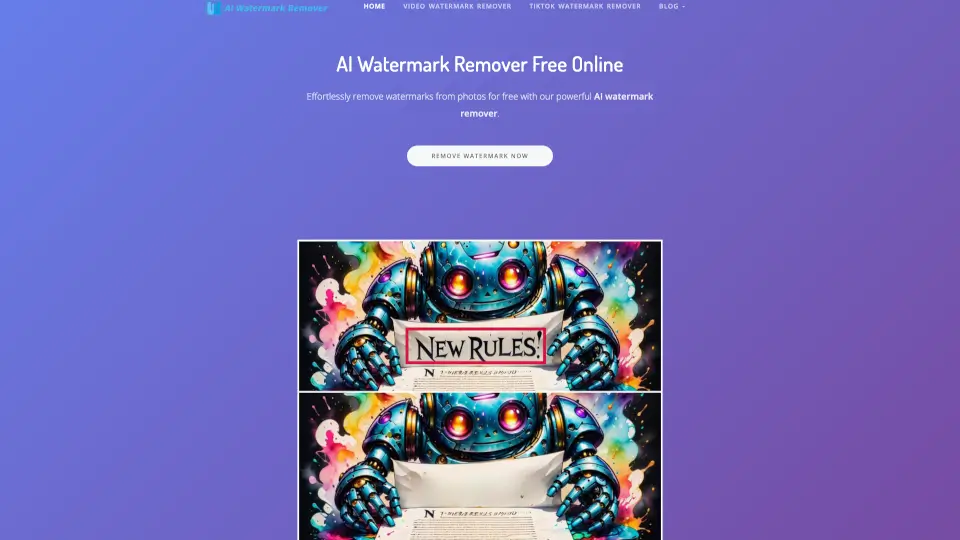
AI Watermark Remover makes it simple to erase watermarks from photos and videos—free, fast, and no fuss. Perfect for social media, personal projects, or pro content!

US
17.58%
20.7K
4.0
Cleanup.pictures

Cleanup.pictures

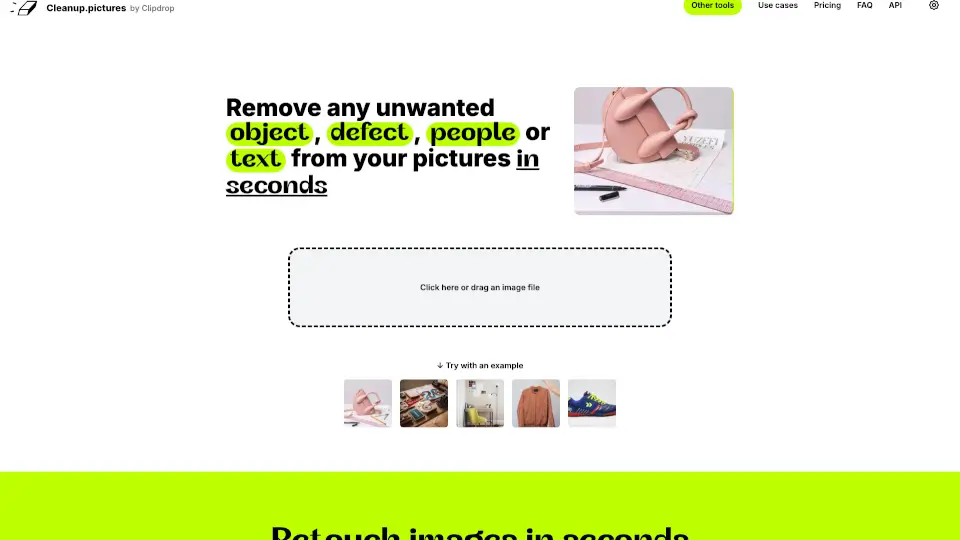
Cleanup.pictures is a fast, AI-powered tool for removing unwanted objects, people, and text from photos. Perfect for photographers, creatives, and e-commerce, it’s free to use with Pro options for high-res edits.

IN
12.20%
1.0M
5.0
BG Remover

BG Remover

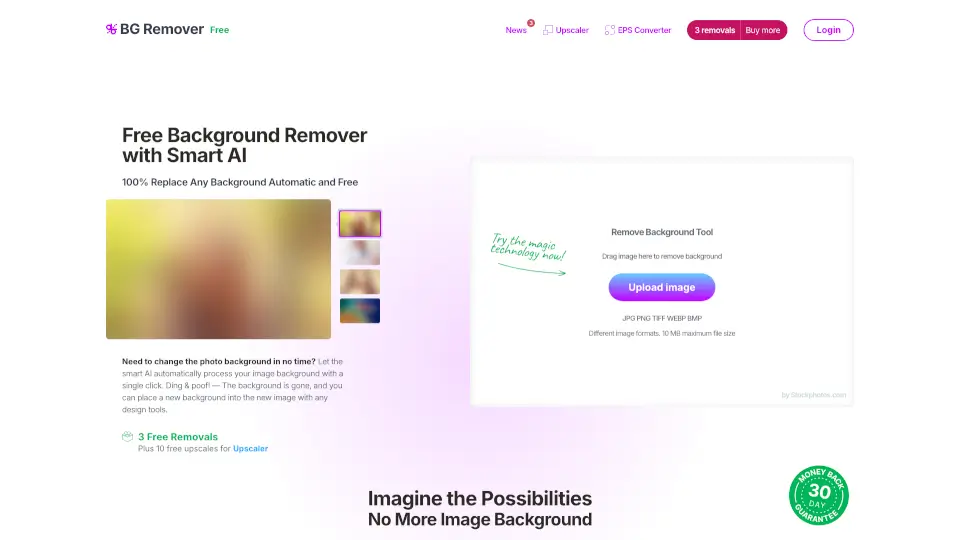
AI Image Background Remover is a fast, free, and easy-to-use tool that lets you remove backgrounds from images in seconds. Perfect for e-commerce, graphic design, and social media.

BR
66.97%
15.8K
4.0
Remove Background AI

Remove Background AI

RemoveBackgroundAI.com is a free, no-signup AI tool that instantly removes backgrounds from images and videos with professional precision.

US
16.71%
20.5K
4.0
Bg.Eraser

Bg.Eraser

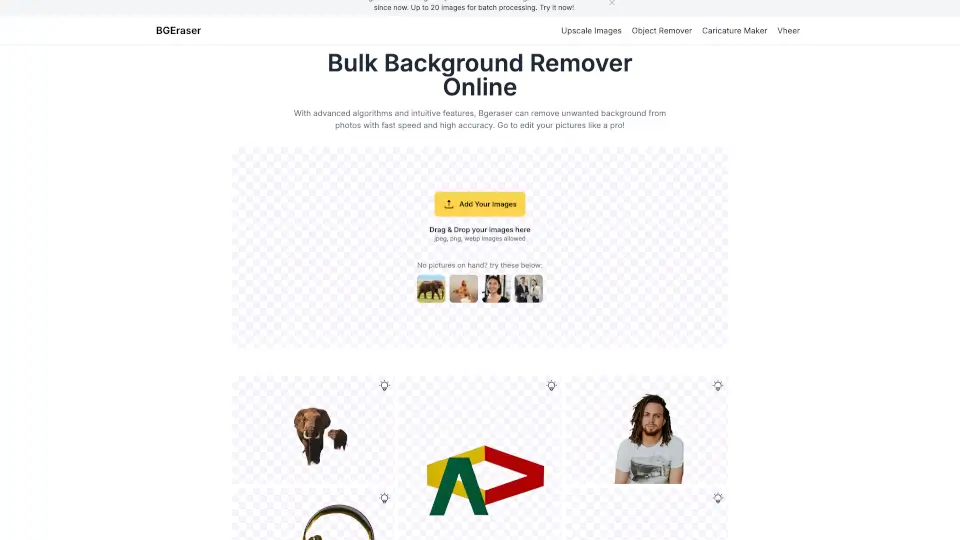
BgEraser is a free, web-based tool for removing backgrounds from images with high accuracy and ease. Perfect for portraits, product photos, and logos.

IN
14.27%
315.6K
5.0
Erase.bg

Erase.bg

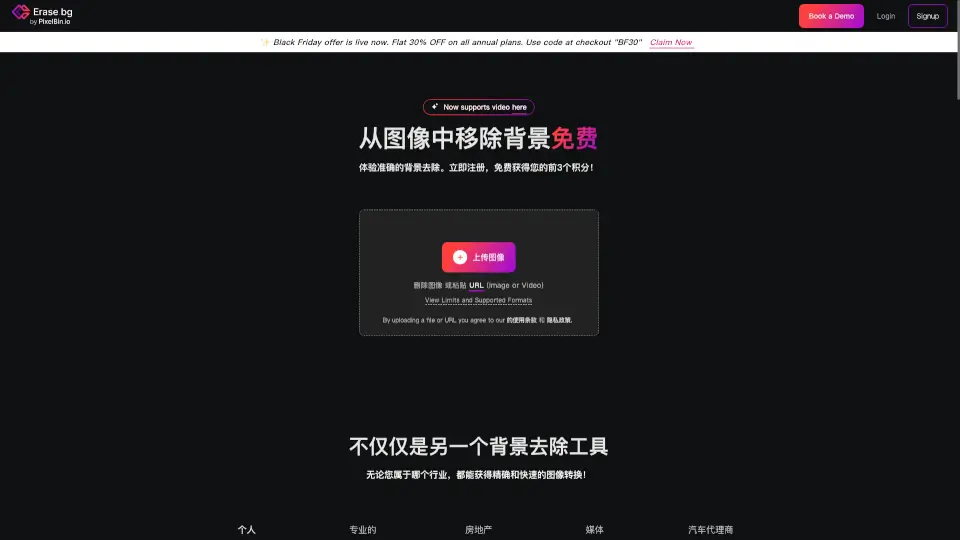
Erase.bg is a free, AI-powered tool that makes background removal quick and easy. Perfect for personal and professional use, it supports multiple formats and high-resolution images.

ID
22.35%
917.3K
5.0
Photiu.ai

Photiu.ai

Photiu.ai is a user-friendly online tool for removing backgrounds, upscaling images, and erasing unwanted objects, making photo editing quick and easy.

ID
19.51%
591.8K
5.0
Dewatermark.ai

Dewatermark.ai

Dewatermark.AI is a free, AI-powered tool that makes removing watermarks from images quick and easy, while maintaining high quality.

RU
13.85%
1.8M
5.0

JPGRM Related Other Categories

JPGRM Traffic Analysis

💡 Insights

🌱
Emerging Tool
10K-100K monthly visits. Niche or new tool with potential unique value.
⚠️
Slight Decline
Traffic has slightly decreased recently.
👍
Good Experience
Bounce rate of 44%. Users are willing to explore features.
🎯
Strong Brand
65% direct traffic. High user loyalty.
  • Monthly Visits

    56.86K

  • Bounce Rate

    44.04%

  • Pages Per Visit

    3.38

  • Visit Duration

    00:02:19

  • Global Rank

    510124

  • Country Rank

    51596

Visits Over Time

Traffic Sources

Direct65.34%
Search Organic25.07%
Referrals7.35%
Social Organic2.23%
Gen Ai0.00%
Search Paid0.00%
Social Paid0.00%
Affiliate0.00%

Top Keywords

1
jpgrm
340Traffic
2
hapus objek
CPC$0.14
230Traffic
3
hapus objek foto
CPC$0.11
230Traffic
4
оччистка изображения с ии
220Traffic
5
убрать лишние объекты вокруг персонажа без вотермарок онлайн
210Traffic

Top Regions

RegionPercentage
China
China
20.88%
Malaysia
Malaysia
15.49%
United States
United States
11.42%
Turkey
Turkey
9.69%
Indonesia
Indonesia
6.98%
Low
High

Powered by SimilarWeb

JPGRM FAQ

How does AI Magic Eraser work?

It uses 2026’s most advanced AI and Generative Adversarial Networks (GANs) to analyze your image, understand the surrounding context, and intelligently reconstruct removed areas so they blend naturally with the background.

How fast is the processing?

For images under 1000px, it usually takes just 1–2 seconds. Larger, high-resolution files may take a bit longer depending on complexity.

Does it work on mobile phones?

Yes! The tool is fully optimized for mobile browsers, so you can edit photos on your phone or tablet without downloading an app.

How can I get the best results?

Simply use the brush to clearly mark what you want removed. You can go over the same area multiple times to refine the selection until it looks perfect.

What happens to my photos after I use jpgRM?

Your images and results are deleted immediately after processing—jpgRM doesn’t store or save any user data anywhere.

Why is there a VIP subscription?

Running powerful AI models requires expensive GPU servers. VIP ($30/month or less with discounts) supports the service and unlocks 4K downloads and unlimited edits, while free users are limited to 720px resolution.

What if I see a “network error” message?

This usually means a temporary glitch with your connection or our servers. Just refresh and try again—it often works on the second attempt.

Are the example images on the website really made with this tool?

Yes! All promotional visuals on jpgRM.com were created using the AI Magic Eraser itself—you can achieve the same results.

JPGRM Reviews

0

0

0 Reviews
Sign Into leave a review

Recent Reviews

No reviews yet

JPGRM Pricing

Free Version

Download limit 720px, limited number of images
Free
  • 720px download limit
  • Limited number of images

VIP One Month

Support 4K HD download, unlimited number of images
¥30
  • 4K HD download
  • Unlimited number of images

VIP Six Months

Support 4K HD download, unlimited number of images
¥180 (50% off, original price ¥90)
  • 4K HD download
  • Unlimited number of images

VIP One Year

Support 4K HD download, unlimited number of images
¥360 (70% off, original price ¥120)
  • 4K HD download
  • Unlimited number of images

JPGRM Embed

Use website badges to drive community support for SeekTool.ai. They are easy to embed in your homepage or footer.

Light
Dark
JPGRM - Featured on SeekTool.aiJPGRM - Featured on SeekTool.ai
How to install?