
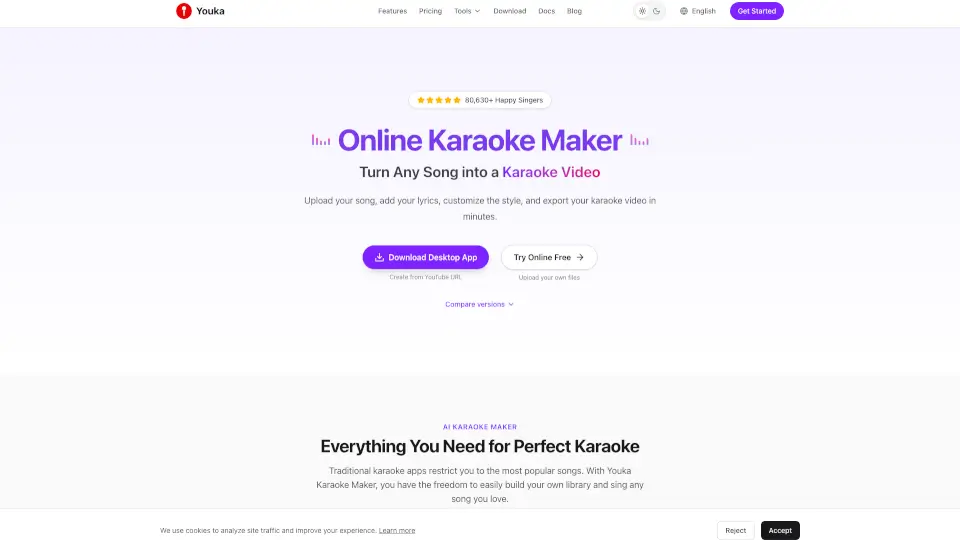
What is Youka?
Youka is an AI-powered karaoke maker that turns any song into a professional karaoke video in just a few minutes. Whether you're a casual singer or a music enthusiast, Youka makes it easy to create and customize your own karaoke videos. With features like automatic vocal removal, lyrics sync, and full customization, you can transform your favorite songs into high-quality karaoke experiences without any technical skills.
What are the features of Youka?
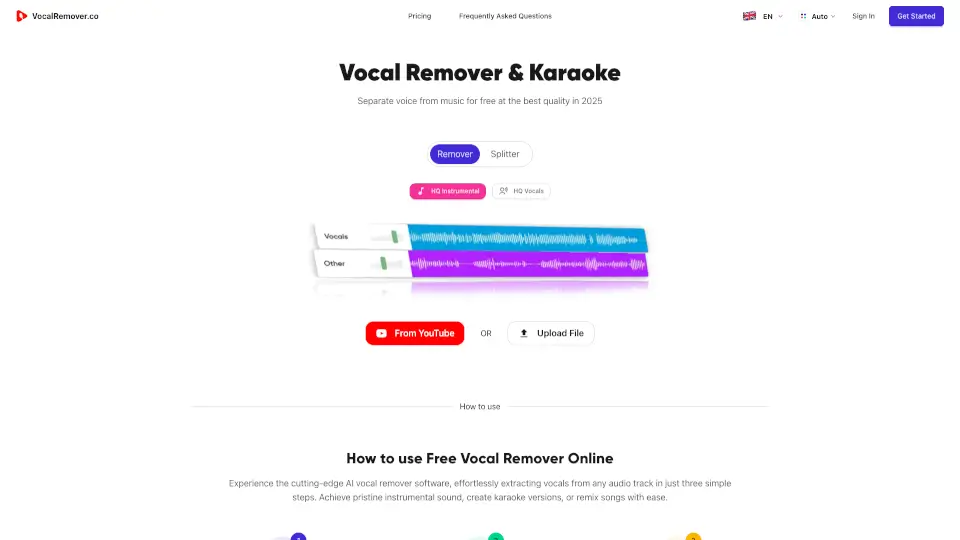
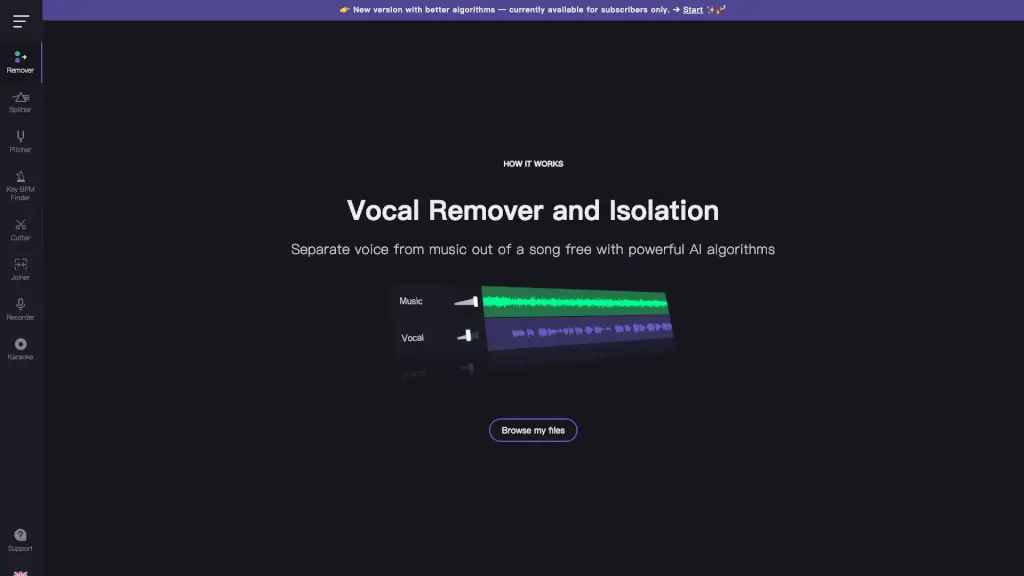
- AI Vocal RemovalAutomatically removes vocals from any song, leaving you with a clean instrumental track.
- Automatic Lyrics SyncPaste your lyrics, and the AI will sync them perfectly with the music, making the process smooth and effortless.
- Full CustomizationPersonalize your karaoke videos with background colors, images, or videos. Adjust font styles, sizes, and colors to match your style.
- 1-Click Karaoke MakerCreate a complete karaoke video in just a few clicks. Upload your song and lyrics, and the tool does the rest.
- 1080p MP4 ExportExport your karaoke videos in crystal-clear 1080p MP4 format at lightning speed, ensuring high-quality playback.
- Duet ModeEasily sync two or more voices, giving each one its own style and color, perfect for duet karaoke videos.
What are the use cases of Youka?
- Personal EntertainmentSing along to your favorite songs at home or with friends.
- Music EducationTeachers can use Youka to create custom karaoke videos for music lessons.
- Event HostingHost karaoke nights with a personalized playlist of your favorite songs.
- Content CreationMusicians and creators can make professional lyric videos for their tracks.
- Language LearningPractice and improve language skills by singing along to songs in different languages.
How to use Youka?
- Upload Your SongStart by uploading the audio file of the song you want to turn into karaoke.
- Add LyricsPaste the lyrics of the song into the provided text box.
- Customize Your VideoChoose a background, adjust font styles, and add any personal touches.
- Sync and PreviewLet the AI sync the lyrics and preview your karaoke video to ensure everything looks and sounds great.
- Export and ShareOnce you're satisfied, export your video in 1080p MP4 format and share it with friends or on social media.