
What is WriteHuman?
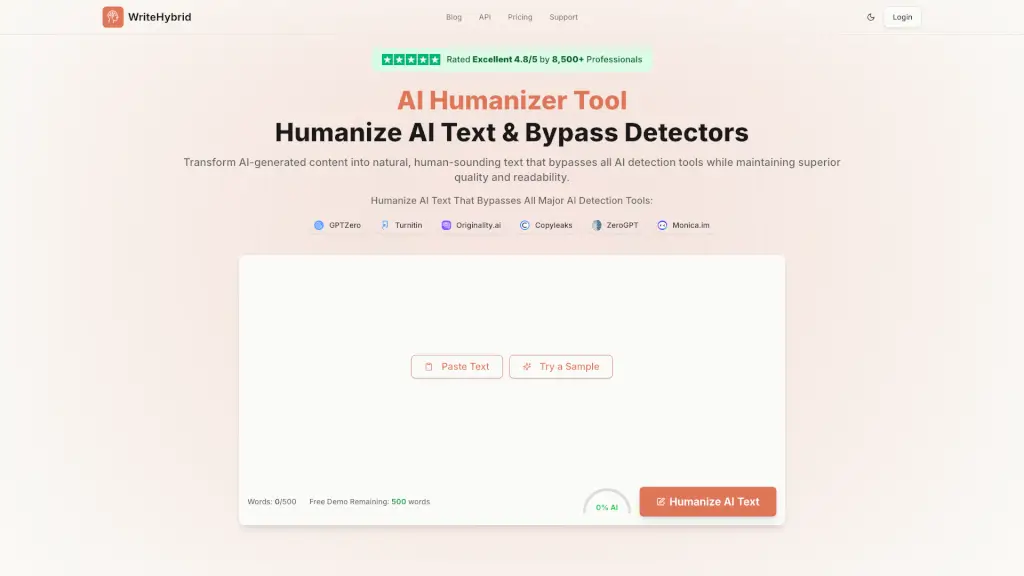
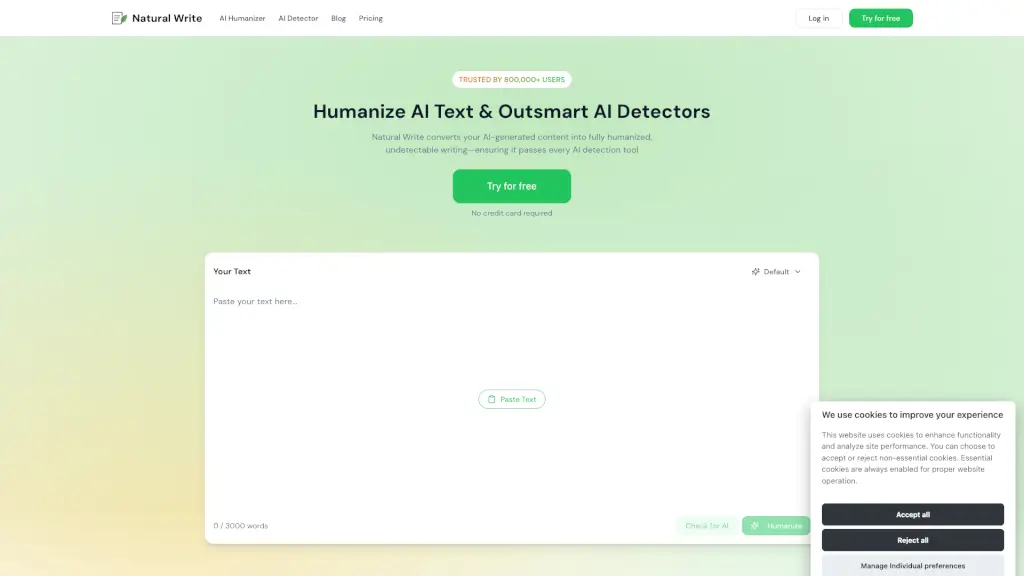
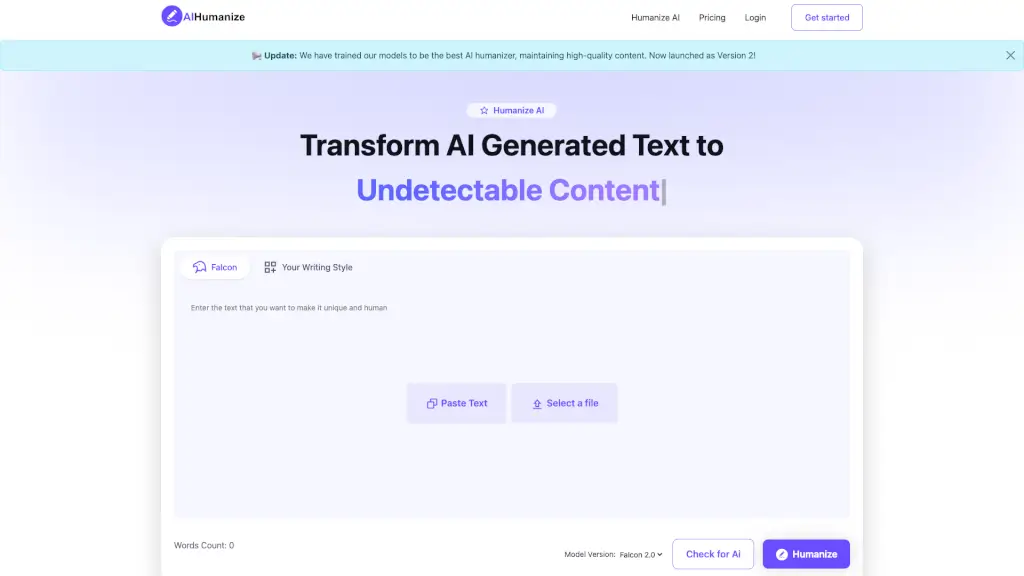
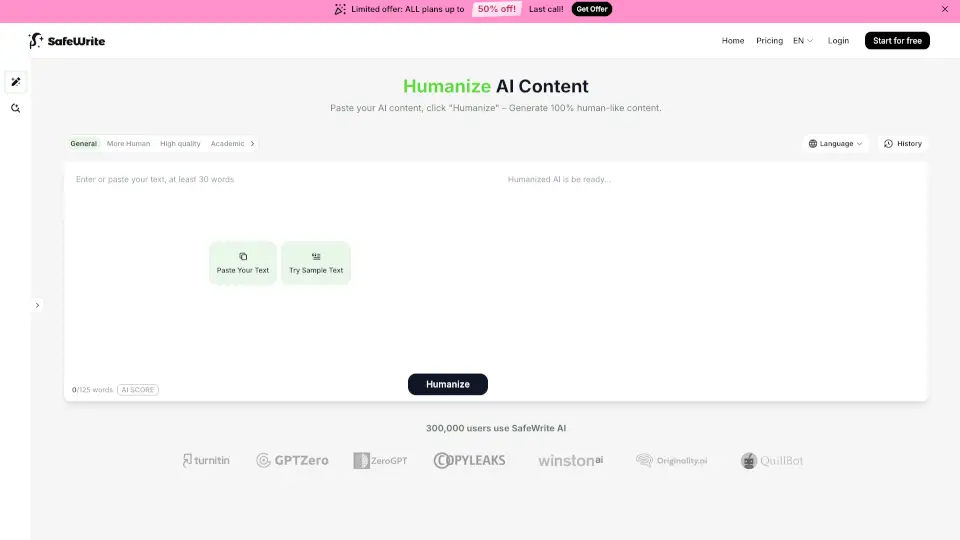
Tired of your AI writing sounding robotic or getting flagged by detectors? WriteHuman is a smart AI humanizer that transforms text from tools like ChatGPT, Claude, or Gemini into natural-sounding, human-quality writing—in seconds. It doesn’t just swap synonyms; it rewrites with varied sentence structure, authentic rhythm, and real-world phrasing so your content feels like it was written by you.
Whether you're a student, marketer, freelancer, or business pro, WriteHuman helps you bypass AI detectors like GPTZero, ZeroGPT, and Copyleaks while keeping your original message intact. Plus, it supports 40+ languages and works on everything from blog posts to emails, reports, and social captions.
What are the features of WriteHuman?
- AI Humanizer: Rewrites AI-generated text to mimic natural human writing patterns—varying sentence length, tone, and word choice.
- Built-in AI Detector: Instantly checks if your text will pass as human on major detection platforms before you publish.
- AI Image & Video Detectors: Identify whether images or videos were created by AI (great for verifying content authenticity).
- Word & Character Counter: Quick tool to track length for SEO, assignments, or platform limits.
- MCP Integration: New feature lets AI agents use WriteHuman directly for smarter, more human-like outputs.
- API Access: Developers can integrate humanization at scale via a simple REST endpoint with support for 40+ languages.
- Multiple Output Variations: Choose from 2–5 rewritten versions (depending on plan) to pick the best fit for your voice.
What are the use cases of WriteHuman?
- Students humanizing essay drafts to avoid AI flags while preserving citations and meaning.
- Marketers creating SEO-friendly blog posts that rank well because they don’t sound AI-generated.
- Freelancers delivering client-ready content that matches brand voice without hours of manual editing.
- Business professionals polishing internal memos, emails, or reports to sound more natural and engaging.
- Content creators refining newsletters or social media copy so it resonates like authentic human communication.
- Agencies scaling high-quality output across campaigns while maintaining consistent, human-like tone.
- Researchers ensuring academic submissions reflect original thought without machine-like phrasing.
How to use WriteHuman?
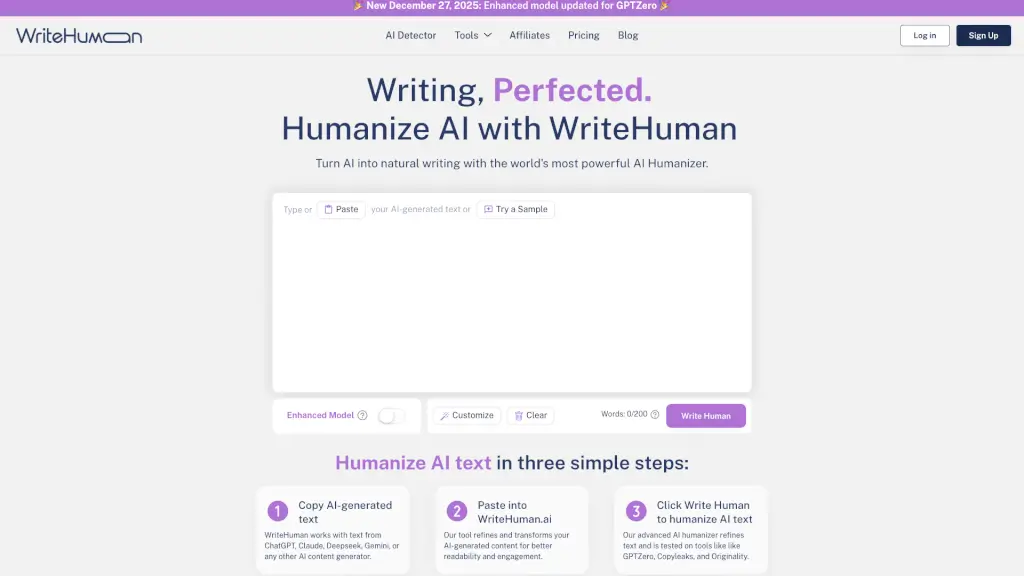
- Copy your AI-generated text from ChatGPT, Claude, Gemini, or any other tool.
- Paste it into the WriteHuman editor at writehuman.ai (plain text only).
- Select your preferred style: Standard or Enhanced.
- Click “Write Human” and wait a few seconds.
- Review the humanized output—check tone, accuracy, and flow.
- Use the built-in detector to confirm it passes as human before publishing.