
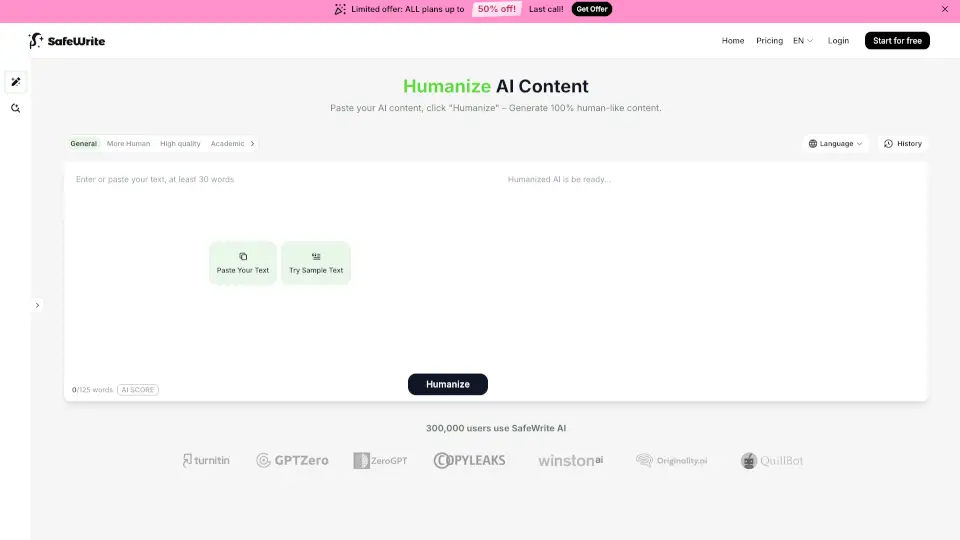
Qu'est-ce que SafeWrite AI ?
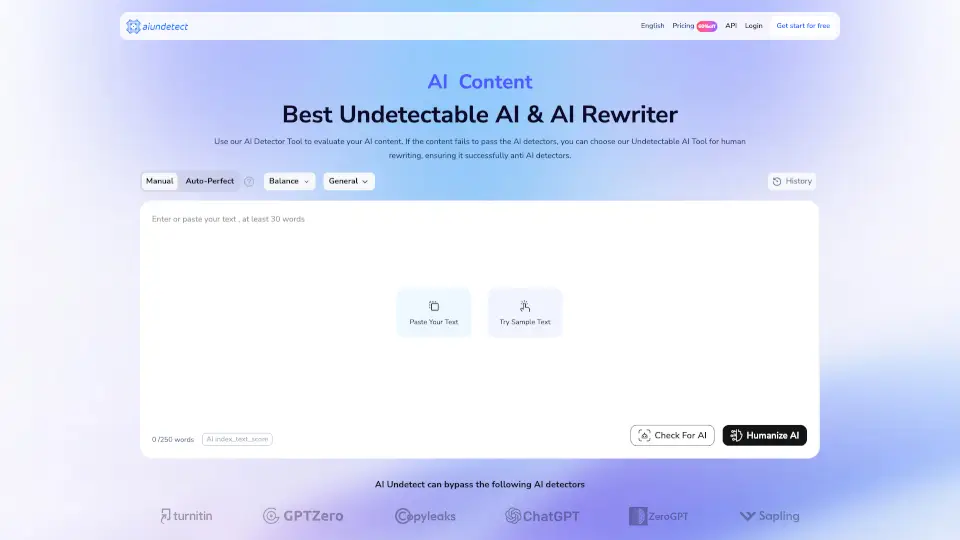
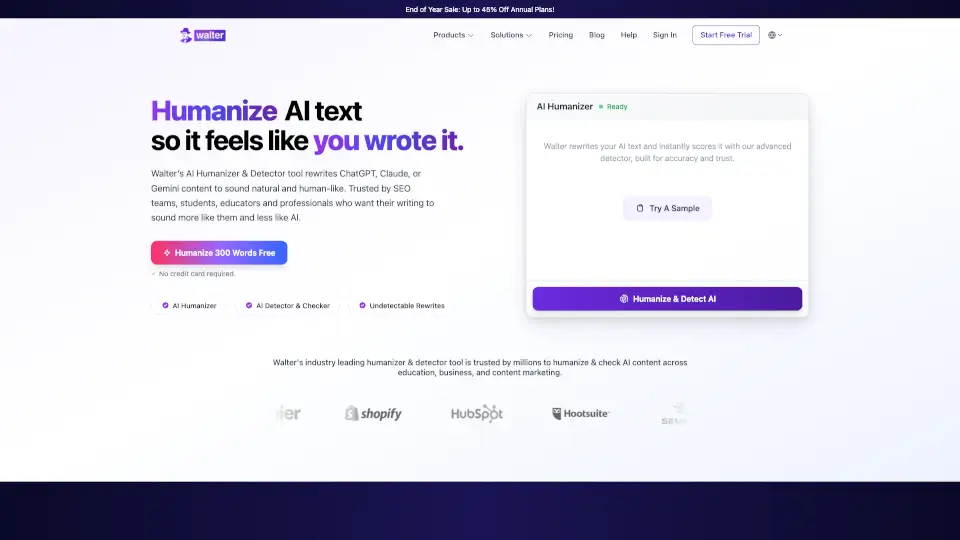
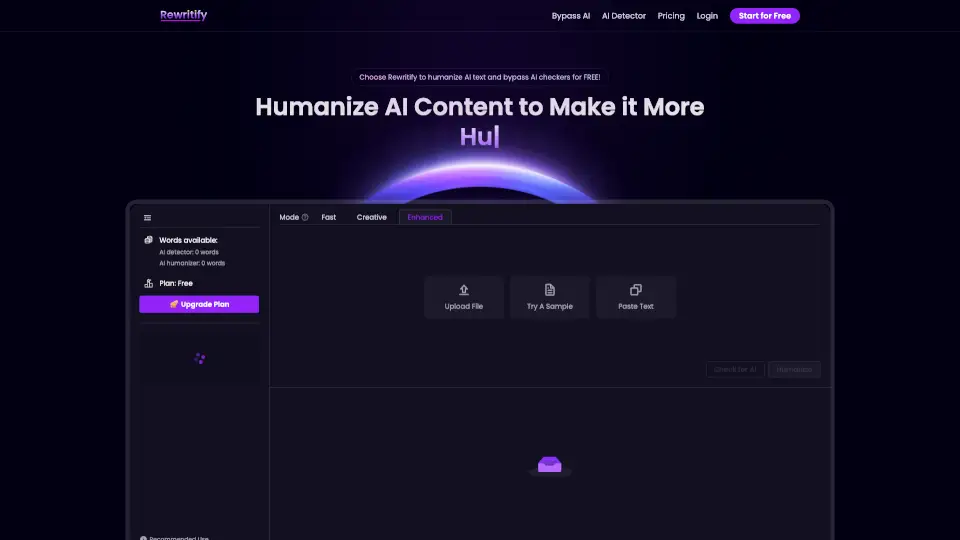
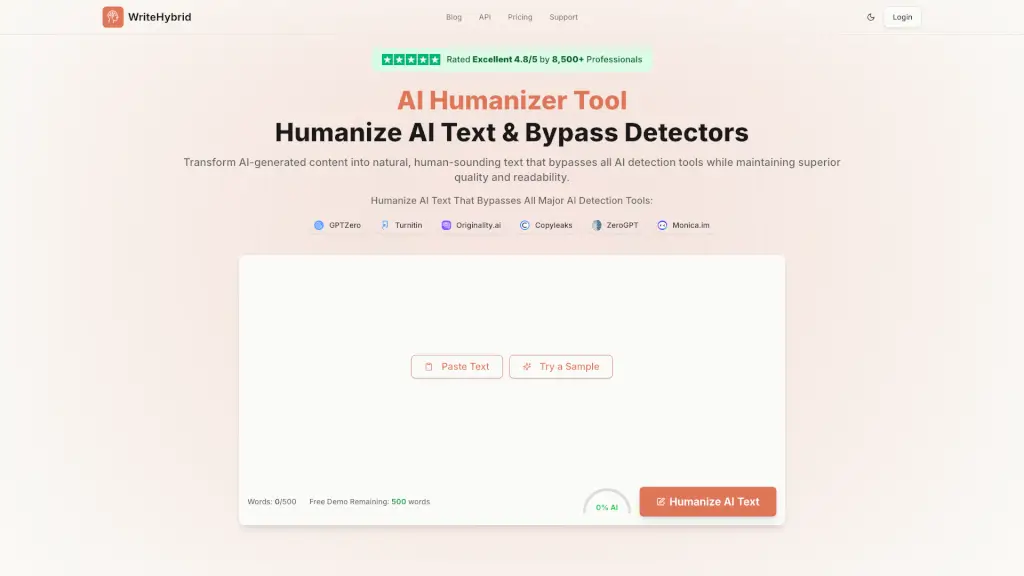
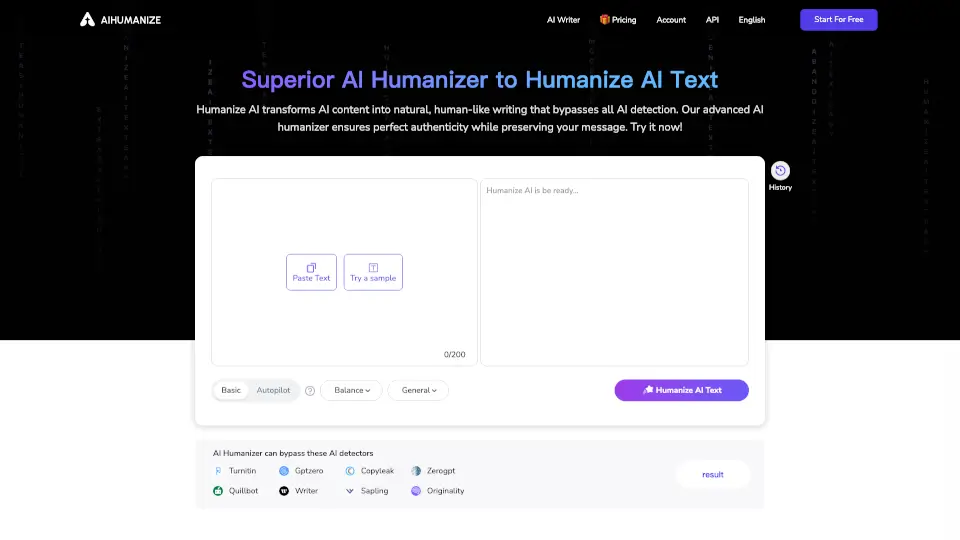
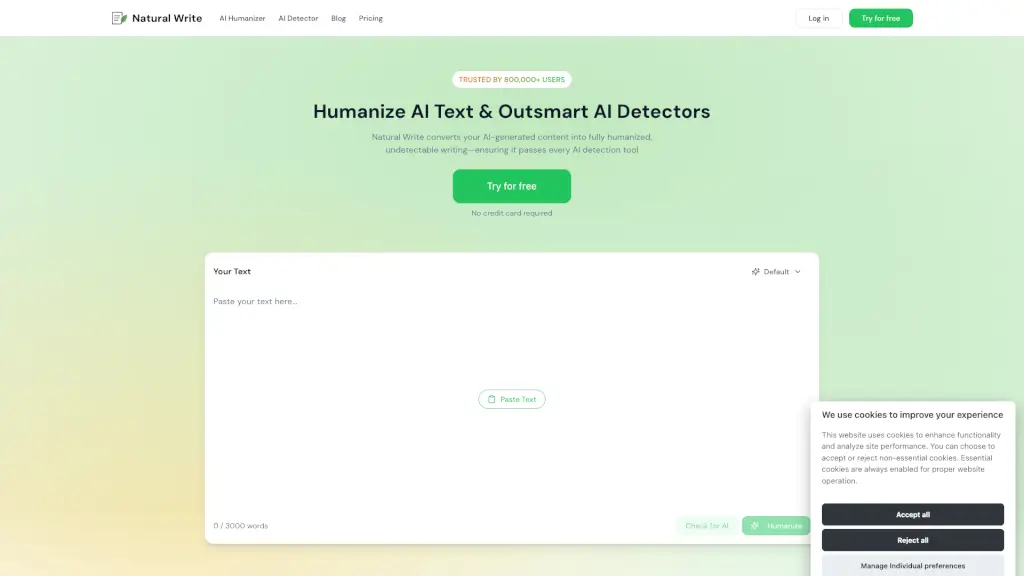
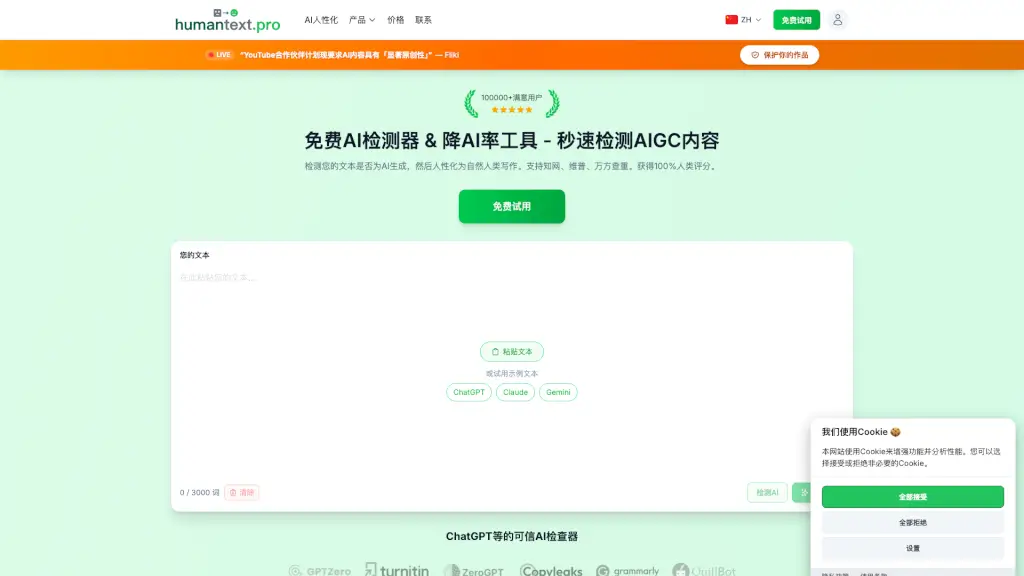
SafeWrite est une solution tout-en-un pour détecter et humaniser les textes générés par l’IA. Elle intègre des outils populaires comme GPTZero, Turnitin et Copyleaks pour transformer vos contenus IA en textes 100% naturels et indétectables. Que vous soyez étudiant, rédacteur ou professionnel, SafeWrite vous aide à écrire en toute confiance sans craindre les détecteurs d’IA.
Quelles sont les caractéristiques de SafeWrite AI ?
- Humanisation avancée : Réécriture personnalisée selon votre style pour rendre le texte indétectable par les outils IA.
- Détection multi-plateforme : Analyse simultanée avec GPTZero, Turnitin, Copyleaks, ZeroGPT et plus.
- Rapports détaillés : Obtenez en un clic un rapport complet sur la probabilité IA et le taux de duplication.
- Support multilingue : Fonctionne avec plusieurs langues, pas seulement l’anglais.
- Protection de la vie privée : Votre modèle de réécriture reste privé et s’adapte à vos habitudes d’écriture.
- Interface simple : Utilisation facile, même pour les débutants.
Quels sont les cas d'utilisation de SafeWrite AI ?
- Étudiants : Rendre les devoirs et mémoires indétectables par Turnitin ou d’autres détecteurs.
- Rédacteurs freelance : Vérifier et adapter les contenus pour éviter les drapeaux IA.
- Créateurs de contenu : Surmonter le syndrome de la page blanche tout en gardant un style unique.
- Entreprises : Garantir l’authenticité des textes marketing ou publicitaires.
- Universitaires : Prévenir les problèmes d’intégrité académique.
Comment utiliser SafeWrite AI ?
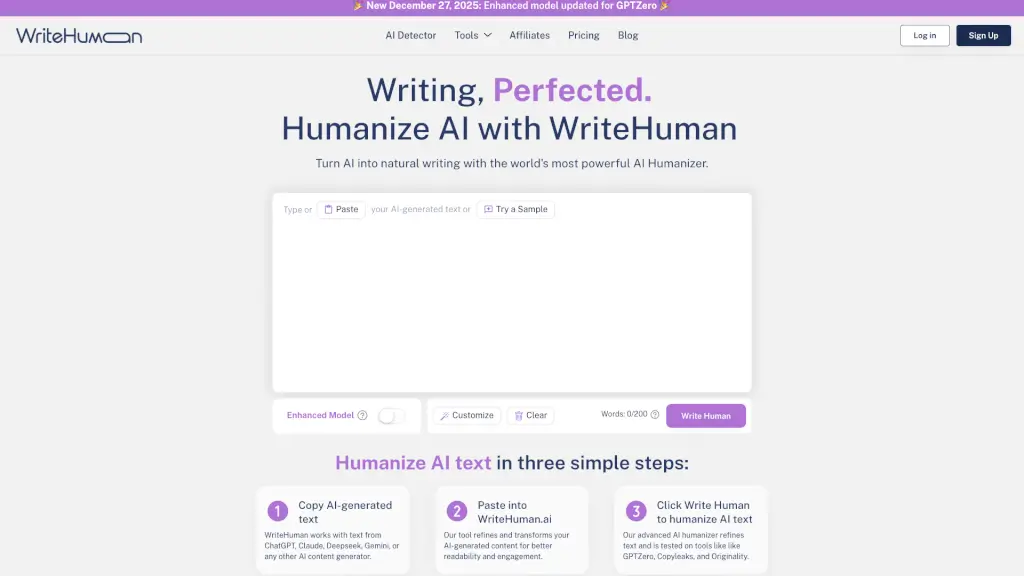
- Étape 1 : Collez votre texte généré par IA dans SafeWrite.
- Étape 2 : Cliquez sur le bouton « Humaniser » pour lancer la réécriture.
- Étape 3 : Répétez jusqu’à obtenir un texte parfaitement naturel.
- Étape 4 : Sélectionnez le détecteur IA de votre choix pour vérifier le résultat.
- Étape 5 : Téléchargez ou copiez votre texte humanisé.