
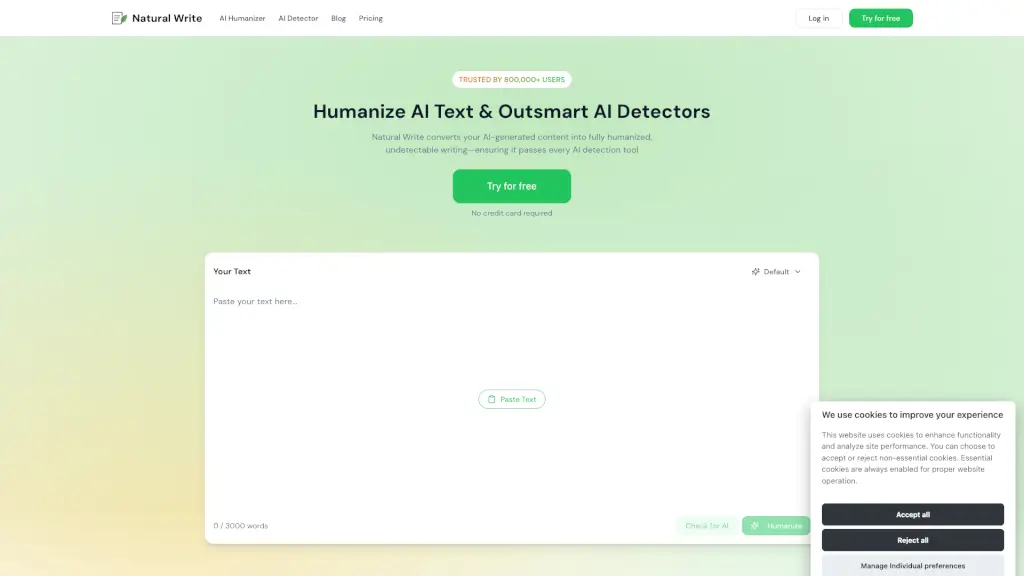
What is Natural Write?
Natural Write's AI Humanizer is a powerful tool designed to transform your AI-generated text into authentic, human-like writing. Whether you're a student working on an essay, a content writer aiming for better SEO, or a business professional crafting emails, this tool ensures your text passes every AI detection test. With over 800,000 users worldwide, Natural Write has become a trusted solution for making your writing sound natural and undetectable.
What are the features of Natural Write?
- AI Detection Bypass: Converts AI-generated content into fully humanized, undetectable writing.
- Advanced Linguistic Modeling: Analyzes syntax, tone, and word patterns to ensure the text sounds natural.
- Weekly Updates: Continuously adapts to new detection methods to stay ahead of AI detectors.
- Multi-Use Case Adaptability: Perfect for essays, assignments, blog posts, and more.
- Free Trial: Offers 500 words for free, no credit card required.
- User-Friendly Interface: Simple three-step process to humanize your text.
- Trusted by Top Institutions: Used by students, marketers, and professionals from leading organizations.
What are the use cases of Natural Write?
- Student Essays and Assignments: Ensure your academic writing sounds natural and passes Turnitin.
- Content Writing and SEO: Improve the quality and engagement of your blog posts and articles.
- Business Communications: Craft emails and reports that feel personal and genuine.
- Marketing Materials: Enhance the authenticity of your marketing content for better reader engagement.
- Research Papers: Refine your research papers to sound more human and pass AI detection tools.
- Creative Writing: Transform AI-generated stories and scripts into compelling, human-like narratives.
How to use Natural Write?
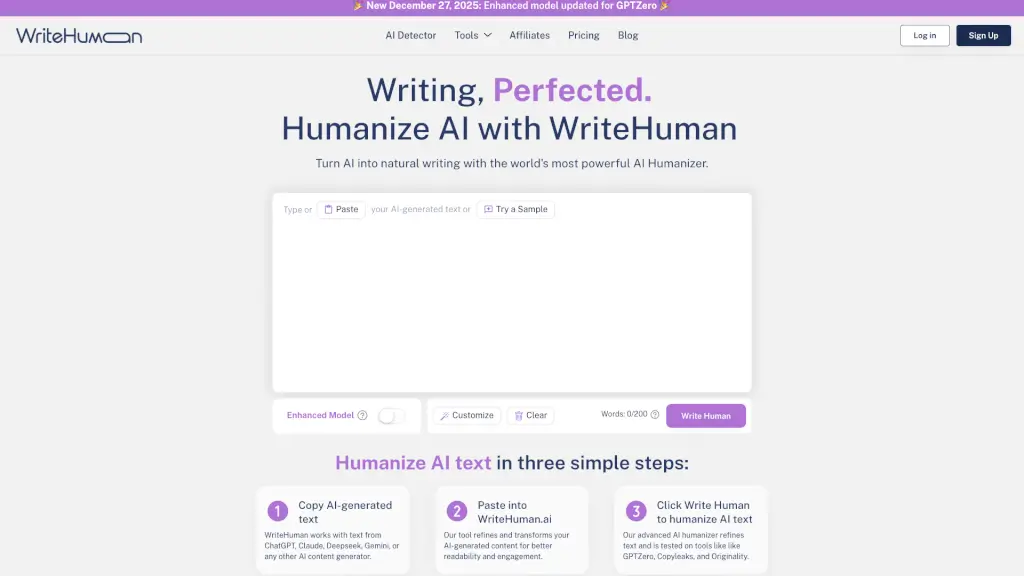
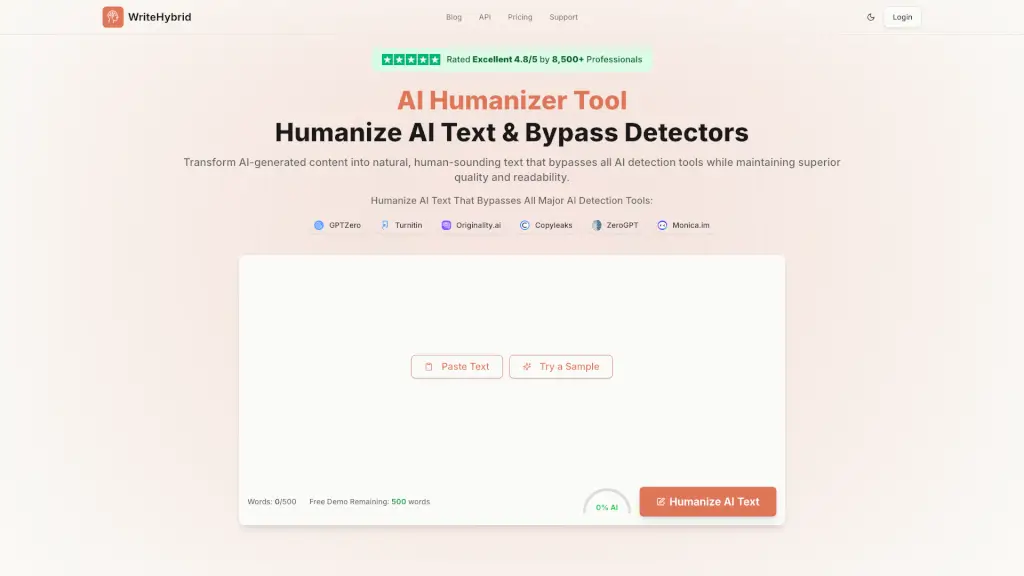
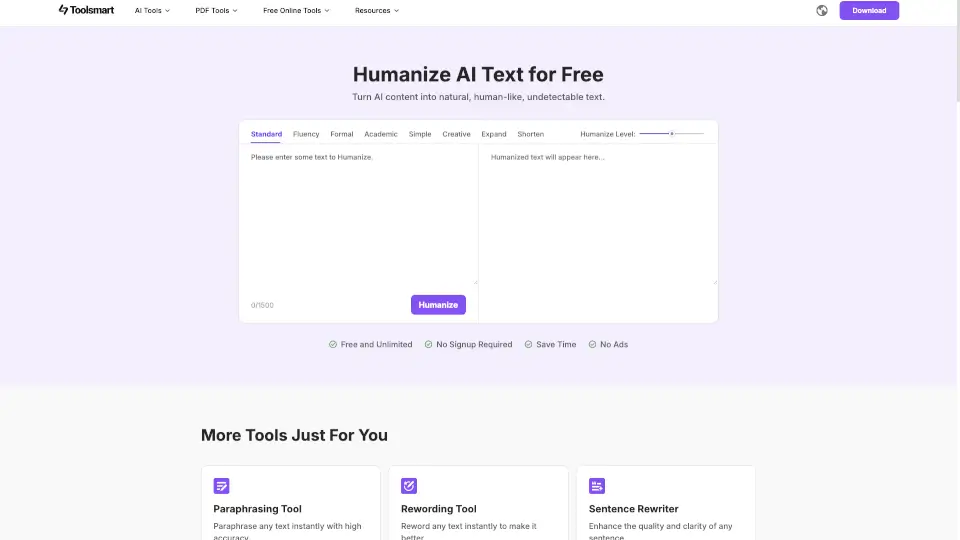
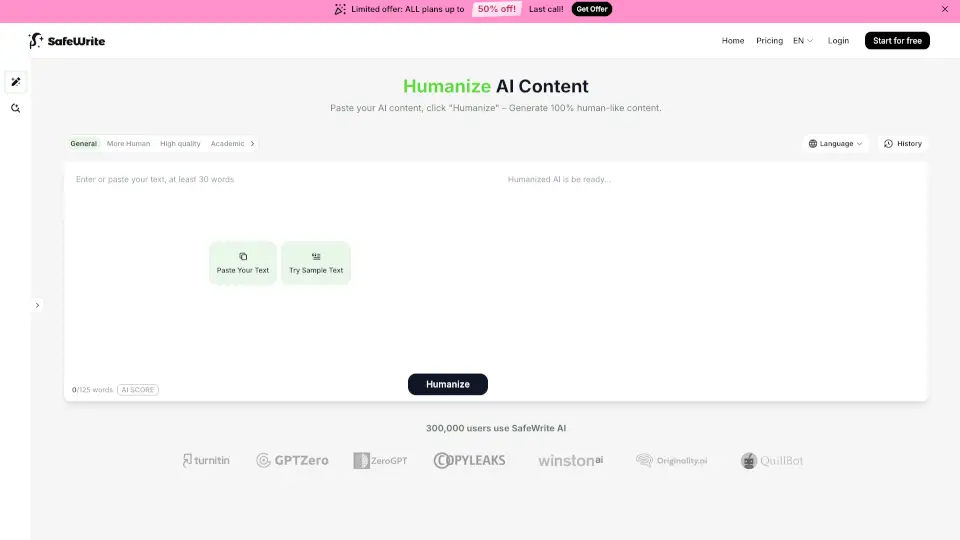
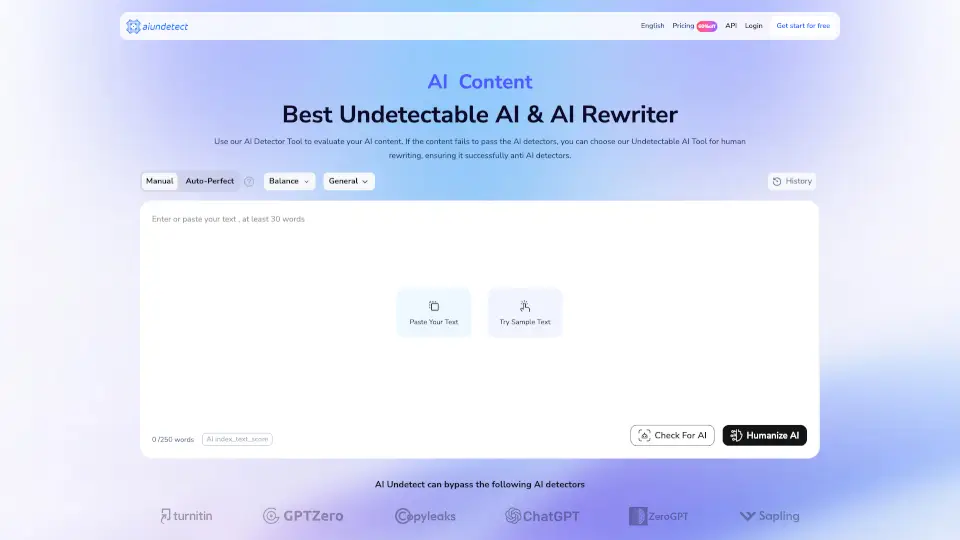
- Step 1: Paste Your Text - Copy and paste any content, whether it's homework, an assignment, or an AI-generated draft.
- Step 2: Check AI Score - See how much of your text is considered human-written.
- Step 3: Humanize - Click the "Humanize" button to rewrite your text and make it sound 100% human-written.
- Step 4: Review and Edit - Read through the humanized text and make any necessary edits.
- Step 5: Download or Copy - Once satisfied, download the text or copy it to your clipboard.