

Wisecut logo

Wisecut

Wisecut extracts highlights from long videos and outputs edited, captioned clips ready for social media publishing.

Social Media:
Wisecut

Wisecut Product Information

What is Wisecut?

Wisecut is a web-based video editing tool that converts long videos into short, captioned clips. Users input a video link or file upload, and the platform automatically identifies highlights and applies edits. A free trial is available without requiring a credit card.

What are the features of Wisecut?

  • Automatic highlight extraction
    Analyzes an uploaded file or pasted video link to identify key moments and prepares selectable clips.
  • Transcript-based editing (Wish)
    Allows users to request changes via the Wish assistant or edit segments directly within the video transcript.
  • Silence and filler removal (Clean Edit)
    Automatically cuts false starts, repeated takes, and long pauses from the footage.
  • Automatic captions
    Generates text overlays with customizable fonts, sizes, and preset styles such as Karaoke Pill or UGC Bubble.
  • Auto reframe
    Adjusts the video aspect ratio to vertical, square, or horizontal formats.
  • Background music ducking (Smart Background Music)
    Adds background audio that automatically lowers in volume when speech is detected.

What are the use cases of Wisecut?

  • Live stream repurposing
    Generates and publishes clips while a broadcast is still live using the Live Clipping feature.
  • Automated channel management (Autopilot)
    Connects a YouTube channel so each new upload is automatically clipped, captioned, and published to selected networks.
  • Multi-platform scheduling (Social Hub)
    Publishes and schedules finished clips across connected social media channels from a single calendar interface.

How to use Wisecut?

  1. Import video
    Paste a video link or upload a file on the web platform.
  2. Select clips
    Review the automatically generated highlights and choose which segments to keep.
  3. Edit content
    Request modifications through the Wish assistant or adjust segments directly in the transcript.
  4. Customize output
    Apply caption styles, generate a thumbnail, and set export preferences.
  5. Export or publish
    Download the final video or distribute it via Social Hub.

Wisecut Pricing Information:

  • Free trial
    Accessible without a credit card; specific usage limits are not detailed in the source.
  • Enterprise plan
    Mentioned in site navigation, but pricing and limits are not provided in the source.

Do you like this tool?

Upvote to help others discover it!

Wisecut Alternatives

AI Video Cut

AI Video Cut

AI Video Cut converts long-form videos into short, captioned MP4 clips using customizable text prompts and face-tracking cropping.

BR
15.32%
99.5K
0
AutoCut

AutoCut

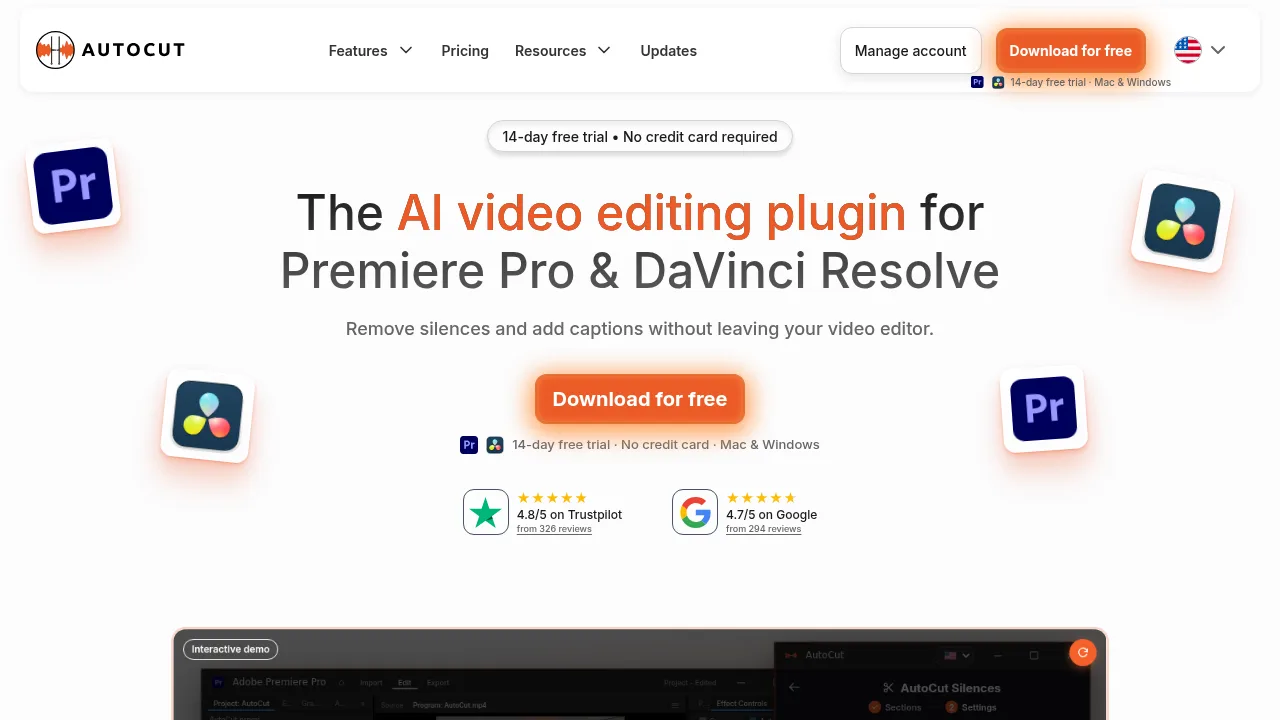
AutoCut automates silence removal, captioning, and multicam switching directly within Premiere Pro and DaVinci Resolve timelines.

US
17.63%
190.9K
0
FireCut AI

FireCut AI

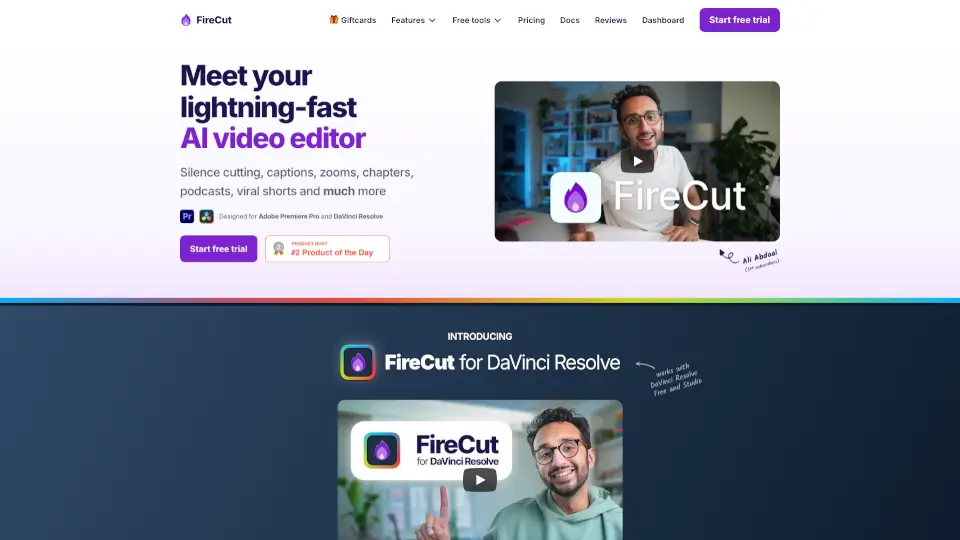
FireCut is an AI video editing plugin for Premiere Pro and DaVinci Resolve that automates silence cutting, captions, zoom cuts, chapters, and more for creators and editors.

US
27.90%
86.0K
0
ChatCut

ChatCut

ChatCut is your superhuman AI video editor that simplifies the editing process, allowing you to create polished videos with just a few text prompts.

US
21.02%
550.2K
0
Cut.Pro

Cut.Pro

Cut.Pro extracts standalone clips from video URLs, generates narrated stories with AI, and schedules posts across 16 social networks.

BR
88.94%
172.9K
0
Opus Clip

Opus Clip

OpusClip extracts short-form social videos from long-form footage using automated clipping, captioning, and resizing tools.

US
34.71%
5.1M
0
Selects

Selects

Cutback is your all-in-one video editing assistant, designed to boost productivity by 300%. With features like Selects and Premiere Assistant, you can auto-edit raw footage, transcribe, remove silences, and add animations. Perfect for studios, creators, and freelancers looking to streamline their workflow and focus on creativity.

US
17.92%
66.2K
0
VideoTube

VideoTube

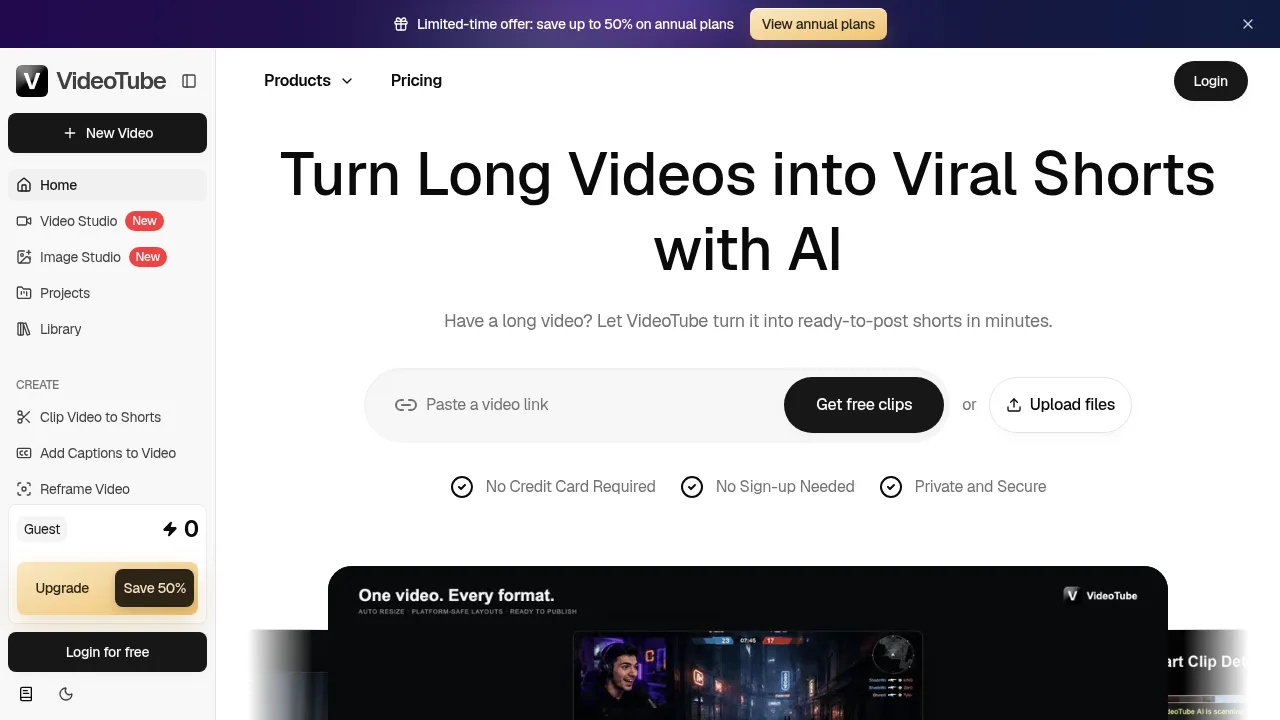
VideoTube automatically extracts, captions, and reframes long-form videos into short clips for social media platforms.

US
32.46%
24.7K
0

Wisecut Related Other Categories

Wisecut Traffic Analysis

Website traffic estimates for wisecut.ai. Visits are not unique users or product usage.

Data month: 2026-10

💡 Insights

🌱
10K–100K monthly visits
Estimated monthly visits exceed 10,000 and are at most 100,000.
📉
Traffic Decline
Estimated visits decreased 24.5% from the previous month.
💎
Browsing depth
Bounce rate: 39%; average pages per visit: 3.8.
  • Monthly Visits

    77.13K

  • Bounce Rate

    38.62%

  • Pages Per Visit

    3.79

  • Visit Duration

    00:01:04

  • Global Rank

    373330

  • Country Rank

    88498

Visits Over Time

Traffic Sources

Search Organic46.48%
Direct32.94%
Social Organic7.40%
Display Ads3.64%
Referrals3.54%
Mail2.60%
Gen Ai1.76%
Search Paid1.64%
Social Paid0.00%
Affiliate0.00%

Top Keywords

1
wisecut
CPC$0.61
7.05KTraffic
2
wisecut ai
CPC$0.19
1.48KTraffic
3
ai video editor
CPC$0.78
1.17KTraffic
4
clipping ai
CPC$0.72
540Traffic
5
sites para criar cortes
480Traffic

Top Regions

RegionPercentage
Brazil
Brazil
28.23%
United States
United States
21.59%
India
India
8.15%
United Kingdom
United Kingdom
3.31%
Vietnam
Vietnam
2.60%
Low
High

Powered by SimilarWeb

Wisecut FAQ

Can Wisecut process videos directly from a URL?

Yes, users can paste a video link instead of uploading a file to generate clips.

Is there a mobile application for editing?

The source notes that users can access the app directly from a mobile browser.

Wisecut Reviews

0
0 Reviews
Sign Into leave a review

Recent Reviews

No reviews yet

Wisecut Embed

Use website badges to drive community support for SeekTool.ai. They are easy to embed in your homepage or footer.

Light
Dark
Wisecut - Featured on SeekTool.aiWisecut - Featured on SeekTool.ai
How to install?