
AutoCut logo

AutoCut

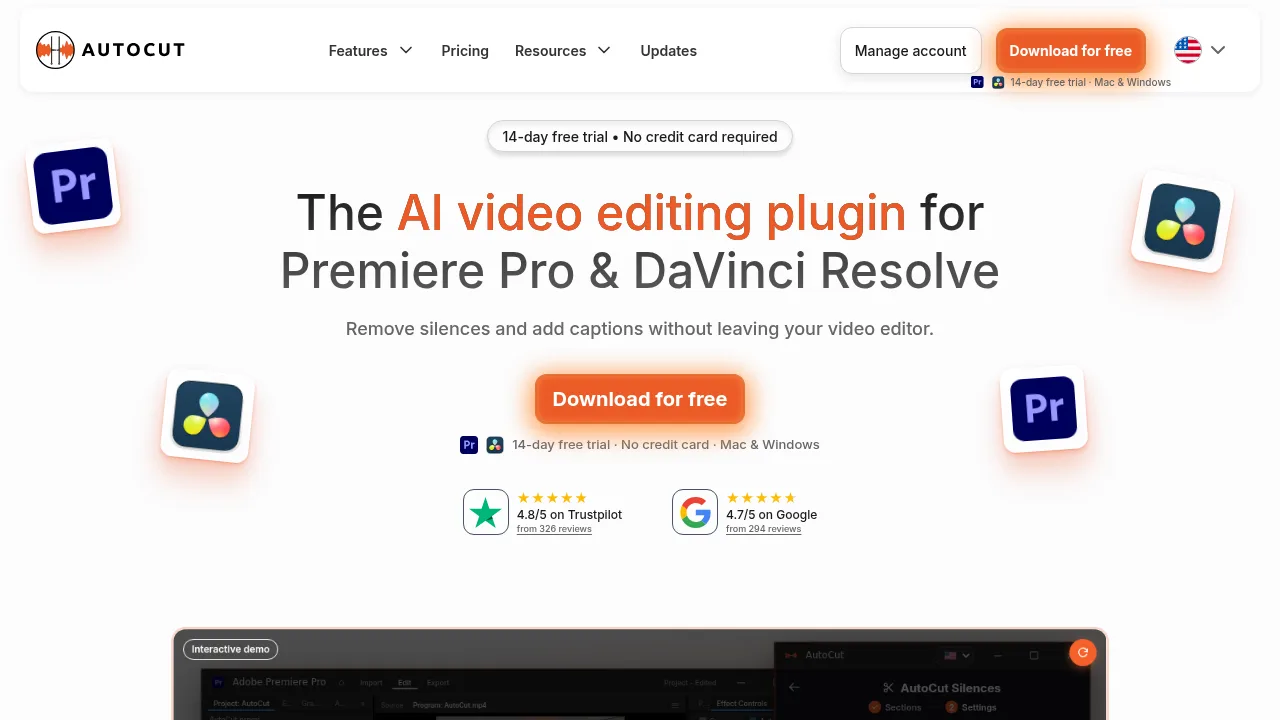
AutoCut automates silence removal, captioning, and multicam switching directly within Premiere Pro and DaVinci Resolve timelines.

AutoCut

AutoCut Product Information

What is AutoCut?

AutoCut is an AI video editing plugin that operates directly inside Premiere Pro and DaVinci Resolve to automate repetitive tasks like silence removal, captioning, and multicam switching. It is relevant to editors who want to process footage without exporting files to external applications. A 14-day or 28-day free trial is available for Mac and Windows without requiring a credit card.

What are the features of AutoCut?

  • Silence removal
    Detects and removes dead air automatically to tighten cuts without manual trimming.
  • Automatic captions
    Transcribes audio to add word-by-word captions with customizable fonts, colors, highlights, and over 120 editable presets.
  • Multicam podcast editing
    Detects speakers and switches camera angles automatically to accelerate the first pass of a multicam edit.
  • Clip extraction
    Identifies strong moments in long videos and turns them into short clips ready for refinement.
  • Automated B-roll insertion
    Adds relevant AI images and Storyblocks footage directly to the timeline.
  • Profanity filtering
    Finds profanity across the timeline and applies bleeps, mutes, or removals.

What are the use cases of AutoCut?

  • Podcast production
    Automating speaker detection and camera angle switching to reduce initial multicam editing work.
  • Social media repurposing
    Extracting short clips from long-form videos and applying vertical resizing with centered subjects.
  • Talking-head videos
    Adding automatic dynamic zooms to maintain visual movement without manual keyframes.

AutoCut Pricing Information:

  • Free trial
    14-day or 28-day access with no credit card required; includes all features on Mac and Windows.
  • Basic Plan
    $6.6 per month billed yearly ($79 total), or $9.9 monthly; includes only silence removal and excludes captions, multicam, and other AI features.
  • AI Plan
    $14.9 per month billed yearly ($178.8 total), or $19.8 monthly; includes all automated features such as silence removal, captions, multicam editing, clip extraction, and B-roll insertion.
  • Enterprise Plan
    $19.9 per month per license billed yearly ($238.8 total per license); includes everything in the AI Plan plus priority support, on-demand demo calls, team licensing, and centralized billing (minimum two licenses).

AutoCut Contact Email:

contact@autocut.com

Do you like this tool?

Upvote to help others discover it!

AutoCut Alternatives

FireCut AI

FireCut AI

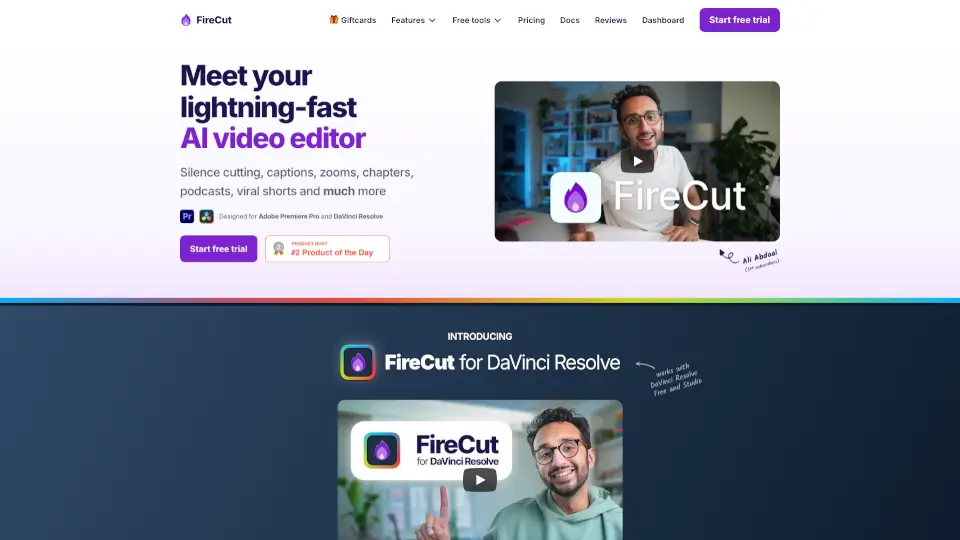
FireCut is an AI video editing plugin for Premiere Pro and DaVinci Resolve that automates silence cutting, captions, zoom cuts, chapters, and more for creators and editors.

US
23.01%
106.1K
0
AI Video Cut

AI Video Cut

AI Video Cut converts long-form videos into short, captioned MP4 clips using customizable text prompts and face-tracking cropping.

BR
17.49%
142.0K
0
AutoPod

AutoPod

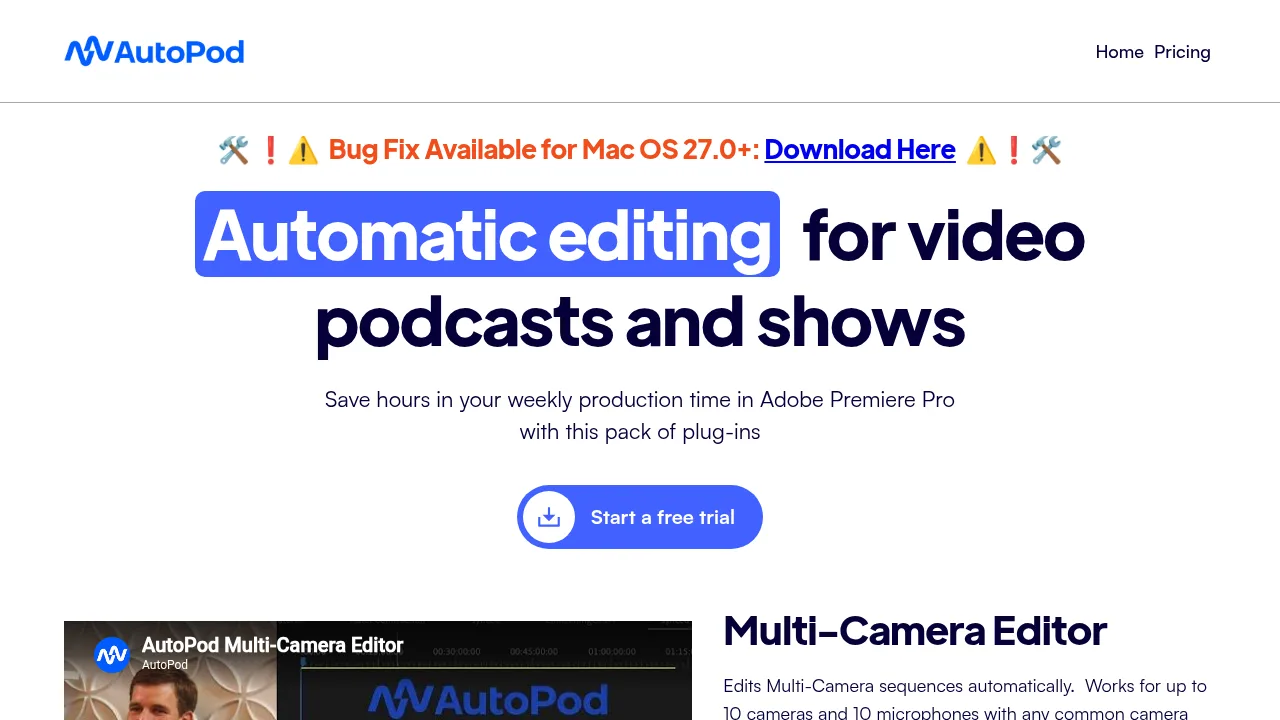
AutoPod provides Adobe Premiere Pro plug-ins that automate multi-camera editing, social clip creation, and jump cuts for video podcasts.

US
15.10%
73.0K
0
Wisecut

Wisecut

Wisecut extracts highlights from long videos and outputs edited, captioned clips ready for social media publishing.

BR
26.78%
102.2K
0
Selects

Selects

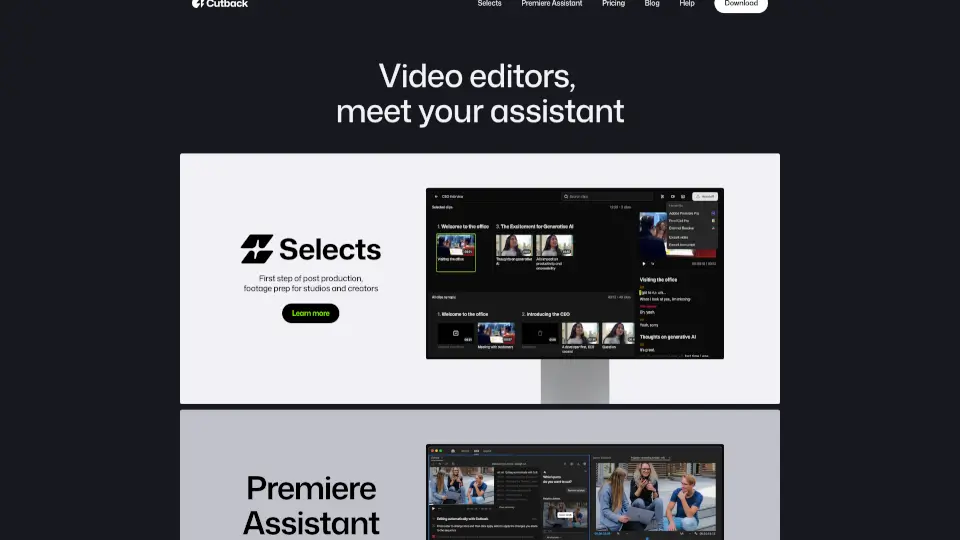
Cutback is your all-in-one video editing assistant, designed to boost productivity by 300%. With features like Selects and Premiere Assistant, you can auto-edit raw footage, transcribe, remove silences, and add animations. Perfect for studios, creators, and freelancers looking to streamline their workflow and focus on creativity.

KR
14.83%
86.9K
0
ChatCut

ChatCut

ChatCut is your superhuman AI video editor that simplifies the editing process, allowing you to create polished videos with just a few text prompts.

US
22.89%
400.7K
0
Captions

Captions

Captions is an AI video editor that transforms raw footage or text into polished, professional-quality videos with auto-captions, custom avatars, and smart editing—fast.

US
16.94%
798.7K
0
Opus Clip

Opus Clip

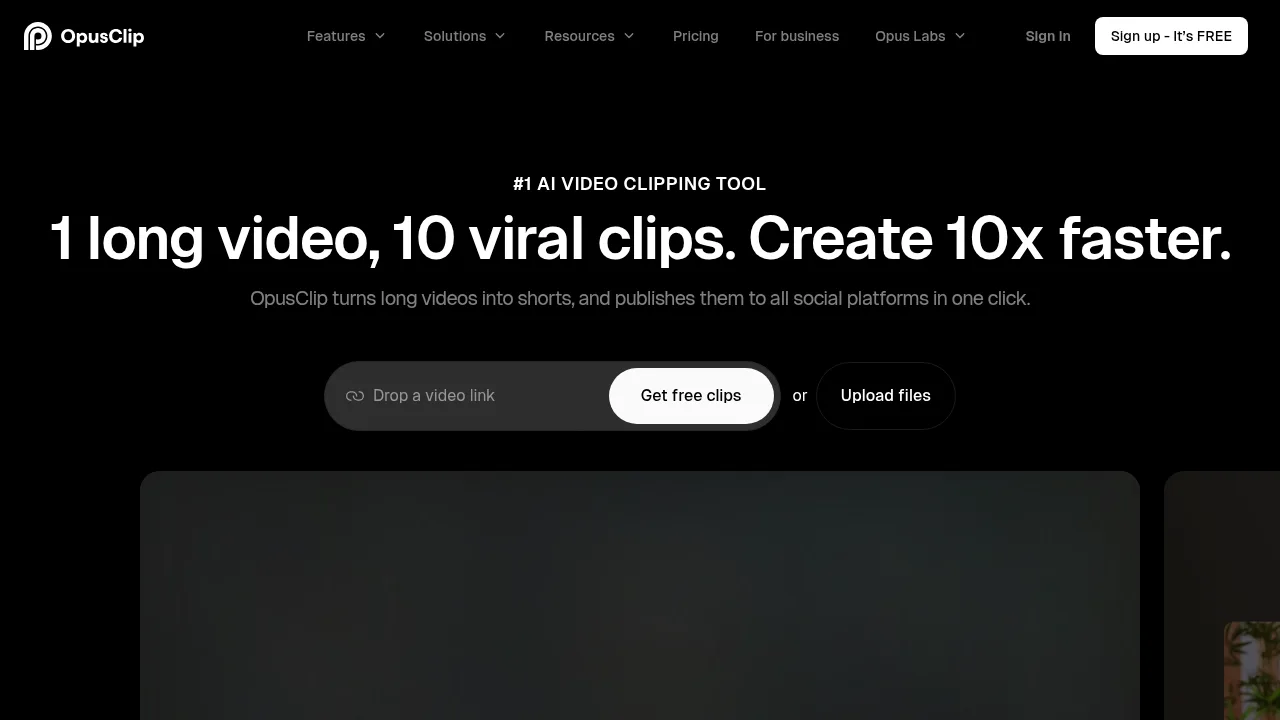
OpusClip extracts short-form social videos from long-form footage using automated clipping, captioning, and resizing tools.

US
31.34%
5.1M
0

AutoCut Related Other Categories

AutoCut Traffic Analysis

Website traffic estimates for autocut.com. Visits are not unique users or product usage.

💡 Insights

⭐
Medium Scale
100K-1M monthly visits. Growing tool with active development.
⚠️
Slight Decline
Traffic has slightly decreased recently.
👍
Good Experience
Bounce rate of 37%. Users are willing to explore features.
🌐
Global Reach
Balanced user distribution worldwide.
  • Monthly Visits

    188.73K

  • Bounce Rate

    36.81%

  • Pages Per Visit

    2.66

  • Visit Duration

    00:01:02

  • Global Rank

    212206

  • Country Rank

    213321

Visits Over Time

Traffic Sources

Search Organic46.60%
Direct28.78%
Social Organic14.04%
Referrals5.50%
Search Paid2.35%
Gen Ai1.13%
Mail1.05%
Social Paid0.33%
Display Ads0.13%
Affiliate0.09%

Top Keywords

1
autocut
CPC$1.16
24.09KTraffic
2
auto cut
CPC$0.59
2.11KTraffic
3
autocut premiere pro
CPC$1.43
1.13KTraffic
4
autocut premiere
830Traffic
5
auto cut in premiere pro
420Traffic

Top Regions

RegionPercentage
United States
United States
15.09%
Brazil
Brazil
13.23%
India
India
9.22%
Egypt
Egypt
5.06%
Mexico
Mexico
4.95%
Low
High

Powered by SimilarWeb

AutoCut FAQ

Does AutoCut work with the free version of DaVinci Resolve?

Yes, every AutoCut feature works with both DaVinci Resolve Free and DaVinci Resolve Studio version 18.6 or later.

Is there a limit on video length when using the plugin?

No, AutoCut has no time limit for video projects and can be used on both short and long edits.

AutoCut Reviews

0
0 Reviews
Sign Into leave a review

Recent Reviews

No reviews yet

AutoCut Embed

Use website badges to drive community support for SeekTool.ai. They are easy to embed in your homepage or footer.

Light
Dark
AutoCut - Featured on SeekTool.aiAutoCut - Featured on SeekTool.ai
How to install?