
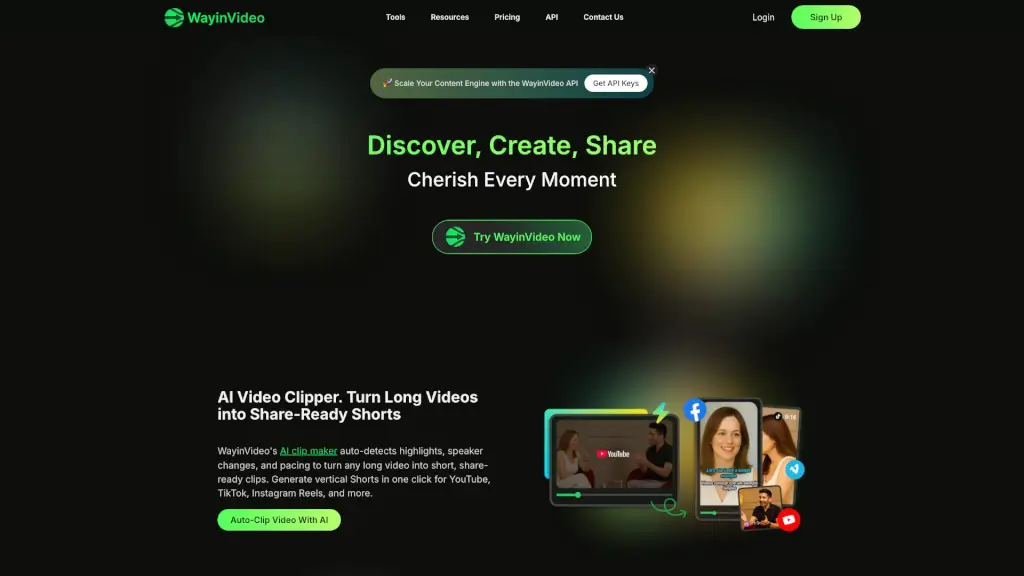
What is Wayin AI?
WayinVideo is the #1 AI video platform designed to make editing, summarizing, and repurposing videos fast, easy, and free. Whether you're a student trying to digest lecture recordings, a creator turning long streams into viral Shorts, or a professional summarizing meeting notes, WayinVideo uses smart AI to do the heavy lifting—so you don’t need editing skills or expensive software.
With tools that auto-clip highlights, generate subtitles, reframe videos for every social platform, and even let you search inside videos like a document, WayinVideo turns hours of work into minutes. Everything runs online—no downloads, no watermarks, and no credit card required to get started.
What are the features of Wayin AI?
- AI Video Clipper: Automatically detects key moments, speaker changes, and pacing to turn long videos into engaging Shorts for TikTok, Reels, and YouTube.
- AI Video Search: Type a keyword or question to instantly jump to the exact moment in your video—no more manual scrubbing.
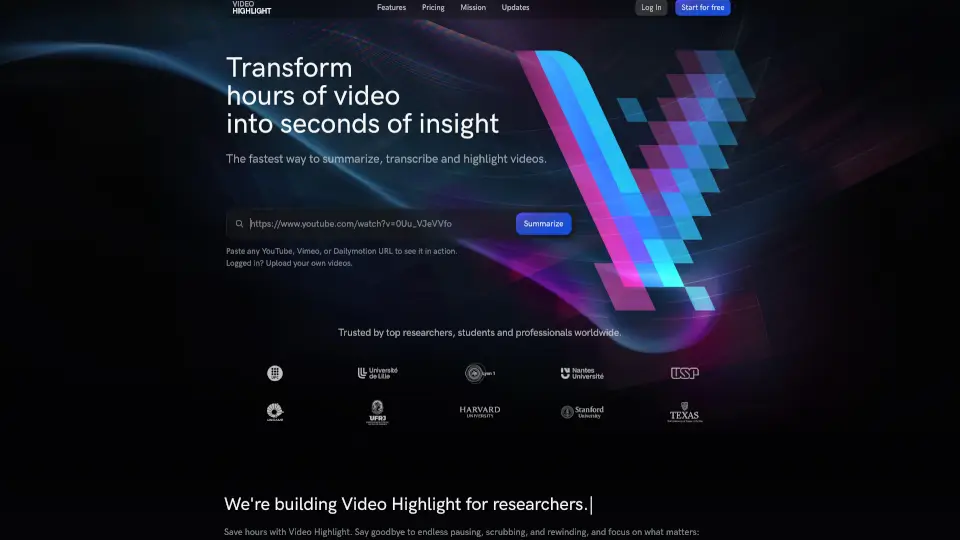
- AI Video Summarizer: Get a one-paragraph summary plus a timestamped outline of key points, supporting over 100 languages.
- AI Transcription: Produces accurate, punctuated transcripts with speaker labels and timestamps—perfect for notes or documentation.
- Animated Caption Generator: Creates multilingual, styled subtitles with callout cards and exports social-ready videos in one click.
- AI Video Reframe: Intelligently crops your video to 9:16, 1:1, or 16:9 while keeping faces and key subjects centered across all platforms.
- API Integration: Automate clipping, transcription, summarization, and more by connecting WayinVideo to your own workflows programmatically.
What are the use cases of Wayin AI?
- Students transcribe and summarize recorded lectures for faster studying.
- Content creators convert hour-long streams into vertical clips for TikTok and Instagram Reels.
- Remote teams generate meeting transcripts and highlight reels without manual editing.
- Educators add animated subtitles to instructional videos for better accessibility.
- Podcasters turn audio/video episodes into shareable short-form content.
- Marketers resize one master video for YouTube, Stories, and LinkedIn using AI reframing.
- Researchers quickly find specific quotes or moments in long interview footage.
How to use Wayin AI?
- Sign up for a free account at WayinVideo.com—no payment needed to start.
- Upload your video or paste a public link (supports most common formats).
- Choose a tool: clip, summarize, transcribe, reframe, or add captions.
- Let the AI process your video (usually under a minute for short files).
- Edit, download, or share directly to social platforms—all in-browser.
- For developers: grab an API key to automate video processing in your apps.