
What is WayinVideo?
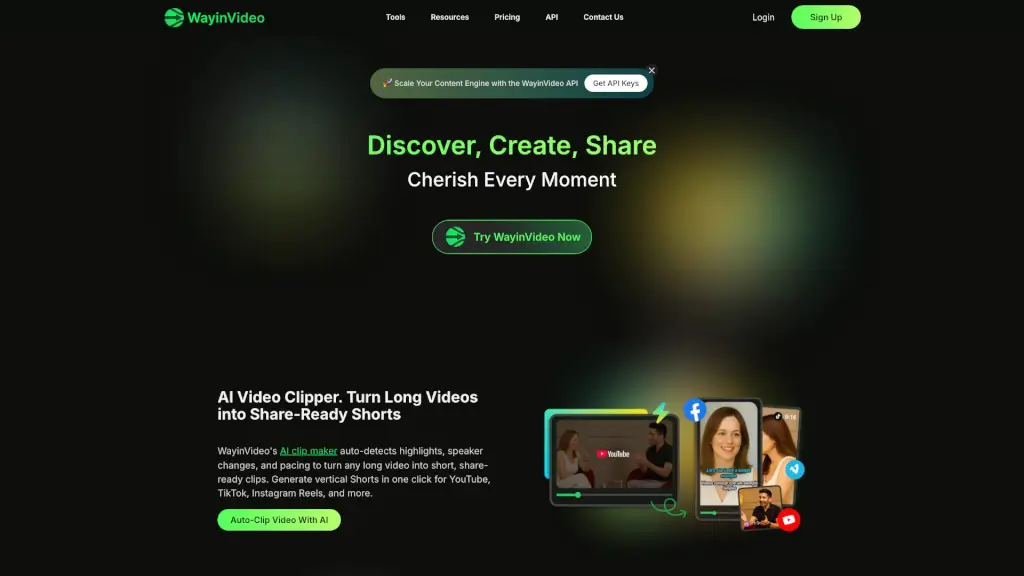
WayinVideo is an AI-powered tool that helps you discover, create, and share the most compelling moments from any video. Whether you're a casual video enthusiast or a professional creator, WayinVideo makes it a breeze to turn long videos into viral-ready clips. With smart scene detection, rich subtitle styles, and a growing library of game templates, it saves you hours of manual editing. Plus, right now there's a 65% discount on the premium plan, so you can unlock advanced features for less.
What are the features of WayinVideo?
- AI Moment Discovery: Automatically identifies the best highlights and storytelling moments from your videos, so you don't have to scrub through hours of footage.
- One-Click Viral Clip Creation: Turn any video segment into a polished, shareable clip in seconds — ideal for TikTok, Reels, Shorts, and more.
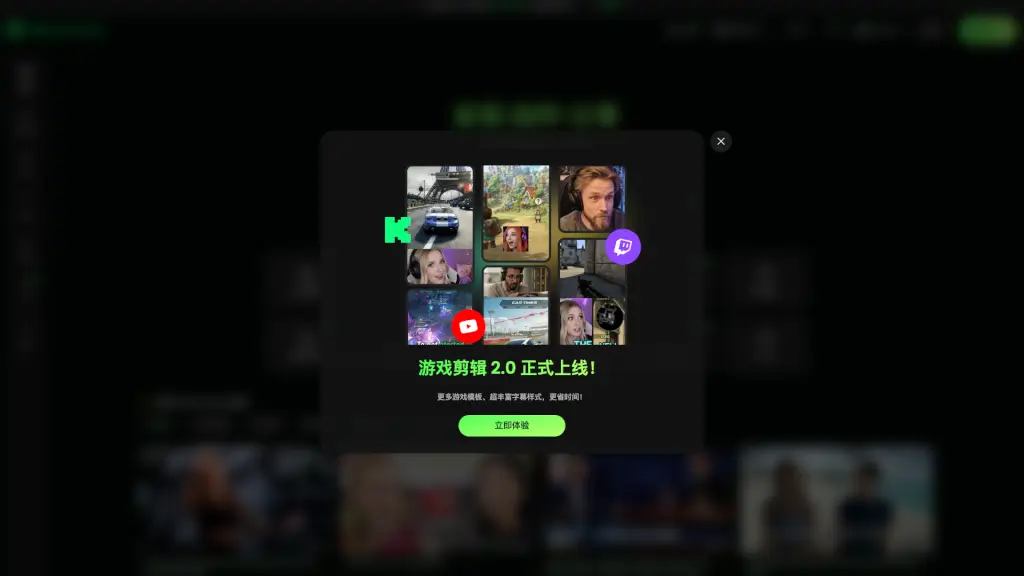
- Game Clip 2.0 Templates: New game-specific templates and super-rich subtitle styles, designed to speed up your workflow and add professional flair.
- Extensive Subtitle & Caption Options: Choose from a wide variety of animated, styled, and customizable subtitles to match your brand or vibe.
- Media Library & Calendar: Organize your clips and plan your publishing schedule right inside the platform.
- API Access: Integrate WayinVideo’s capabilities into your own apps or workflows (available on the API page).
- Rewards & Bonus System: Earn extra credits and unlock premium features through the rewards program.
What are the use cases of WayinVideo?
- Social Media Content Creators: Quickly extract the funniest, most emotional, or most exciting parts of a livestream or gameplay video to post on Instagram, YouTube Shorts, or TikTok.
- Gamers & Streamers: Use the Game Clip 2.0 templates to create highlight reels with instant subtitle effects and game-specific overlays.
- Marketers & Brands: Turn product demos, customer testimonials, or event recordings into bite-sized promotional clips that drive engagement.
- Educators & Trainers: Isolate key teaching moments from recorded lectures or training sessions to share as quick study aids.
- Podcast & Video Editors: Cut long-form interviews or podcasts into short, quotable clips with dynamic captions for social distribution.
- Event Organizers: Capture the best speeches, reactions, or performances from event recordings and share them instantly.
How to use WayinVideo?
- Upload or paste a video link into WayinVideo — it supports local files and URLs.
- Let AI analyze the video to detect key moments, highlights, and natural breakpoints.
- Choose a clip from the suggested moments, or manually select your own start and end points.
- Customize your clip — add subtitles, choose a template (including Game Clip 2.0), tweak colors and fonts.
- Export or share directly to social platforms, or save to your Media Library for later scheduling.
- Pro tip: Use the Calendar feature to plan your clip releases and keep your content pipeline flowing.