
What is Walles.AI?
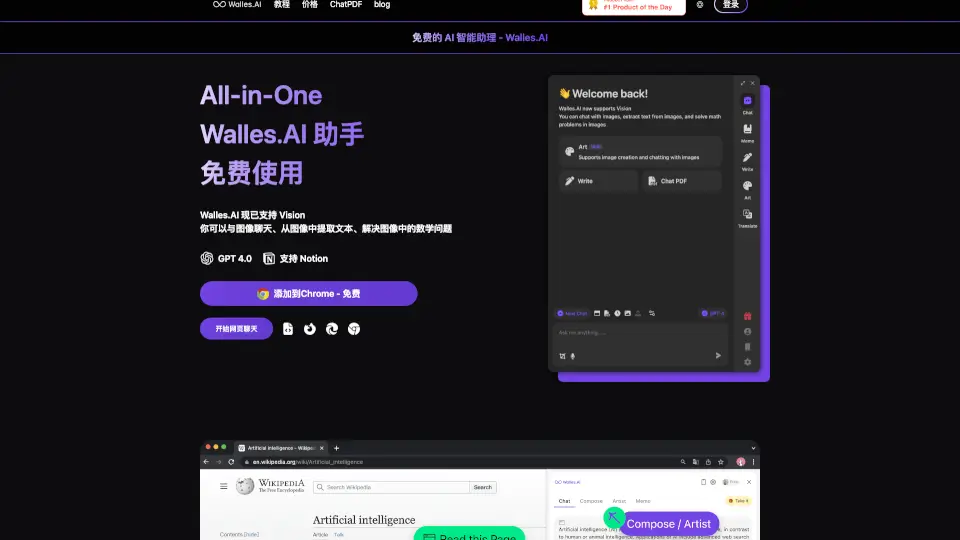
Walles.AI is a Chrome extension powered by GPT-4 and GPT-3.5 that acts as a personal AI assistant inside your browser. It helps you chat with any web page, PDF, or YouTube video, extract text from images, and summarize long content without leaving the current tab. Designed for students, researchers, writers, and anyone who frequently reads or works with online information, Walles.AI integrates with Notion for exporting chat history. It’s available free with daily usage limits, with a paid plan for heavier use.
What are the features of Walles.AI?
- Chat with Any Web Page: Open a sidebar by pressing Cmd+M or Ctrl+M and ask questions about the current page, PDF, or YouTube video. The AI reads the content and gives you answers.
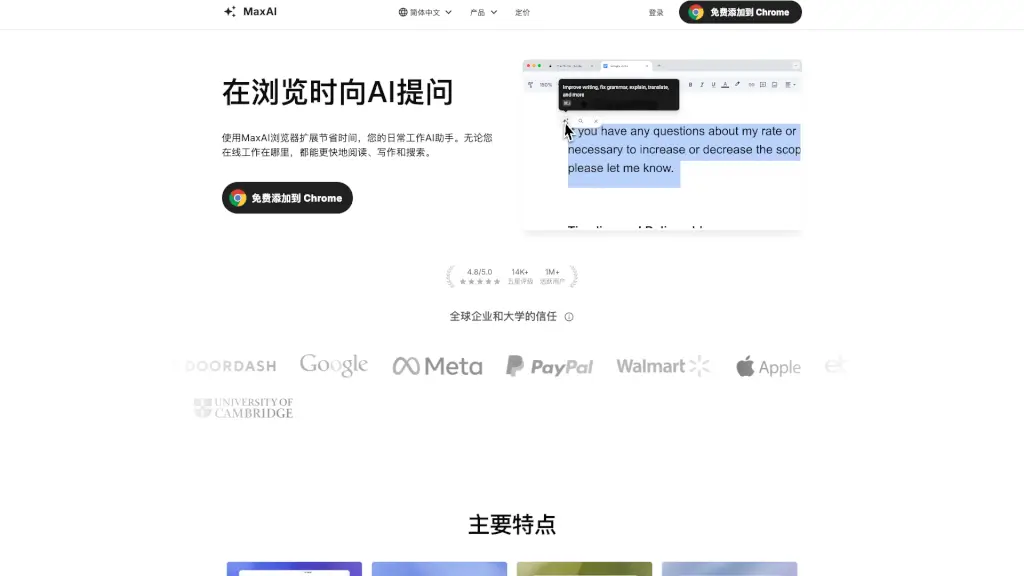
- One-Click Text Selection: Select any text on a webpage and let Walles.AI explain, translate, summarize, or rewrite it using GPT-3.5 without leaving the page.
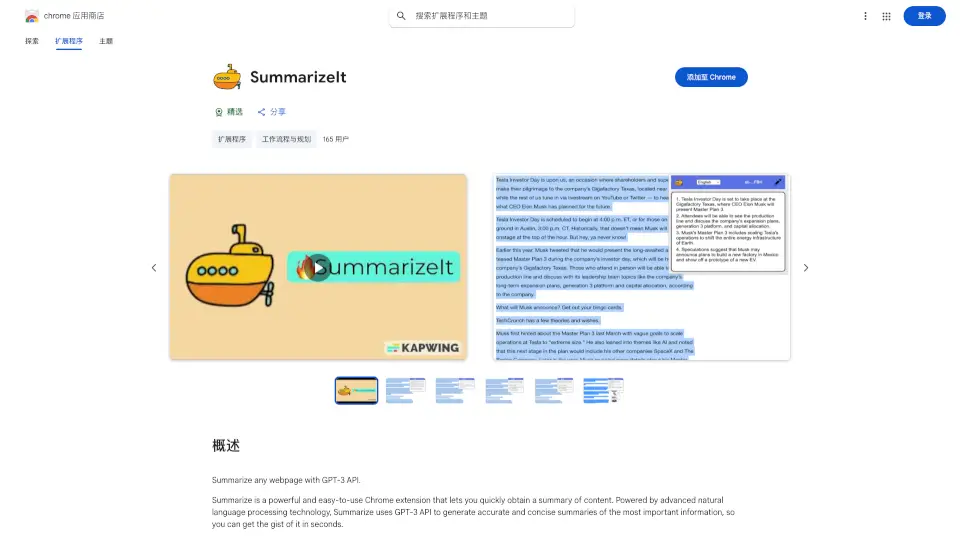
- YouTube Video Summarization: Open a YouTube video and get a concise summary and outline of the video’s content, saving you from watching the full video.
- Vision Support (Image Chat): Upload an image to chat about it, extract text from the image, or solve math problems directly in the sidebar.
- Export Chat History to Notion: Save your conversations and notes from Walles.AI to Notion with a single export action, so you don’t lose your research.
- Works on All Websites: The extension functions on most web pages (except Chrome internal pages and blank tabs), making it a universal AI copilot for browsing.
What are the use cases of Walles.AI?
- Students and researchers: Chat with a PDF or long article to quickly get answers and summaries without reading the entire document.
- Content creators: Rewrite or translate selected text on any webpage to repurpose material for social media or blogs.
- Marketers and analysts: Extract key points from YouTube video transcripts or competitor websites to gather insights faster.
- Multilingual users: Select foreign-language text and get instant translations or explanations without opening a separate tool.
- Anyone managing notes: Export chat history and summaries to Notion for organized, persistent reference.
How to use Walles.AI?
- Install Walles.AI from the Chrome Web Store and pin the extension to your toolbar.
- Press Cmd+M (Mac) or Ctrl+M (Windows) to open the sidebar on any supported page.
- Type a question or paste a URL to start chatting with the current page, PDF, or YouTube video.
- For text selection, highlight a passage on the page, then click the Walles.AI icon to see options like explain, translate, or summarize.
- To export your conversation, open the chat history and select the export-to-Notion option (requires a Notion account connection).