
What is Voicv?
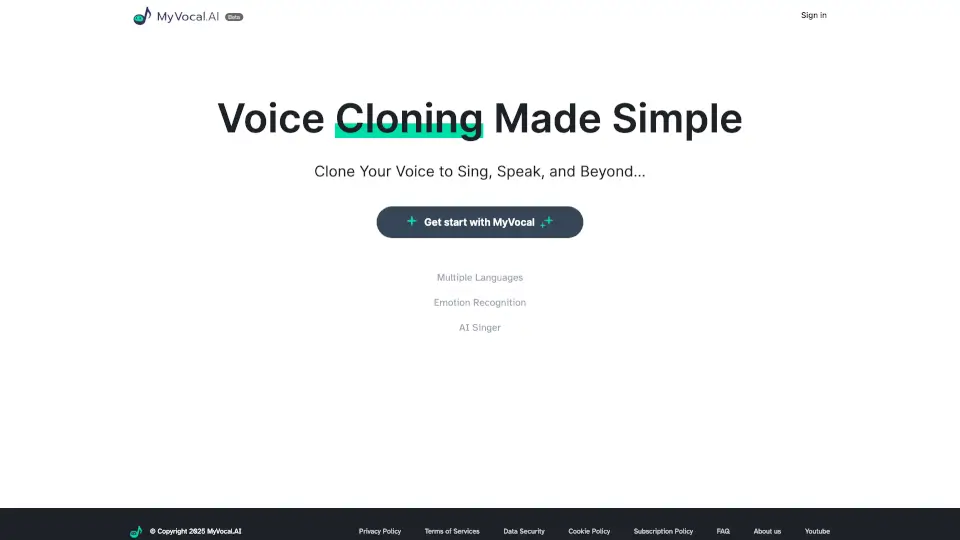
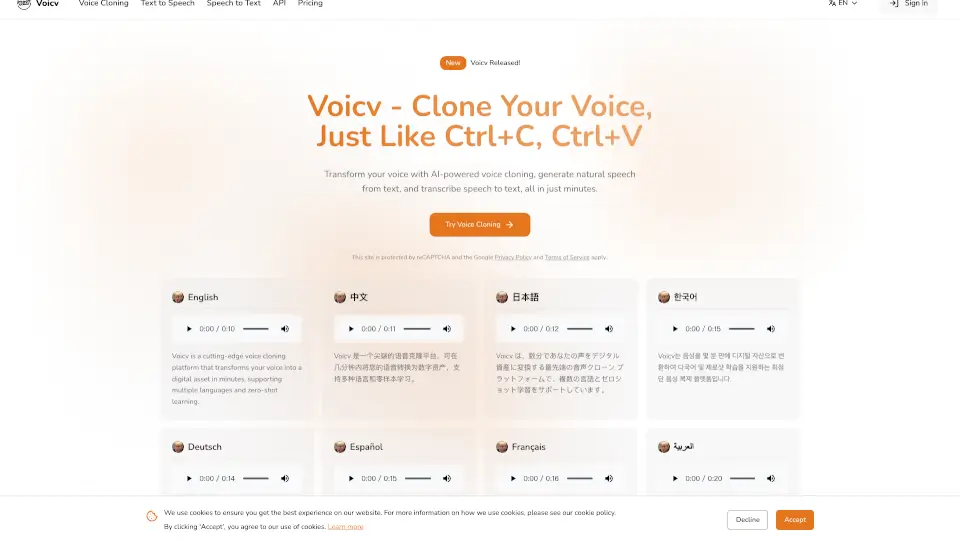
Voicv is a groundbreaking platform that lets you clone your voice, just like copying and pasting text. Imagine being able to create a digital version of your voice in minutes, and use it for all sorts of creative and professional projects. Whether you're a content creator, a podcaster, or a business looking to maintain a consistent brand voice, Voicv makes it easy and accessible. With support for multiple languages and emotions, you can transform the way you communicate and connect with your audience.
What are the features of Voicv?
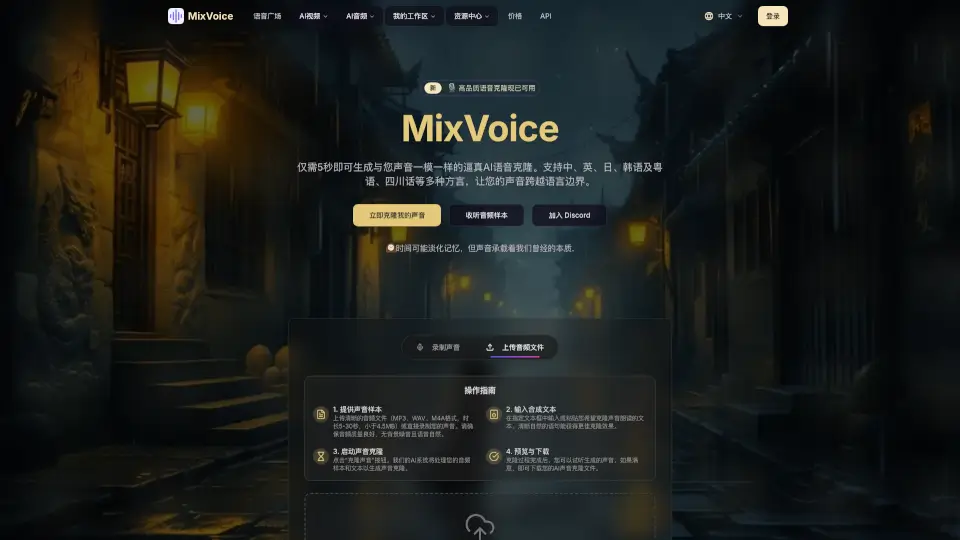
- Voice Cloning: Create an exact digital replica of your voice in just a few minutes.
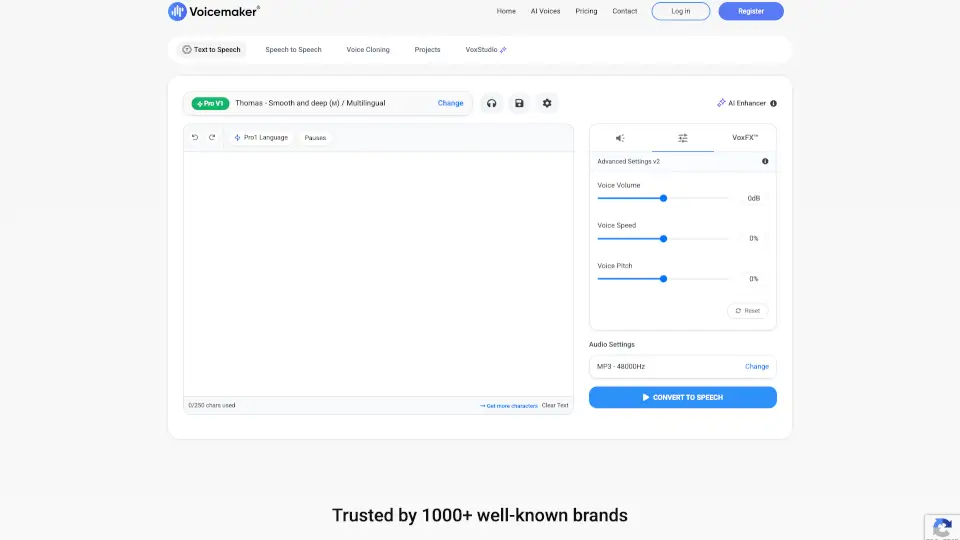
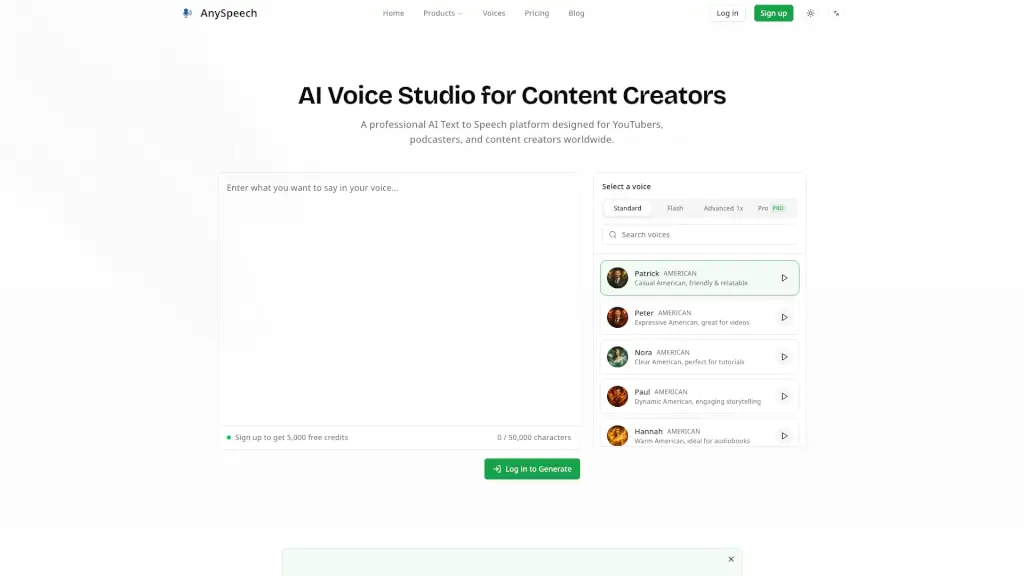
- Text-to-Speech (TTS): Convert written content into natural-sounding speech with customizable voices.
- Speech-to-Text (ASR): Accurately transcribe audio recordings into text in seconds.
- Multilingual Support: Generate speech in multiple languages including English, Japanese, Korean, Chinese, French, German, Arabic, and Spanish.
- Real-Time Processing: Experience fast voice generation, perfect for quick iterations and production needs.
- Emotion Control: Add pauses, breaths, and laughter to make the generated speech more expressive and natural.
- Enterprise-Ready API: Deploy Voicv in your infrastructure with our production-ready API and comprehensive documentation.
What are the use cases of Voicv?
- Content Creation: Use your cloned voice to produce videos, podcasts, and other media in multiple languages.
- E-Learning: Convert educational materials into engaging audio content for students.
- Accessibility: Help individuals with speech disabilities communicate using their own voice.
- Localization: Reach a global audience by localizing your content in different languages while maintaining your unique voice.
- Professional Voice Acting: Handle more projects and deliver high-quality work consistently.
- Business Communication: Maintain a consistent brand voice across all your company's audio content.
How to use Voicv?
- Sign Up: Create an account on the Voicv platform.
- Upload Sample: Provide a 10-30 second audio sample of your voice.
- Customize Settings: Choose the language, emotion, and other settings for your cloned voice.
- Generate Voice: Click to generate your digital voice.
- Use in Projects: Integrate your cloned voice into various projects, such as videos, podcasts, or e-learning materials.
- Transcribe Audio: Use the speech-to-text feature to transcribe any audio recordings you need.