
What is VoiSpark?
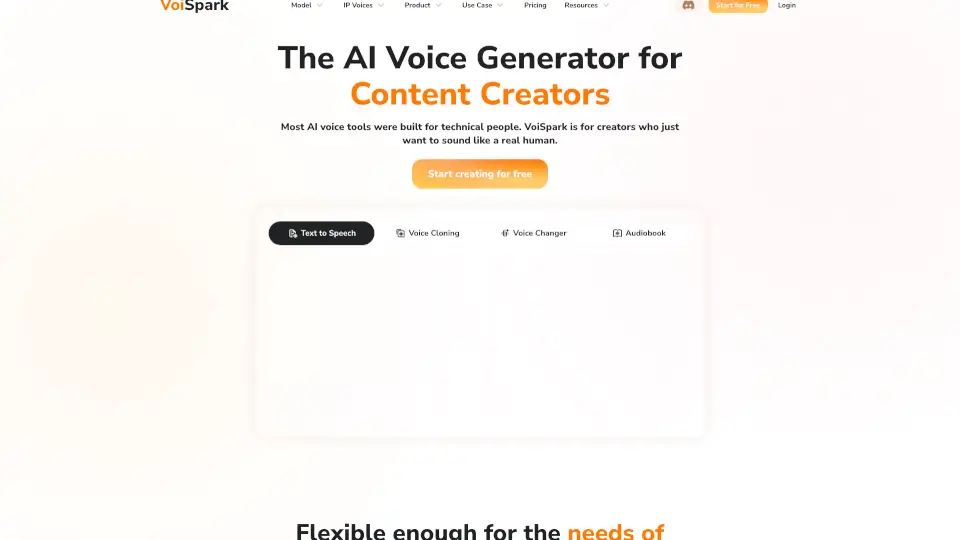
VoiSpark is a next-generation AI voice generator platform that lets you turn text into natural-sounding speech, clone voices, and create custom AI voices for videos, podcasts, and more. With over 100+ human-like voices and support for 30+ languages, VoiSpark makes it easy for anyone to generate professional audio content in seconds. No credit card is needed for the free trial.
What are the features of VoiSpark?
- Text-to-Speech: Instantly convert your text into ultra-realistic voiceovers with 100+ voices.
- Voice Cloning: Clone any voice with just 1 minute of audio, capturing emotional tones and unique characteristics.
- AI Voice Changer: Transform existing recordings or live audio into any voice, from celebrities to original creations.
- 500+ Voice Library: Choose from a wide range of celebrity and custom voices, including Donald Trump, Morgan Freeman, and Taylor Swift.
- Studio-Quality Audio: Get 48kHz audio output perfect for podcasts, YouTube, commercials, and audiobooks.
- Multilingual Support: Generate voices in 30+ languages with native-like pronunciation.
- Flexible AI Models: Powered by leading AI models like ElevenLabs, Cartesia, OpenAI, and more.
- Easy Export: Download your audio in professional formats, ready for any platform.
What are the use cases of VoiSpark?
- Podcasts: Create AI-hosted episodes and ads with consistent, recognizable voices.
- E-Learning: Turn textbooks and courses into multilingual audio for global students.
- Gaming: Generate unique NPC voices and dynamic dialogues for immersive gameplay.
- Marketing: Launch voiceover campaigns in multiple languages for global reach.
- Accessibility: Convert documents and web content into natural-sounding audio for visually impaired users.
- Content Creation: Maintain expressive, consistent voiceovers across YouTube, TikTok, and social media.
- Audiobooks: Effortlessly transform eBooks into professional-grade audiobooks.
How to use VoiSpark?
- Step 1: Choose your voice solution from the AI-powered library.
- Step 2: Input your text or upload your audio content.
- Step 3: Let VoiSpark generate your audio. Preview, refine, and export your final file.