kikivoice.ai logo

kikivoice.ai

5.0
(0 Reviews)
United States15.71%

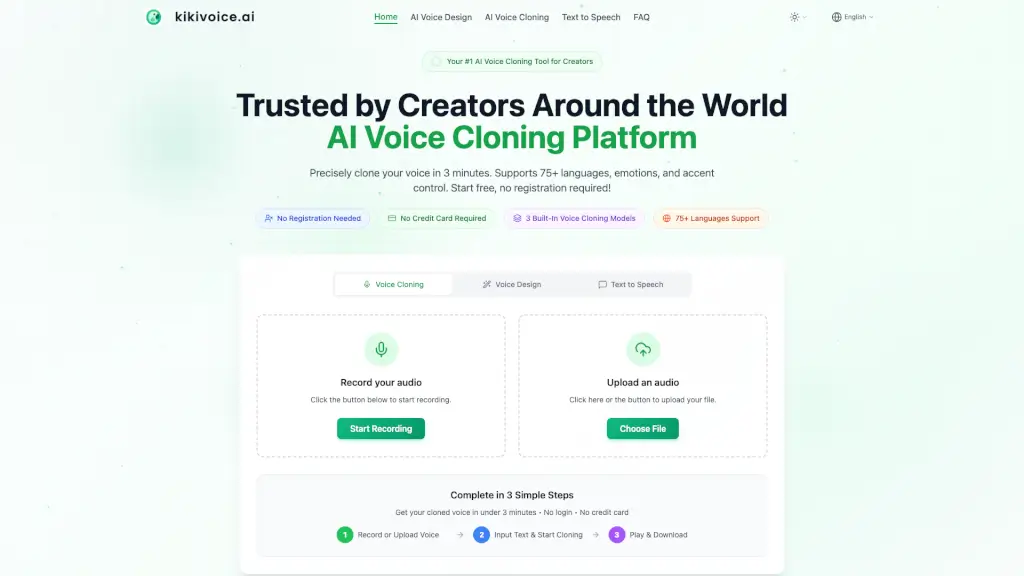
KikiVoice is a free AI voice cloning platform for creators that clones any voice in 75+ languages in under 3 minutes without sign-up, offering three models for fast, professional, or multilingual output.

Verified by SeekTool
kikivoice.ai

kikivoice.ai Product Information

What is kikivoice.ai?

KikiVoice is an AI voice cloning platform for creators that lets you clone a voice from just a few seconds of audio — no sign-up or credit card required. It supports 75+ languages, offers three built-in cloning models (Kiki Core, Kiki Pro, Kiki Multilingual), and can generate a realistic voice clone in under 3 minutes. The tool is designed for video dubbing, podcasting, e-learning, game voice acting, and global content localization, with optional emotion and accent controls for professional-grade output.

What are the features of kikivoice.ai?

  • Three Built‑In Voice Cloning Models: Choose between Kiki Core (fast, stable, 10+ languages), Kiki Pro (ultra‑realistic, 15+ emotion presets, 8+ languages), and Kiki Multilingual (75+ languages, cross‑lingual synthesis, multiple accents). Each model serves a different balance of speed, quality, and language coverage.
  • Cross‑Lingual Voice Cloning: Clone a voice in one language and make it speak fluently in another — for example, an English voice speaking Spanish, Chinese, Japanese, or French, while maintaining the original timbre and characteristics.
  • Emotion & Style Control (Kiki Pro model): Adjust the cloned voice’s mood with 15+ emotion presets (excited, professional, sad, angry, slow, etc.) and fine‑tune emotion intensity to match the script’s tone.
  • Accent Transformation (Kiki Multilingual model): Apply different accents to the same cloned voice — such as US English to British, Australian, Irish, Indian, or Singaporean English — without needing a separate voice sample.
  • AI Voice Design (Text Prompt to Voice): Describe a voice in plain language (e.g., “warm female narrator, slight British accent, calm and trustworthy”) and the platform generates a 100% original, copyright‑safe AI voice without relying on any real human voice sample.
  • Unlimited Downloads & Multiple Formats: Export generated audio as MP3, WAV, OGG, AAC, or OPUS in standard or high quality, with unlimited playback and downloads. No registration required for basic use.

What are the use cases of kikivoice.ai?

  • Video Dubbing & Social Media: Creators can clone their own voice and dub YouTube, TikTok, or Instagram reels in 75+ languages, keeping consistent audio identity across channels.
  • Podcast Hosting & Audiobook Narration: Assign different AI voices to different characters or hosts, control emotion and pacing, and produce long‑form audio without a recording studio.
  • Game & Animation Voice Acting: Generate unique voices for NPCs, fantasy creatures, or main characters — update dialogue by editing text and regenerating audio instantly.
  • E‑Learning & Corporate Training: Produce clear, professional narration for online courses; when curriculum updates occur, simply edit the script and regenerate the audio.
  • Global Content Localization: Translate a video, course, or game into 75+ languages while preserving the original voice persona and emotional tone, enabling a single voice to reach worldwide audiences.
  • Ad Marketing & Brand Voice: Create a consistent “brand voice” asset for commercials, product demos, and social ads, with full commercial rights and no licensing fees.

How to use kikivoice.ai?

  • Start without signing up: Go to the KikiVoice homepage and click “Start Recording” or “Upload Audio” — no account or credit card needed.
  • Upload a clear audio sample: Record 3–15 seconds of clean speech (no background music or noise) in a quiet environment. The platform accepts WAV, MP3, M4A, FLAC, and many video formats (max 50 MB).
  • Choose your cloning model: Select Kiki Core for fast everyday content, Kiki Pro for professional quality with emotion control, or Kiki Multilingual for cross‑lingual and accent‑switching tasks.
  • Enter your text and adjust settings: Type the script you want the cloned voice to speak. Optionally adjust speed, pitch, emotion preset, and language/accent.
  • Generate and download: Click the generate button — your cloned voice will be ready in seconds. Download as MP3 or WAV and use it in your projects. You can also regenerate with different settings.

Do you like this tool?

Upvote to help others discover it!

kikivoice.ai Alternatives

AI Clone Voice Free

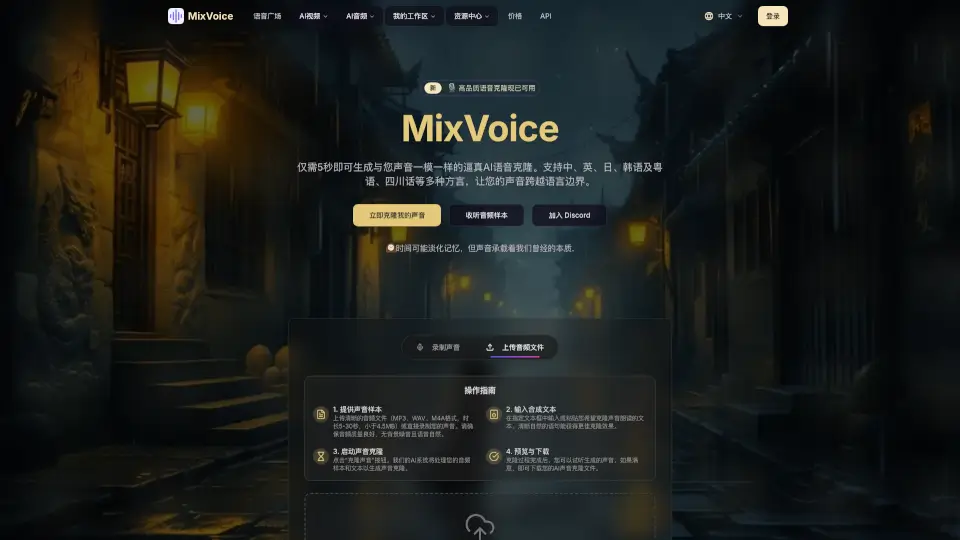
Create a realistic AI voice clone in just 5 seconds with MixVoice, supporting multiple languages and dialects, perfect for content creators and personal projects.

CN
22.09%
|
87.6K
|
5.0
AnySpeech

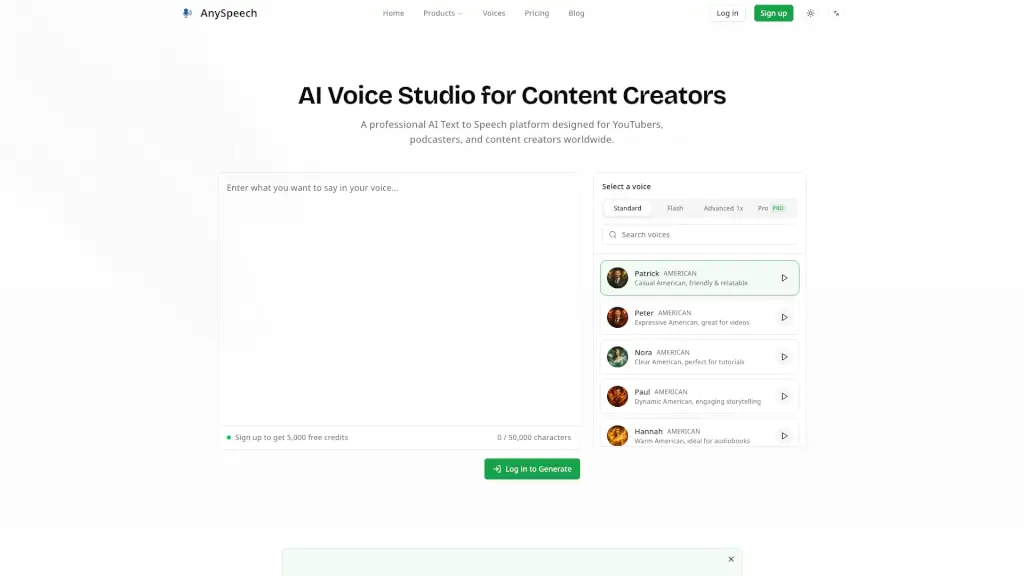
Convert text into natural speech with AnySpeech's free AI text to speech generator, featuring 100+ realistic voices across 50+ languages.

US
13.49%
|
229.0K
|
5.0
Voicv

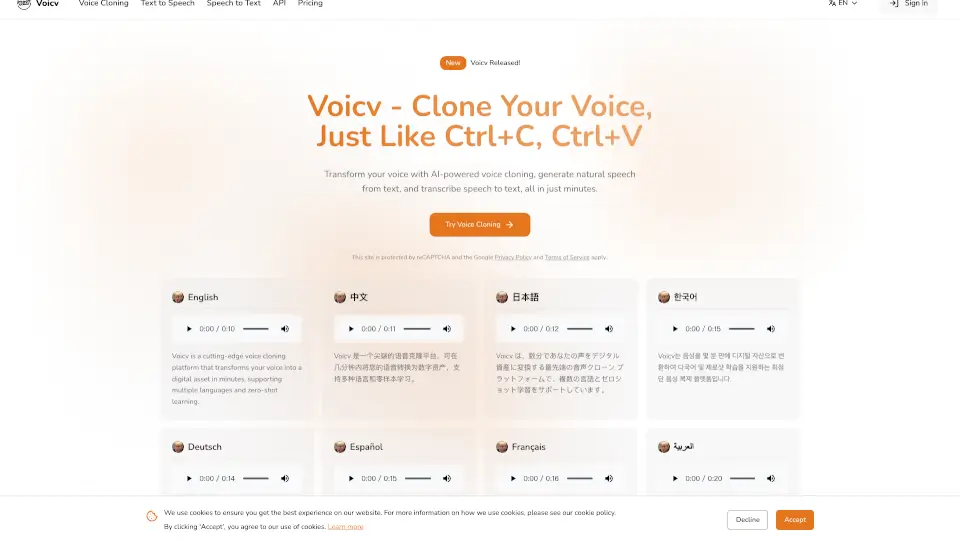
Voicv is a cutting-edge voice cloning platform that transforms your voice into a digital asset in minutes, supporting multiple languages and zero-shot learning, ideal for content creators, businesses, and professionals.

BR
14.71%
|
131.3K
|
5.0
MyVocal AI

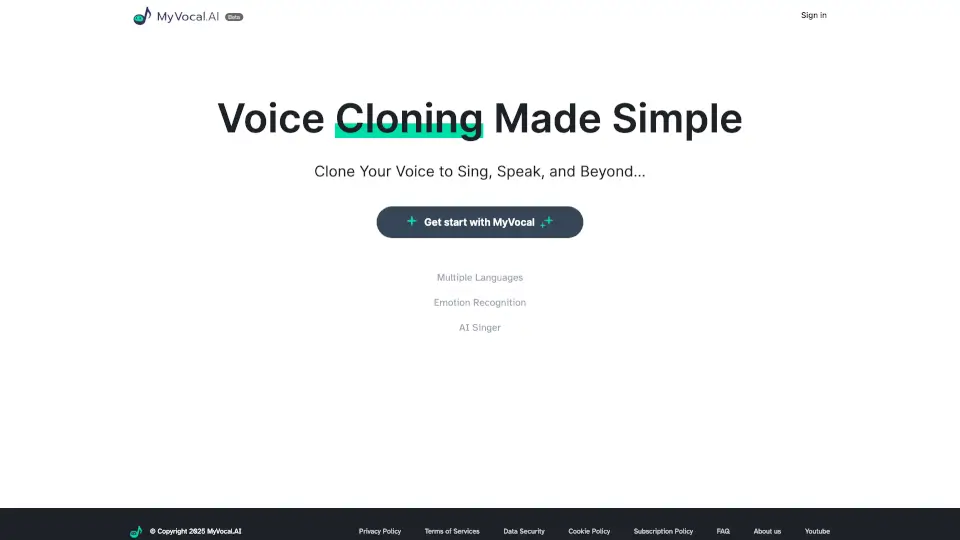
MyVocal AI lets you clone your voice and generate realistic, multilingual text-to-speech and AI singing with just one recording.

US
10.37%
|
65.6K
|
5.0
AI Voice Generator by AIVocal

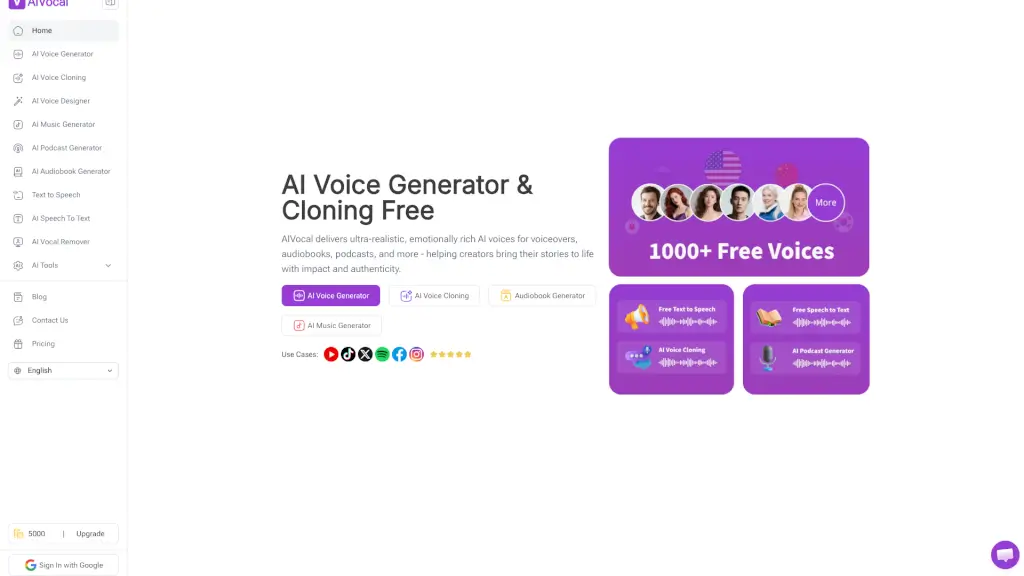
AIVocal is a free AI voice generator and cloning tool that creates ultra-realistic speech for podcasts, audiobooks, and voiceovers in 140+ languages.

GT
16.13%
|
136.0K
|
5.0
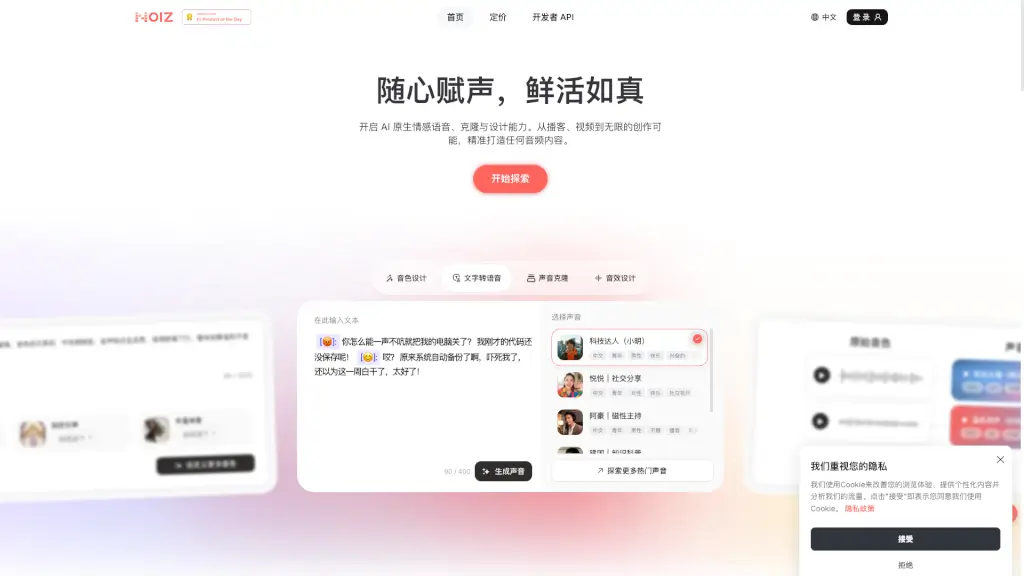
Noiz AI

Noiz AI delivers lifelike, emotionally expressive AI text-to-speech with voice cloning, multilingual dubbing, and custom voice design for creators and developers.

CN
26.62%
|
535.7K
|
5.0
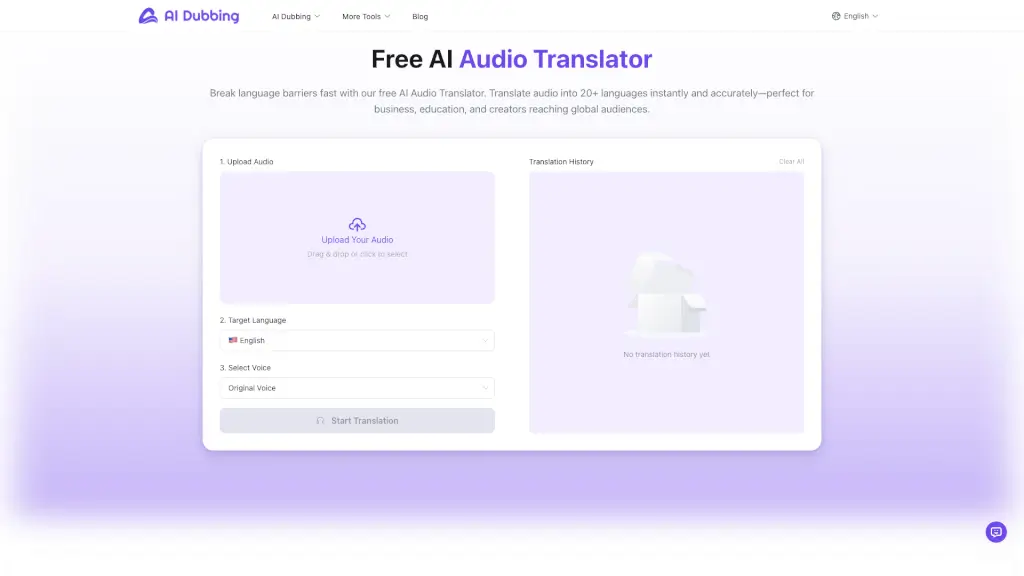
AI Audio Translator

Translate audio into 20+ languages with 100+ lifelike AI voices, all for free and in just a few minutes. Perfect for content creators, educators, and businesses.

US
17.22%
|
322.2K
|
5.0
MiniMax Audio

Transform text into lifelike speech with diverse voices and accents, perfect for ads, education, and storytelling.

US
12.22%
|
6.3M
|
5.0

kikivoice.ai Related Other Categories

kikivoice.ai Traffic Analysis

💡 Insights

Medium Scale
100K-1M monthly visits. Growing tool with active development.
📊
Steady Growth
Recent growth of 30%. Product is in a healthy upward trend.
👍
Good Experience
Bounce rate of 46%. Users are willing to explore features.
🌐
Global Reach
Balanced user distribution worldwide.
  • Monthly Visits

    395.24K

  • Bounce Rate

    46.42%

  • Pages Per Visit

    3.85

  • Visit Duration

    00:01:18

  • Global Rank

    105406

  • Country Rank

    24031

Visits Over Time

Traffic Sources

SearchOrganic44.65%
Direct43.03%
SocialOrganic4.91%
Referrals4.43%
GenAi2.27%
Mail0.35%
DisplayAds0.32%
SearchPaid0.04%
SocialPaid0.00%
Affiliate0.00%

Top Keywords

1
kikivoice
CPC$3.09
5.70KTraffic
2
free voice cloning
CPC$0.88
1.85KTraffic
3
kikivoice.ai
1.73KTraffic
4
ai voice cloning
CPC$1.69
1.58KTraffic
5
clonar voz
CPC$0.21
1.03KTraffic

Top Regions

RegionPercentage
United States
United States
15.71%
India
India
9.00%
Brazil
Brazil
8.60%
Spain
Spain
6.04%
Mexico
Mexico
4.03%
Low
High

Powered by SimilarWeb

kikivoice.ai FAQ

What is KikiVoice?

KikiVoice is a free AI voice cloning platform for creators. It lets you clone a voice from a few seconds of audio in 75+ languages, no sign-up required. It includes three built‑in cloning models (Kiki Core, Kiki Pro, Kiki Multilingual) and supports emotion, accent, and cross‑lingual synthesis.

Is KikiVoice really free?

Yes, it offers a free tier that resets weekly with credit points. No registration or credit card is required to start cloning. Cloned voices can be used commercially as long as you have rights to the original audio.

How long does the voice cloning process take?

The process is completed in under 3 minutes typically. You upload 3–15 seconds of audio, choose your model, enter text, and generate. The exact time depends on content length, selected model, and server load.

Can I use the cloned voice commercially?

Yes, KikiVoice supports commercial use. You must have full copyright and usage rights to the uploaded audio sample. Generated cloned voices can be used for video dubbing, ads, podcasts, etc., provided the original audio has commercial rights.

What languages does KikiVoice support?

Over 75 languages, including English, Spanish, Chinese, Hindi, French, German, Japanese, Korean, Portuguese, Italian, Arabic, and Urdu. The Kiki Multilingual model offers the widest language coverage, while Kiki Core and Kiki Pro support 10+ and 8+ languages respectively.

How do I get the best cloning results?

Use a good quality microphone, record in a quiet room, and provide a 3–15 second clean sample of natural speech with clear pronunciation and moderate speed. Avoid background noise, music, or reverb.

kikivoice.ai Reviews

0

0

0 Reviews
Sign Into leave a review

Recent Reviews

No reviews yet

kikivoice.ai Embed

Use website badges to drive community support for SeekTool.ai. They are easy to embed in your homepage or footer.

Light
Dark
kikivoice.ai - Featured on SeekTool.aikikivoice.ai - Featured on SeekTool.ai
How to install?

Category Rankings

Ranked by monthly traffic