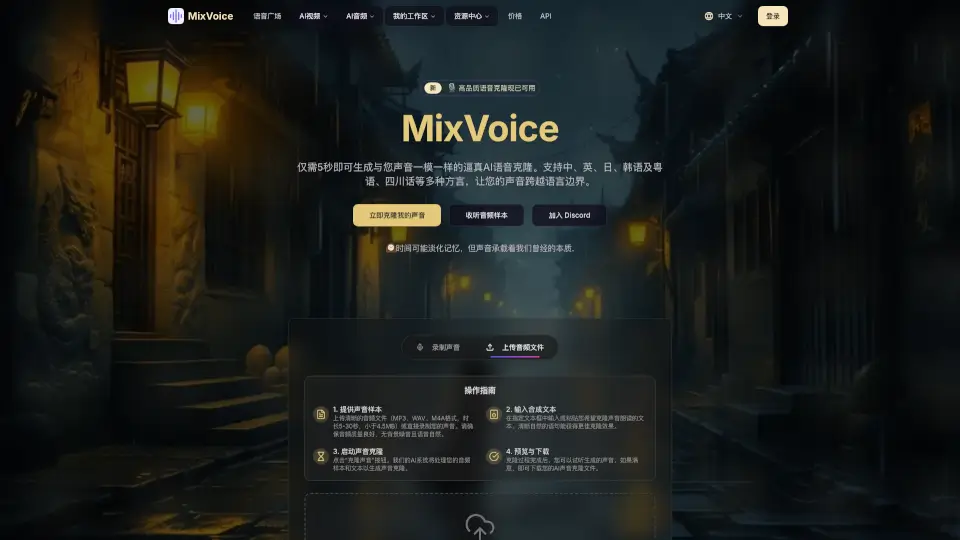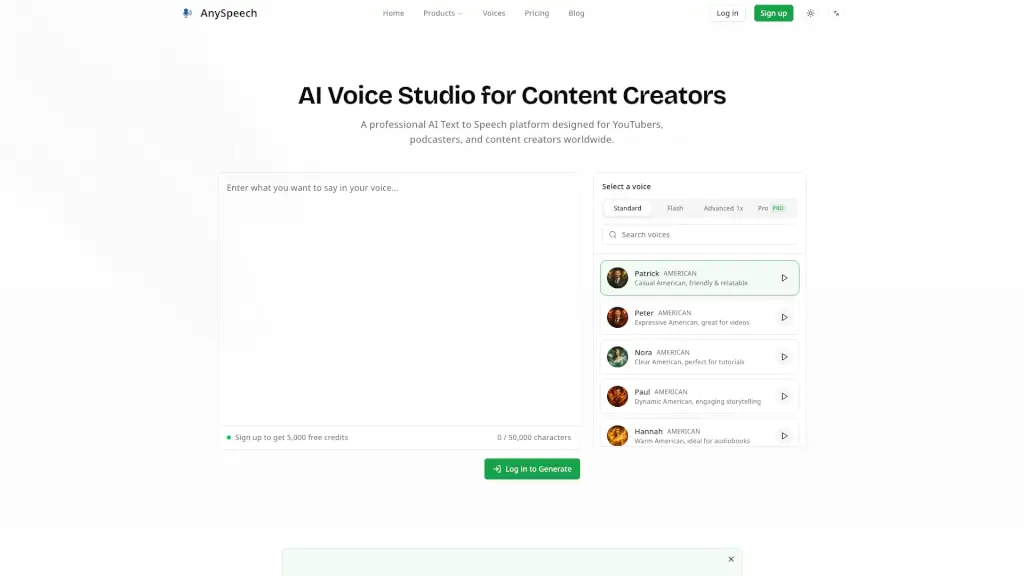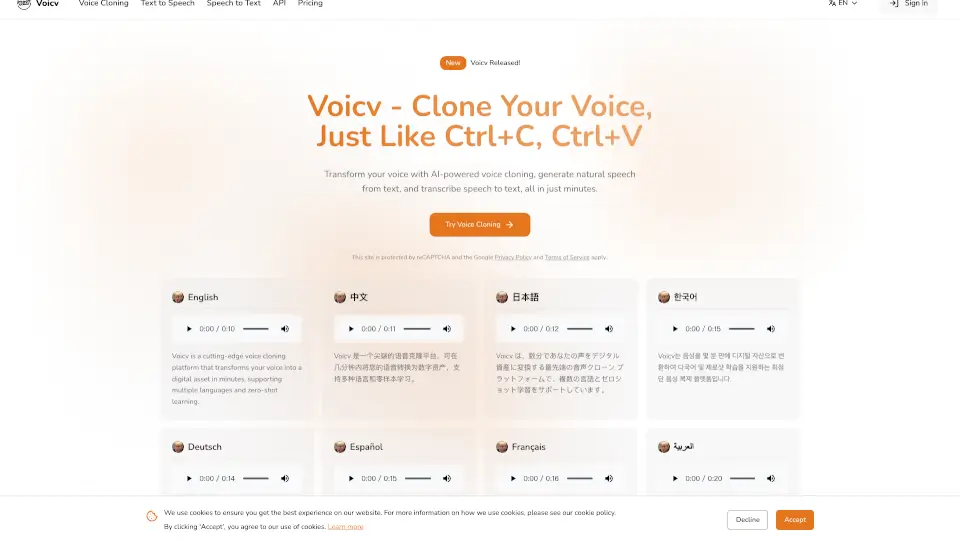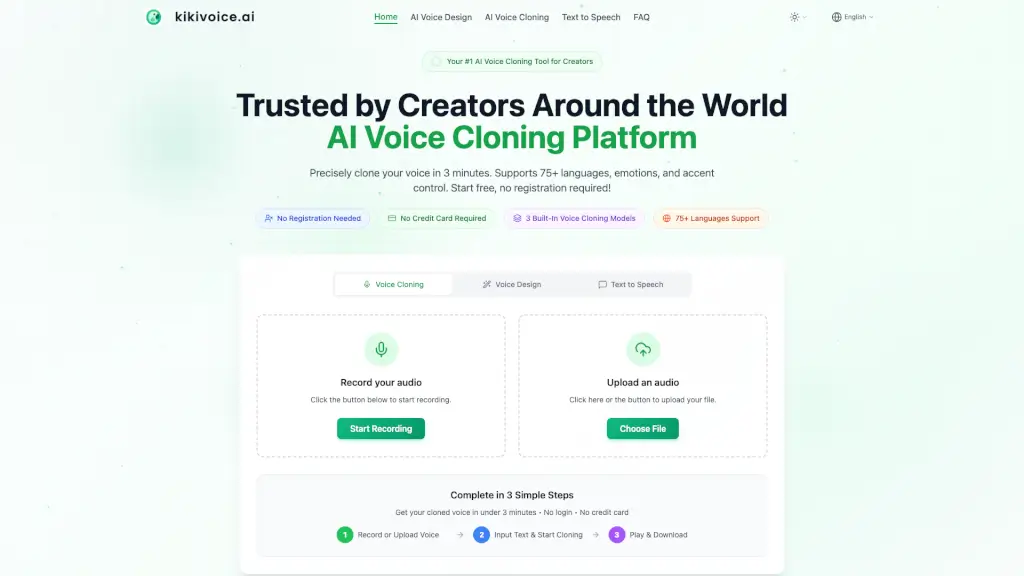
What is kikivoice.ai?
KikiVoice is an AI voice cloning platform for creators that lets you clone a voice from just a few seconds of audio — no sign-up or credit card required. It supports 75+ languages, offers three built-in cloning models (Kiki Core, Kiki Pro, Kiki Multilingual), and can generate a realistic voice clone in under 3 minutes. The tool is designed for video dubbing, podcasting, e-learning, game voice acting, and global content localization, with optional emotion and accent controls for professional-grade output.
What are the features of kikivoice.ai?
- Three Built‑In Voice Cloning ModelsChoose between Kiki Core (fast, stable, 10+ languages), Kiki Pro (ultra‑realistic, 15+ emotion presets, 8+ languages), and Kiki Multilingual (75+ languages, cross‑lingual synthesis, multiple accents). Each model serves a different balance of speed, quality, and language coverage.
- Cross‑Lingual Voice CloningClone a voice in one language and make it speak fluently in another — for example, an English voice speaking Spanish, Chinese, Japanese, or French, while maintaining the original timbre and characteristics.
- Emotion & Style Control(Kiki Pro model): Adjust the cloned voice’s mood with 15+ emotion presets (excited, professional, sad, angry, slow, etc.) and fine‑tune emotion intensity to match the script’s tone.
- Accent Transformation(Kiki Multilingual model): Apply different accents to the same cloned voice — such as US English to British, Australian, Irish, Indian, or Singaporean English — without needing a separate voice sample.
- AI Voice Design (Text Prompt to Voice)Describe a voice in plain language (e.g., “warm female narrator, slight British accent, calm and trustworthy”) and the platform generates a 100% original, copyright‑safe AI voice without relying on any real human voice sample.
- Unlimited Downloads & Multiple FormatsExport generated audio as MP3, WAV, OGG, AAC, or OPUS in standard or high quality, with unlimited playback and downloads. No registration required for basic use.
What are the use cases of kikivoice.ai?
- Video Dubbing & Social MediaCreators can clone their own voice and dub YouTube, TikTok, or Instagram reels in 75+ languages, keeping consistent audio identity across channels.
- Podcast Hosting & Audiobook NarrationAssign different AI voices to different characters or hosts, control emotion and pacing, and produce long‑form audio without a recording studio.
- Game & Animation Voice ActingGenerate unique voices for NPCs, fantasy creatures, or main characters — update dialogue by editing text and regenerating audio instantly.
- E‑Learning & Corporate TrainingProduce clear, professional narration for online courses; when curriculum updates occur, simply edit the script and regenerate the audio.
- Global Content LocalizationTranslate a video, course, or game into 75+ languages while preserving the original voice persona and emotional tone, enabling a single voice to reach worldwide audiences.
- Ad Marketing & Brand VoiceCreate a consistent “brand voice” asset for commercials, product demos, and social ads, with full commercial rights and no licensing fees.
How to use kikivoice.ai?
- Start without signing upGo to the KikiVoice homepage and click “Start Recording” or “Upload Audio” — no account or credit card needed.
- Upload a clear audio sampleRecord 3–15 seconds of clean speech (no background music or noise) in a quiet environment. The platform accepts WAV, MP3, M4A, FLAC, and many video formats (max 50 MB).
- Choose your cloning modelSelect Kiki Core for fast everyday content, Kiki Pro for professional quality with emotion control, or Kiki Multilingual for cross‑lingual and accent‑switching tasks.
- Enter your text and adjust settingsType the script you want the cloned voice to speak. Optionally adjust speed, pitch, emotion preset, and language/accent.
- Generate and downloadClick the generate button — your cloned voice will be ready in seconds. Download as MP3 or WAV and use it in your projects. You can also regenerate with different settings.