
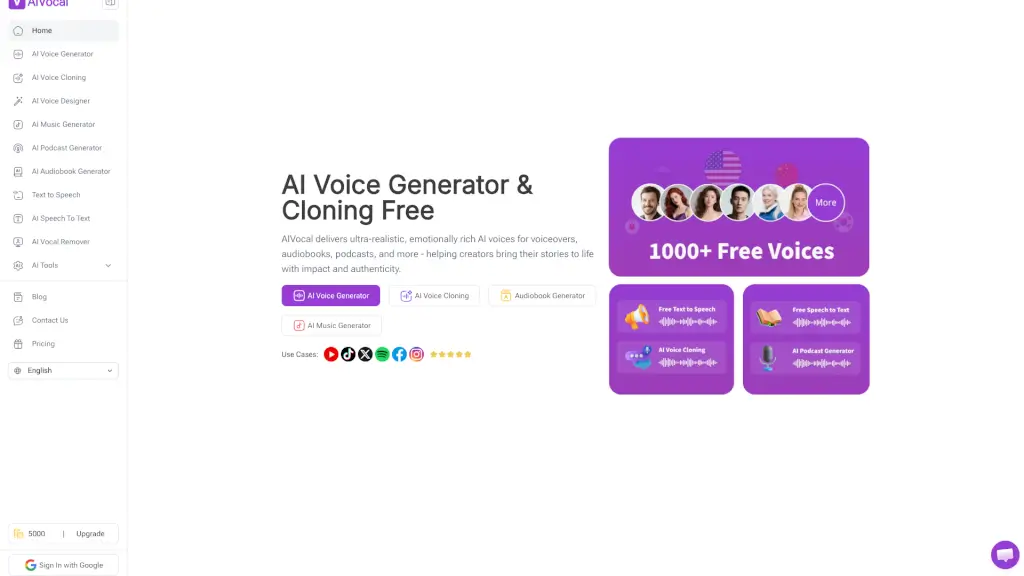
What is AI Voice Generator by AIVocal?
AIVocal is your all-in-one AI assistant for voice tasks, making voice work smarter and faster. Whether you need to generate ultra-realistic AI voices, clone your own voice, create audiobooks, or transcribe meetings, AIVocal handles it all in one place. It’s built for creators, podcasters, and professionals who want high-quality audio without the hassle. Best of all, many tools are free to use online, with no sign-up required for features like the AI Vocal Remover.
What are the features of AI Voice Generator by AIVocal?
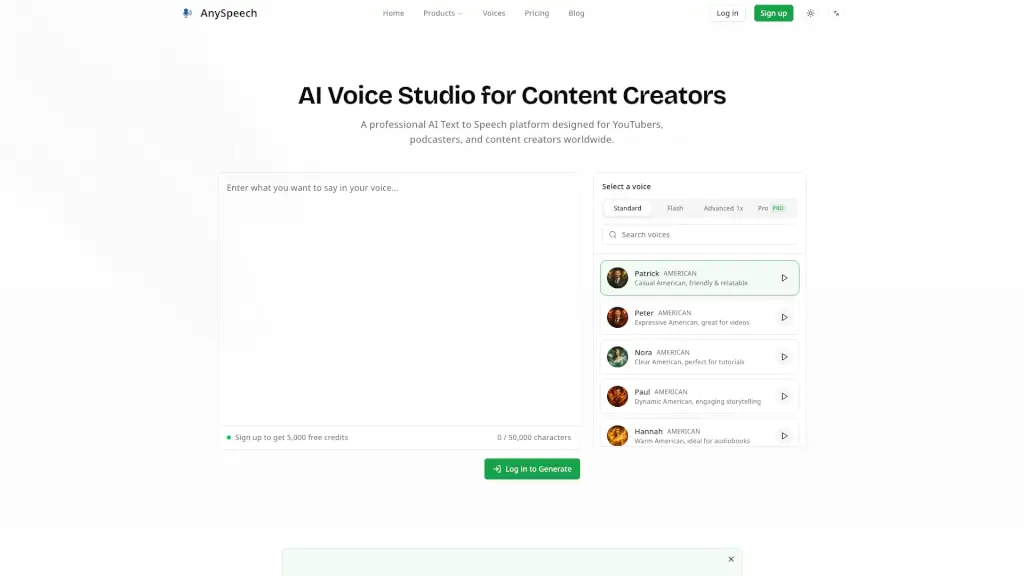
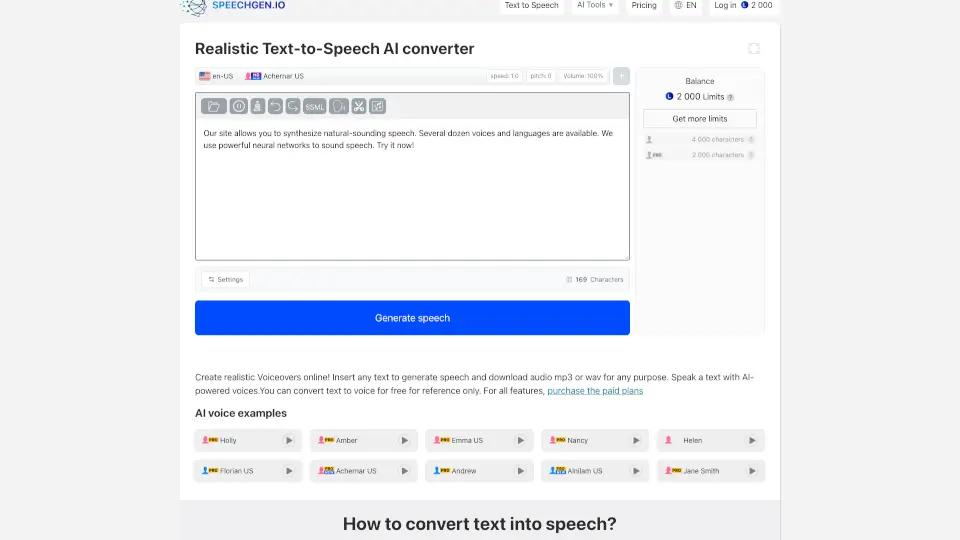
- AI Voice Generator: Convert text to lifelike speech in 140+ languages using 900+ natural-sounding voices. Adjust mood and speech rate for free.
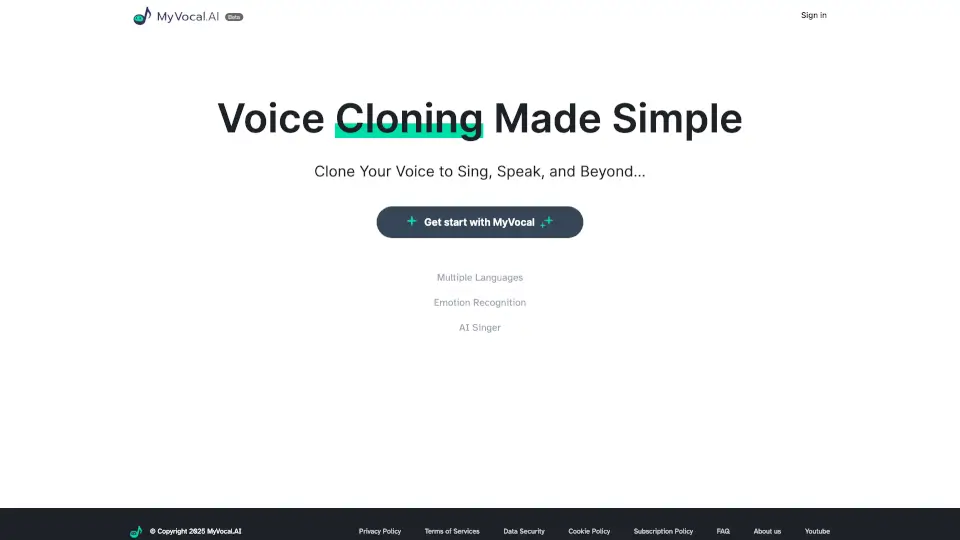
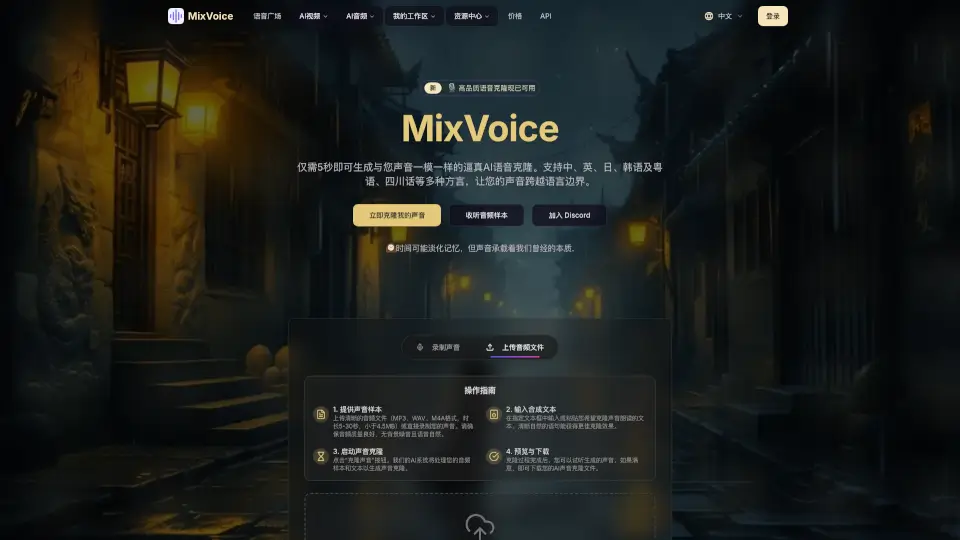
- AI Voice Cloning: Clone your own voice to create personalized speech content that sounds just like you.
- AI Audiobook Generator: Turn your text into professional audiobooks with realistic narration.
- AI Podcast Generator: Transform your notes into natural-sounding podcasts using AI – no recording or editing skills needed.
- AI Vocal Remover: Isolate instrumental tracks or extract vocals from any song. Fast, high-quality, and free – no sign-up required.
- MP3 to Text Converter: Transcribe MP3 audio files into accurate text (99.9% accuracy) and export to SRT or TXT formats with one click.
- AI Speech Generator: Generate realistic AI speech from any text, ideal for presentations, learning tools, and content narration.
What are the use cases of AI Voice Generator by AIVocal?
- AI Podcasting: Quickly turn your rough notes into a polished podcast episode using AI-generated voices and scripts.
- Voiceovers for Videos: Create professional voiceovers for YouTube, ads, or explainer videos without hiring a voice actor.
- Transcribing Meetings: Record live meetings or upload audio files to get accurate transcriptions in multiple languages.
- Music Production: Use the AI Vocal Remover to isolate vocals or instrumentals for remixing, sampling, or karaoke tracks.
- Audiobook Creation: Turn your written content (books, articles, scripts) into high-quality audiobooks with natural-sounding narration.
- Language Learning: Generate speech in different languages to practice pronunciation or create listening exercises.
How to use AI Voice Generator by AIVocal?
- Start with the AI Voice Generator: Go to the AIVocal website, paste your text, choose a voice and language, adjust the mood and speed, then click generate. Download the audio file.
- Use the AI Vocal Remover: Upload any song file (MP3, WAV, etc.) – no sign-up needed. The tool will automatically separate vocals and instrumental. Download each track.
- Transcribe an MP3: Upload your audio file to the MP3 to Text Converter. It will transcribe it with high accuracy. You can export the text as SRT (for subtitles) or TXT.
- Create a Podcast: Use the AI Podcast Generator. Input your notes or topic, and the AI will generate a natural-sounding podcast script and voiceover. Edit as needed.
- Clone Your Voice: Record a short sample of your voice. The AI will learn your tone and inflection. Then type any text, and it will be spoken in your cloned voice.