

What is Vital?
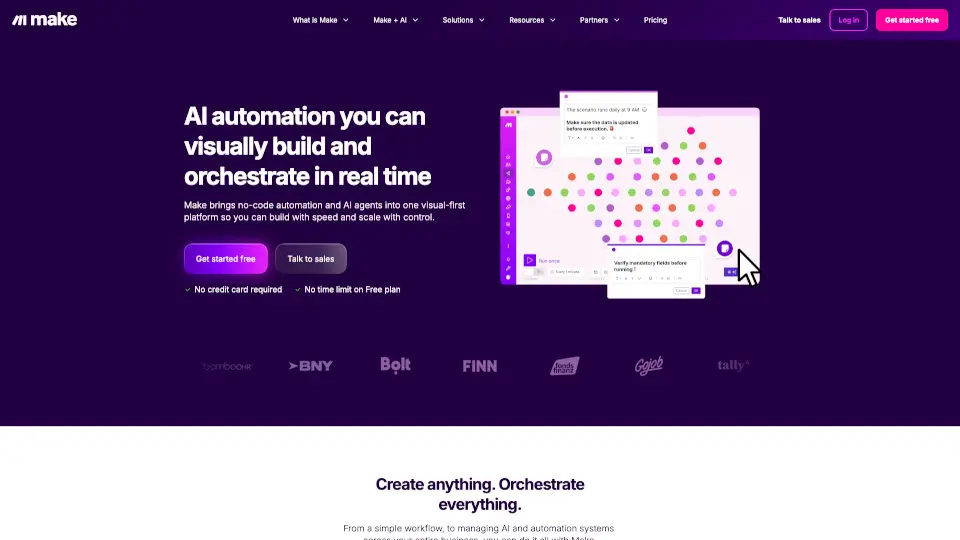
Vital.io is a powerful no-code platform that lets you build custom AI agents and automations without writing a single line of code. Think of it as your personal digital workforce—you can create smart workflows that extract data, generate content, integrate with thousands of apps, and make decisions based on your business rules. Whether you’re a small business owner, a marketer, or a developer looking to speed up repetitive tasks, Vital.io helps you ship AI workflows in minutes, not months.
What are the features of Vital?
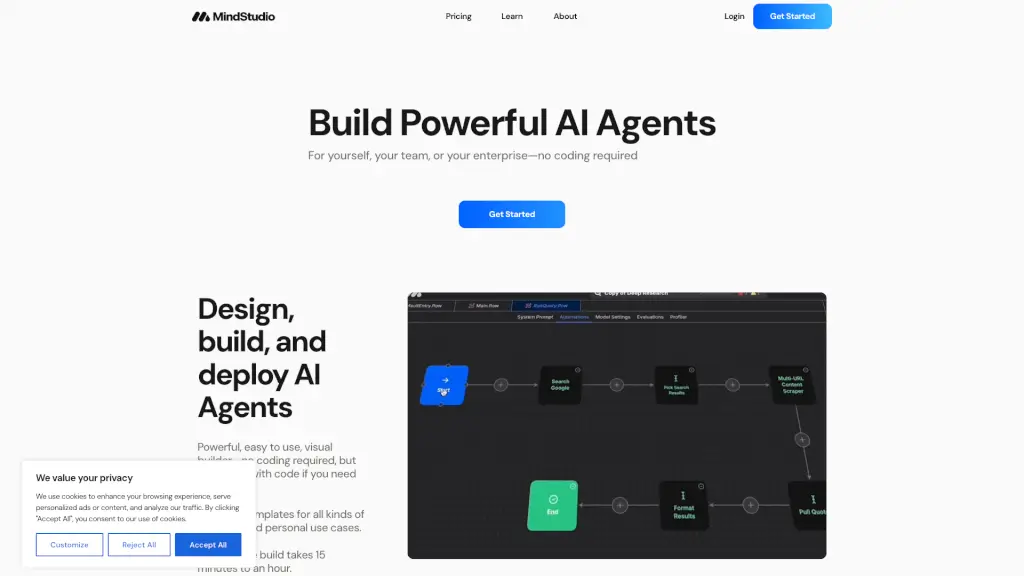
- Visual Workflow Builder: Drag, drop, and connect blocks to create AI-powered sequences—no coding required.
- Pre-Built AI Agents: Use ready-made agents for tasks like web scraping, data enrichment, sentiment analysis, and content generation.
- Multi-Step Automations: Chain together actions (e.g., grab a lead from a form → enrich with AI → add to CRM → send a personalized email).
- API & Webhook Integration: Connect with 5,000+ apps (Slack, Google Sheets, Shopify, HubSpot, etc.) via native integrations or custom webhooks.
- Conditional Logic & Loops: Set rules like “if score > 80, send to sales team” or repeat actions across a dataset.
- Built-in AI Models: Access GPT-4, Claude, and other top LLMs directly inside your workflows.
- Scalable Execution: Run automations on a schedule, trigger them via webhooks, or process thousands of records in batch.
What are the use cases of Vital?
- Lead Generation & Enrichment: Automatically scrape company websites, enrich contact data with AI, and push it to your CRM.
- Content Creation Pipeline: Curate trending topics → have AI draft blog posts → proofread with another agent → publish to WordPress.
- Customer Support Triage: Incoming emails → AI reads sentiment → auto-reply simple queries → escalate complex ones to a human.
- E-Commerce Inventory Sync: Monitor supplier price changes → update your Shopify listings → flag margin dips to your team.
- Data Cleaning & Dedup: Pull CSV files → AI identifies duplicates → merges records → outputs a clean spreadsheet.
- Social Media Monitoring: Track brand mentions across platforms → AI summarizes sentiment → sends daily digest to Slack.
How to use Vital?
- Sign up at vital.io and start with a free template (e.g., “Scrape a website and summarize it”).
- Use the visual builder to add a trigger (like a webhook or schedule) and then drag in AI nodes (e.g., “Extract product details”).
- Connect your apps by authorizing integrations (Google Sheets, Slack, etc.) or paste an API key.
- Test your workflow with sample data—the builder shows you live outputs at each step.
- Deploy it and set it to run on a schedule or in real‑time. Monitor logs to fine‑tune performance.
- Iterate: Copy a workflow, tweak the prompt, or add conditional logic to handle edge cases.