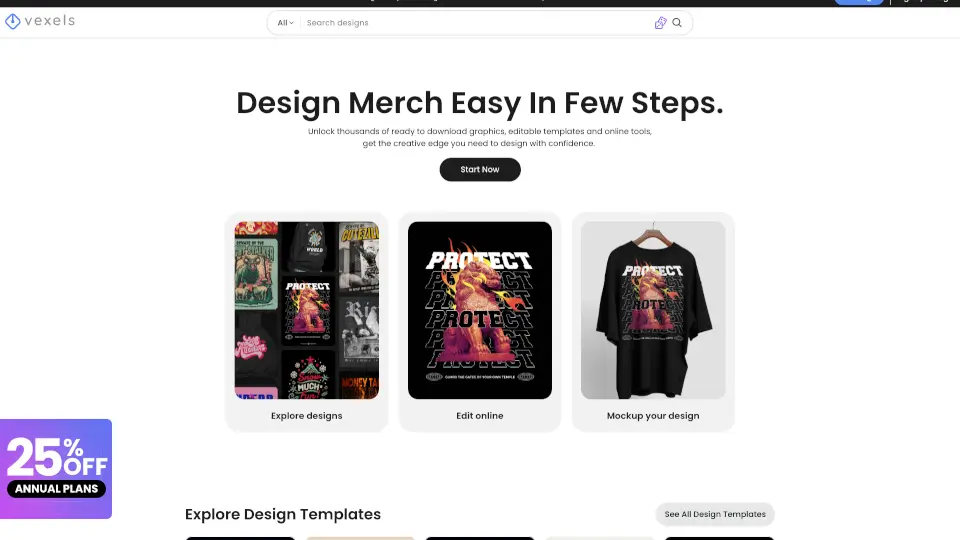
What is Vexels?
Vexels is an AI-powered design platform for print-on-demand (POD) sellers and merch creators. It helps you generate, customize, and preview t-shirt and product designs in one place, from concept to store-ready files. The platform includes a library of over 500,000 templates, an AI design generator, and a mockup tool. It’s built for Etsy, Shopify, Printful, and Printify users who want professional-looking merchandise without hiring a designer.
What are the features of Vexels?
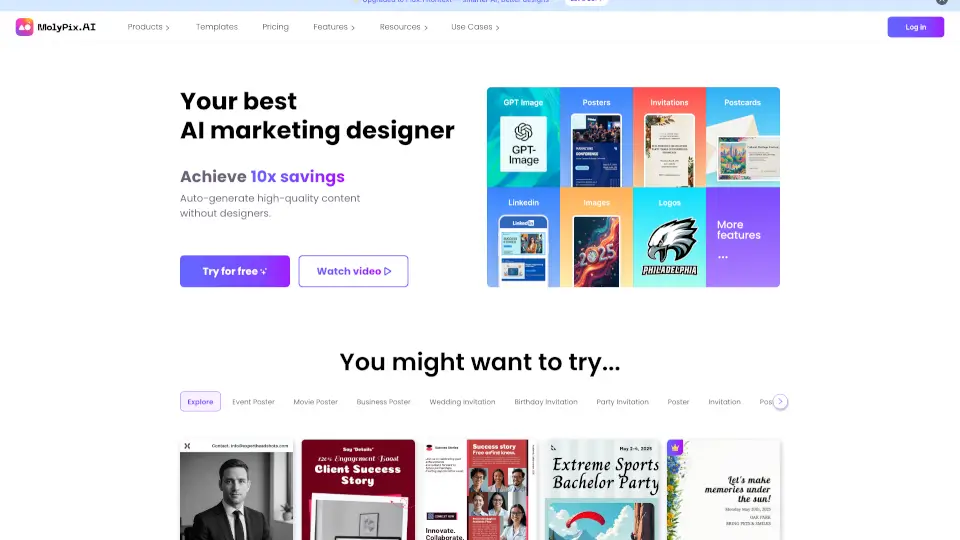
- AI Design Generator: Describe an idea and instantly get a custom design image. Works for t-shirts, hoodies, and other merch items.
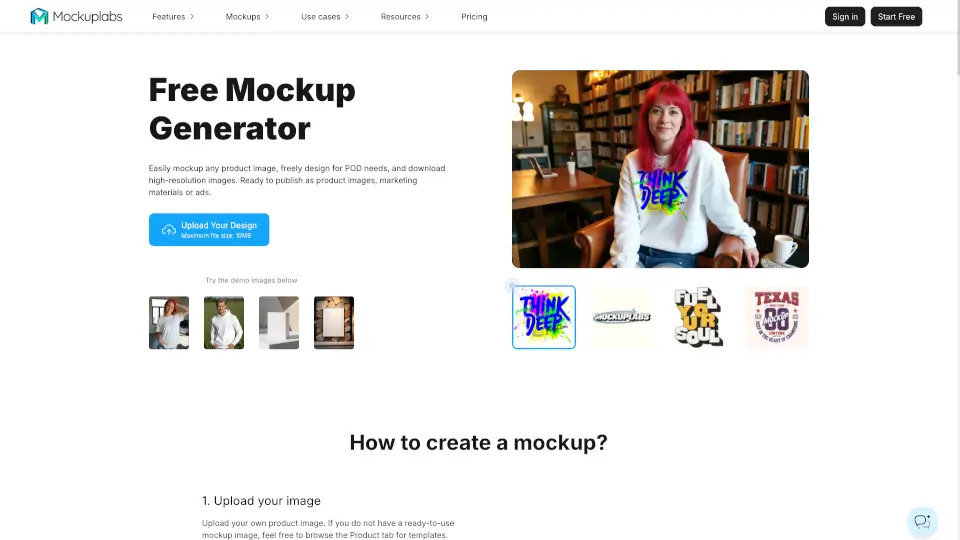
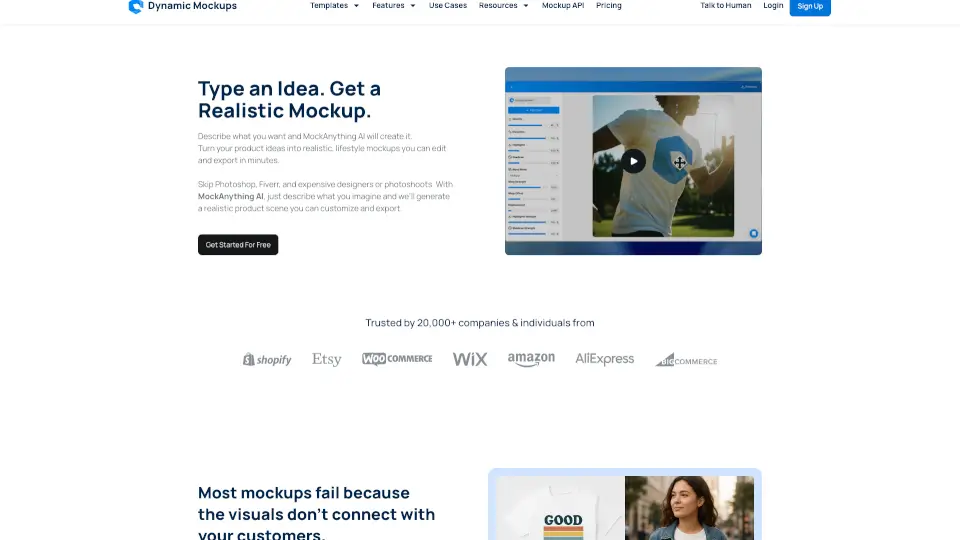
- Mockup Generator: Preview your design on real POD products with true-to-life colors and print dimensions. No manual scaling needed.
- Image Vectorizer Tool: Convert any raster image into a high-quality, editable vector file. Ideal for scaling designs without losing resolution.
- Merch Designer: Create or customize designs from scratch using editable templates. Canvas automatically adjusts to your chosen product’s print area.
- Quote Generator: Discover niche-oriented quotes while designing. Place them directly into your layout for instant inspiration.
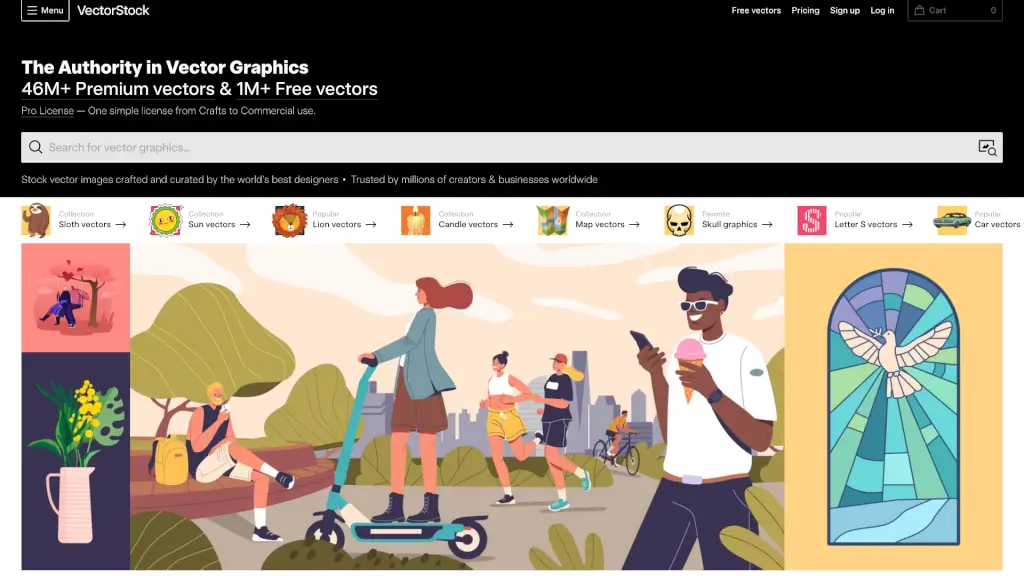
- Massive Library of Assets: Access over 219,000 graphics and premade templates, all optimized for POD readability and print quality.
What are the use cases of Vexels?
- Etsy shop owners creating unique t-shirt designs from AI-generated concepts.
- Shopify merchants using the mockup generator to preview designs on hoodies, mugs, and tote bags.
- Printful and Printify sellers who need print-ready vector files without manual tracing.
- Hobbyists exploring niche quotes and graphics to build a small merch collection quickly.
- Content creators who want to design branded merchandise using AI prompts and editable templates.
How to use Vexels?
- Start by signing up for a free account on Vexels to access the design tools.
- Choose a product type (e.g., t-shirt) and the canvas will adjust to the correct print dimensions.
- Use the AI Design Generator: type a description, then review and edit the generated image.
- Preview your design on the chosen product with the mockup generator before exporting.
- Download the final design as a high-resolution vector or PNG file ready for POD platforms.