
What is Unscreen?
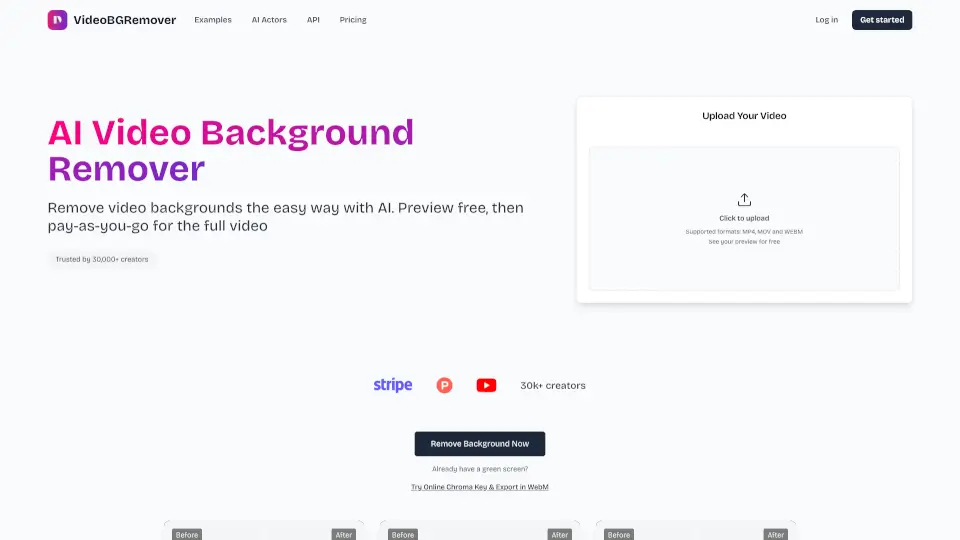
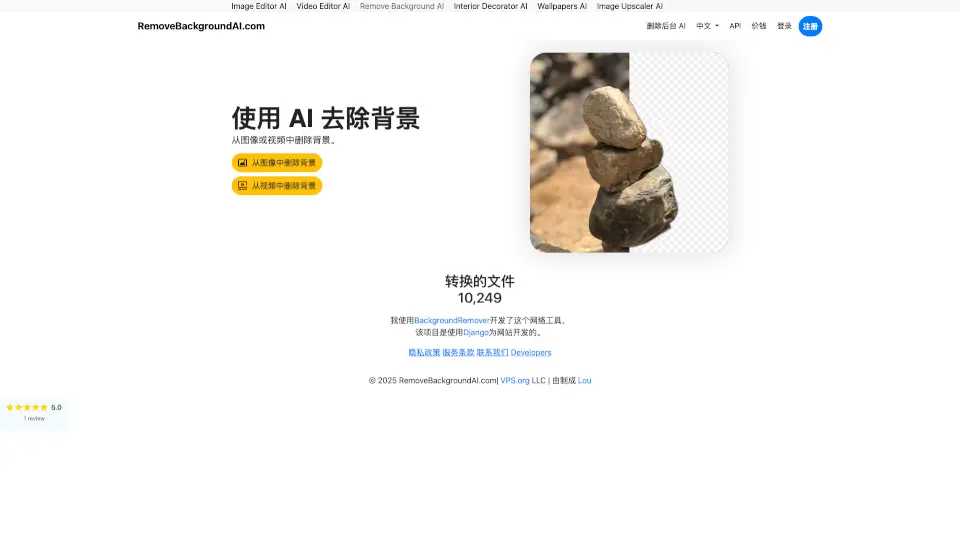
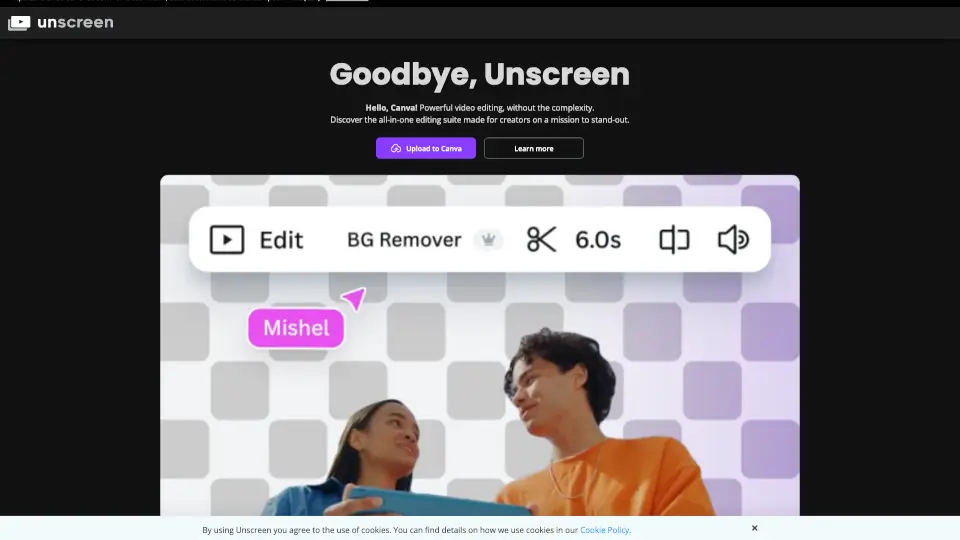
Unscreen is a game-changer for video editing—it removes backgrounds from videos 100% automatically, online, and for free. No green screens, no manual editing—just upload your clip, and Unscreen does the rest. Perfect for creators, marketers, and anyone who needs clean, professional-looking videos in seconds.
What are the features of Unscreen?
- Fully Automatic: No clicks, no masks—just upload and let Unscreen handle the rest.
- High Accuracy: AI-powered tech delivers crisp, clean background removal.
- Multiple Formats: Works with .mp4, .webm, .mov, and .gif files.
- Unscreen Pro: Upgrade for HD resolution, no watermark, and API/plugin support.
- Adobe Integration: Plugins for Premiere Pro & After Effects streamline your workflow.
What are the use cases of Unscreen?
- Content Creators: Make eye-catching social media videos without a green screen.
- Musicians: Create sleek music videos or promo clips effortlessly.
- Educators: Spice up lessons with clean, distraction-free video content.
- Marketers: Produce polished ads or demos in minutes.
How to use Unscreen?
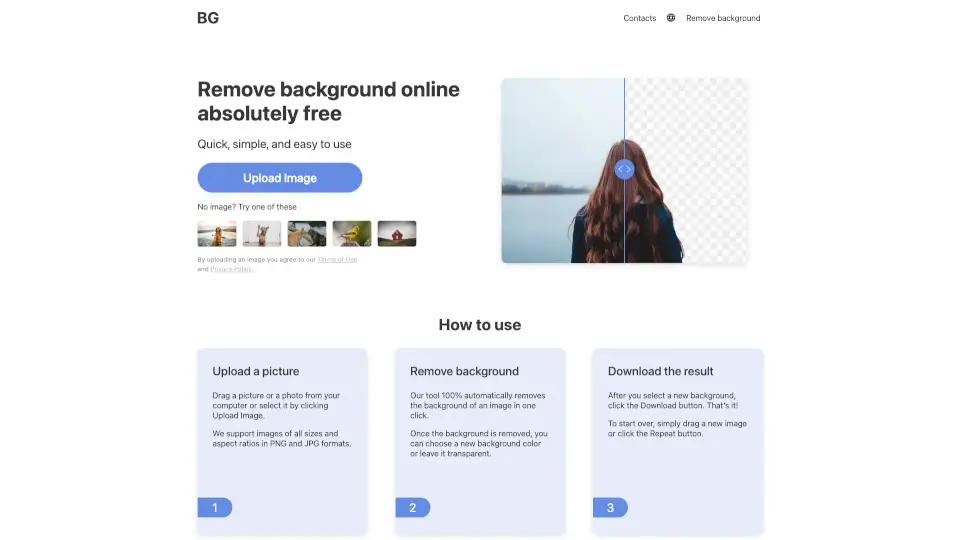
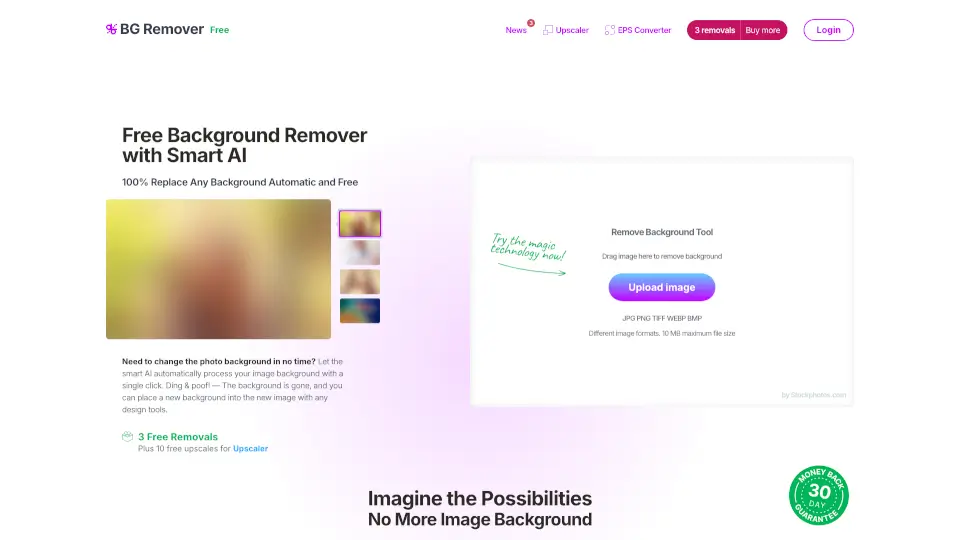
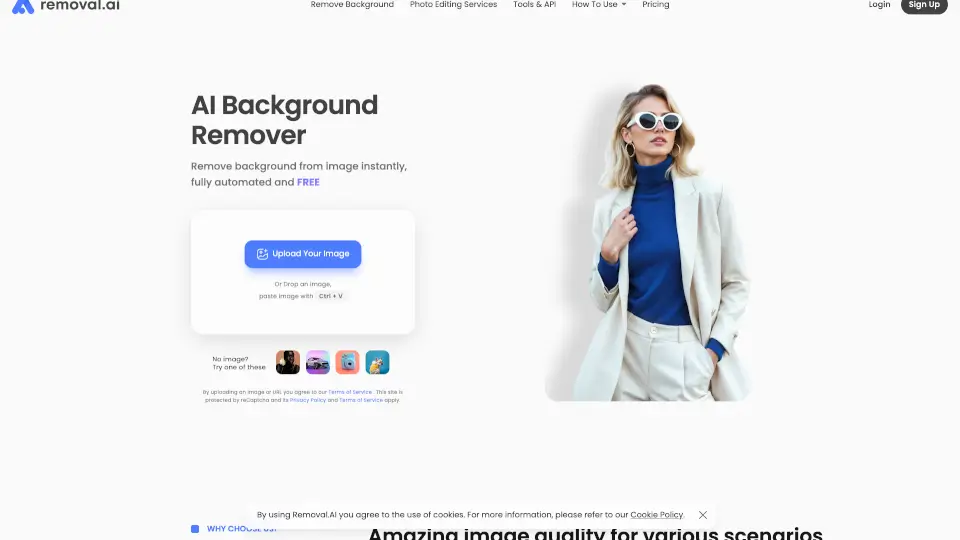
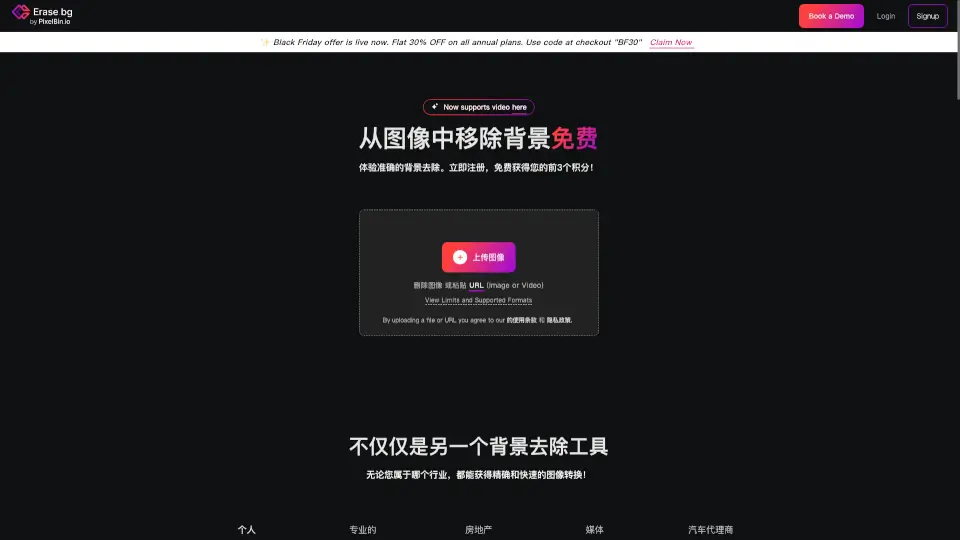
- Upload: Drag and drop your video or paste a URL.
- Process: Unscreen’s AI removes the background instantly.
- Download: Save your clip with a transparent or custom background.
- Pro Features: Install plugins for direct editing in Adobe apps.