
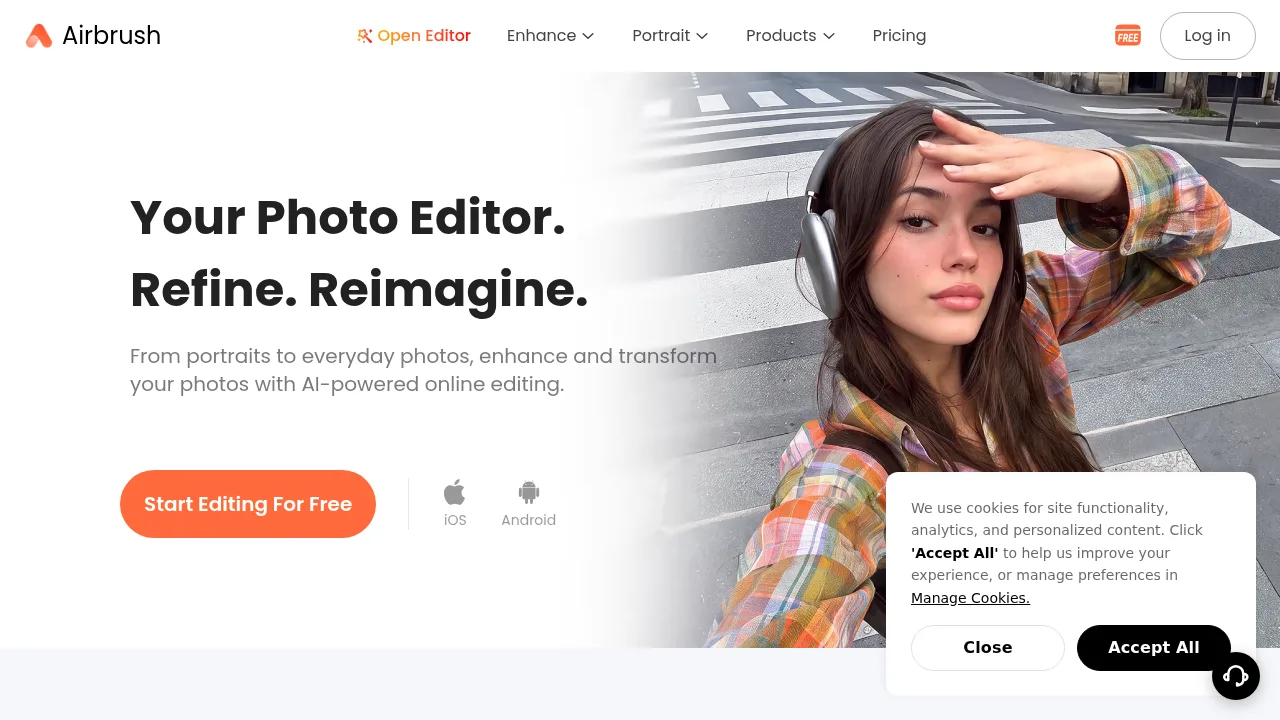
What is AirBrush ProHeadshot?
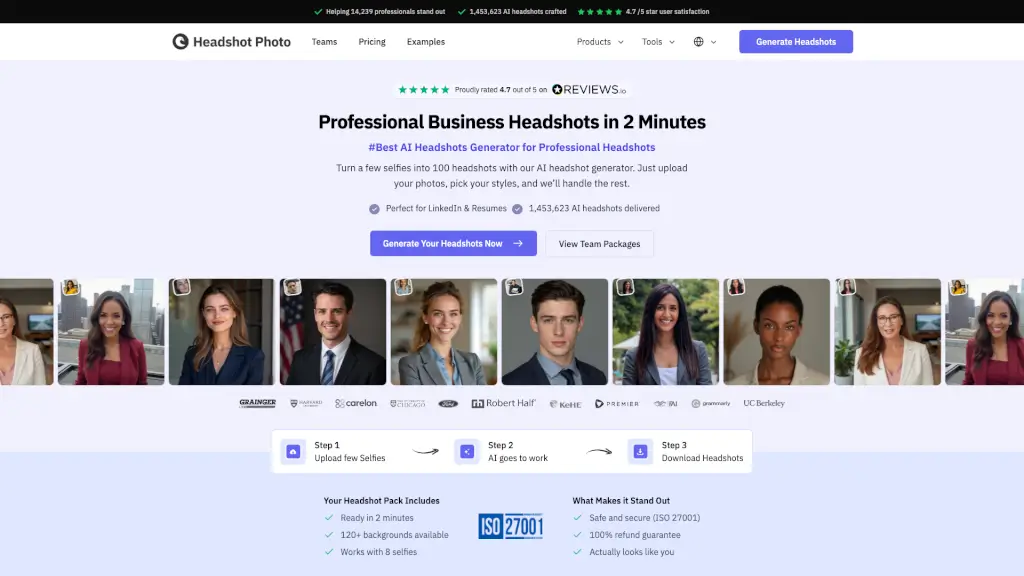
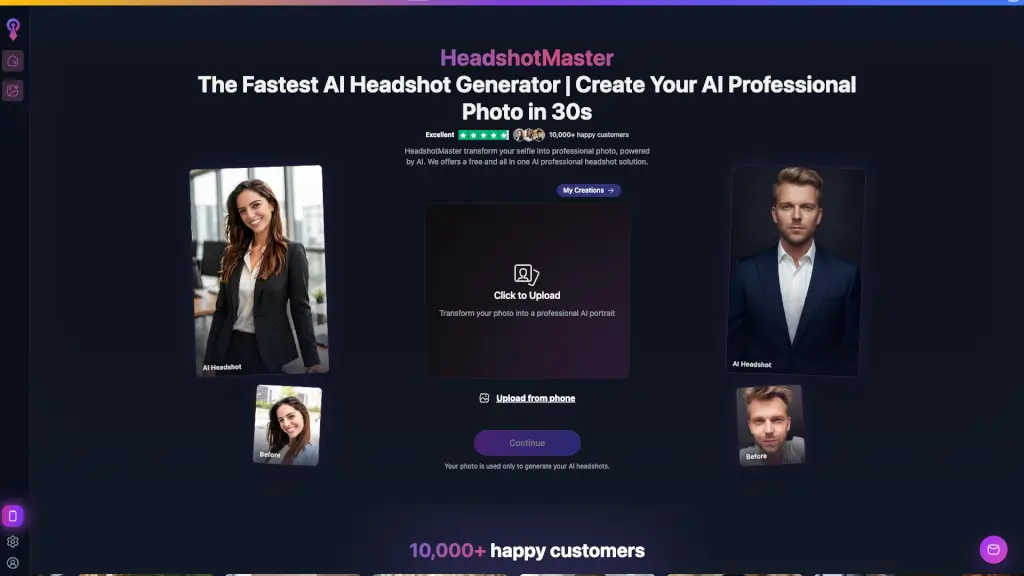
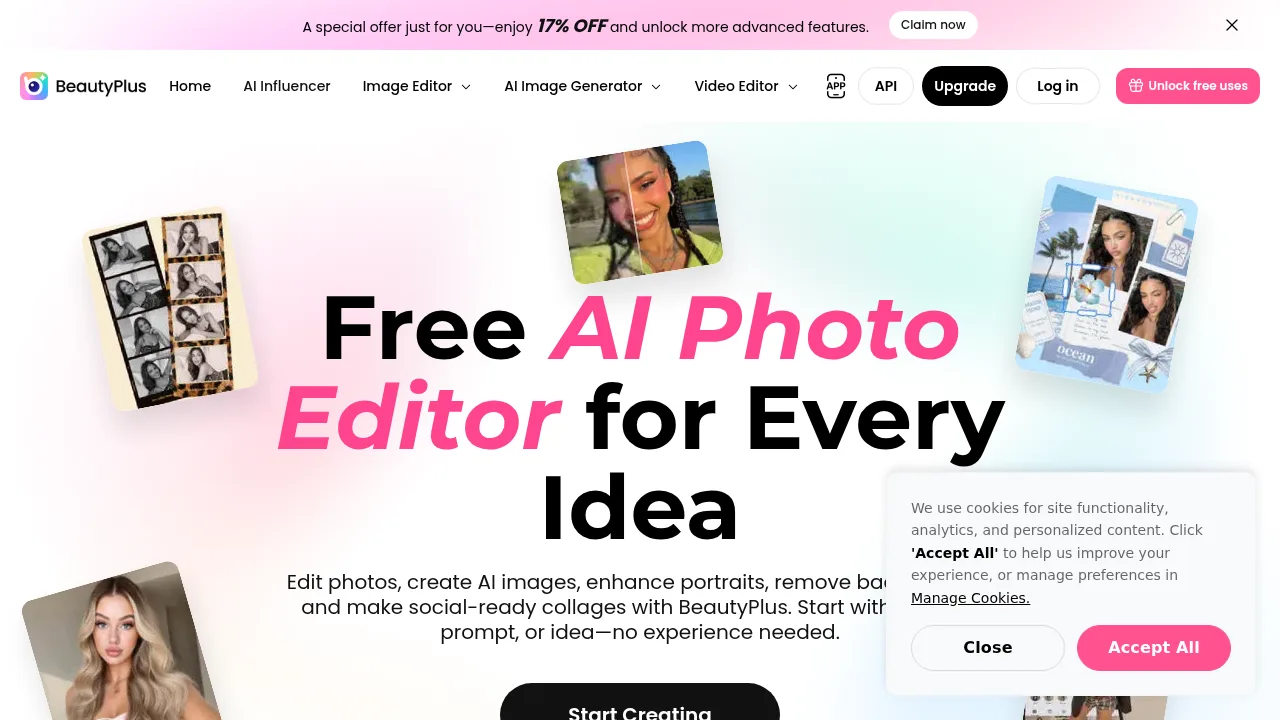
AirBrush ProHeadshot is an AI-powered photo and video editing tool for enhancing portraits, retouching images, and refining headshots. It operates online through a web browser or via mobile apps on iOS and Android. The service offers free features alongside optional premium tools for advanced editing.
What are the features of AirBrush ProHeadshot?
- Image enhancement (Image Enhancer)Improves photo clarity and detail in uploaded images.
- Portrait retouching (Magic Retouch, Magic touch-up)Smooths skin and refines facial features while maintaining a natural appearance.
- Object removal (Object Remover)Deletes unwanted items from photos.
- Background adjustment (Background Remover)Cleans or removes backgrounds from images.
- Lighting adjustment (Relight)Modifies lighting conditions to complement the subject's style.
- Video enhancement (Video Enhancer)Improves visual quality of uploaded videos.
What are the use cases of AirBrush ProHeadshot?
- LinkedIn profile photosRefine headshots and clean backgrounds for professional document use without a studio.
- Social media content creationApply bold creative styles and AI filters to build a distinct visual identity for posts.
- Old photo restoration (Photo Restoration)Refresh aging photographs by improving their clarity and detail.
How to use AirBrush ProHeadshot?
- Access the editorOpen AirBrush directly in a web browser without installation, or launch the iOS or Android app.
- Upload mediaSelect a photo or video file to begin editing.
- Choose a toolPick a specific function such as Image Enhancer, Object Remover, or Relight.
- Apply editsUse the selected tool to process the image or video.
AirBrush ProHeadshot Pricing Information:
- Free accessIncludes basic editing features at no cost.
- Premium toolsOptional paid capabilities for advanced editing; specific prices are not stated.
- Free trialA 7-day free trial is available for the downloadable application.