
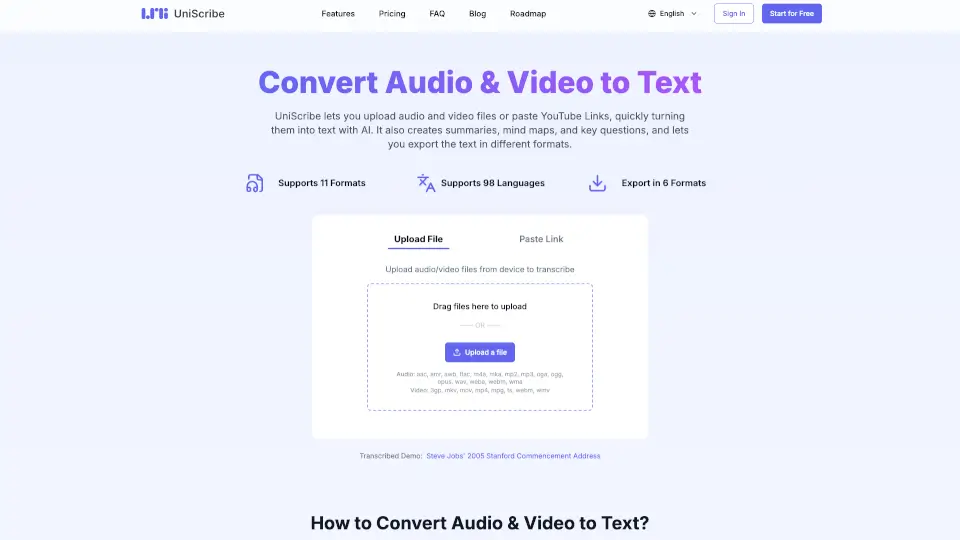
What is UniScribe?
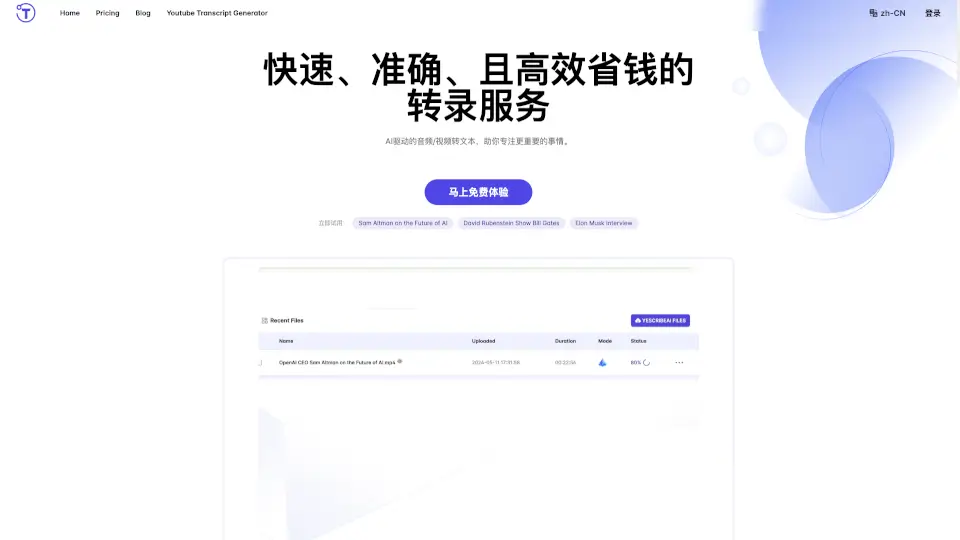
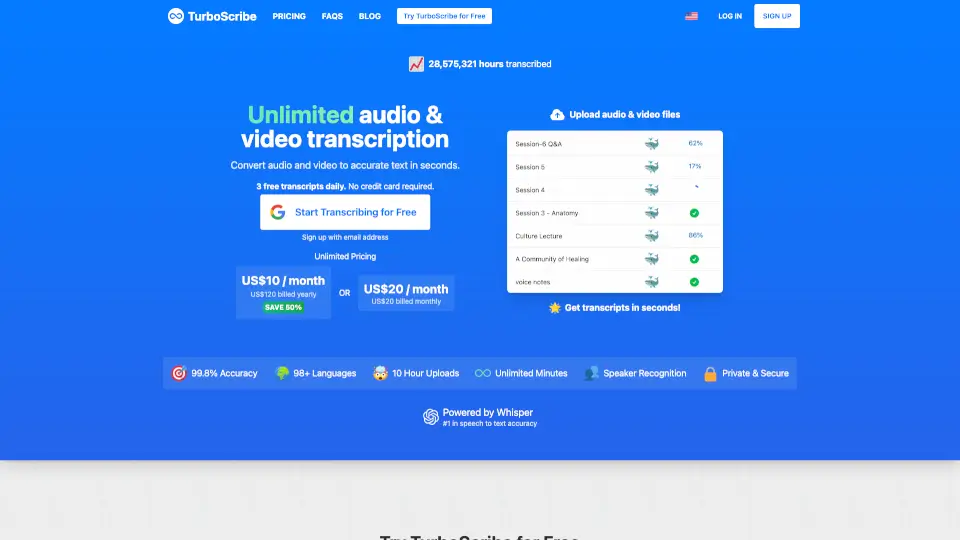
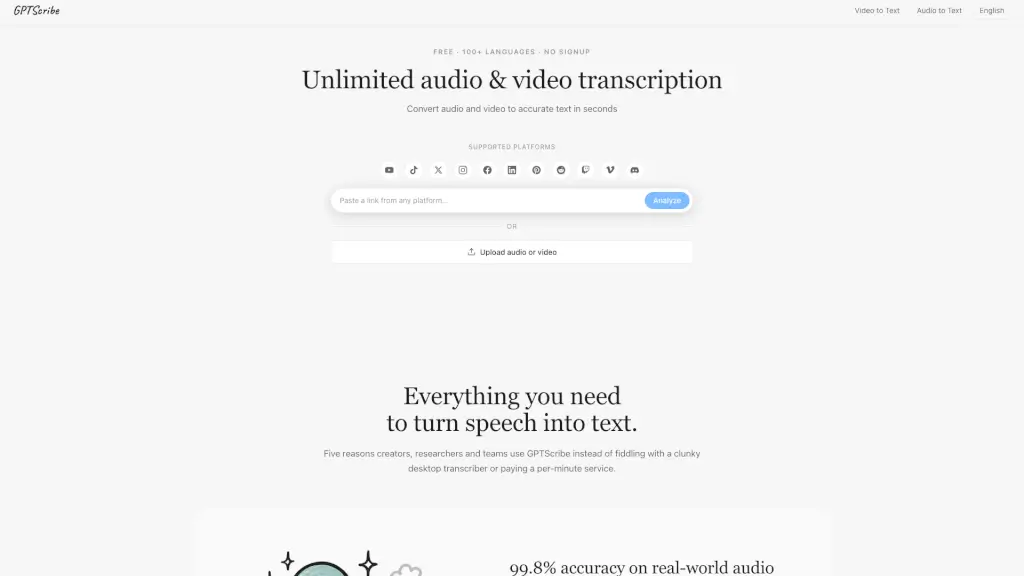
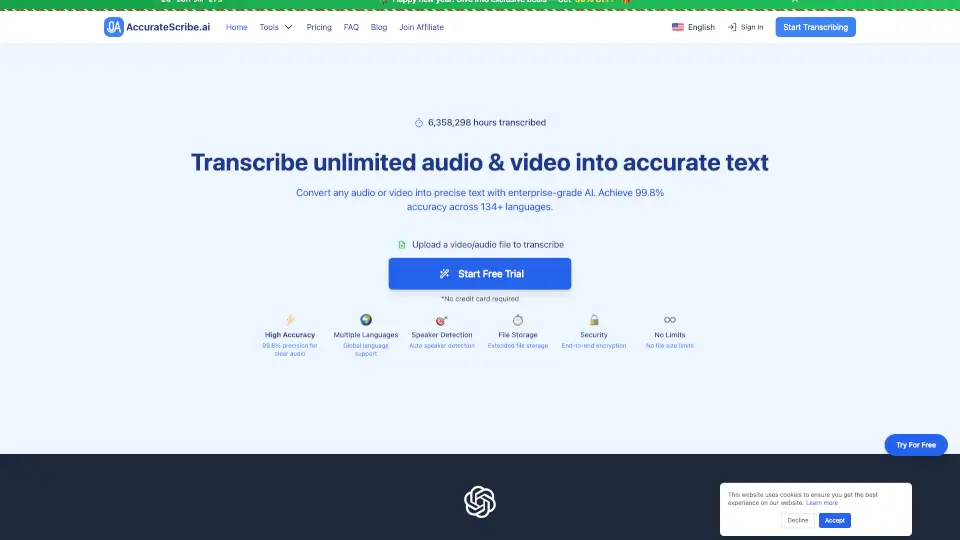
UniScribe is a free online tool that converts audio and video files into text using AI. It supports 98 languages, multiple file formats, and offers features like summaries, mind maps, and key questions. You can upload files, paste YouTube links, or export text in formats like TXT, PDF, and CSV.
What are the features of UniScribe?
- Convert Audio & Video to Text: Upload files or paste YouTube links to transcribe content quickly.
- Supports 98 Languages: Transcribe in languages like English, Spanish, French, German, and more.
- Multiple File Formats: Accepts MP3, MP4, WAV, M4A, MOV, and other formats.
- Export Options: Save transcriptions as TXT, PDF, DOCX, SRT, VTT, or CSV.
- AI-Powered Summaries: Generate short summaries and visual mind maps from audio/video content.
- Key Questions & Answers: Highlight important points for easy reference.
- Fast Transcription: Transcribe 1-hour files in less than a minute.
What are the use cases of UniScribe?
- Students: Convert lectures or podcasts to text for study notes.
- Journalists: Transcribe interviews quickly for accurate reporting.
- Content Creators: Turn videos or podcasts into readable content for blogs or social media.
- Researchers: Generate summaries and mind maps from long interviews or recordings.
How to use UniScribe?
- Upload or Paste: Upload audio/video files or paste a YouTube link.
- Transcribe: Click "Transcribe" and wait for the AI to process your file (usually under a minute for 1-hour files).
- Export or Share: Download the text in your preferred format or share a direct link.