
What is TurboScribe?
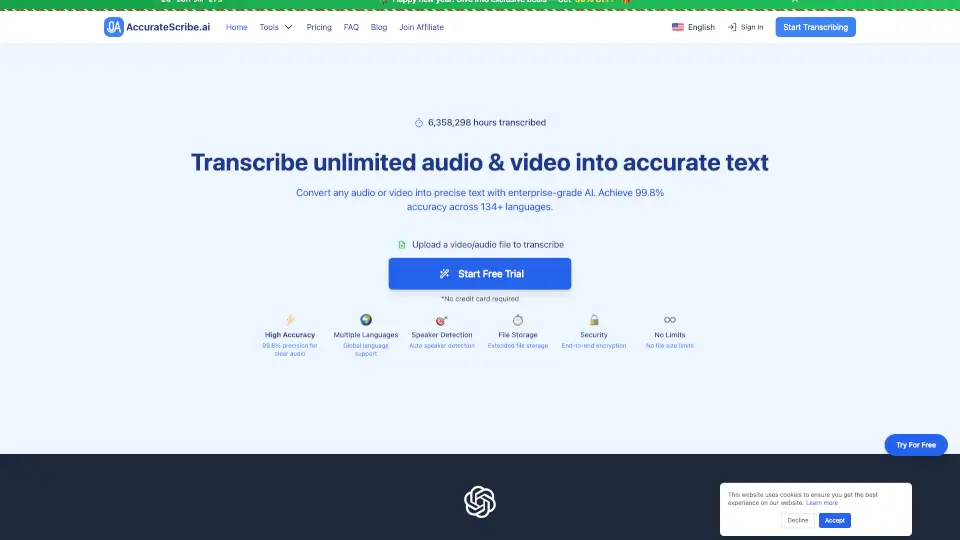
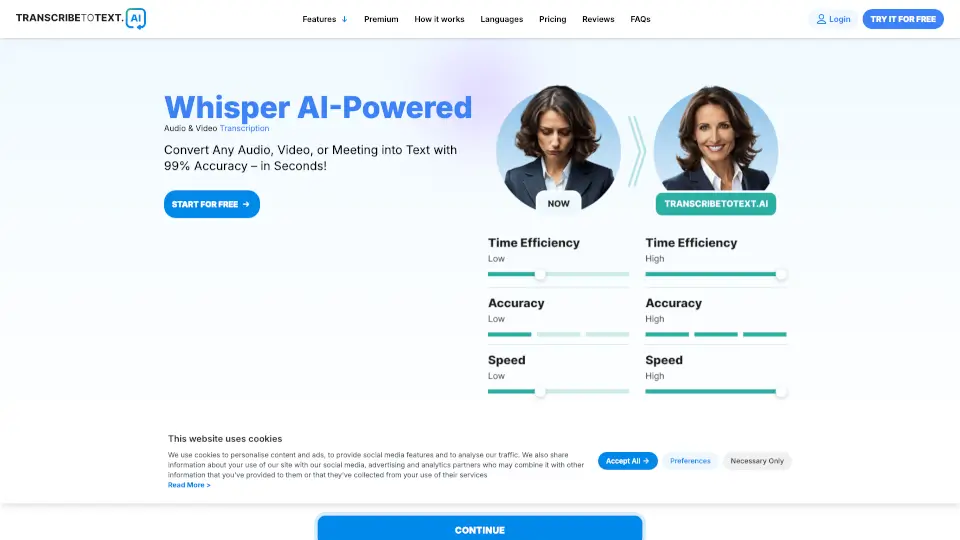
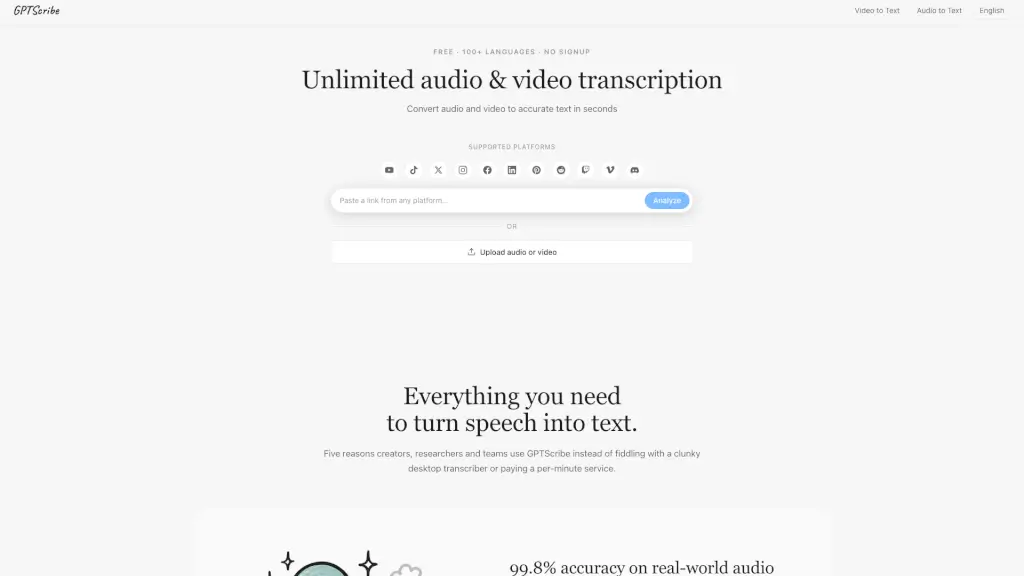
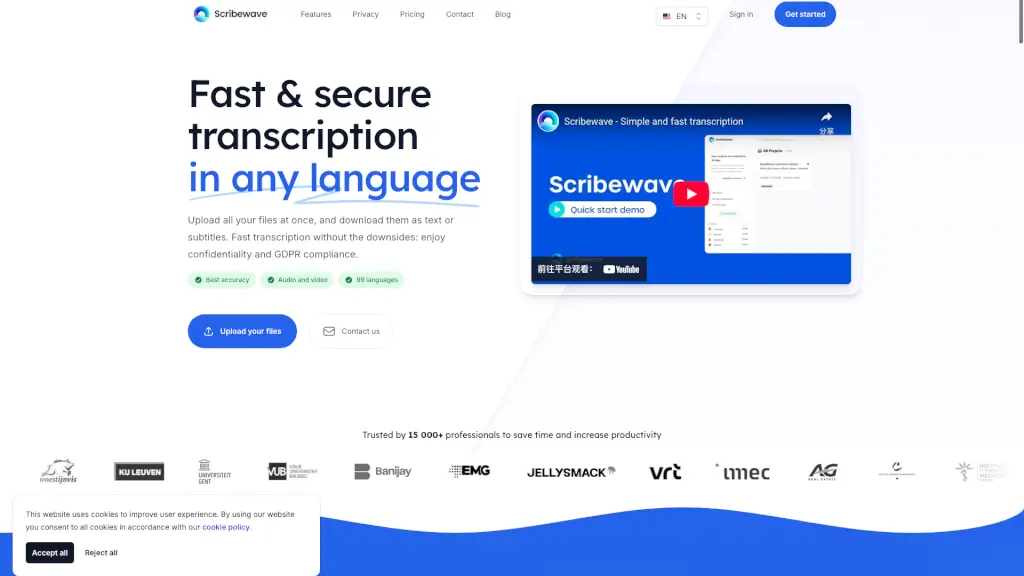
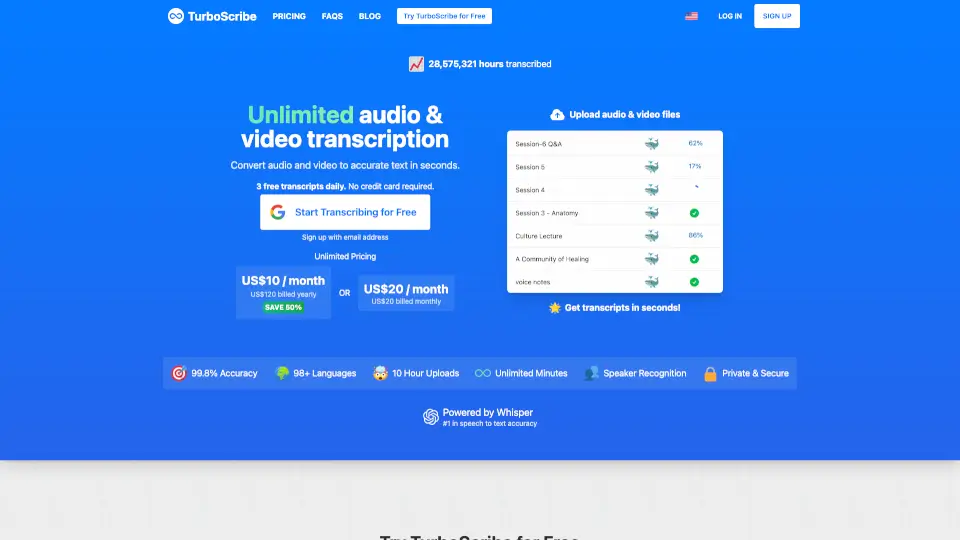
TurboScribe is a fast, accurate AI-powered tool that turns your audio and video files into text—no account needed to get started. Whether you’re transcribing a podcast, lecture, interview, or meeting, TurboScribe delivers 99.8% accuracy in seconds, not hours. It supports over 98 languages, works with all major file formats, and even identifies different speakers automatically.
What sets TurboScribe apart is its truly unlimited transcription for paid users—no hidden caps, minute limits, or pay-per-minute fees. Plus, the free plan gives you 3 transcriptions per day (up to 30 minutes each), so you can test it risk-free without entering a credit card.
What are the features of TurboScribe?
- 99.8% AccuracyPowered by OpenAI’s Whisper large-v2 model—the most advanced speech-to-text AI available.
- Unlimited TranscriptionPaid plans offer truly unlimited minutes with no usage quotas or throttling.
- 98+ Languages SupportedFrom English and Spanish to Hindi, Arabic, Korean, and beyond—with high precision for major languages.
- Speaker IdentificationAutomatically labels who’s speaking (ideal for interviews, meetings, and podcasts).
- Multiple Export FormatsDownload transcripts as DOCX, PDF, TXT, or subtitles (SRT/VTT) for videos.
- Fast ProcessingGPU-accelerated engine transcribes files in seconds, even hour-long recordings.
- Audio RestorationBuilt-in AI cleans up background noise and enhances speech clarity for poor-quality files.
- Direct TranslationTranscribe any language directly into English or translate finished transcripts into 134+ languages.
What are the use cases of TurboScribe?
- Students transcribing lectures or research interviews for study notes.
- Journalists converting field recordings into publishable quotes quickly.
- Content creators adding accurate subtitles to YouTube or social media videos.
- Businesses documenting team meetings, client calls, or training sessions.
- Podcasters generating show notes and searchable transcripts for SEO.
- Researchers analyzing qualitative data from focus groups or user testing.
- Nonprofits making video content accessible with multilingual subtitles.
- Freelancers offering transcription services using a reliable, fast backend tool.
How to use TurboScribe?
- Go to turboscribe.ai and drag & drop your audio/video file (MP3, MP4, WAV, etc.)—no login required for free use.
- Choose your language and select a transcription mode: Cheetah (fastest), Dolphin (balanced), or Whale (most accurate).
- Enable “Speaker Identification” if multiple people are talking, and pick the number of speakers (or auto-detect).
- Click “Transcribe”—your text appears in seconds. Review, edit if needed, then download as DOCX, PDF, SRT, or TXT.
- For noisy audio, turn on “Restore Audio” under “More Settings” to boost clarity (adds 2–3 minutes per hour).
- Upgrade to TurboScribe Unlimited ($10/month billed yearly) for bigger files (up to 10 hours/5 GB), batch uploads (50 at once), and priority processing.