
What is Archivarix Tube Search?
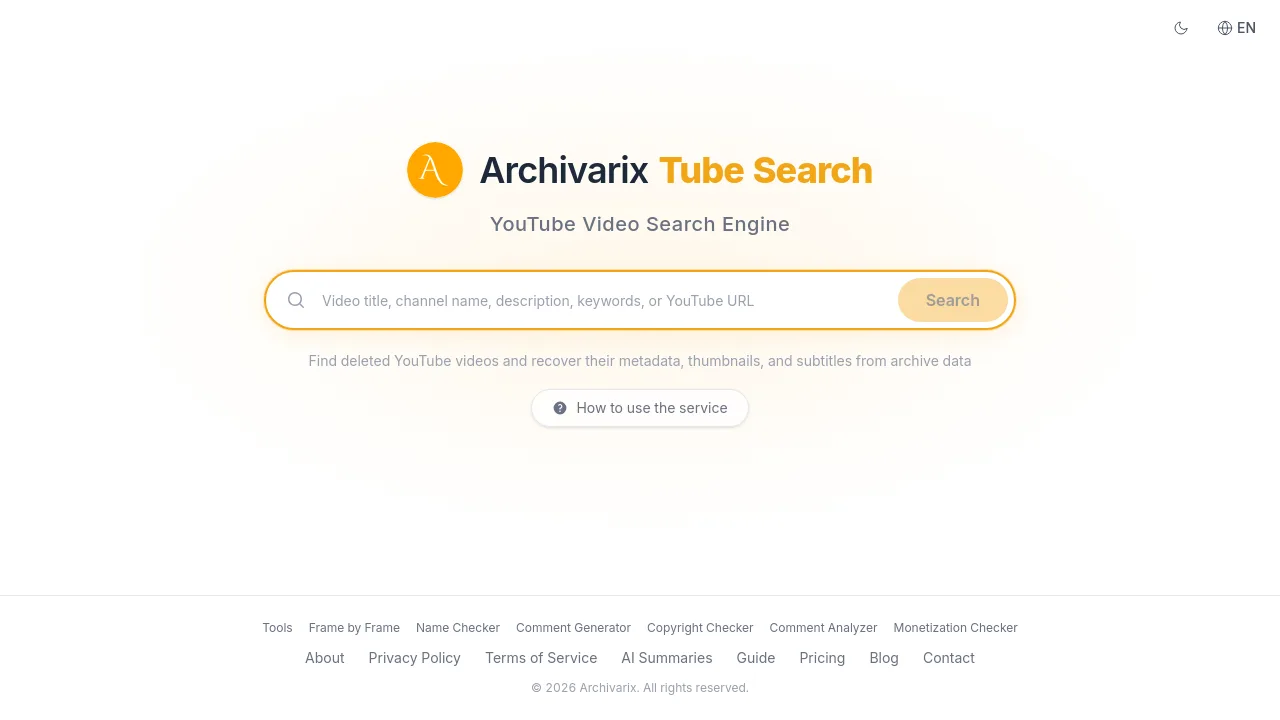
Archivarix Tube Search is a search engine for finding deleted, removed, or unavailable YouTube videos. It indexes over 1.5 billion video records from the Wayback Machine, Common Crawl, and other web archives. Users can search by channel, video URL, or ID, and recover metadata, thumbnails, subtitles, and links to archived video files. Ideal for researchers, archivists, and content creators who need to locate lost YouTube content.
What are the features of Archivarix Tube Search?
- Search by Channel: Enter a YouTube channel URL or handle (@channelname) to find all archived videos from that channel, including deleted ones with original titles, descriptions, view counts, and thumbnails.
- Search by Video URL or ID: Look up a specific deleted video using its full URL or 11-character ID. View archived metadata, thumbnail images, and check if subtitles or the video file exist in web archives.
- Full-Text Search: Search across video titles, descriptions, and subtitle transcripts. Supports exact phrases (quotes), exclusion (minus sign), and OR operators for refined queries.
- Recover Subtitles: Download subtitles and closed captions from deleted YouTube videos in SRT format, recovered from YouTube’s caption archives and Wayback Machine snapshots.
- Find Archived Video Files: Check if the actual video file has been preserved on Archive.org. Watch deleted YouTube videos directly when archived copies are available.
What are the use cases of Archivarix Tube Search?
- Researchers: Find and cite deleted YouTube videos for academic or historical analysis, recovering metadata and subtitles.
- Content creators: Locate their own removed videos or competitors’ lost content to study trends or recover past work.
- Archivists: Batch-search channels to preserve at-risk YouTube content using web archive snapshots.
- General users: Retrieve a favorite deleted video by searching its ID or URL, then watch it if an archived copy exists.
How to use Archivarix Tube Search?
- Start by searching a channel: Paste a YouTube channel URL or handle to see all archived videos linked to that channel.
- Search by video ID: If you know the specific video’s 11-character ID or full URL, enter it directly to retrieve metadata and check for archived files.
- Use full-text search: For topic-based discovery, enter keywords, phrases, or operators to find videos across titles, descriptions, and subtitles.
- Download subtitles: After finding a video, use the subtitles recovery feature to obtain SRT files from archive snapshots.