
What is Triple 3D?
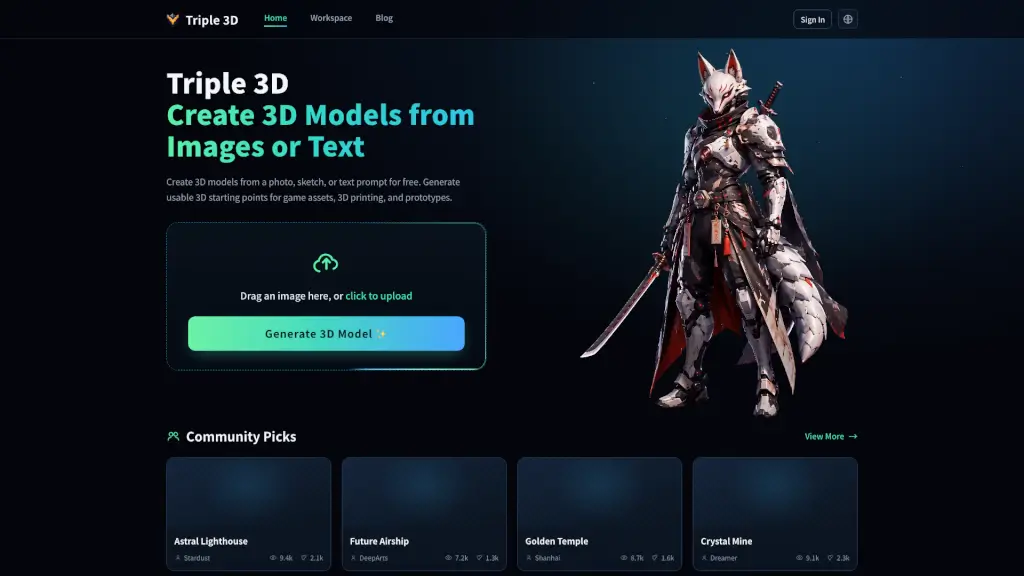
Triple 3D is a free AI-powered tool that turns your photos, sketches, or text prompts into ready-to-use 3D models—no design experience needed. Whether you're an indie game developer looking for quick props, a hobbyist wanting to 3D print custom miniatures, or someone exploring creative prototypes, Triple 3D gives you a fast, visual starting point without the steep learning curve of traditional modeling software.
Unlike many AI 3D generators that produce messy or unusable outputs, Triple 3D focuses on practical, clean models with recognizable shapes, decent textures, and export-friendly formats. You can preview your model right in your browser, rotate it from all angles, and only download what actually works for your project—saving time and avoiding frustrating trial-and-error later.
What are the features of Triple 3D?
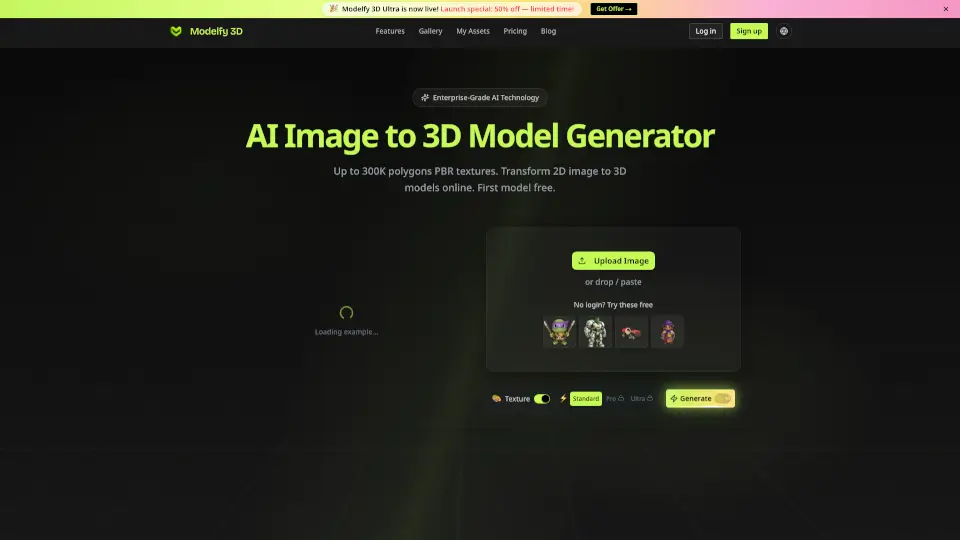
- Image-to-3D Conversion: Upload a photo, sketch, or reference image and get a 3D model that captures the object’s shape, depth, and surface details.
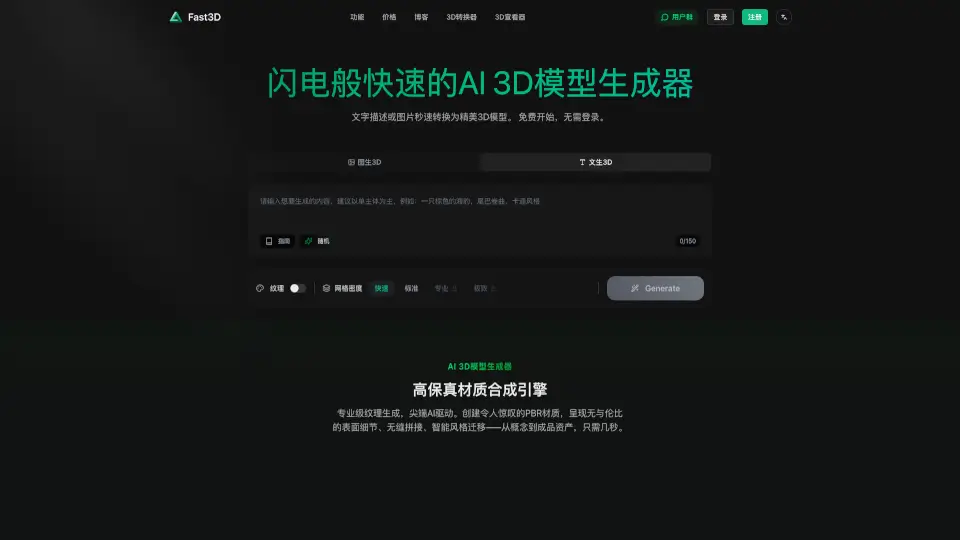
- Text-to-3D Generation: Describe what you want (e.g., “retro robot toy” or “fantasy lighthouse”) and generate a 3D concept instantly from your prompt.
- Free Tier for Early Ideation: Test multiple ideas at no cost before investing time in refining the best version.
- Game Asset Mode: Optimized for indie developers—creates low-poly, stylized props suitable for Unity, Unreal Engine, or mobile games.
- 3D Printing Ready Output: Generates models with attention to wall thickness, watertight geometry, and scale, making them easier to prepare for STL export and slicing.
- In-Browser Preview & Inspection: Rotate, zoom, and inspect your model online before downloading—no blind exports.
- Clean Mesh Structure: Prioritizes usable topology over flashy renders, so models are easier to edit, repair, or import into other tools.
- Export Flexibility: Download your model for use in Blender, slicers, game engines, or 3D printing software.
What are the use cases of Triple 3D?
- Create low-poly game props like crates, furniture, or sci-fi gadgets for indie prototypes or scene dressing.
- Turn a photo of your pet into a personalized 3D-printed figurine or gift.
- Generate custom tabletop miniatures or fantasy characters from text prompts for RPGs or collectibles.
- Build product mockups from catalog images for e-commerce previews or client presentations.
- Design ornaments, keychains, or decorative items using image-to-3D for holiday gifts or small-batch prints.
- Rapidly explore style variations (cartoon, realistic, toy-like) by tweaking prompts or reference images.
- Produce background environment assets for games without spending hours modeling each piece manually.
How to use Triple 3D?
- Upload a clear image with one main subject—blurry or cluttered photos yield less accurate results.
- For text prompts, be specific but concise (e.g., “steampunk owl lamp” works better than just “lamp”).
- Always preview your model in-browser to check shape, texture, and scale before downloading.
- If using for 3D printing, inspect wall thickness and overhangs in your slicer and add supports if needed.
- Treat the output as a starting point—refine topology, UVs, or scale in Blender or your preferred 3D software for final use.
- Use the free tier to iterate quickly—generate 3–5 versions, compare them, then refine only the best one.