
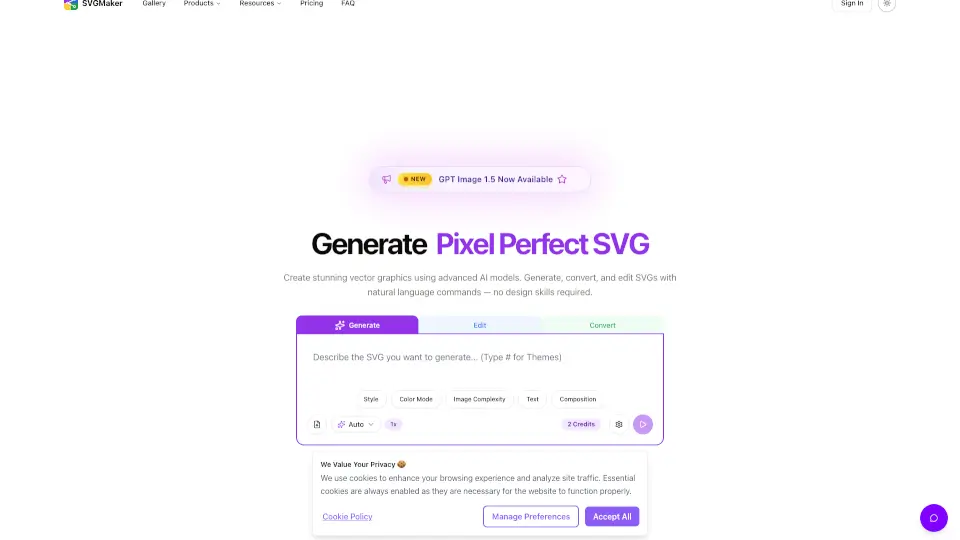
What is SVGMaker?
SVGMaker is your go-to online tool for creating, editing, and converting vector graphics. Whether you’re a designer, small business owner, or just want to make cool graphics for your website or merch, SVGMaker makes it easy. You can turn text into SVGs, edit designs, remove backgrounds, and convert images—all in one place. No design skills needed!
What are the features of SVGMaker?
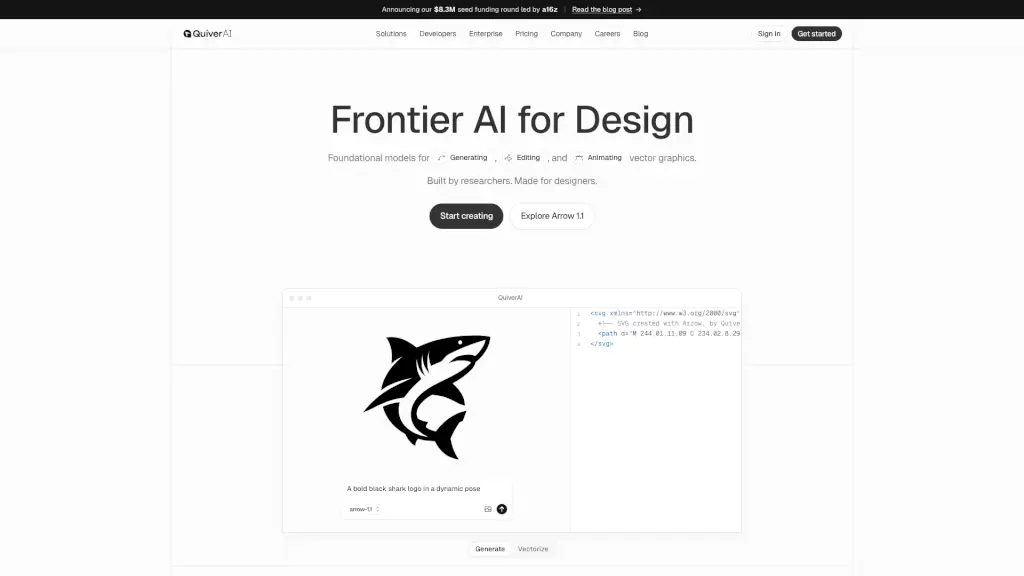
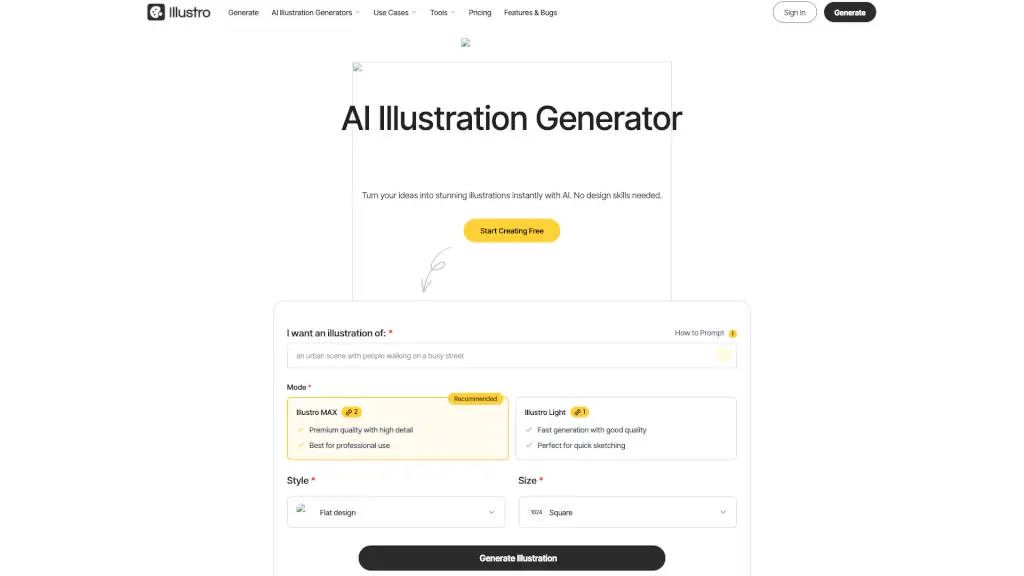
- AI SVG Generator: Instantly turn text into scalable vector graphics.
- SVG Editor: Edit, draw, and customize SVGs right in your browser.
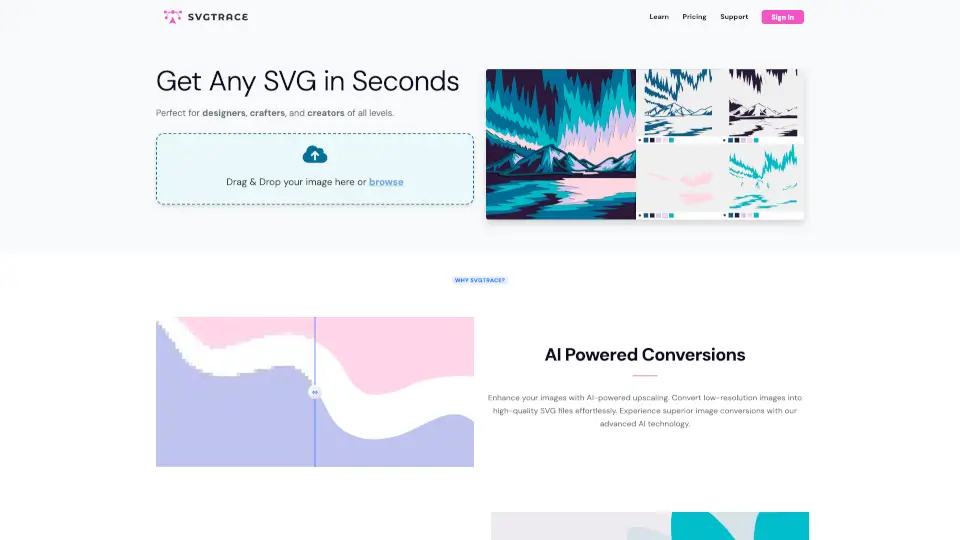
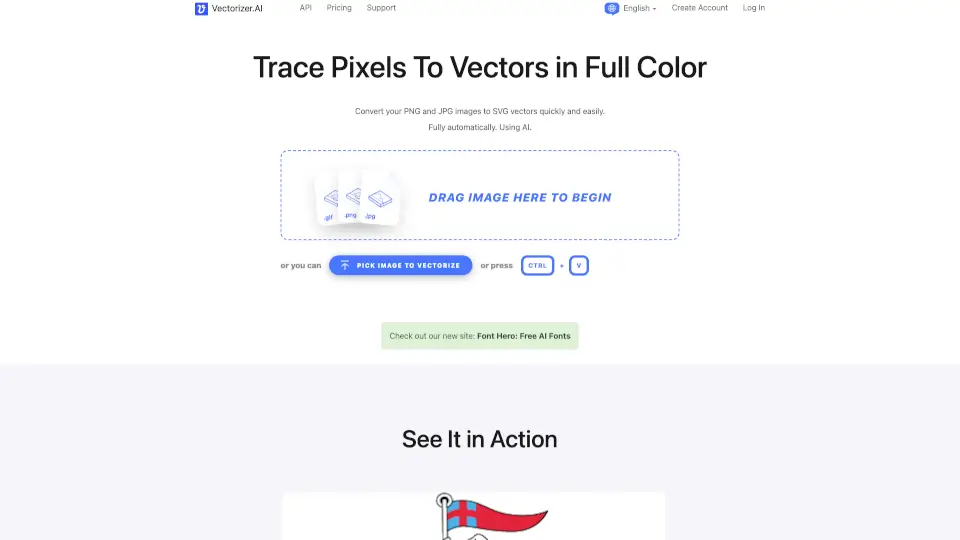
- SVG Converter: Convert JPG or PNG images to SVGs while keeping colors and details.
- Background Remover: Remove backgrounds from SVGs with a click.
- Photo to SVG: Transform photos into vector art for print or digital use.
- Ready-to-Use Presets: Apply styles like Minimalist, Outline, Cartoon, and more.
- API Integration: Connect SVGMaker to your apps for automated SVG creation.
- Multiple Export Formats: Download your designs in SVG, PDF, EPS, AI, DXF, PNG, JPG, or WebP.
What are the use cases of SVGMaker?
- Logo Design: Create professional logos and icons for brands and businesses.
- Web Graphics: Make responsive illustrations, banners, and UI elements.
- Print-Ready Art: Prepare vector files for t-shirts, mugs, posters, and more.
- Vinyl Decals: Design cut files for Cricut, Silhouette, and other cutters.
- Paper Crafts: Craft layered SVGs for cards, invitations, and DIY projects.
- Laser Cut Files: Generate precise vector paths for laser engraving and cutting.
How to use SVGMaker?
- Sign up or log in to SVGMaker.
- Choose your tool: Generate, Edit, or Convert SVGs.
- Enter your text prompt or upload an image.
- Customize your design with styles, colors, and layers.
- Download your finished vector file in your preferred format.