
Was ist SvgTrace?
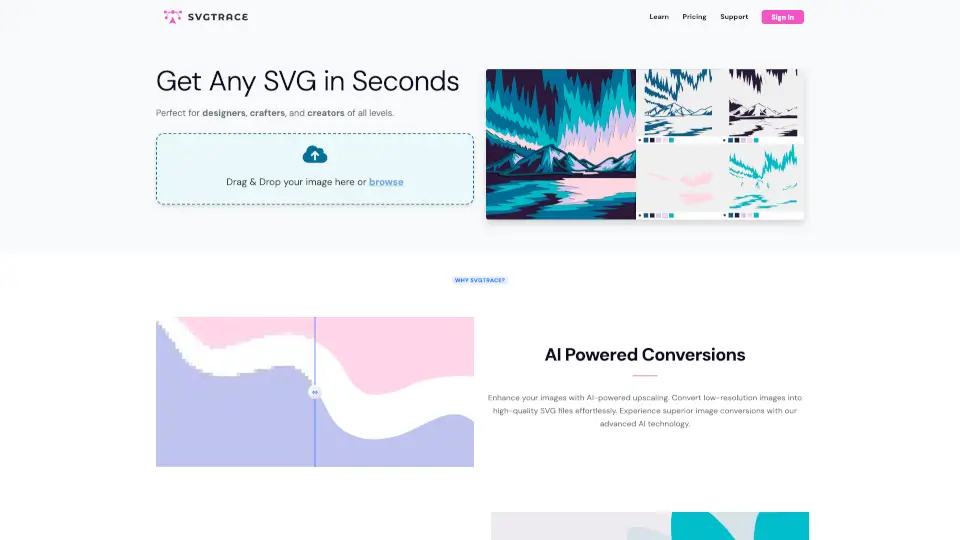
SvgTrace ist dein ultimativer Begleiter, um Bilder in SVG-Dateien zu verwandeln. Egal, ob du Designer, Bastler oder einfach nur kreativ bist – mit SvgTrace kannst du kostenlos und ohne Vorkenntnisse hochwertige Vektorgrafiken erstellen. Perfekt für alle, die ihre Projekte auf das nächste Level heben wollen.
Was sind die Merkmale von SvgTrace?
- AI-gestützte Konvertierung: Verbessere deine Bilder mit KI-Technologie und erstelle hochauflösende SVG-Dateien.
- Farbebenen-SVG: Erstelle mühelos mehrschichtige SVG-Dateien, ideal für 3D-Projekte, Papierschnitte und mehr.
- Einfache Bearbeitung: Mit dem manuellen Editor hast du die volle Kontrolle über deine SVG-Dateien. Schneiden, Löschen, Kopieren – alles ist möglich.
Was sind die Anwendungsfälle von SvgTrace?
- Bastler: Erstelle perfekte Schnittmuster für deine DIY-Projekte.
- Designer: Konvertiere Bilder in Vektorgrafiken für professionelle Designs.
- Kreative: Verleihe deinen Projekten mit mehrschichtigen SVGs eine neue Dimension.
Wie benutzt man SvgTrace?
- Bild hochladen: Ziehe dein Bild per Drag & Drop in die Anwendung oder wähle es aus deinem Dateimanager aus.
- Konvertieren: Lass die KI dein Bild in eine SVG-Datei umwandeln.
- Bearbeiten: Nutze den Editor, um deine SVG-Datei nach Belieben anzupassen.
- Teilen: Speichere deine Datei und teile sie mit anderen.