
Illustro logo

Illustro

Featured
5.0
(1 Review)
United States62.65%

Illustro is a free AI illustration generator that creates custom, editable, commercial-ready graphics from text prompts in seconds—no design experience needed.

Verified by SeekTool
Social Media:
Illustro

Illustro Product Information

What is Illustro?

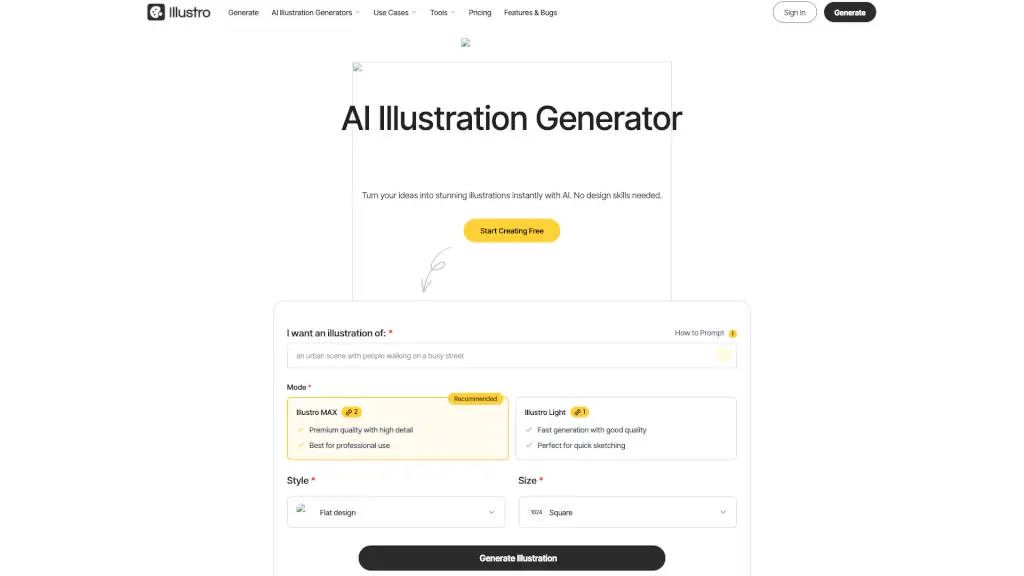
Illustro is a free online AI illustration generator that turns your text prompts into professional, custom illustrations in seconds—no design skills required. Whether you're building a website, creating a pitch deck, or illustrating a children’s book, Illustro delivers unique, editable graphics that are safe for commercial use and ready to impress.

Unlike generic AI image tools, Illustro is built specifically for stylistically consistent, on-brand illustrations. With smart editing features, multiple art styles (like Flat Design and Line Art), and export options including SVG, it’s designed for real-world projects—not just pretty pictures.

What are the features of Illustro?

  • Text-to-Illustration AI: Describe what you want in plain English, and Illustro creates a polished visual instantly.
  • Multiple Art Styles: Choose from Flat Design, Line Art, Children’s Illustration, 3D-style, and more to match your brand or project.
  • Fully Editable Output: Tweak colors, add elements, or refine details using the built-in AI editor—or export as PNG, JPG, or scalable SVG for use in Figma or Adobe Illustrator.
  • Commercial-Ready Licensing: Every image you generate is yours to use in client work, books, apps, or marketing—no attribution needed.
  • Fast & Affordable: Get high-quality illustrations in minutes instead of paying $40–$150/hour for a freelance designer.
  • Style Consistency Tools: Regenerate or edit with AI to keep your visuals cohesive across slides, web pages, or product suites.

What are the use cases of Illustro?

  • Create eye-catching landing page illustrations that boost website conversions
  • Design onboarding screens and app icons for mobile products
  • Build professional PowerPoint or Keynote slides with custom visuals
  • Produce e-commerce graphics for product pages and category banners
  • Illustrate children’s books or educational content with whimsical, engaging art
  • Generate social media visuals and blog graphics that stand out without stock photos

How to use Illustro?

  • Type a clear description of your idea in the prompt box (e.g., “a friendly robot watering plants in a sunny garden”)
  • Select your preferred style (like Flat Design or Line Art) and size (1024x1024 recommended)
  • Click Generate and wait just seconds for your custom illustration
  • Use the AI Edit feature to add, remove, or adjust elements until it’s perfect
  • Download your final image as PNG, JPG, or SVG for crisp scaling in any design tool
  • For best results, be specific about mood, objects, and composition in your prompt
Do you like this tool?

Upvote to help others discover it!

Illustro Alternatives

Ilus

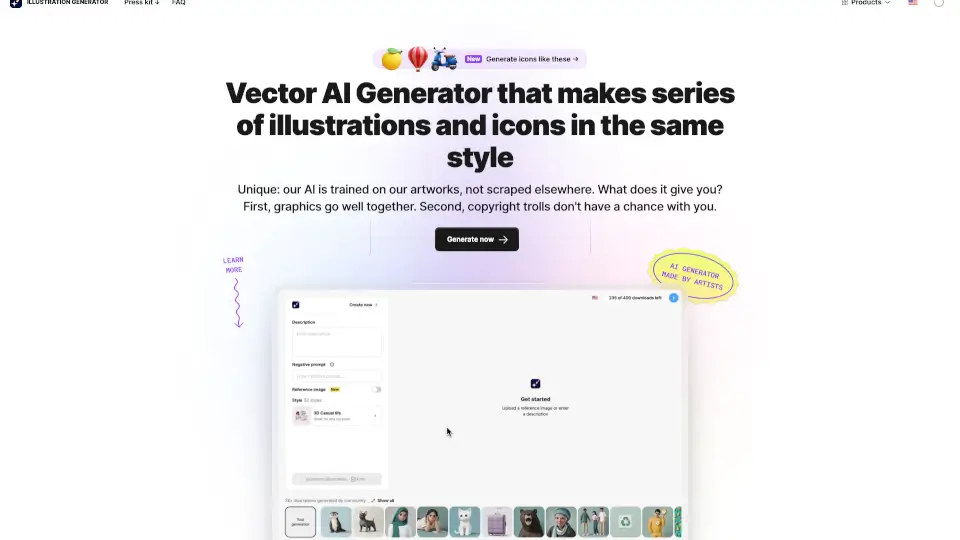
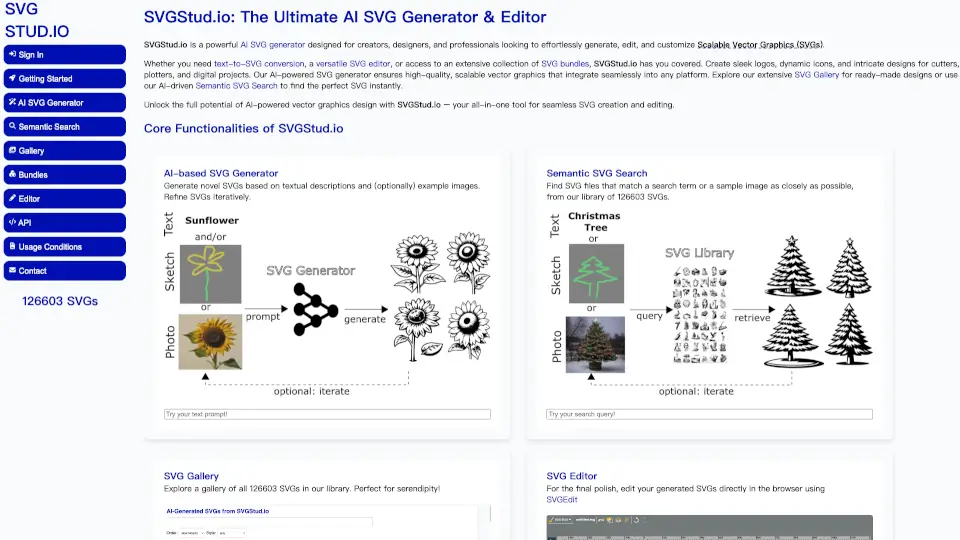
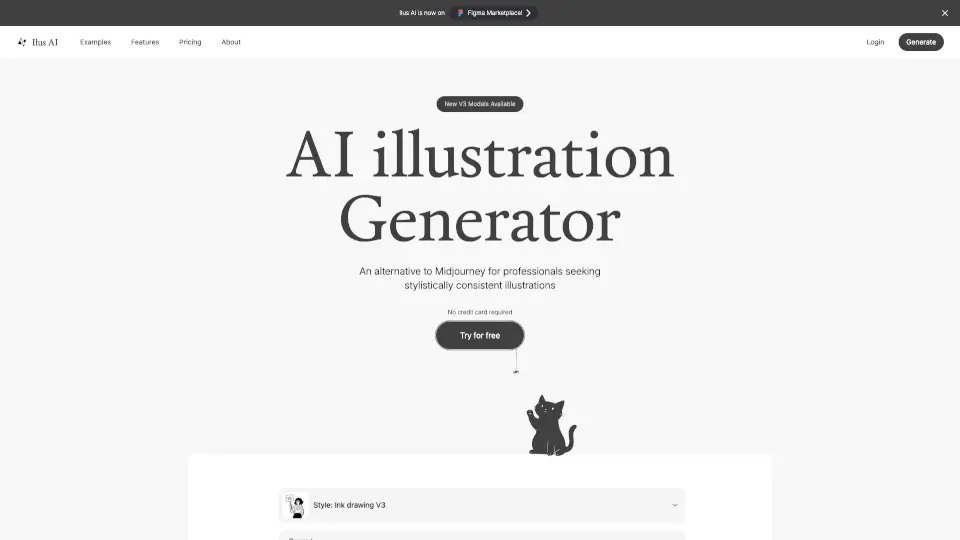
Ilus AI is a consistent AI illustration generator for professionals who need on-brand, copyright-free visuals fast—directly in Figma.

US
11.76%
|
51.9K
|
5.0
Illustroke

Turn text into pro vector art in seconds with Illustroke’s AI—no design degree required. Perfect for logos, social media, or web projects.

US
19.97%
|
7.9K
|
3.0
AI Illustration Generator

Icons8 Illustration Generator makes it easy to create custom, copyright-safe graphics for any project—fast and affordable.

IN
16.31%
|
2.4M
|
5.0
VectorArt.ai

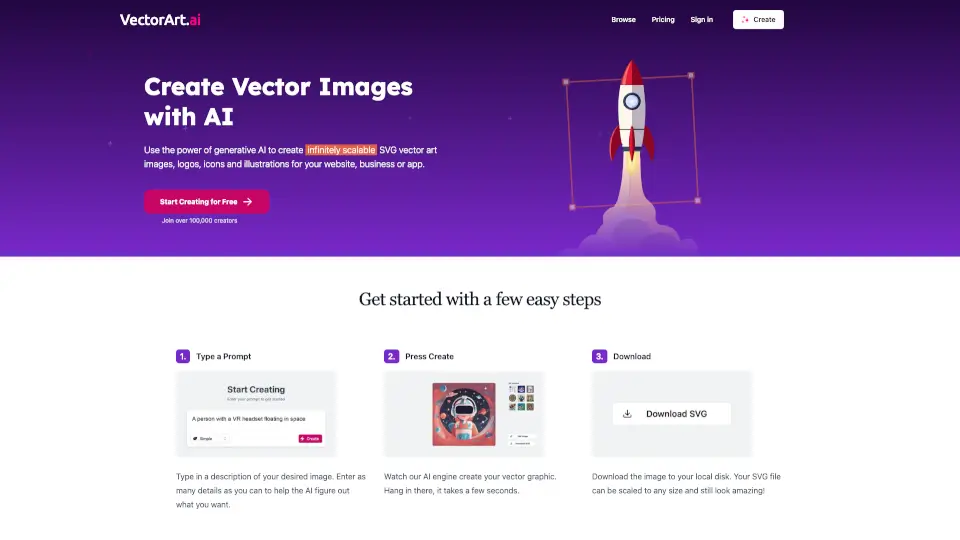
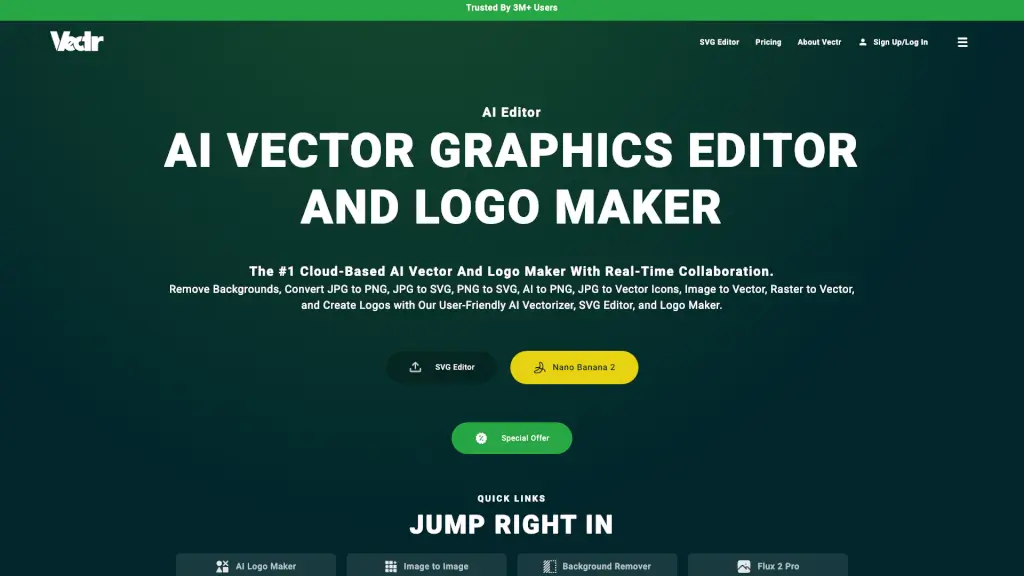
VectorArt.ai makes it dead simple to create, customize, and download SVG vector art with AI. Free to start, pro for power users!

IN
8.58%
|
83.0K
|
5.0
Craiyon

Craiyon is a free AI image generator that creates custom visuals from text prompts in multiple styles, perfect for creators, marketers, and curious minds.

US
22.98%
|
1.5M
|
5.0
StarryAI

StarryAI is a free, user-friendly AI image generator that lets anyone create high-quality, original visuals with full ownership and commercial rights.

US
19.10%
|
339.3K
|
5.0
Imageeditor.ai

ImageEditor.AI is a powerful AI image editor that lets you create, edit, and enhance images instantly with simple text prompts.

RU
32.71%
|
48.2K
|
4.0
Canva Text to Image

Canva’s AI Image Generator transforms text prompts into customizable, high-quality visuals for any project—fast, free, and built right into your design workflow.

US
15.75%
|
870.0M
|
5.0

Illustro Related Other Categories

Illustro Traffic Analysis

💡 Insights

🔍
Niche Tool
Lower traffic volume. Likely new or highly specialized. Good for early adopters.
📉
Traffic Decline
Significant traffic drop recently. Check for alternatives.
👍
Good Experience
Bounce rate of 38%. Users are willing to explore features.
🌍
United States Dominant
63% users from United States. Optimized for this market.
  • Monthly Visits

    2.47K

  • Bounce Rate

    37.88%

  • Pages Per Visit

    1.72

  • Visit Duration

    00:00:07

  • Global Rank

    6700809

  • Country Rank

    3450768

Visits Over Time

Traffic Sources

GenAi0.00%
DisplayAds0.00%
SocialOrganic0.00%
Mail0.00%
SearchPaid0.00%
SocialPaid0.00%
Referrals0.00%
Affiliate0.00%
SearchOrganic0.00%
Direct0.00%

Top Keywords

1
illustro
130Traffic
2
ilustro
10Traffic
3
edit svg
CPC$1.40
0Traffic
4
online svg editor
CPC$1.56
0Traffic
5
ai svg generator
CPC$2.80
0Traffic

Top Regions

RegionPercentage
United States
United States
62.65%
India
India
37.35%
Low
High

Powered by SimilarWeb

Illustro FAQ

What is an AI Illustration Generator?

An AI illustration generator uses advanced artificial intelligence trained on millions of images to create unique illustrations from your text descriptions. It interprets your words to understand scenes, objects, and artistic style—then generates a custom visual in seconds.

How do I create illustrations using the AI generator?

Just describe your idea in a text prompt, pick a style (like Flat or Line Art), and click Generate. The AI creates your illustration within seconds, ready to download or edit further.

Can I use AI-generated illustrations for books?

Yes! With Illustro, you own full commercial rights to every image you create. You can use them in books, websites, ads, or client projects without attribution or royalties—just don’t use them to train other AI models.

Is your tool suitable for children's book illustration?

Absolutely. Illustro includes a dedicated Children’s Illustration style designed for whimsical, engaging, and age-appropriate visuals perfect for storybooks.

How does AI illustration generation work?

Illustro uses deep learning models trained on vast illustration datasets. When you enter a prompt, the AI analyzes context, objects, and style preferences to generate a completely new, original image—not a remix of existing art.

Can I edit the illustrations after they're generated?

Yes! All illustrations are fully editable. Use the built-in AI editor to tweak content, or download in PNG, JPG, or SVG format to refine in tools like Figma, Adobe Illustrator, or Inkscape.

Who owns the copyright to generated illustrations?

You do. Illustro grants you full commercial rights to every image you create. No attribution is required, and you can use them freely—except for training other AI systems.

Can I use the illustrations to train my own AI model?

No. Your license explicitly prohibits using Illustro-generated images (in whole or part) to train, fine-tune, or evaluate any other AI system.

Illustro Reviews

5

0

1 Reviews
Sign Into leave a review

Recent Reviews

1
Illustro AI
Illustro AI1mo ago

0

No comment provided

Illustro Embed

Use website badges to drive community support for SeekTool.ai. They are easy to embed in your homepage or footer.

Light
Dark
Illustro - Featured on SeekTool.aiIllustro - Featured on SeekTool.ai
How to install?

Category Rankings

Ranked by monthly traffic