
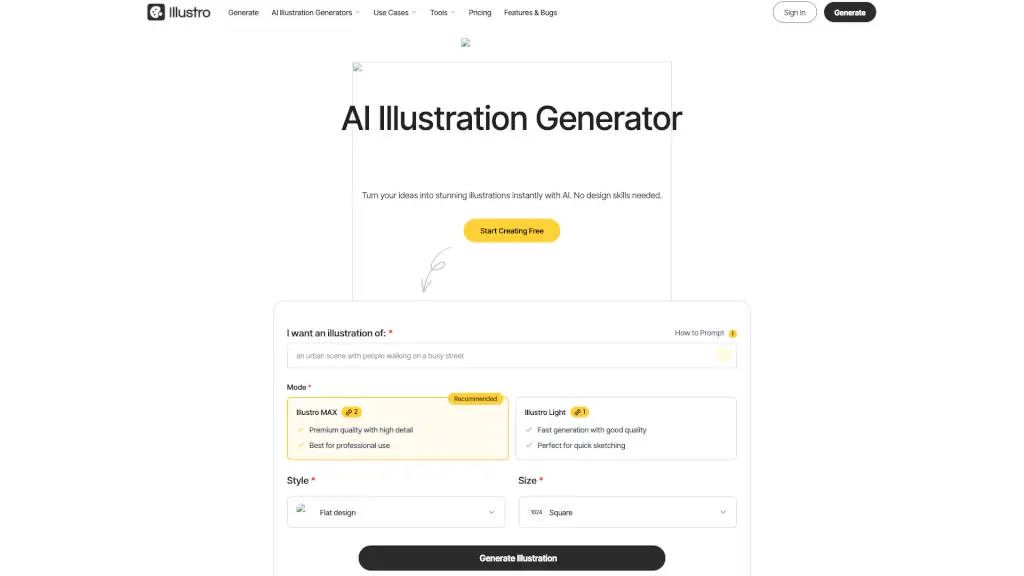
What is Illustro?
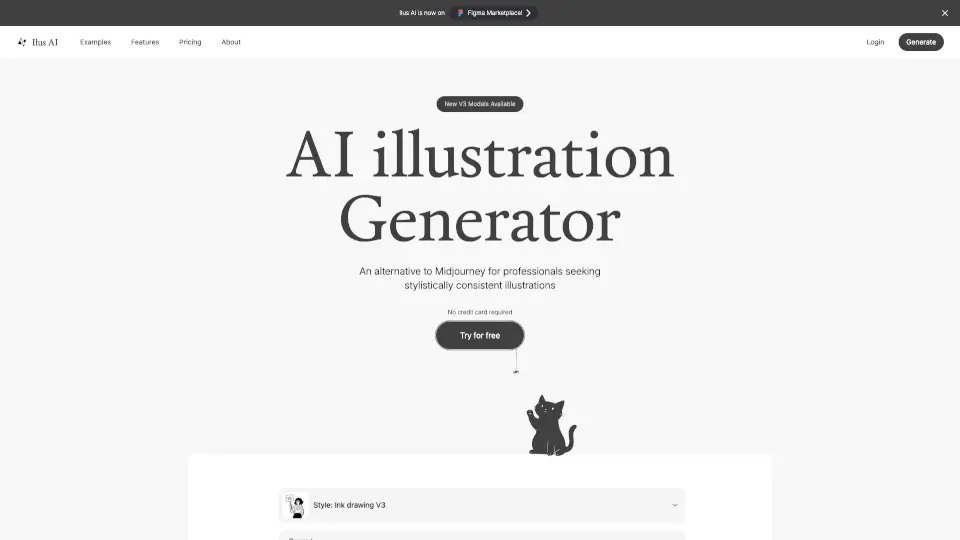
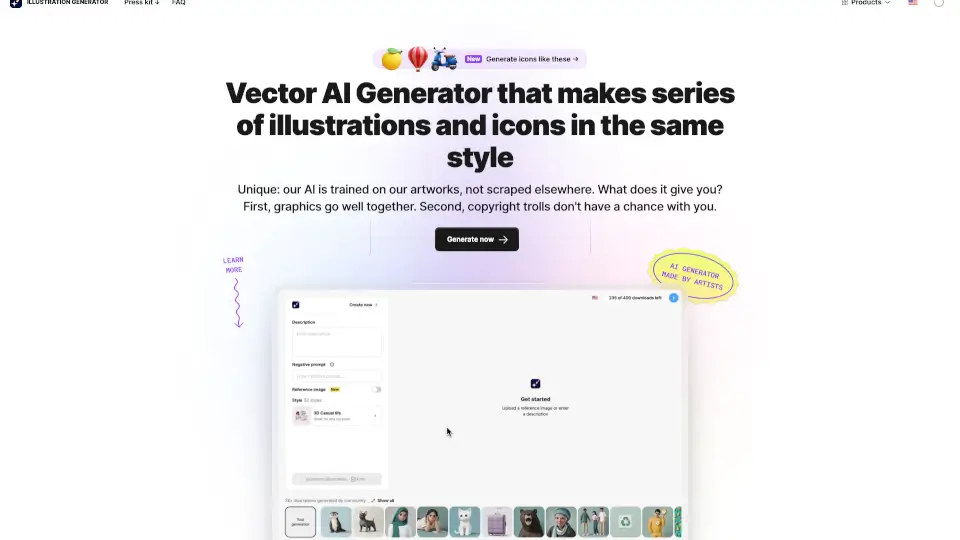
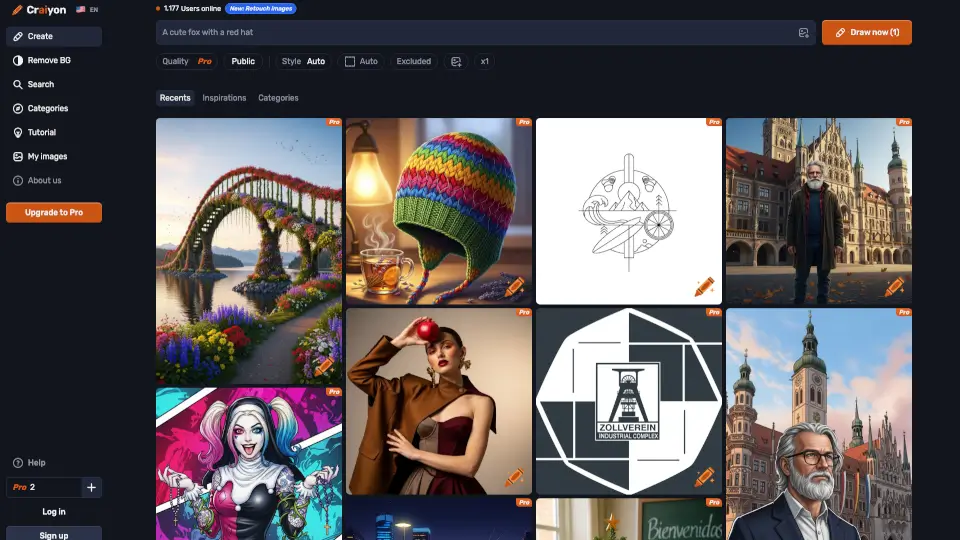
Illustro is a free online AI illustration generator that turns your text prompts into professional, custom illustrations in seconds—no design skills required. Whether you're building a website, creating a pitch deck, or illustrating a children’s book, Illustro delivers unique, editable graphics that are safe for commercial use and ready to impress.
Unlike generic AI image tools, Illustro is built specifically for stylistically consistent, on-brand illustrations. With smart editing features, multiple art styles (like Flat Design and Line Art), and export options including SVG, it’s designed for real-world projects—not just pretty pictures.
What are the features of Illustro?
- Text-to-Illustration AI: Describe what you want in plain English, and Illustro creates a polished visual instantly.
- Multiple Art Styles: Choose from Flat Design, Line Art, Children’s Illustration, 3D-style, and more to match your brand or project.
- Fully Editable Output: Tweak colors, add elements, or refine details using the built-in AI editor—or export as PNG, JPG, or scalable SVG for use in Figma or Adobe Illustrator.
- Commercial-Ready Licensing: Every image you generate is yours to use in client work, books, apps, or marketing—no attribution needed.
- Fast & Affordable: Get high-quality illustrations in minutes instead of paying $40–$150/hour for a freelance designer.
- Style Consistency Tools: Regenerate or edit with AI to keep your visuals cohesive across slides, web pages, or product suites.
What are the use cases of Illustro?
- Create eye-catching landing page illustrations that boost website conversions
- Design onboarding screens and app icons for mobile products
- Build professional PowerPoint or Keynote slides with custom visuals
- Produce e-commerce graphics for product pages and category banners
- Illustrate children’s books or educational content with whimsical, engaging art
- Generate social media visuals and blog graphics that stand out without stock photos
How to use Illustro?
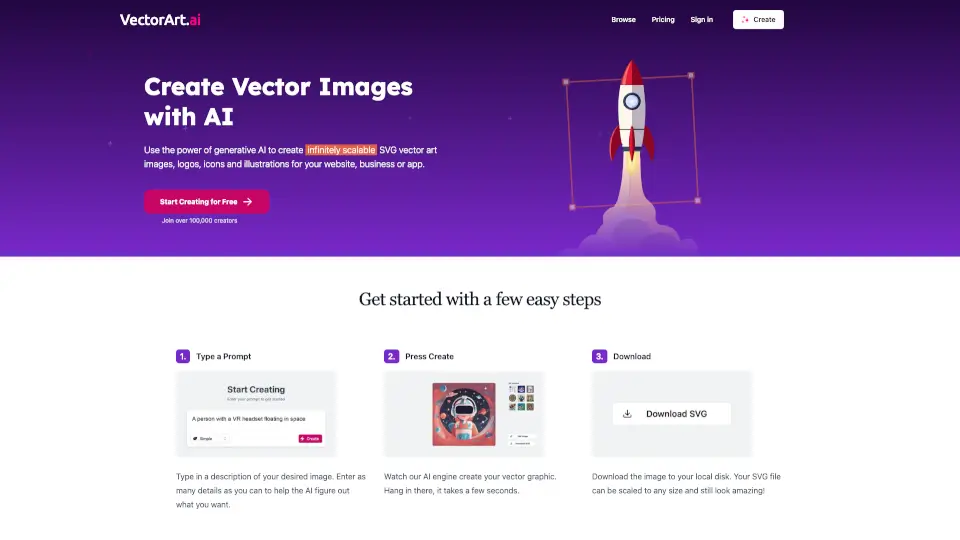
- Type a clear description of your idea in the prompt box (e.g., “a friendly robot watering plants in a sunny garden”)
- Select your preferred style (like Flat Design or Line Art) and size (1024x1024 recommended)
- Click Generate and wait just seconds for your custom illustration
- Use the AI Edit feature to add, remove, or adjust elements until it’s perfect
- Download your final image as PNG, JPG, or SVG for crisp scaling in any design tool
- For best results, be specific about mood, objects, and composition in your prompt