
What is StoryShort?
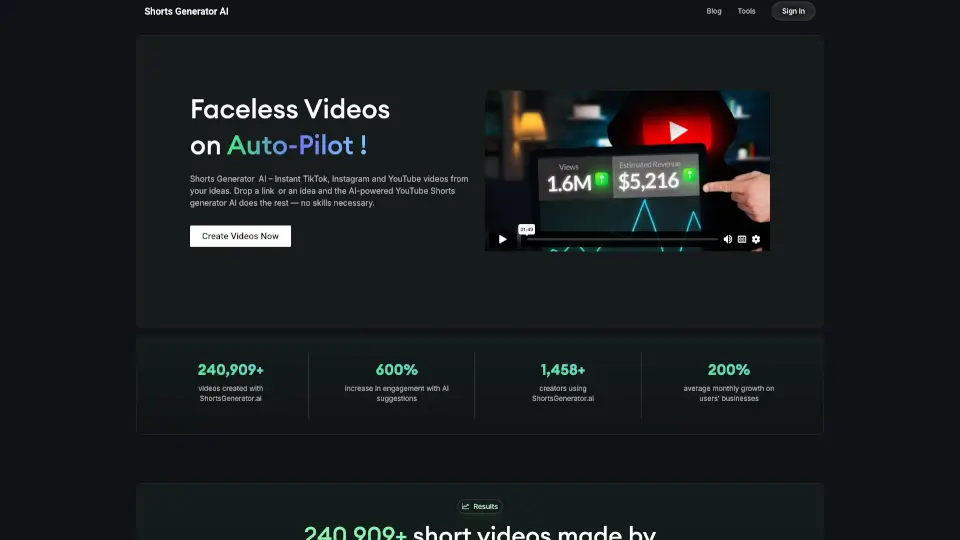
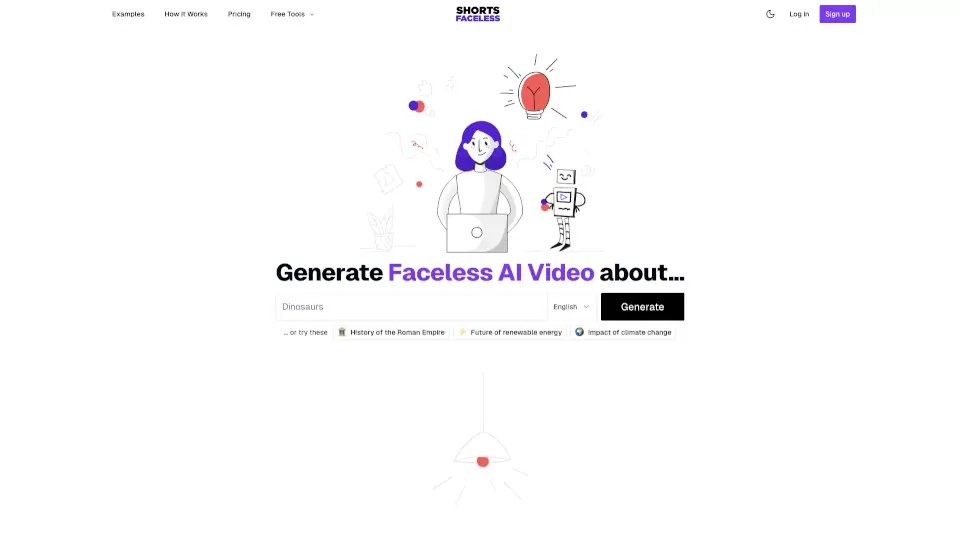
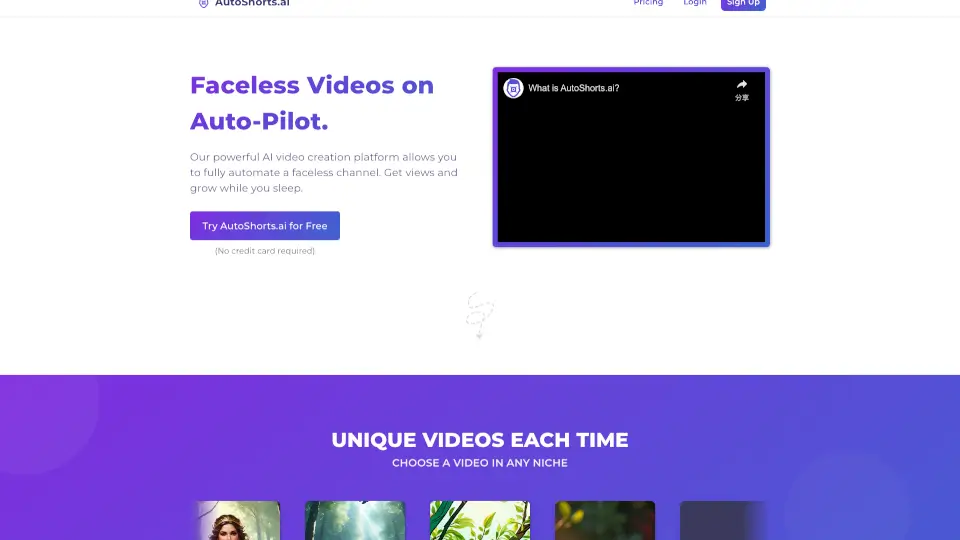
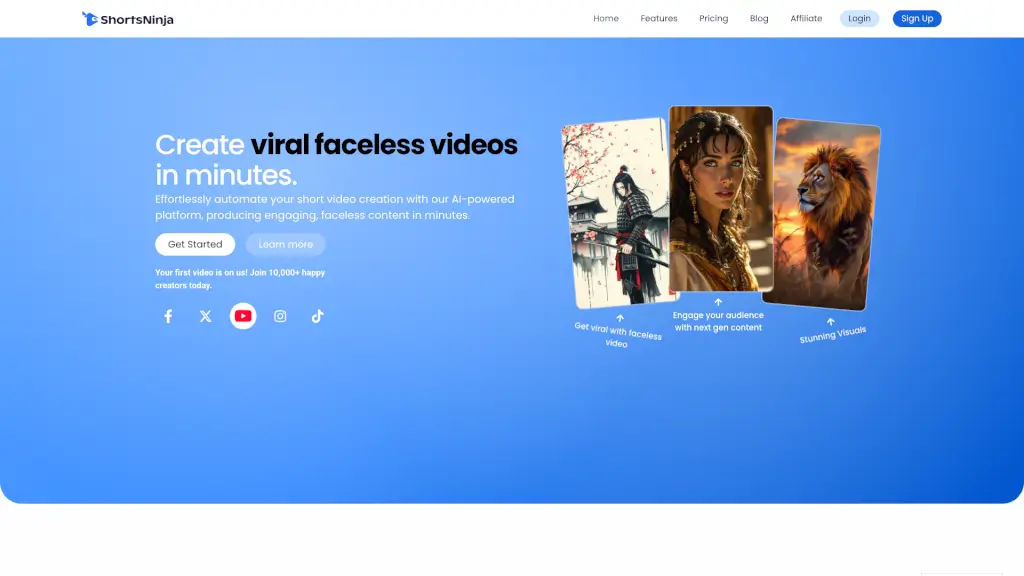
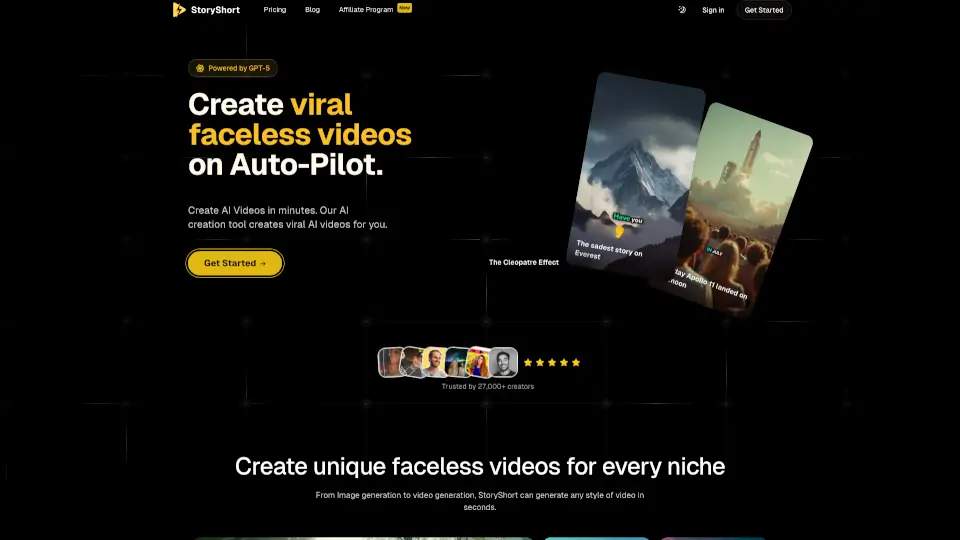
Tired of being on camera but still want to grow your social media? StoryShort is an AI-powered tool that creates faceless videos for TikTok, YouTube Shorts, and Instagram Reels—no filming, editing, or fancy gear needed. Just type a prompt, and StoryShort handles everything: writing the script, generating visuals, adding voiceover, and even syncing captions.
Whether you're sharing historical facts, spooky stories, or educational content, StoryShort turns your ideas into scroll-stopping shorts in seconds. Trusted by over 27,000 creators, it’s designed for beginners and pros alike who want to publish engaging content on autopilot—without showing their face.
What are the features of StoryShort?
- AI Script Writer: Generates compelling, niche-specific scripts using advanced models like GPT-5.
- AI Voiceovers: Choose from realistic voices (like Adam, Charlotte, or Audrey) powered by ElevenLabs and OpenAI.
- AI Image & Video Generation: Create custom visuals—from Japanese ink style to photorealistic scenes—and animate them into videos.
- Auto Captions: Beautiful, editable captions added automatically for better engagement and accessibility.
- Background Music Library: Access thousands of tracks (e.g., “Ghost Arpeggios” for horror stories) to match your video’s mood.
- One-Click Publishing: Export and share directly to TikTok, YouTube, and Instagram Reels.
- Multiple Video Styles: Supports UGC ads, ASMR, documentaries, Italian brainrot memes, and more.
What are the use cases of StoryShort?
- A history buff creates daily “On This Day” Shorts about events like the Apollo 11 moon landing—no filming required.
- An affiliate marketer generates UGC-style product review videos using AI voices and lifelike visuals.
- A horror content creator publishes weekly scary stories with eerie music, animated images, and deep-voiced narration.
- Educators produce 10–30 minute AI documentaries on topics like ancient Egypt or dinosaurs for YouTube.
- Busy creators scale their output by turning simple text prompts into viral Italian-style meme reels overnight.
How to use StoryShort?
- Sign up for a free account at StoryShort and log in.
- Enter a text prompt (e.g., “The saddest story on Everest”) or pick a template.
- Choose your preferred AI voice, visual style, and background music.
- Let StoryShort auto-generate the full video—script, voiceover, captions, and all.
- Preview, make quick edits if needed, then publish directly to TikTok or YouTube Shorts.
- Experiment with styles like “Japanese Ink” or “AI Movie Maker” to find what resonates with your audience.