
What is ShortsNinja?
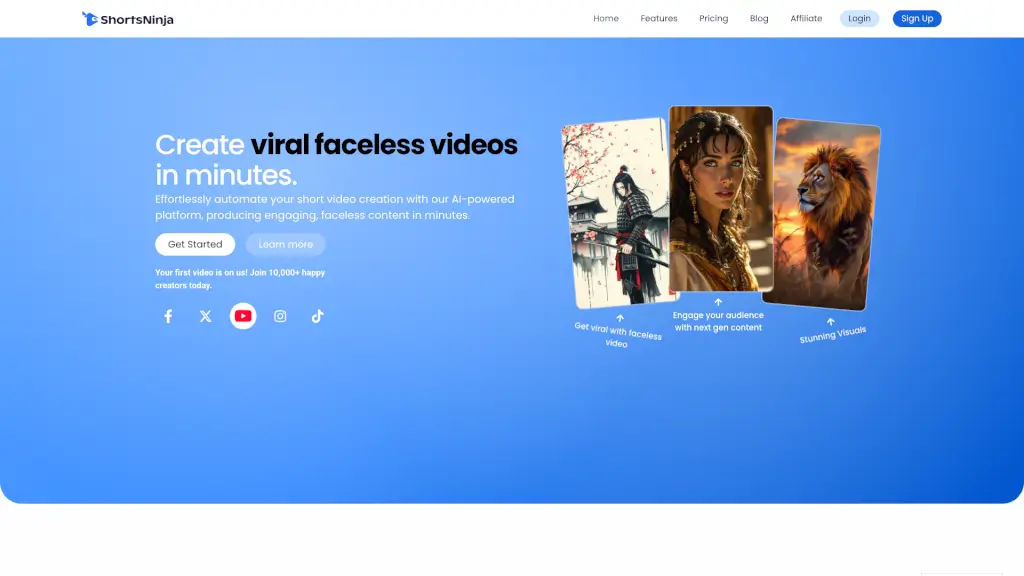
Welcome to ShortsNinja, the ultimate AI-powered platform for creating engaging, faceless videos in minutes. Whether you're a content creator, marketer, or just someone looking to spice up your social media, ShortsNinja is here to help. With our advanced AI, you can transform your ideas into stunning, professional-quality videos without ever showing your face. Perfect for TikTok, YouTube, and other platforms, ShortsNinja makes it easy to stand out and grow your audience.
What are the features of ShortsNinja?
- AI-Powered Video Generation: Create unique, faceless videos tailored to any niche with our advanced AI models.
- Smart Video Editor: Easily edit scripts, voiceovers, music, images, and videos all in one place.
- Realistic AI Voiceovers: Choose from over 200 lifelike AI voices in 50+ languages.
- Social Media Scheduling: Automate posting to YouTube, TikTok, and more, with full timezone support.
- Dedicated Support: Get instant help and guidance through our Discord community.
- Daily Feature Updates: Stay ahead with regular updates and new features.
What are the use cases of ShortsNinja?
- Content Creators: Produce high-quality, faceless videos for your channels to engage and grow your audience.
- Marketers: Create compelling, branded content for marketing campaigns without the need for on-camera talent.
- Educators: Develop educational content that is visually appealing and engaging for students.
- Businesses: Generate professional, faceless videos for product demos, tutorials, and customer testimonials.
- Social Media Managers: Streamline content creation and scheduling across multiple platforms.
- Personal Projects: Bring your creative ideas to life with ease, whether it's storytelling, motivational content, or anything in between.
How to use ShortsNinja?
- Step 1: Input Your Idea: Start by entering your video idea or script into the platform.
- Step 2: Select Style and Voiceover: Choose the style and AI voiceover that best fits your content.
- Step 3: Add Music and Images: Enhance your video with background music and images from our library or upload your own.
- Step 4: Edit and Refine: Use the built-in editor to make any necessary adjustments to your video.
- Step 5: Publish and Schedule: Once you're happy with your video, publish it directly to your social media accounts or schedule it for later.