
Что такое Autopilot Shorts?
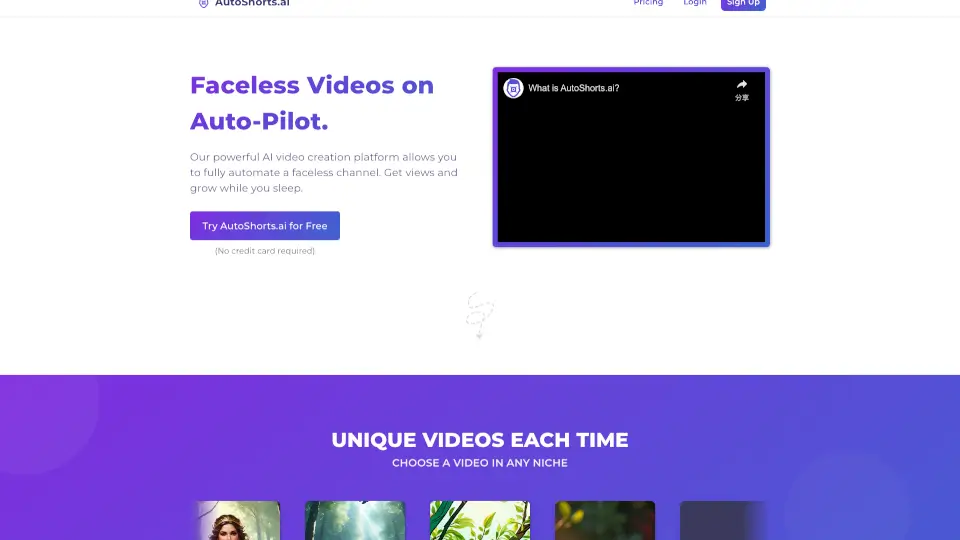
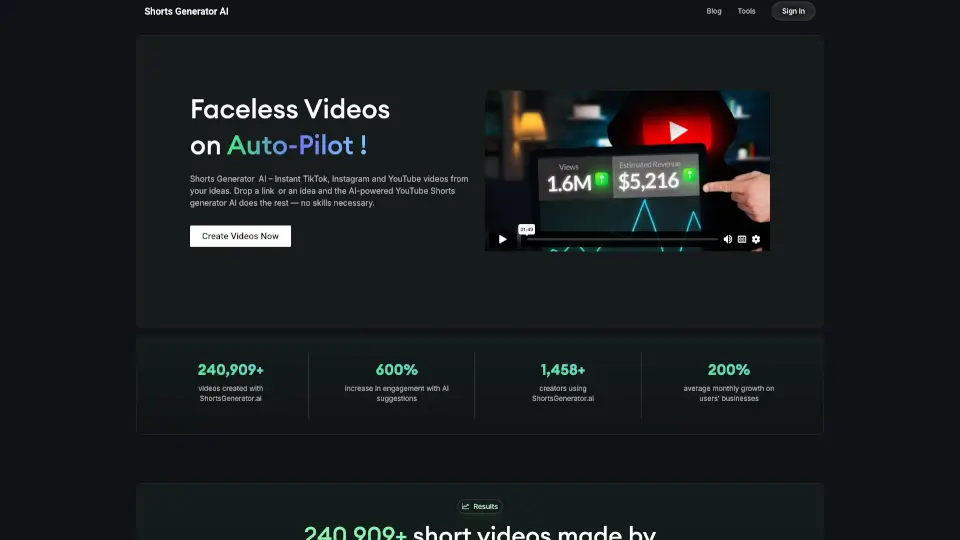
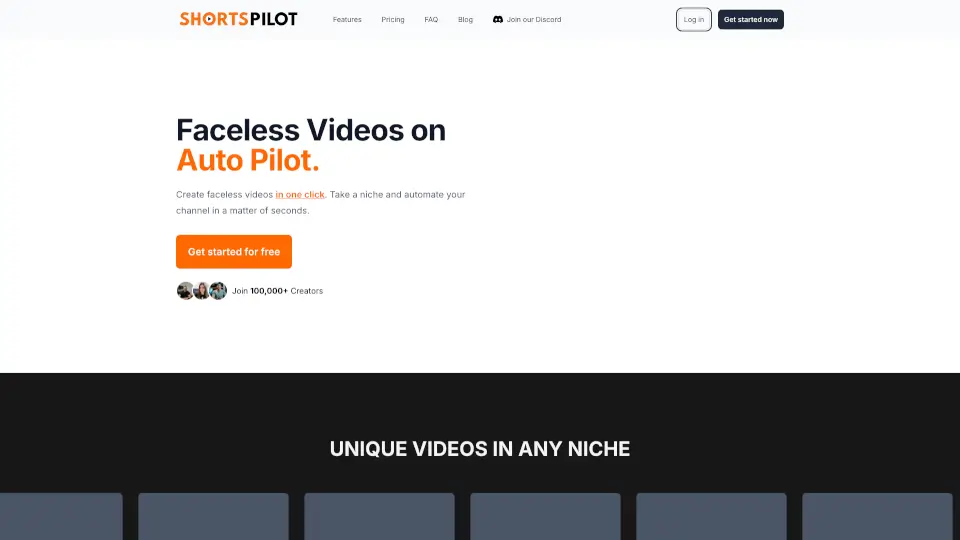
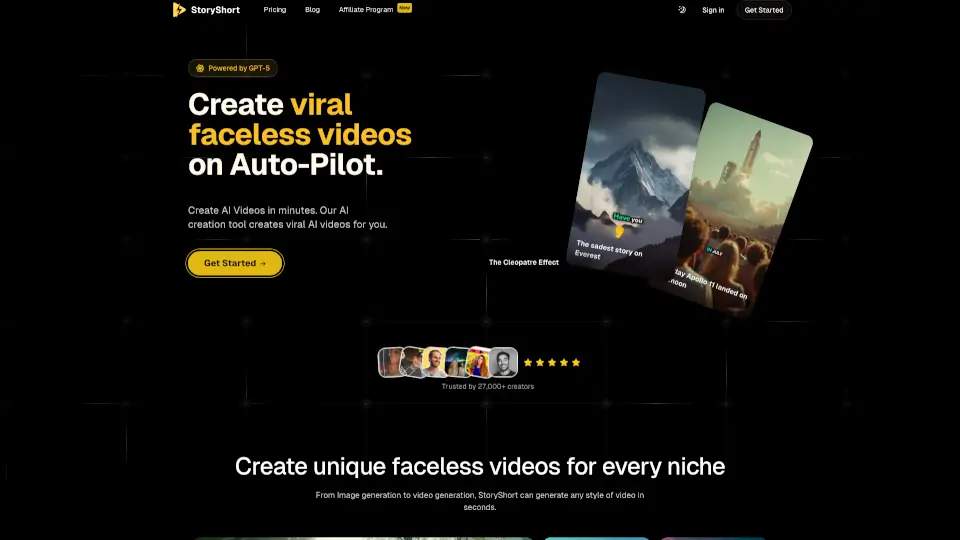
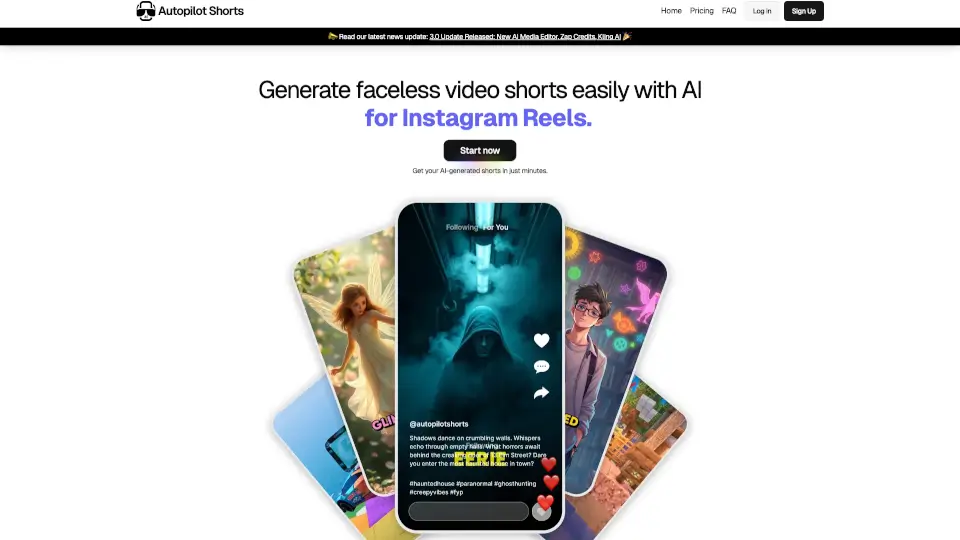
Autopilot Shorts — это AI-инструмент для автоматического создания faceless видео shorts для YouTube и TikTok. Платформа генерирует уникальный контент на основе GPT-4 и Claude Sonnet, выбирает фоновое видео, музыку и голос, а затем публикует ролики по расписанию. Подходит для создателей контента, которые хотят вести каналы без ежедневного ручного монтажа. Поддерживает такие темы, как исторические факты, мотивация, хоррор-истории, Minecraft, GTA, бизнес-ниши и другие.
Какие особенности у Autopilot Shorts?
- Текст в видео за минуты: AI автоматически превращает ваш скрипт в готовый short — без навыков видеомонтажа.
- Уникальный контент каждый раз: Используются GPT-4 и Claude Sonnet, чтобы на одну и ту же тему получались разные видео.
- Настраиваемое фоновое видео: Выбор из множества стилей: AI-сгенерированные изображения, игровые геймплеи или готовые клипы.
- AI-редактор изображений: Позволяет исправлять несоответствия в картинках, генерируя новые, уникальные и безопасные для публикации изображения.
- Публикация по расписанию: Один клик для подключения TikTok и YouTube — видео выходят автоматически в заданное время.
- Просмотр перед публикацией: Можно редактировать скрипт, заголовок, музыку, обложку, стили субтитров до выхода ролика.
Какие случаи использования Autopilot Shorts?
- Создатель канала про исторические факты: автоматическая генерация 3-минутных shorts с уникальным сценарием и фоновым видео.
- Владелец бизнеса по благоустройству: публикация ежедневных AI-видео о ландшафтном дизайне на YouTube и TikTok.
- Автор хоррор-историй: настройка серии shorts с мрачным фоном, музыкой и AI-озвучкой без участия диктора.
- Блогер про Minecraft: генерация «brainrot» видео с игровым геймплеем и AI-сценарием для детской аудитории.
- Предприниматель в сфере солнечной энергетики: создание образовательных роликов о солнечных батареях для привлечения клиентов.
Как использовать Autopilot Shorts?
- Зарегистрируйтесь на платформе и выберите тариф (Starter, Daily или Elite) в зависимости от нужного количества видео в неделю.
- Подключите аккаунты TikTok и YouTube в настройках — это позволит публиковать видео автоматически.
- Выберите тему контента (например, «Исторические факты» или «Мотивация») и настройте стиль фонового видео, музыку и голос.
- Просмотрите сгенерированный скрипт, заголовок и обложку перед публикацией — при необходимости отредактируйте.
- Включите автоматическое расписание — платформа будет выпускать shorts регулярно без вашего участия.