

What is Sorisori.ai?
Sorisori.ai is your one-stop hub for creating AI-powered content. Whether you're looking to make a unique cover of your favorite song, generate realistic text-to-speech (TTS) voices, or even create stunning deepfake videos, Sorisori.ai has got you covered. With its user-friendly interface and advanced AI technologies, you can transform your creative ideas into reality in no time. From music and images to videos, the platform offers a range of tools to help you produce high-quality, personalized content.
What are the features of Sorisori.ai?
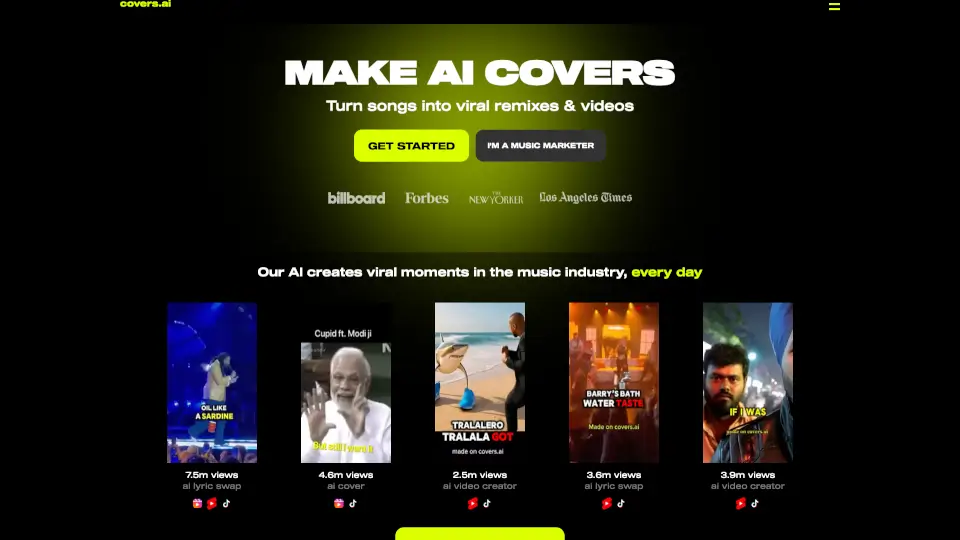
- AI Cover: Transform any song with the voice of your favorite artist, opening up new possibilities in music creation.
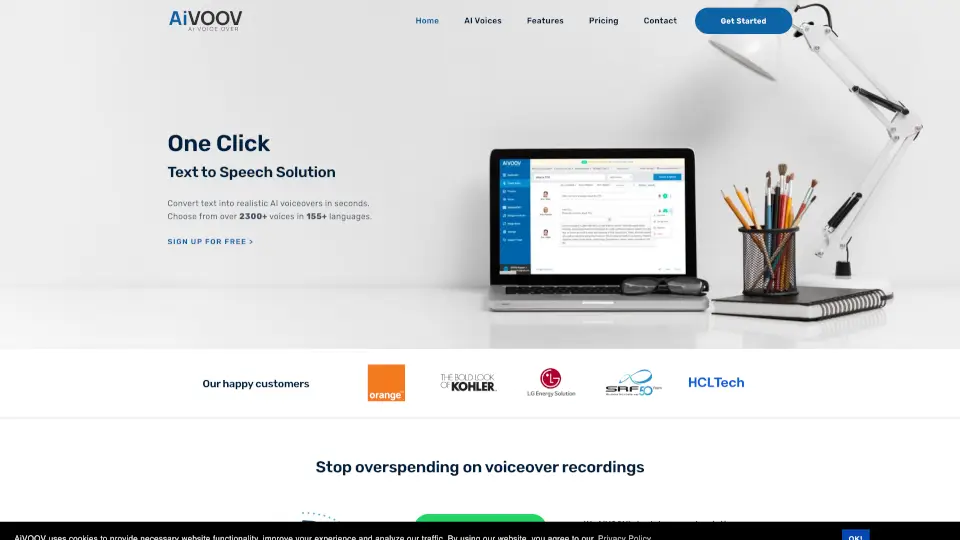
- Text-to-Speech (TTS): Convert text into lifelike voices, supporting various tones and languages, perfect for podcasts, audiobooks, and customer service.
- Text-to-Image: Turn simple text descriptions into high-quality images, from realistic landscapes to abstract art, enhancing your visual content.
- Faceswap & TTV: Create high-quality videos from text, ideal for marketing, educational content, and social media clips, without the need for complex editing.
What are the use cases of Sorisori.ai?
- Music Production: Create unique cover songs with the voice of your favorite artists, saving time and boosting creativity.
- Podcasting: Generate natural-sounding TTS voices for your podcast, making it more engaging and professional.
- Visual Art: Produce stunning images from text, perfect for digital art projects, presentations, and more.
- Video Content: Quickly create high-quality videos for marketing, education, or social media, streamlining the production process.
- Customer Service: Use TTS to provide natural-sounding automated responses, improving customer experience.
- Content Creation: Combine multiple features to create comprehensive, multi-media content for various platforms.
How to use Sorisori.ai?
- Sign Up: Create an account on Sorisori.ai to get started.
- Choose a Tool: Select the AI tool that best fits your project, such as AI Cover, TTS, Text-to-Image, or Faceswap & TTV.
- Input Your Data: Enter the required information, such as the text for TTS or the image description for Text-to-Image.
- Customize Settings: Adjust the settings to match your desired output, such as the voice type or image style.
- Generate Content: Click the generate button and let the AI do its magic.
- Download and Share: Once your content is ready, download it and share it with your audience.