
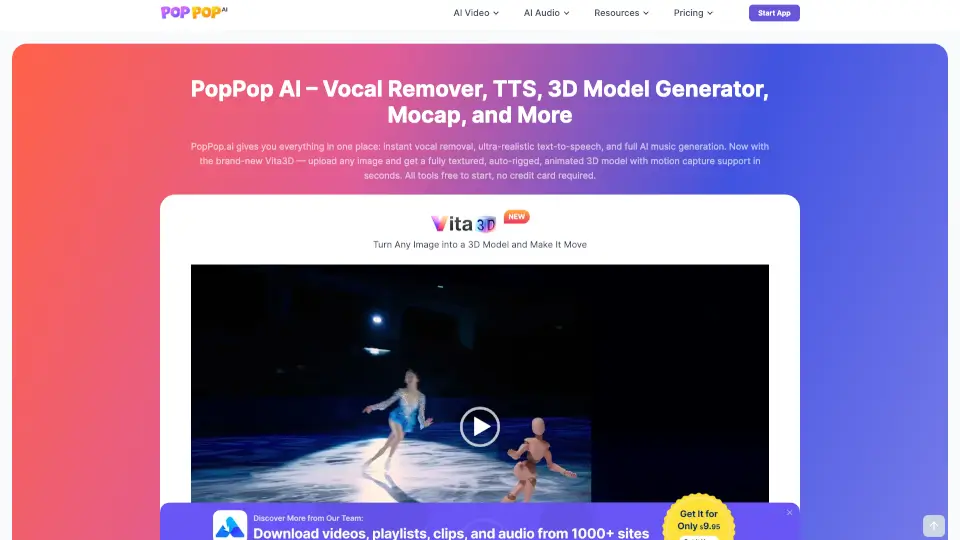
Qu'est-ce que PopPop AI ?
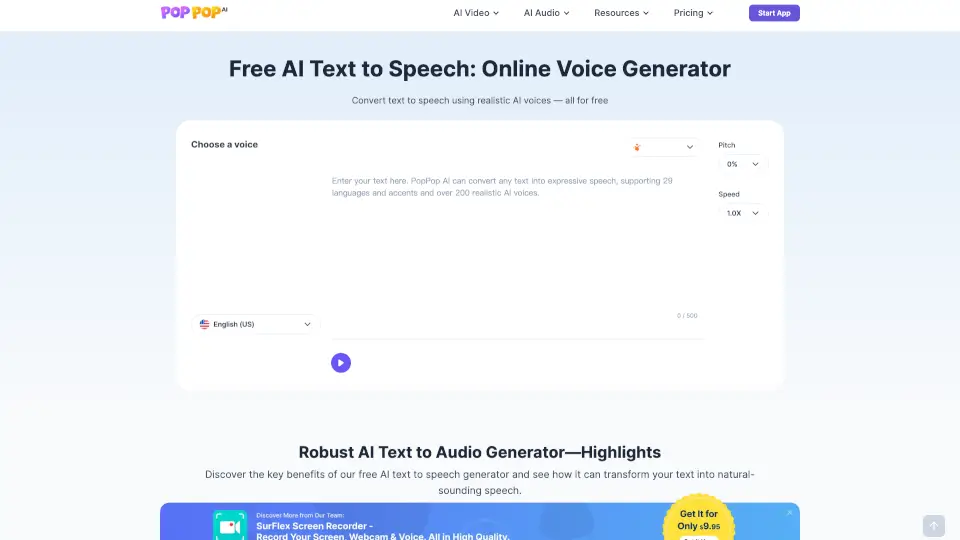
PopPop.ai est une plateforme innovante qui offre des outils d'IA gratuits pour la création audio, vidéo et 3D. Que vous soyez un créateur de contenu, un musicien ou simplement quelqu'un qui aime expérimenter avec de nouvelles technologies, PopPop.ai a tout ce dont vous avez besoin. Avec des fonctionnalités comme le retrait de voix, la synthèse vocale ultra-réaliste et la génération de modèles 3D à partir d'images, cette plateforme simplifie la création numérique. Et le meilleur dans tout cela ? C'est gratuit pour commencer, sans carte de crédit requise.
Quelles sont les caractéristiques de PopPop AI ?
- Retrait de voix (Vocal Remover): Séparez précisément les voix et les instrumentaux de vos fichiers audio ou vidéo.
- Synthèse vocale (Text to Speech): Convertissez du texte en parole naturelle avec des voix ultra-réalistes.
- Générateur de modèles 3D (Vita3D): Transformez n'importe quelle image en un modèle 3D texturé, rigifié et animé.
- Capture de mouvement (Mocap): Ajoutez des animations réalistes à vos modèles 3D en quelques secondes.
- Générateur de sons (Sound Effect Generator): Créez des effets sonores sur mesure pour vos projets.
- Générateur de covers de chansons (Cover Song Generator): Produisez des reprises de chansons avec des voix AI personnalisées.
Quels sont les cas d'utilisation de PopPop AI ?
- Créer des karaoke en supprimant la voix originale d'une chanson.
- Générer des narrations pour des vidéos ou des présentations.
- Transformer des images en personnages 3D pour des jeux ou des films.
- Animer des modèles 3D avec des mouvements réalistes.
- Ajouter des effets sonores à des vidéos ou des jeux.
- Produire des reprises de chansons populaires avec des voix célèbres.
Comment utiliser PopPop AI ?
- Inscrivez-vous gratuitement sur PopPop.ai.
- Choisissez l'outil que vous souhaitez utiliser (par exemple, Vocal Remover, Text to Speech, Vita3D).
- Suivez les instructions simples pour télécharger votre fichier ou entrer votre texte.
- Personnalisez les paramètres selon vos besoins.
- Téléchargez votre résultat final ou partagez-le directement.