

What is Smodin?
Smodin is an all-in-one AI writing assistant designed to help students, professionals, and content creators write better, faster, and with confidence. Whether you're drafting an essay, polishing a blog post, or checking your work for originality, Smodin combines powerful tools like an AI humanizer, plagiarism checker, and AI content detector in a single, easy-to-use platform.
Instead of juggling multiple apps like ChatGPT for drafting, QuillBot for rewriting, and separate detectors for AI or plagiarism, Smodin streamlines everything into one workspace. Trusted by over 1 million users worldwide, it delivers fast, accurate results while keeping your text private—never storing or sharing what you submit.
What are the features of Smodin?
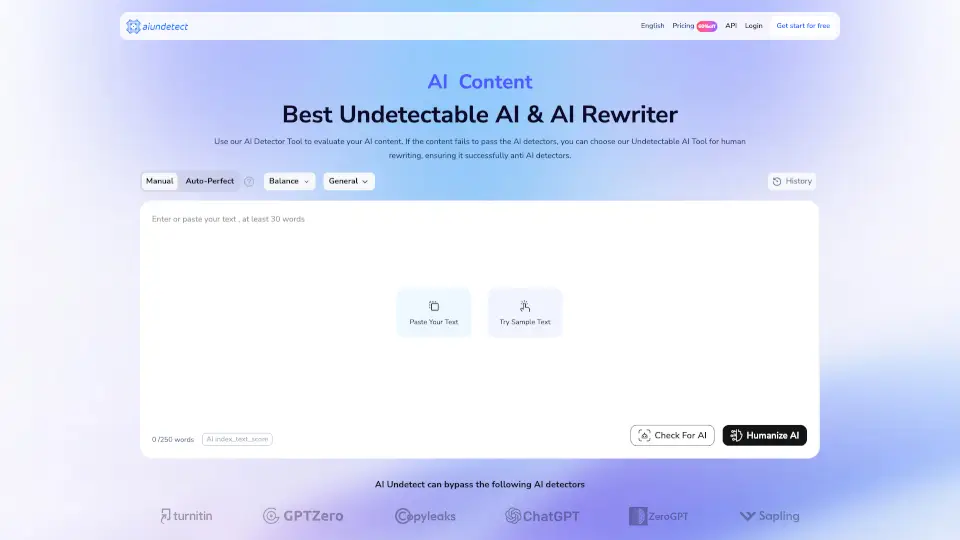
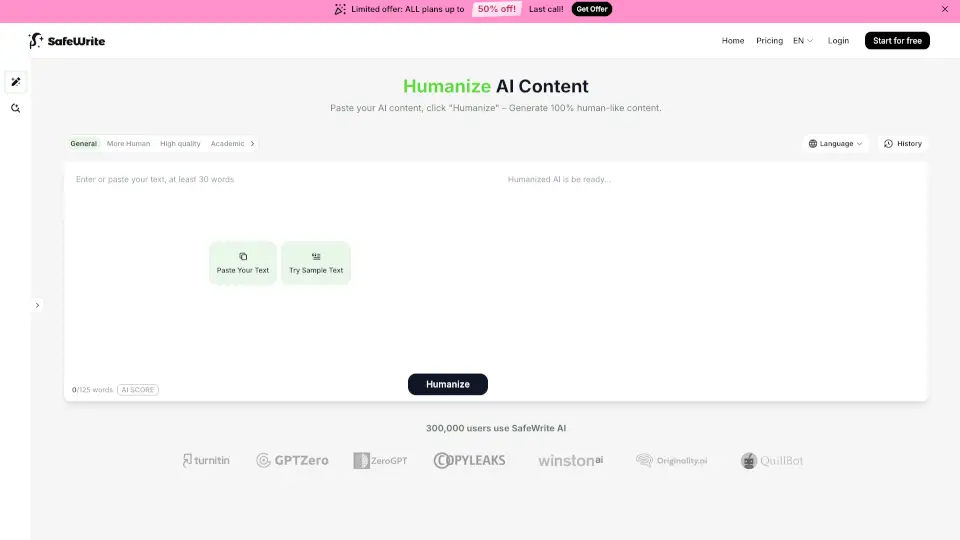
- AI Humanizer: Rewrites AI-generated text to sound natural and human-like, helping it pass leading AI detectors while preserving your voice.
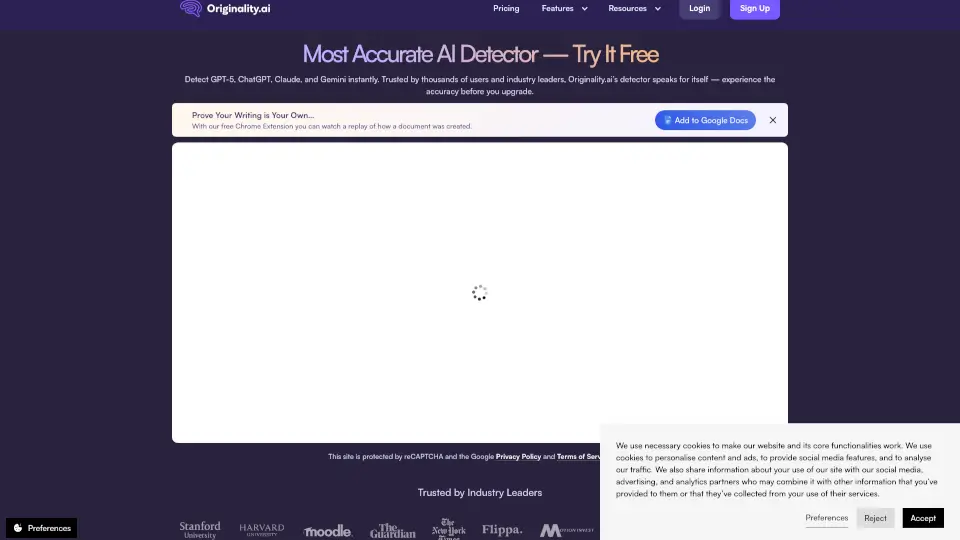
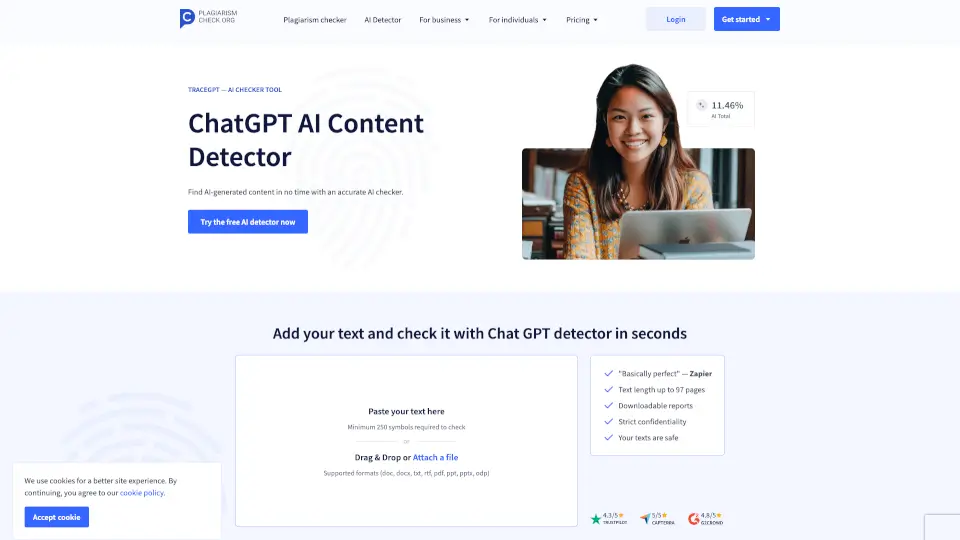
- AI Content Detector: Scans text in under a second with 99.8% accuracy to determine if it was written by AI (like ChatGPT, Claude, or Gemini).
- Plagiarism Checker: Compares your work against billions of online sources to ensure originality and proper citation.
- AI Writing Assistant: Helps brainstorm, outline, and draft content tailored for academic, professional, or SEO purposes.
- AI Chat: Offers real-time conversation for idea generation, research help, or editing guidance—like a co-author on demand.
- Multi-Format Support: Accepts text pasted directly or uploaded as .txt, .doc, .docx, or .pdf files.
- 100+ Languages: Works across a wide range of languages, making it ideal for non-native English speakers.
- Chrome Extension: Lets you access Smodin’s tools directly from your browser for seamless writing anywhere.
What are the use cases of Smodin?
- A college student humanizes their ChatGPT-drafted essay so it passes their professor’s AI detector.
- A blogger checks every article for plagiarism before publishing to protect their reputation and SEO ranking.
- A non-native English speaker uses the AI writer and grammar tools to produce polished, confident assignments that match native-level quality.
- A marketing team rewrites ad copy multiple times for A/B testing using the rewriter tool—cutting campaign prep time by 60%.
- A PhD candidate scans their dissertation to catch accidental plagiarism and verify originality before final submission.
- A high school senior crafts compelling, authentic-sounding college application essays with help from the AI chat and humanizer.
- A freelance writer ensures client deliverables sound natural and avoid robotic phrasing by running them through the humanizer.
How to use Smodin?
- Paste or upload your text (minimum 50–100 words for AI detection; 300 characters for other tools).
- Choose your desired tool: Detect AI, Humanize, Check Plagiarism, or Write/Chat.
- Review instant results—like sentence-level AI highlights, rewritten human-sounding text, or plagiarism matches.
- Edit based on suggestions or download your improved content directly.
- No sign-up is needed to try most tools, but creating an account saves your history and unlocks full features.
- Use the Chrome extension to access Smodin while writing in Google Docs, email, or any web page.